




PixelBin logo
Image generator is here -   Create Now   and Claim 30% off on Pro Plans. Use code SALE30 at checkout.   Claim Discount

AI webtoon generator

Create custom comic-style characters directly from your photo in seconds.

AI Webtoon Generator tool

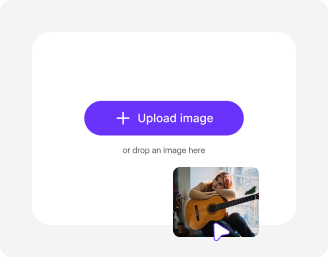
File should be less than 10MB

or paste URL

Upload a clear photo for the best AI webtoon results.

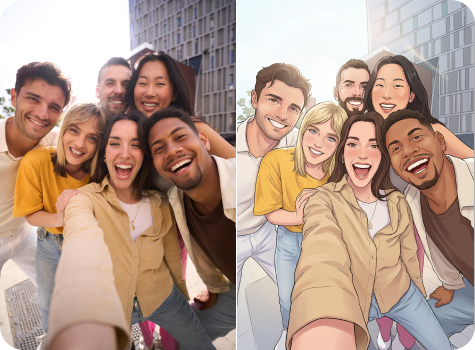
Before
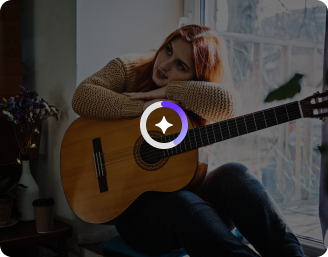
Loading

AI Magic in progress
Converting your photo into webtoon-style art

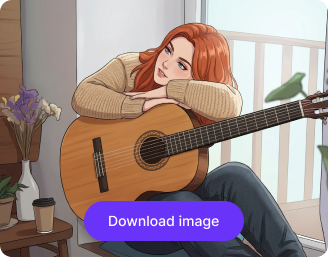
After

Your AI webtoon image is ready!

Edit image with AI
Get 🔥 free credits for image editing, upscaling, generation and more
Convert another photo to webtoon
Generation Failed

There was some issue on our end. Please try again.

Try Again
Show case

How to create AI webtoon characters using Pixelbin?

1
Upload an image
Paste a URL or add your image directly into the editor in any of the following formats: JPEG, JPG, WEBP, or PNG.
2
Generate your webtoons
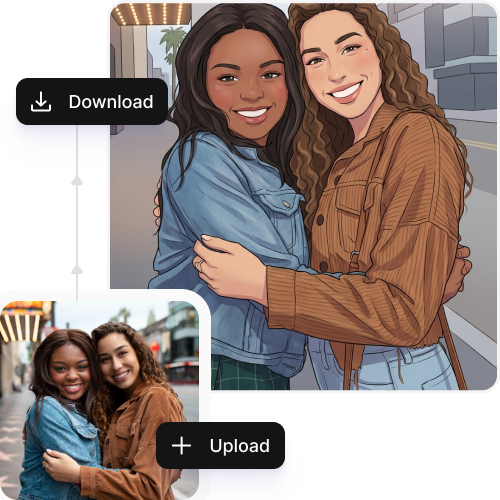
Pixelbin automatically scans your image and transforms it into a comic-style character.
3
Download the image
Check the generated preview and download your image in HD quality.

Why use Pixelbin for creating AI webtoon characters?

Bulk transformation
Upload images in popular formats such as JPG, JPEG, PNG, or WEBP.
Mobile-friendly
Create your comic characters on any device, be it tablets or smartphones.
Browser-based
Access the tool directly on any browser, such as Safari, Edge, Chrome, or Firefox; no app or software installations needed.
Multiple image formats
Work across images in popular formats such as JPG, JPEG, WEBP, or PNG.
Complete privacy
Your images are encrypted, processed securely, and never shared with anyone.
Image upscaling
Increase your image resolution by up to 2x, 4x, or 8x for improved clarity and sharpness.

Create story-ready comic characters without manual efforts

Remove background, change colors, or increase image resolution in seconds.

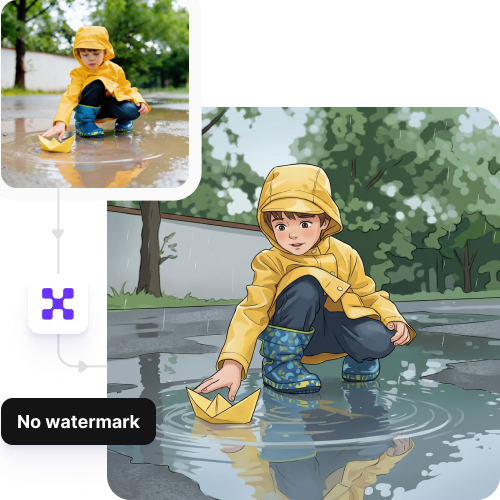
Watermark-free exports

Download your edited images with no watermarks, text, or overlays. Perfect for social media and portfolios.

Sailling ship of sketche to image
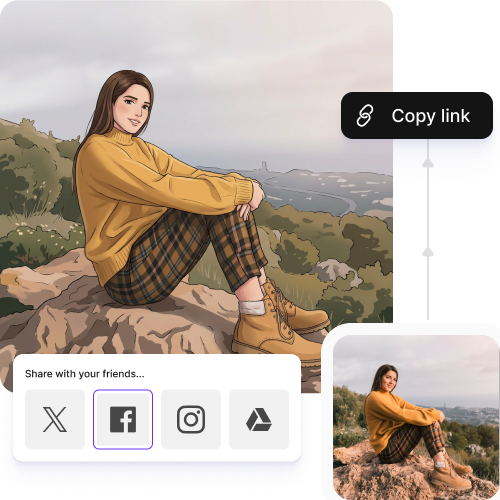
Instant sharing

Copy the URL directly from the image or from the folder, and easily share your creations ahead.
Mountain sketch to image
Intuitive interface

Create webtoon characters on a simple, easy-to-use interface, without needing any professional software or editing skills.
Sketch hot air baloon to image generator
Free trials

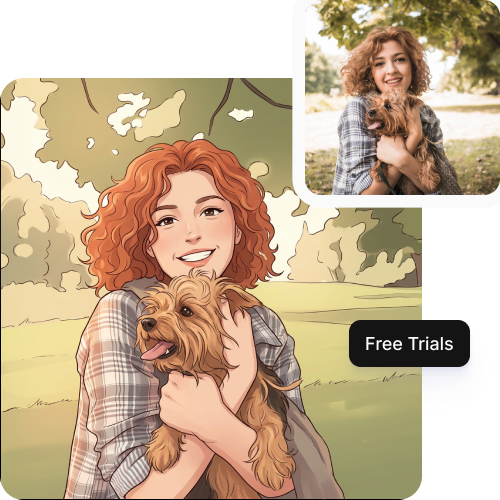
Generate up to 3 comic characters in high-quality, and upgrade anytime for more credits or API access.
sketch to image in HD-resolution pictures

AI tools by Pixelbin

Key highlights of Pixelbin’s AI webtoon generator

Benefits of using the AI webtoon generator

  • Create faster, without the grind: Our tool allows you to create webtoon characters in seconds, in just one click. So, you can now spend less time on drawing and focus more on building your comic panel.
  • Make webtoons without advanced art skills: You can create high-quality characters and scenes using Pixelbin’s AI webtoon maker, even if you are not a professional artist.
  • Experiment freely: Switch to different looks, expressions, or scenes without having to start from the beginning each time.
  • Reduce effort and rework: Cut down the revision time by creating consistent character outputs from the start. Once your look, style, and features are set, you can reuse and refine the same character instead of redesigning it from scratch.
  • Start easily, even as a beginner: With a very simple and user-friendly interface, you can start creating webtoons right away. Requires no technical knowledge or prior editing skills.

Use cases of AI webtoon generator

1. Entertainment and media

Explore different character appearances, expressions, and styles so you can finalize how your characters will appear in your comic or webtoon story.

2. Episode production & scaling

Pixelbin’s AI tool can help you maintain consistent character designs by letting you reuse the same AI-generated character as a base. You can make small adjustments through prompts instead of redesigning from scratch each time.

3. Marketing and promotions

You can easily make comic-style representations of your characters and use them for social posts or promotional graphics. Our AI webtoon generator is user-friendly and requires no design support.

4. Quick comics and teasers

Create visuals or character snippets to keep your followers engaged or draw attention to your story teasers on social media platforms.

5. Education and training

If you want to help your students understand concepts more easily, you can create webtoon-style visuals for educational purposes. This makes your learning materials more engaging and easier for learners to grasp.

How to get the best results from Pixelbin’s webtoon generator?

  • Begin with high-quality and clear images so that characters and details are clear.
  • Ensure your pictures are well-lit, since it helps the tool analyze your facial features in a better way.
  • Avoid using filtered or heavily edited photos, as this can impact the overall image quality.
  • Use images where the subject is prominent, and without cluttered backgrounds.
  • Use the same style or reference in your images to have visual consistency in your story.

FAQs

Here are some of the most common questions about our AI White Background Remover Tool. If you can’t find the information you need, contact us at support@pixelbin.io or refer to our documentation for more details.

Yes, your images are transformed into comic-style characters while preserving your original facial features and expressions. The results will appear natural and realistic as long as the photo you have uploaded is clear and shot in natural light.
Yes, you can customize your webtoon characters as per your desires, such as clean line art, soft anime-inspired looks, or more detailed comic-style designs. You need to add detailed prompts so the tool understands the kind of look you are looking for.
Yes, the AI webtoon maker includes 3 free credits to help you get started. Each action uses credits, and once your free credits are used, you can either wait for the monthly reset or move to a plan with additional credits on a pay-as-you-go basis for continued use.
Yes, Pixelbin allows a maximum image limit of up to 10MB, provided they are in the supported formats.
The interface is responsive and works across devices, so you can access it on mobile as well. However, using a desktop or a larger screen offers a more comfortable experience.
Edit images in seconds, not hours
Get pixel-perfect results just with your words
Start editing with AI