


Support png/jpg/jpeg/webp, up to 10MB
/pixelbin_blogs/PB_2.0/Apps_New_design_graphics/Baby_Face_Filter/Banner_Images/Sample_1)
/pixelbin_blogs/PB_2.0/Apps_New_design_graphics/Baby_Face_Filter/Banner_Images/Sample_2)
/pixelbin_blogs/PB_2.0/Apps_New_design_graphics/Baby_Face_Filter/Banner_Images/Banner_3)
Convert photo to baby face in one click
Free AI baby face filter
Pixelbin recreates your photo as a baby version while preserving your natural expression and pose in just seconds.
/pixelbin_blogs/PB_2.0/Apps_New_design_graphics/Baby_Face_Filter/Banner_Images/Women_banner_after)
/pixelbin_blogs/PB_2.0/Apps_New_design_graphics/Baby_Face_Filter/Banner_Images/Women_Banner_Before)


How to apply a baby filter using Pixelbin?
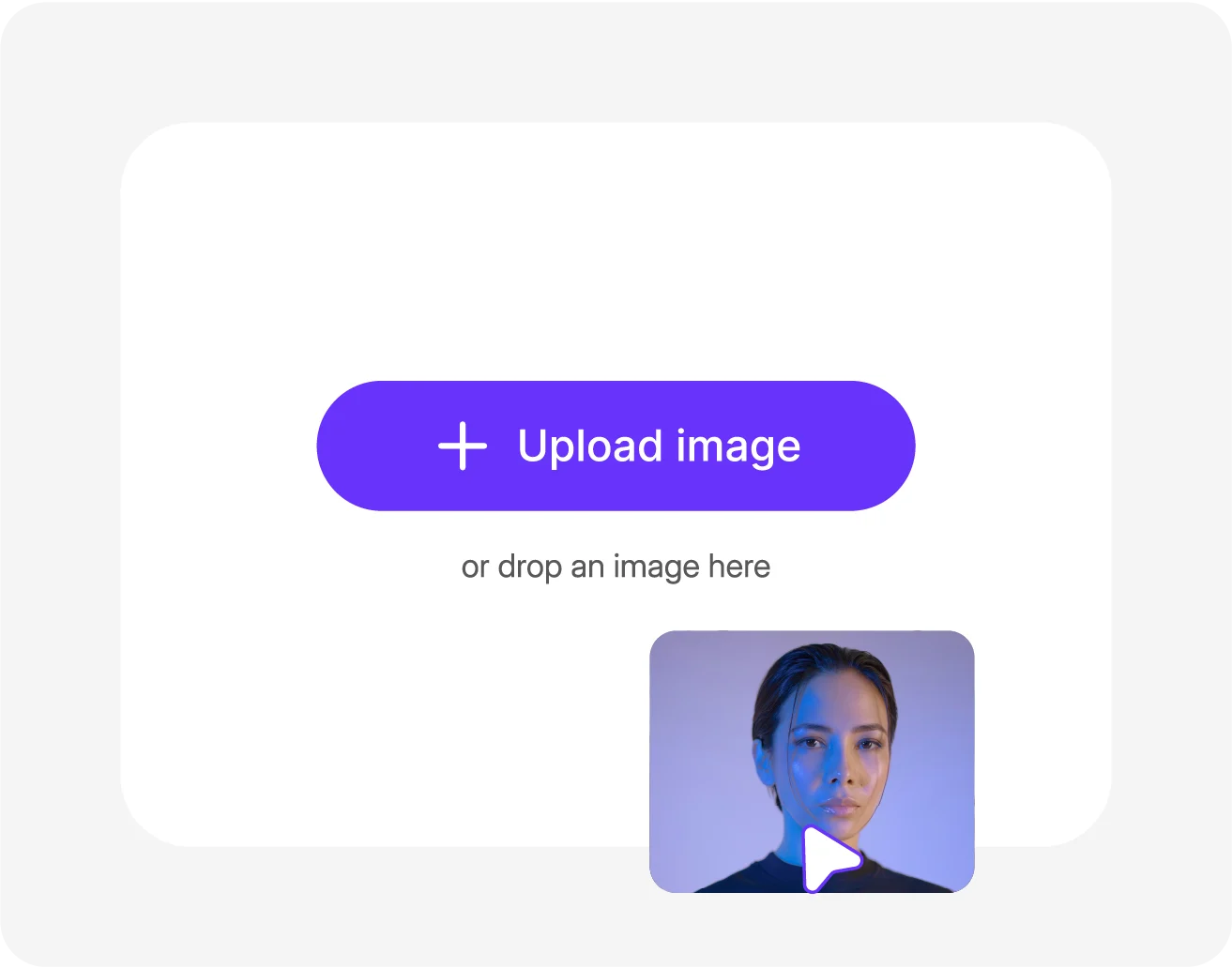
Add your image
Click “Upload Image” to select your picture in the following formats: JPG, JPEG, PNG, or WEBP.
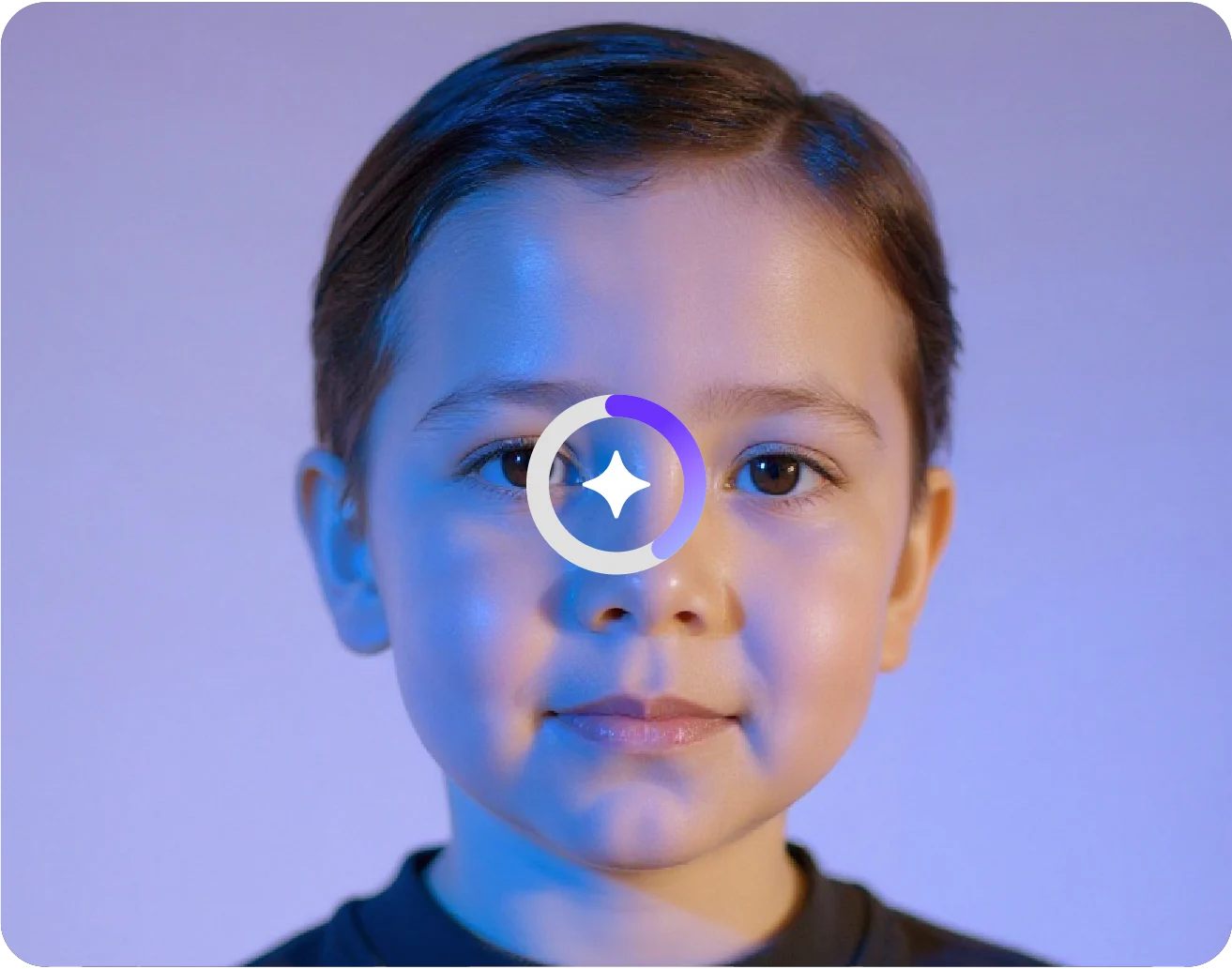
Pick image size & model
Choose from Nano Banana or Pro version and select the ideal ratio. Click on generate baby face.
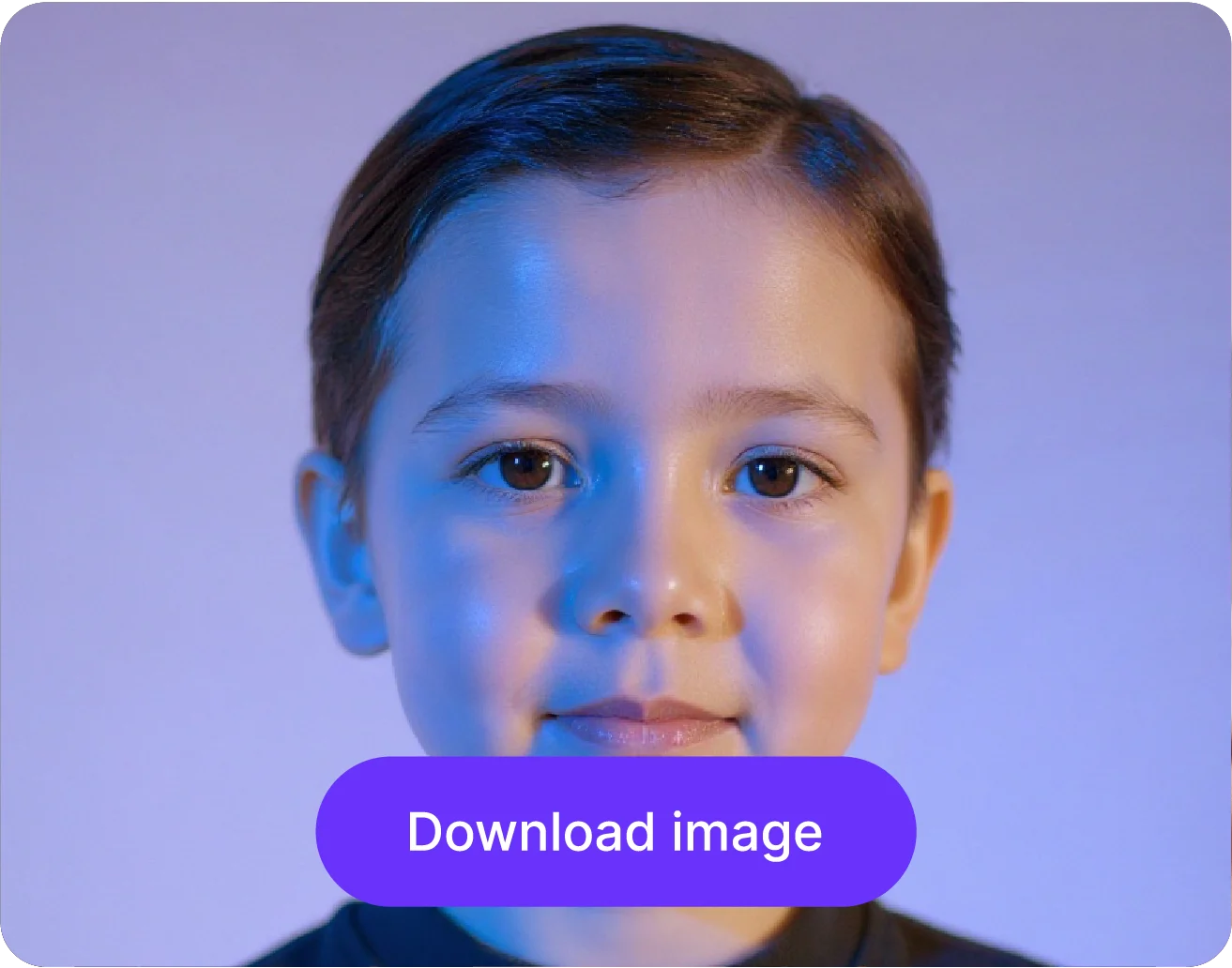
Download your image
Preview & download in HD quality. The AI applies the baby face filter automatically to your image.
Why use Pixelbin’s AI baby filter?

Choose the right model
Get fast, natural edits with Nano Banana or detailed, professional results with Nano Banana Pro.

Refine facial details
Enhance your eyes, lips, and cheeks to keep your transformed face lively and expressive.

Easy image sizing
Choose from 1:1, 4:3, 3:4, 16:9, or 9:16 to match the exact format required for social media or any digital use.

Correct skin tone
Match your complexion perfectly so the baby filter blends with the rest of your face.

Adjust lighting and shadows
Balance brightness and contrast to make your baby's version appear vivid and natural.

Complete privacy
Pixelbin respects your privacy. Your images are processed on secure servers & never shared.
Apply baby filter to your images in just a single click
Turn your photo into a baby face instantly without spending hours on manual edits or complicated apps.
One-click transformation
Using Pixelbin, you can apply a baby filter to your image in just a single click. No need for writing prompts or manual edits.
Side-by-side preview
Compare the filtered image with your original photo side-by-side to see the differences, before downloading & sharing them with everyone.
Free trials for everyone
Apply baby filters to your images at no cost, without downloading any software, with Pixelbin’s free plan.
Unchanged facial expression
Using Pixelbin’s baby face filter AI, you can preserve the original facial expression while applying a child-like filter to it.
/pixelbin_blogs/PB_2.0/Apps_New_design_graphics/Baby_Face_Filter/Blog_images/One-click_transformation)
AI tools by Pixelbin
/pixelbin_blogs/PB_2.0/Apps_New_design_graphics/AI_Tools_by_Pixelbin/Old_Filter_(1).webp)
/pixelbin_blogs/PB_2.0/Apps_New_design_graphics/AI_Tools_by_Pixelbin/Age_Progression)
/pixelbin_blogs/PB_2.0/Apps_New_design_graphics/AI_Tools_by_Pixelbin/Smile_Filter)
/pixelbin_blogs/PB_2.0/Related_apps_tumbnail/erasebg-transformed_-_2026-04-01T130755.340.webp)
AI baby face filter, online photo editor
Benefits of using an AI baby filter photo editor online
Pixelbin’s baby filter produces clear, shareable images without the need for software downloads. Here are some of its benefits:
- One-click action: The process is quick and simple, letting you generate an image with a single click.
- Multi-format support: The tool supports multiple image file formats.
- HD output: You receive high-quality output, ideal for printing or profile photos.
- Preview results: You can preview the results side-by-side with the original image before saving to ensure you like the change.
- No watermark: The filtered output is free from watermark or promotional branding, making it perfect for downloading & sharing with friends and family.
- Free trials: You can try Pixelbin’s baby face filter app AI up to three times, without paying or signing up.
- Privacy: Guarantees 100% privacy of your uploaded images, even after you exit.
Use cases of AI baby face filter online free tools
Pixelbin’s AI baby filter offers a fun and simple way to turn your photos into their kid versions. Here are some of the ways you can use it:
1. Create Instagram-ready edits
Transform your best images into a baby version and share them with your friends on Instagram. Create a new post or upload it as a story to surprise your followers.
2. Make fun photos of friends
Have a close friend or colleague with a birthday coming up? With Pixelbin, you can turn their photos into adorable baby versions and share a laugh together.
3. Design unique greeting cards
Add a personal and playful touch to birthdays or holiday greeting cards. Adding a baby-filtered photo can be an unexpected and delightful surprise for family members.
4. Generate "Throwback Thursday (TBT)" content
Participate in social media TBT trends by creating a "throwback" picture using Pixelbin’s AI baby filter. Post on Instagram and Snapchat, and leave everyone amused.
5. Reimagine celebrity photos
Using Pixelbin, you can see what your favorite actor or musician would look like as a child. Just choose any image you find on Google, and let our AI baby filter do the rest.
How to get the best results from baby face filter AI online?
Here are a few tips to help you get the most natural-looking transformation:
- Use a clear, high-resolution photo where your face is the main focus.
- Choose a picture with good, even lighting that shows your facial expressions clearly.
- Ensure your eyes are open and visible for a more accurate result.
- Avoid heavy makeup, wide-angle images, or images with shadows.
- Avoid uploading images with sunglasses or hats.
- Skip group photos or photos with too many surrounding details.
FAQs
Here are some commonly asked questions about our AI baby filter. If you need more assistance, reach out to us at support@pixelbin.io or visit our documentation.


Edit images in seconds, not hours
Get pixel-perfect results just with your words
Start editing with AI