






Instant previews
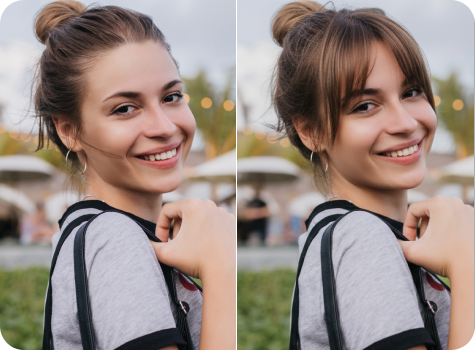
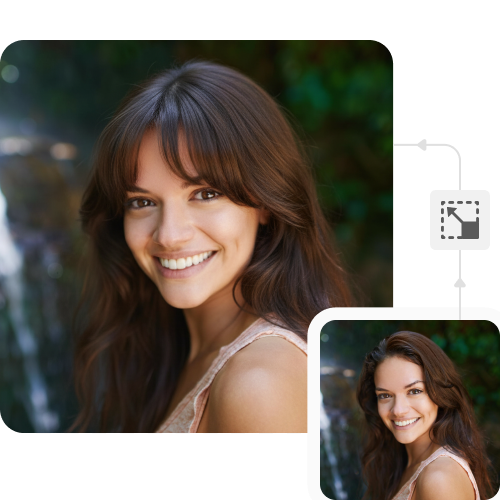
View how curtain, wispy, or blunt bangs would look on faces to decide the best styles for clients or yourself.

 Contact Us
Try different bangs styles, from dramatic fringe to soft layers, in just a few seconds.
File should be less than 10MB
or paste URL
Face should be clear and visible photo to get the best results.

Bangs hairstyle in Progress
Generating your image with bangs hairstyle
Your bangs hairstyle image is ready!
There was some issue on our end. Please try again.




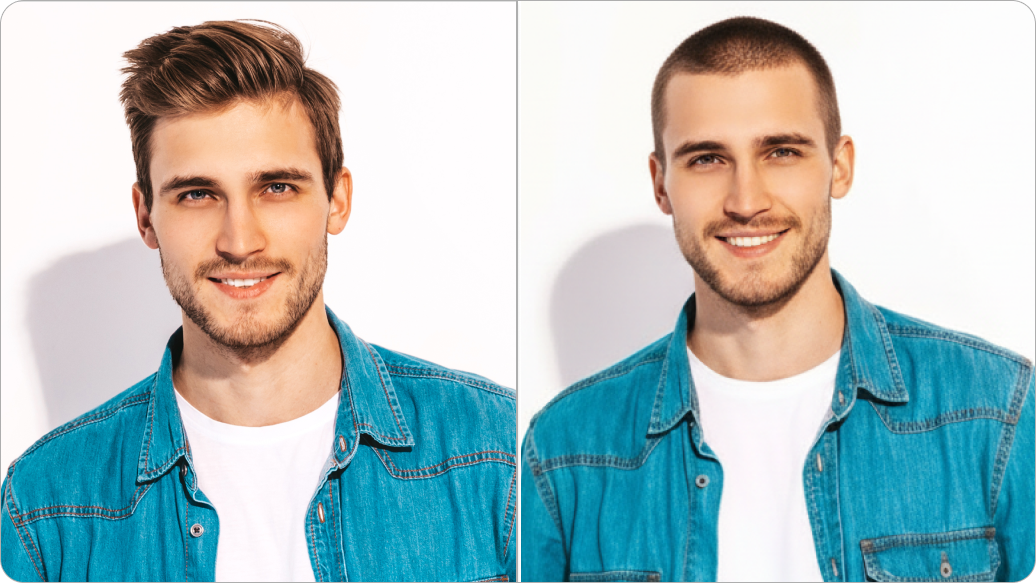
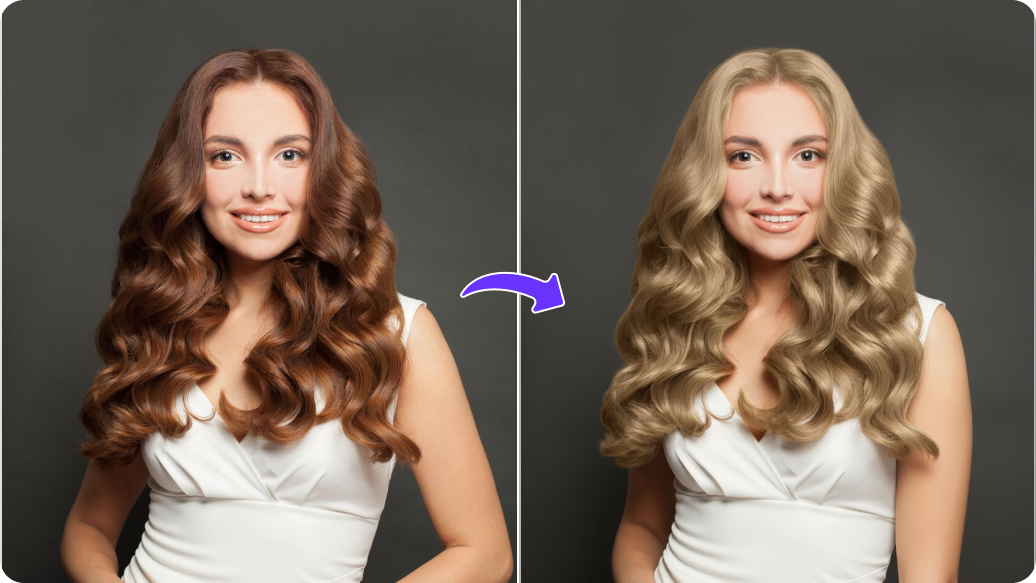
Switch between hair styles, lengths, and thicknesses, all without needing any advanced skills.
View how curtain, wispy, or blunt bangs would look on faces to decide the best styles for clients or yourself.
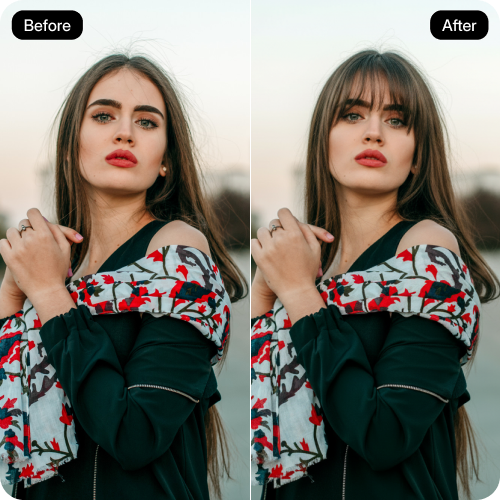
Add, adjust, and refine your styles using a simple interface designed for both beginners and professionals alike.

Enhance your image by up to 2x, 4x, or 8x while keeping every detail sharp for demos, presentations, or client previews.
Access the AI bangs filter on any modern browser, such as Safari, Chrome, Firefox, or Edge; no app installations needed.
.png)

We’ve all had that late-night urge to grab the scissors. This AI bangs filter acts as an immediate reality check. By seeing the digital result first, you can decide if that sudden craving for micro-bangs is a genuine style evolution or just a temporary mood, saving you from a 2:00 AM mistake.
Talking about styling, what one person calls a “long fringe,” another might see as a “blunt cut.” Using our AI haircut tool to create a visual guide is quite useful. It shows exactly where you want your hair to fall on your brow or cheekbone. Bringing that to your stylist completely removes the guesswork; they have a clear idea of what you want.
If you're looking to buy a clip-on fringe or a hairpiece online, you can use the virtual hair try-on to determine the exact density and shape that blends with your natural hair. This helps you choose the right product, like a curtain vs. a wispy one, before you spend money on something you can't return.
If you feel that your forehead is relatively high or that your face shape is more square, an AI bangs generator can help you experiment with different hair volumes to alter the appearance of your face.
When it comes to switching up styles for the seasons, testing out bangs with what you’ve got in your wardrobe using that hairstyle preview is a smart move. Like, you can see if those heavy blunt bangs will match your winter hats or if the side-swept ones feel better paired with your summer shades.
If you’re torn between two styles, you can save side-by-side comparisons from the AI hair filter and share them with friends or followers. This can give you a second opinion based on a realistic image rather than just an idea.
Follow these simple tips to ensure you generate realistic bangs from our tool:
Here’s a list of commonly asked questions about our bangs hairstyle Maker Tool. If you still can't find what you're looking for, reach out to us at support@pixelbin.io or check out our documentation for more details.