PixelBin logo
Image generator is here -   Create Now   and Claim 50% off on Pro Yearly Plan. Use code POWER50 at checkout.   Claim Discount

Brighten image with AI

Restore dull photos, improve clarity, adjust shadows, or enhance color tones in a single click.

brighten image ai photo enhancer tool

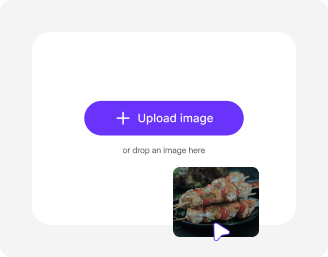
File should be less than 10MB

or paste URL

Upload a clear photo for the best brightness and lighting enhancement.

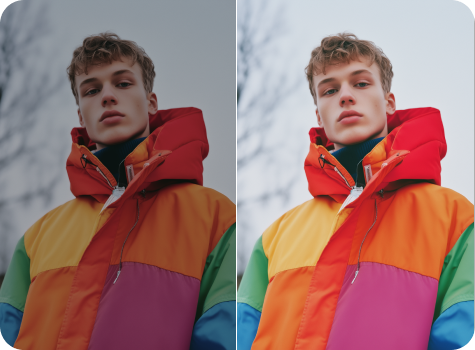
Before
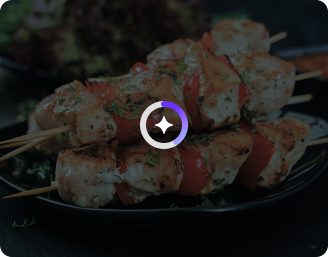
Loading

AI Magic in progress
Improving brightness, lighting balance, and image clarity

After

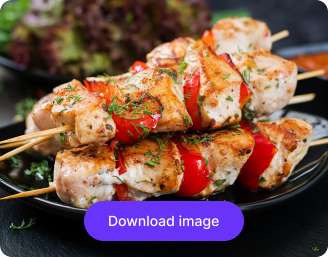
Your brightened image is ready!

Edit image with AI
Get 🔥 free credits for image editing, upscaling, generation and more
Brighten another image
Generation Failed

There was some issue on our end. Please try again.

Try Again
Show case

How to lighten dark photos with Pixelbin’s image brightener?

1
Upload an image
Paste the image URL or upload a photo from your device in JPEG, JPG, PNG, or WEBP.
2
Wait for AI processing
Pixelbin automatically detects shadows or dark areas and improves lighting without any manual edits.
3
Download the image
Preview and save your photo in high resolution, without any watermarks or text overlays.

Why use Pixelbin’s free AI photo brightener?

Image upscaling
Increase your image size up to 8X while keeping edges sharp and details clear.
Watermark-free exports
Save your images without any branding, labels, or added texts.
Folder management
Organize your edited images into folders so you can easily manage your projects whenever needed.
Prompt-free editing
Get instant results in HD as the tool automatically detects shadows in your images; no need to type instructions.
No sign-up
Brighten your photo in seconds without creating an account or adding your personal information.
Batch editing
Brighten multiple photos at once with Pixelbin’s API support, saving time on your manual efforts.

Auto-brighten dull images to enhance mood & tone instantly

Create well-lit, HD-quality images instantly, ready to use for social media, portfolios, and everyday use.

Easy to use

Brighten up your images on an intuitive interface, designed for beginners and professionals alike.

Sailling ship of sketche to image
Browser-based

Edit photos directly in your browser, such as Edge, Chrome, Firefox, or Safari; no apps or software installations needed.
Mountain sketch to image
Complete privacy

Your images are processed on encrypted servers and not shared with anyone.
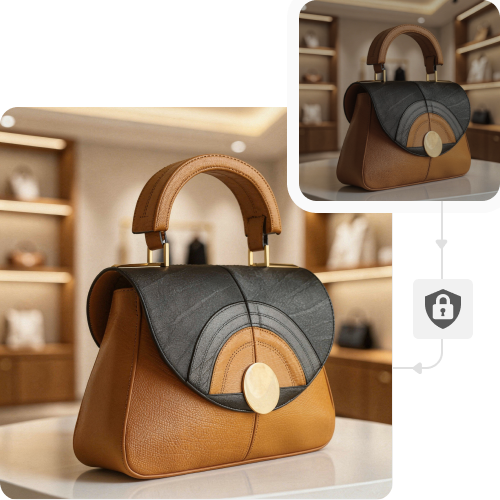
Sketch hot air baloon to image generator
HD outputs

Save your edited images in high resolution, while preserving the original look and feel.
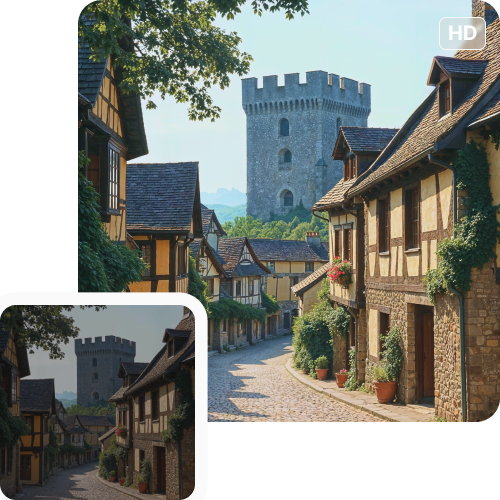
sketch to image in HD-resolution pictures

AI tools by Pixelbin

Key highlights of Pixelbin’s AI image brightener

Benefits of using the AI photo brightener

  • One-click enhancements: Our tool requires no manual editing because the AI automatically adjusts brightness and color balance after you upload your image, generating professional HD quality results every time.
  • Save costs: Skip the need for buying professional editing tools or hiring in-house experts. You can easily achieve polished results in seconds with a single click.
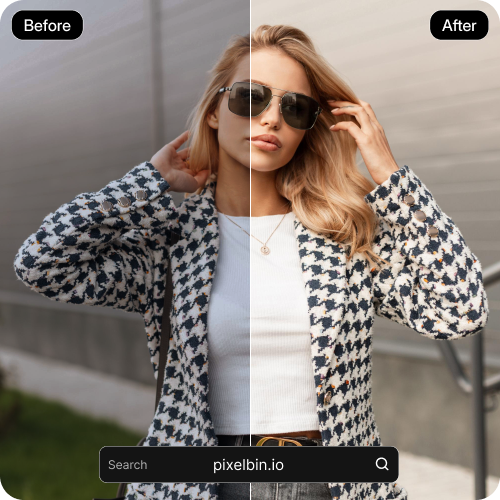
  • Restore hidden details: Lighten dark photos for free. Our AI brightens shadows and restores details in night or indoor shots, making every image look clear and professional.
  • Enhance subject focus: Pixelbin’s AI photo editor instantly detects shadows and dark areas in your image and enhances brightness to ensure the main subject stays clear.
  • Correct skin color and tones: Beyond just brightening, our AI adjusts color temperatures, reduces unwanted color casts, and enhances skin tones to deliver a natural finish.
  • No experience needed: The tool has an intuitive interface, which makes it easy for non-professionals as well.

Use cases of Pixelbin’s AI image brightener

1. Real estate shots

Pixelbin’s free photo brightener instantly brightens dark rooms while creating spacious and inviting interiors, which enables you to quickly attract buyers.

2. Product photos

The tool can help make your products visually stand out by enhancing their colors and details, which helps your listings look professional and drives more sales.

3. Selfies & portraits

Eliminate poor lighting in seconds with our online photo brightener. The tool removes shadows while achieving perfect skin tone results, giving you the best appearance in any scenario.

4. Social media posts

Vibrant, bright images create a powerful visual effect that stops viewers from scrolling through social media content. Create polished, bright images ideal for Instagram, Facebook, or Twitter to keep your audience engaged.

5. Family photo revival

Bring your old, faded photographs to life. We restore all colors and original details of old photographs, which allows you to view events as they appeared during that time..

6. Outdoor landscapes

Repair dull colors quickly and washed-out skies with our AI photo brightener online. Turn gray, flat scenes into well-lit views that truly capture the moment.

7. Wedding & events

Enhance photos taken in low-light settings, like reception events, to get consistent, high-quality outcomes.

How to get the best results with Pixelbin’s AI image brightener?

To ensure your images are well-lit and appear bright, try the following tips:

  • Avoid using screenshots or images that are heavily compressed (e.g., shared WhatsApp/Facebook images).
  • Keep your image size below 10 MB to ensure faster processing.
  • Do not use blurred photos or the ones with cluttered backgrounds.
  • Avoid using photos that have already been sharpened.

FAQs

Here are some of the most common questions about our AI White Background Remover Tool. If you can’t find the information you need, contact us at support@pixelbin.io or refer to our documentation for more details.

Yes, Pixelbin maintains your current image quality after making brightness adjustments. It works by improving color and restoring dark areas while maintaining their original visual integrity.
Yes, the tool delivers high performance for mobile browsers as well. You can upload and download images from your mobile devices with the same speed and accuracy as on a desktop.
The maximum file size is 10MB, but they should be in supported formats, such as JPEG, JPG, PNG, or WEBP.
Yes, Pixelbin can work easily on grainy images. The AI brightener decreases background noise while it smooths out textures and enhances visibility through detailed improvement, which results in a cleaner visual output.
Yes, the free version gives three credits per month and requires no sign-up. This means you can edit three times in a month without paying anything. The free credits are restored every month. But if you want to continue editing, you have to create an account and purchase additional credits on a pay-as-you-go basis.
Edit images in seconds, not hours
Get pixel-perfect results just with your words
Start editing with AI