






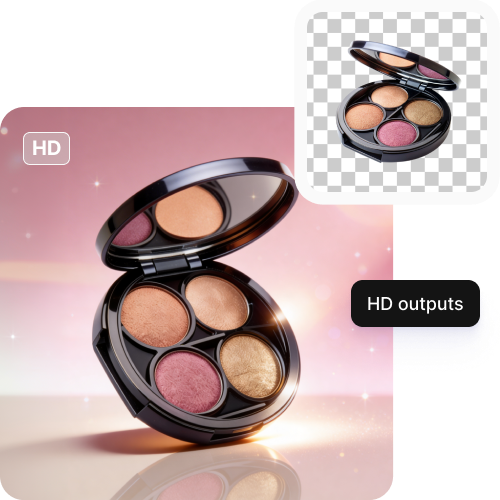
HD outputs
Ensure your products look sharp and professional across all devices.

 Contact Us
Make Amazon product images clear, crisp, and professional in one click; no design experience needed.

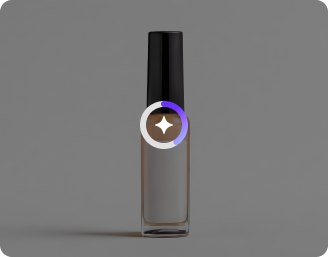
AI Magic in progress
Optimizing product lighting, removing backgrounds, enhancing clarity, and preparing an Amazon-ready product image
Your Amazon product image is ready!
There was some issue on our end. Please try again.

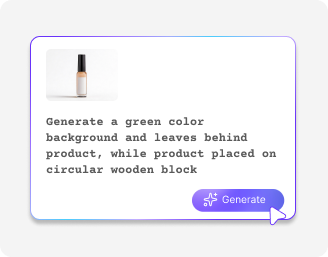
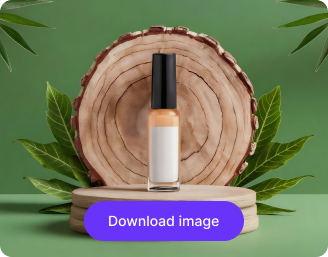


Get Amazon-ready photos without manual efforts and keep your buyers engaged.
Ensure your products look sharp and professional across all devices.
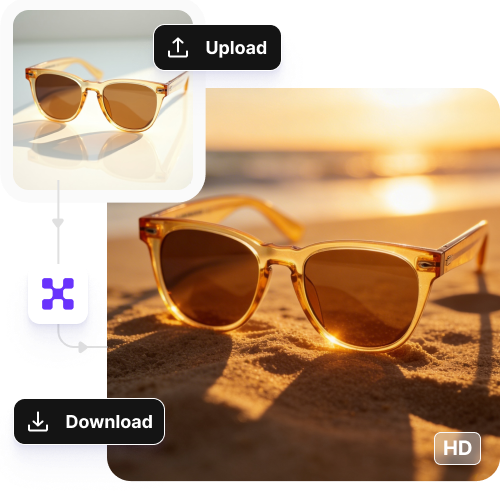
Refine 50 product images at once using our bulk editing API, saving hours of manual work.
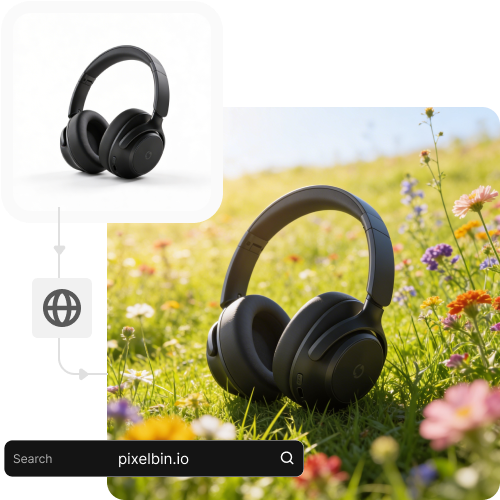
Reach buyers globally with your visuals using a high-performance network.
Create and export high-quality images in seconds, without registering or paying.
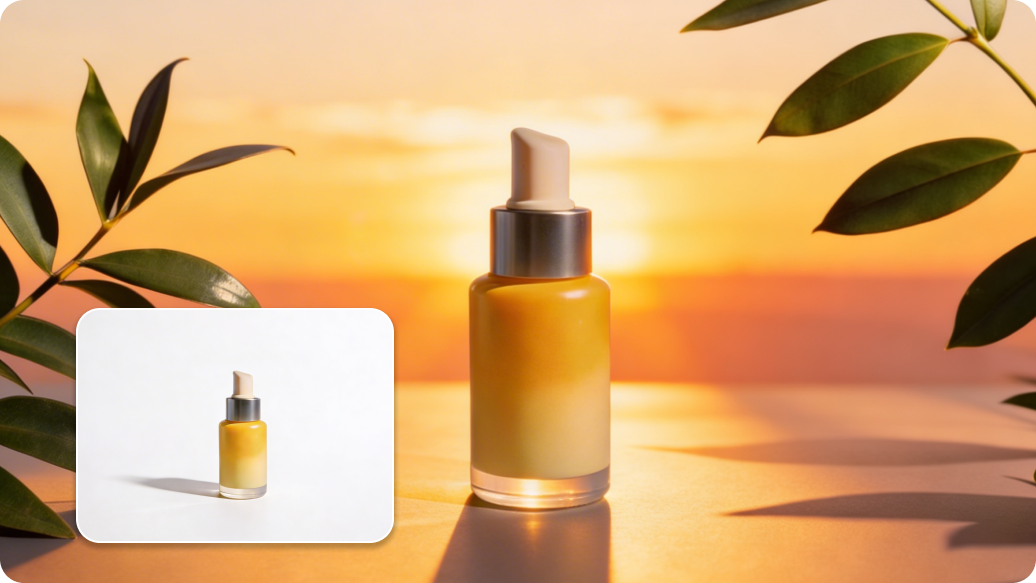
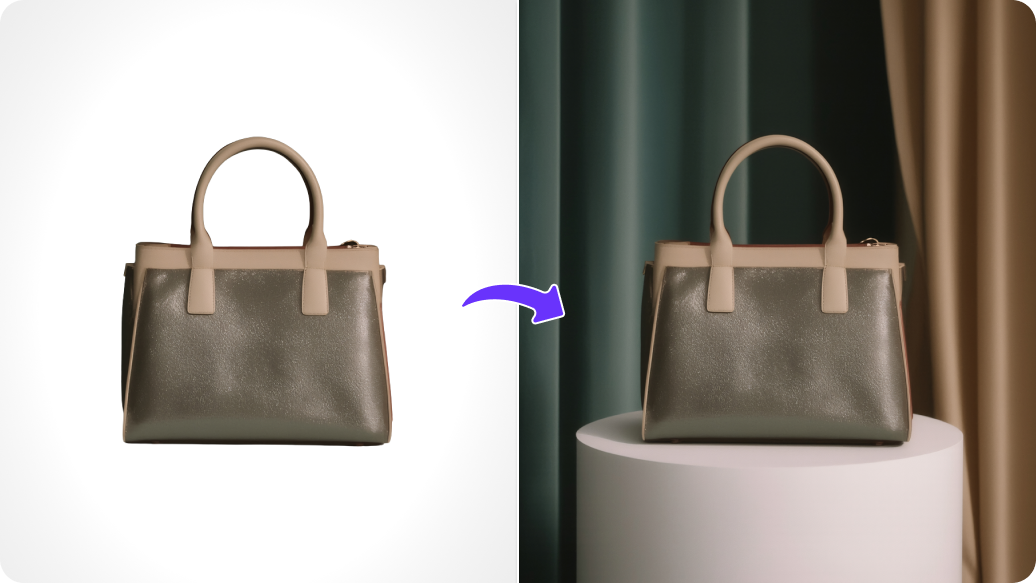
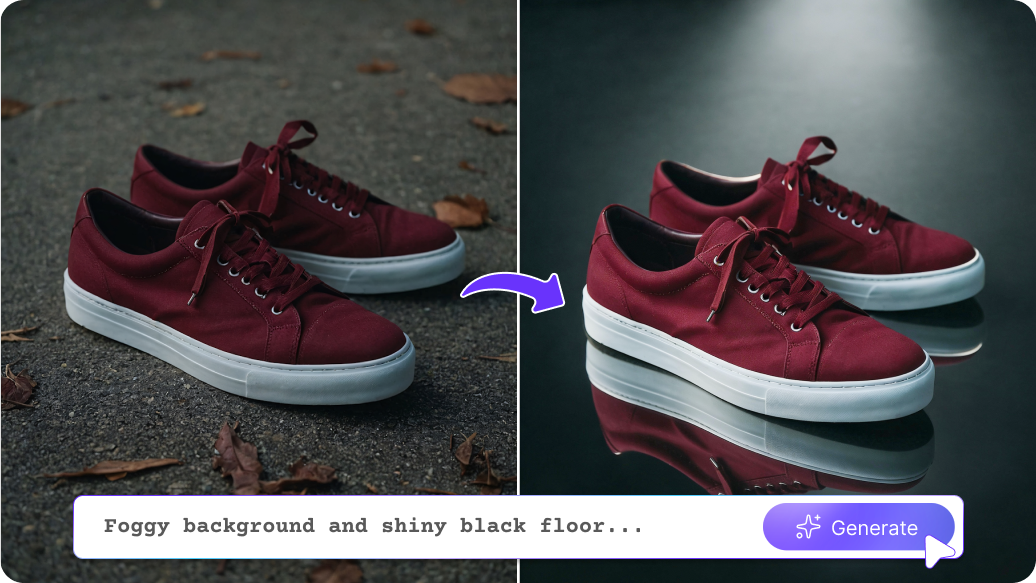


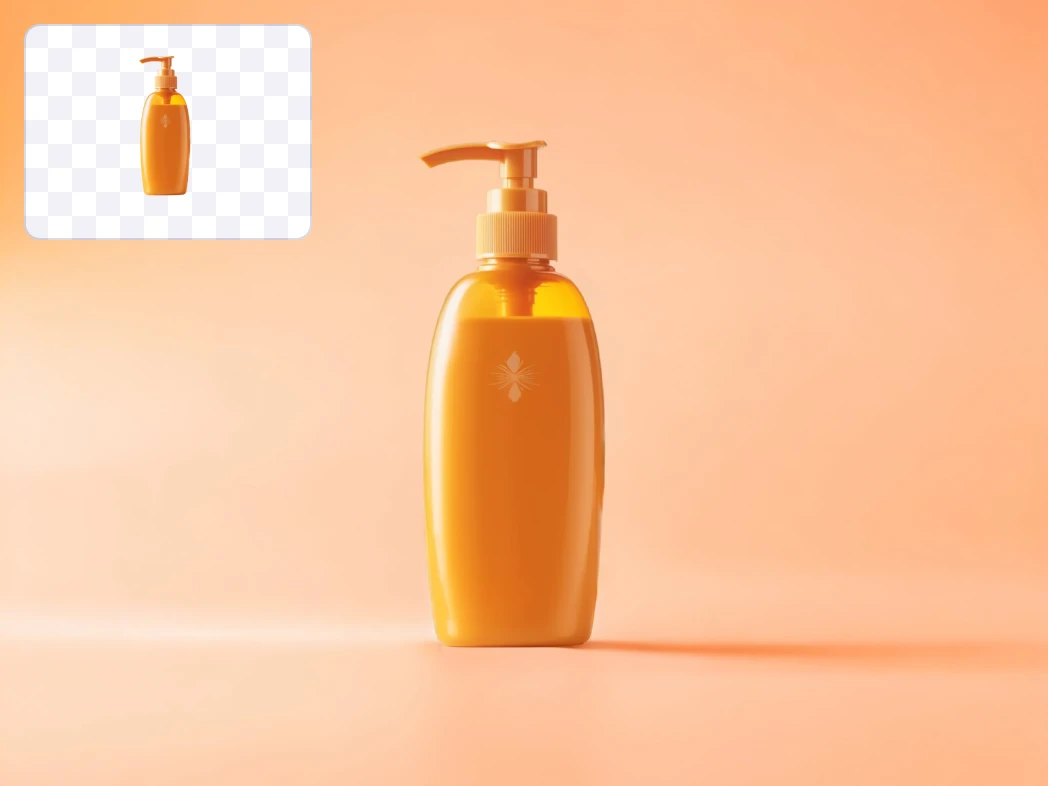
You can take a photo of your product at home and use AI to replace a messy background with a clean white one. It helps your simple phone photo look like it was taken in a professional studio.
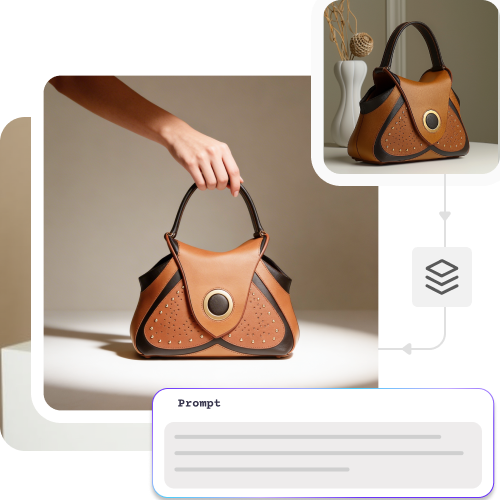
Instead of booking a location or hiring models, you can use AI to place your product in a digital setting. It can show your item in a kitchen, gym, office, or outdoor space so customers can imagine using it.
If your product sample has small scratches, dust, or marks, you do not need a new shoot. AI can remove tiny flaws and make the product look clean and new.
When selling the same product in many colors or styles, the lighting and size should look the same. Pixelbin’s AI Amazon product editor can edit all images together so they match perfectly and look neat on your product page.
If you change your logo or packaging design, you do not need to redo all photos. AI can update the label or design in your existing images quickly and easily.
To get natural results from the editor, here are a few tips you need to try:
Here are some of the most common questions about our Recolor Image Online free tool. If you can’t find the information you need, contact us at support@pixelbin.io or refer to our documentation for more details.