PixelBin logo
Black Friday offer is live now. Flat 30% on all annual plans. Use code at checkout - BF30. Claim Now

Add a white background with AI

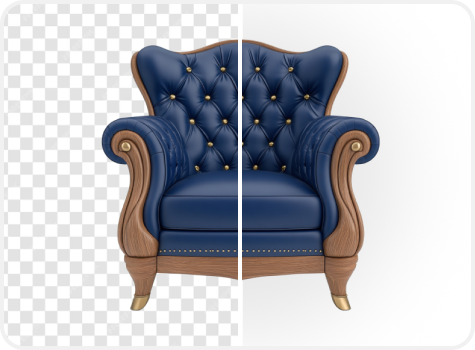
Make eCommerce product listings & portraits more prominent by adding a plain white backdrop in just one click with Pixelbin.

Add white background to photo tool

File should be less than 10MB

or paste URL

Before
Loading

Applying white background...
Replacing the background with pure white while preserving subject edges and fine details

After

Your white background image is ready!

Download your image with a white background

Edit image with AI

Refine edges, adjust shadow, or switch to a subtle white gradient

Add white background to another photo
Generation Failed

There was some issue on our end. Please try again.

Try Again
Show case

How to add white background to photo using Pixelbin?

Upload Your Image
1
Add your image
Paste a URL or click “Upload Image” to select your picture in JPG, JPEG, PNG, or WEBP.
Let AI Work
2
Wait for AI processing
Pixelbin’s AI adds a clean white background to your photo within seconds, without requiring any further steps.
Download Enhanced Image
3
Download your image
Preview & download your photo for free, in HD, free from watermarks or hidden fees.

Why use Pixelbin’s photo to white background tool?

Instant Clarity Boost
Multiple image formats
Upload images in popular formats like JPG, JPEG, PNG, or WEBP for smooth and hassle-free processing.
One-Click Upscaling
Batch processing
Add white backgrounds to multiple photos at once using the bulk-editing API to save time and improve workflow efficiency.
Private & Hassle-Free
Smart AI editor
Automatically isolates the subject to add a white background, without manual cutouts needed.
AI-Driven Enhancement
Free HD download
Preview and download processed images in full HD without watermarks or extra charges.
High-Resolution Output
No credit card login
Use Pixelbin instantly without even creating an account or entering any payment or credit card details.
Supports All Major Formats
Complete privacy
Your images are encrypted, processed on secure servers, and never shared.

Add plain white background to photos in seconds using AI

Using Pixelbin, you can instantly transform your images into clean, professional visuals by adding a white background, without any manual work.

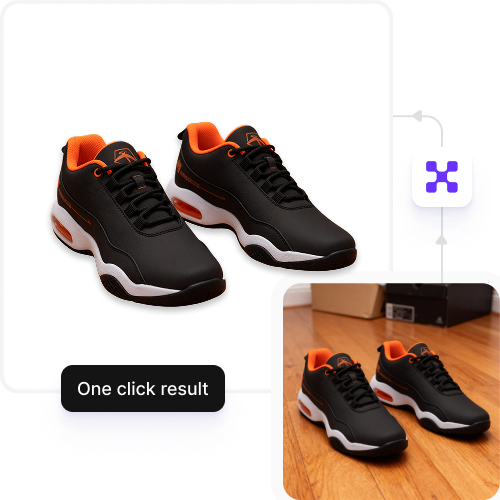
One-click result

Skip complex tools and lengthy prompts. With Pixelbin, you can add a white background to your images instantly, in just one click.

Feature 1
No editing skills needed

Use Pixelbin’s AI Editor to apply a clean white background effortlessly. No Photoshop or professional editing experience needed.
Feature 2
Free trials for everyone

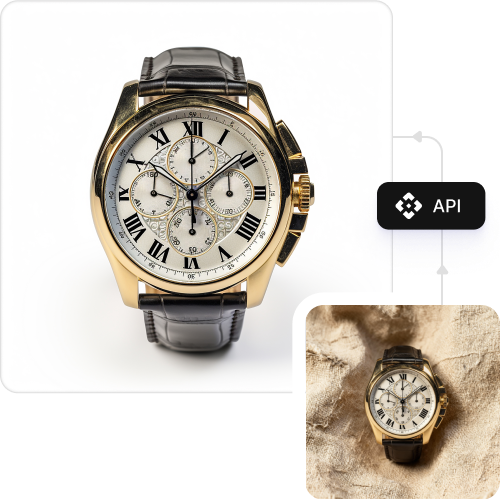
Enjoy three free image edits every month. Upgrade anytime to unlock more credits and full API access.

Feature 3
Browser-based platform

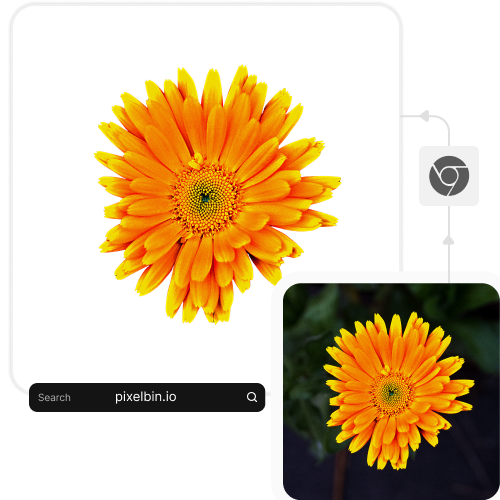
Add a white background to a photo without downloading software or mobile apps, directly from your browser (Chrome, Edge, Safari, etc.).
Feature 4
AI tools by Pixelbin

Free online tool add white background to photo

Benefits of using an app to add white background to photo

Using Pixelbin, you can add a white background to photos online with zero manual effort. Here are some of its benefits:

  • Easy to access: Access Pixelbin’s AI editor using any device with an internet connection.
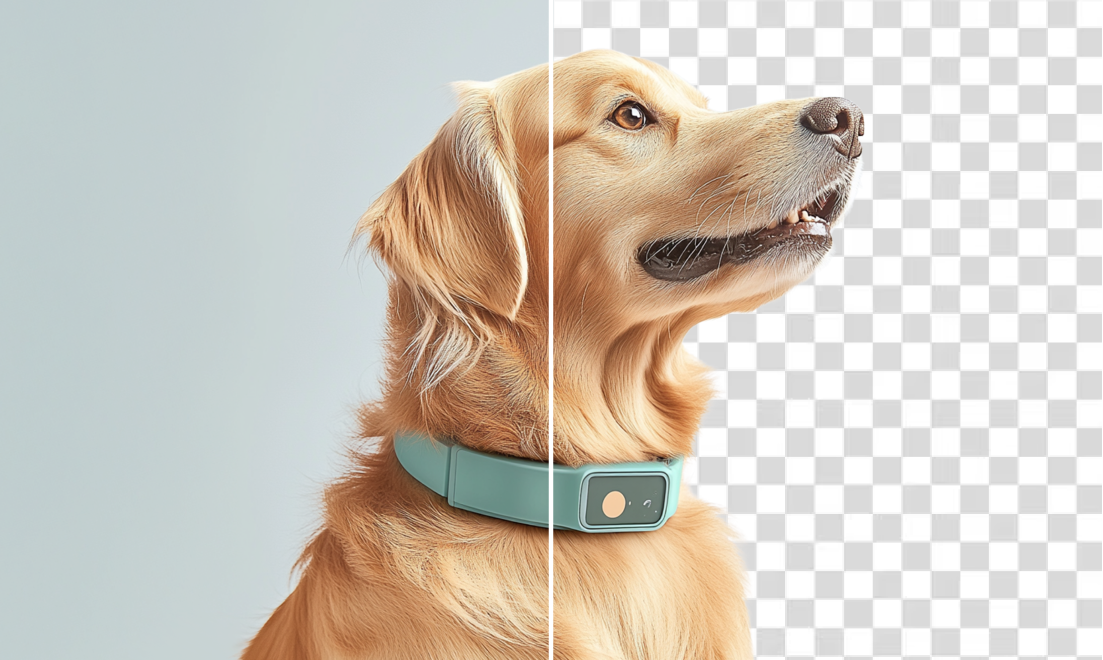
  • Clean cutouts: Our AI precisely changes the image background, ensuring no messy edges or leftover pixels.
  • No quality loss: Pixelbin preserves your original photo resolution even after applying a white background.
  • Fast and automated: Change the backdrop of your photo online in seconds with zero manual effort.
  • No watermarks: Download your processed image in high definition without any distracting watermarks.
  • Scalable for bulk edits: Save time by applying a white background to multiple images in one go with Pixelbin’s API for bulk editing.

Use cases of online add white background to photo tools

Pixelbin helps you instantly add a white background to photos online, ideal for product photography, profile pictures, or passport images. Here are some of the ways you can use it:

1. Add white background to product photos

A clean white background is the industry standard for product photos as it helps customers focus on your item. Create professional, eCommerce-ready product images with a clean white background, perfect for Amazon, Etsy, or Shopify listings.

2. Add white background to passport photo

Need a quick passport-size image? Upload your headshot, and let our tool create a compliant photo for your documents. Pixelbin’s online background changer tool adds a white background to passport photos for free in seconds.

3. Add white background to photo for Instagram

Want to add white background to Instagram photos for a minimalist, aesthetic look? Just upload your image, and our AI editor will generate the results automatically.

4. Add white wall background to photo

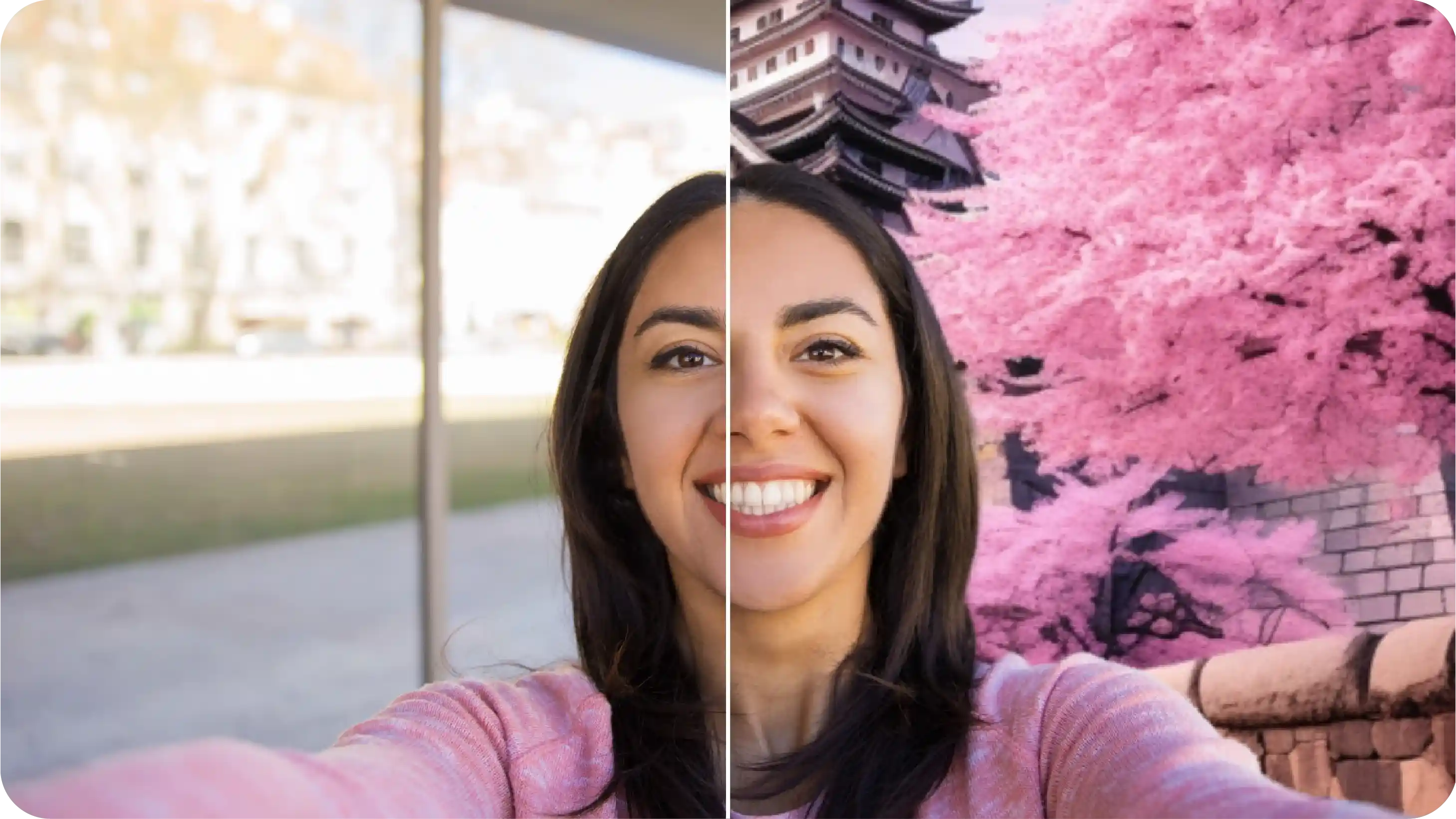
Use Pixelbin’s free tool to change your image background, without any manual editing, instantly. Get a clean cutout of a person, object, or logo on a white background, ready to be used in presentations, websites, or graphic designs.

How to get the best results from photo to white background online tools

Follow these simple tips to get the most detailed and high-quality results when you add a white background to a photo:

  • Upload high-quality, well-lit images for more accurate background detection.
  • Avoid dark or blurry photos, as they can affect subject outlines.
  • Use images with good contrast between the subject and background.
  • For product shots, center your subject for a balanced look against the white backdrop.

FAQs

Here are some of the most commonly asked questions about our Add White Background to Photo AI Tool. If you still can’t find what you’re looking for, you can contact us at support@pixelbin.io or visit our documentation for more details.

Pixelbin offers a free plan, where you can generate up to three images per month for free. Sign up anytime to redeem ten free credits and continue using the tool. You can also use these credits to try our other range of AI tools, such as the vignette effect or clarity upscaler.
No. You do not need to write prompts or give instructions to the AI to add a white background. Just upload your image, and our AI editor will automatically process your image.
No. Pixelbin is a web-based application, which means you won’t need to download any software or install any mobile app. You can use our AI editor on any device with an internet connection and a web browser.
Yes, you can process multiple images in one go by uploading them in bulk using Pixelbin’s API, which is available in the premium plans.
Yes, you can upload big files to Pixelbin. Images up to 10 MB should work as long as they’re in the mentioned file formats (JPG, JPEG, PNG or WEBP ).
Edit images in seconds, not hours
Get pixel-perfect results just with your words
Start editing with AI