PixelBin logo
Image generator is here -   Create Now   and Claim 30% off on Pro Plans. Use code SALE30 at checkout.   Claim Discount

AI image editor for beauty products

Give your beauty product shots the glow-up they need with pro-level editing in seconds.

Uploaded image
2500 chars left
Max file size 10 MB.
Loading

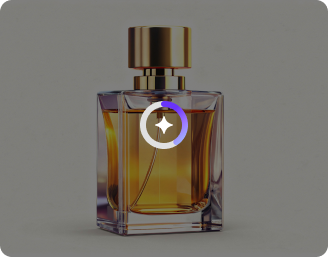
AI Magic in progress
Cleaning background, fixing color & labels, soft shadowing, and exporting marketplace-ready images

Ready

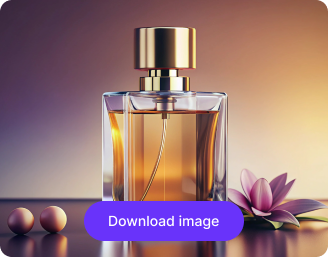
Your beauty product image is ready!

Explore enterprise
For bulk processing, APIs, or custom workflows and volume discounts
Edit another beauty product
Generation Failed

There was some issue on our end. Please try again.

Try Again
Show case

How to edit beauty product images using Pixelbin?

1
Upload product image
Paste a URL or upload your image in any of the following formats: JPG, JPEG, WEBP, or PNG.
2
Add a prompt
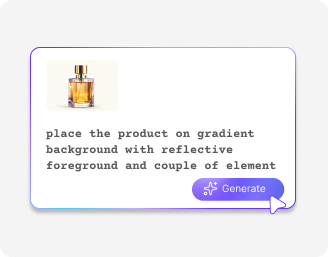
Describe what changes you want to make in a photo, and the AI will edit/generate them in seconds.
3
Download the edited image
Preview your enhanced photo and download it in HD, free from watermarks or extra charges.

Why use Pixelbin’s AI image editor for beauty products?

High-quality output
Export beauty product photos in HD with natural colors and clear details for professional listings.
Download watermark-free
Save clean, ready-to-use product images without any watermarks for your store or social media.
Support multiple channels
Work with all common aspect ratios so your beauty photos fit every platform.
Keep your data secure
Secure your image data with encrypted storage, safe processing, and zero third-party sharing.
Batch editing
Process multiple images at once with API support to save time and streamline your workflow.
Edit online instantly
Use the editor directly in your browser without any app installations.

Turn beauty product images into studio-quality visuals

Showcase your beauty products with HD images matched to the right use cases.

No more editing delays

Edit product photos instantly so your listings go live faster without relying on designers or agencies.

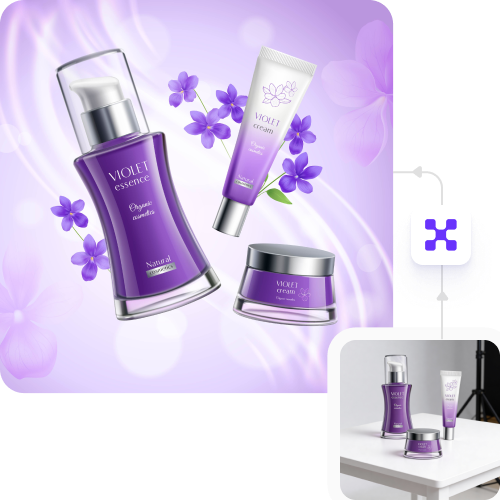
Feature 1
Maintain consistent branding

Align every beauty product image with your brand style and marketplace requirements for a professional, reliable look.
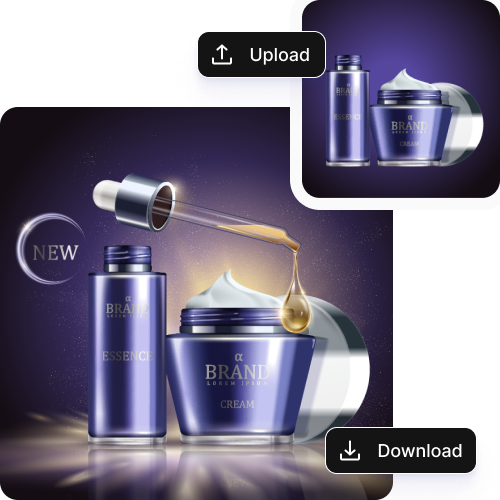
Feature 2
Drive higher conversions

Get HD quality beauty product photos for better listings, increased shopper engagement, or lower cart abandonment and return rates.
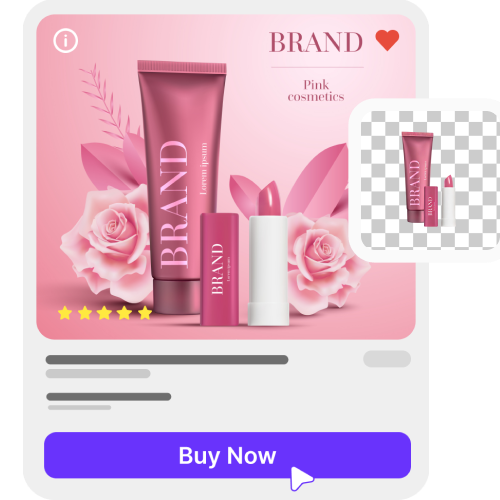
Feature 3
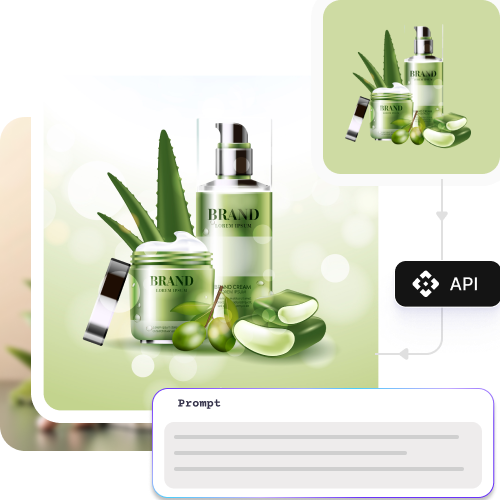
Scale effortlessly

Use free trials and edit multiple products in batches with secure AI automation and API support.
Feature 4

AI tools by Pixelbin

Key highlights of Pixelbin’s cosmetic product image editor

Benefits of using Pixelbin’s cosmetic product image editor

  • Get HD output: Turn beauty product photos into sharp, vibrant 4K images ready for professional listings.
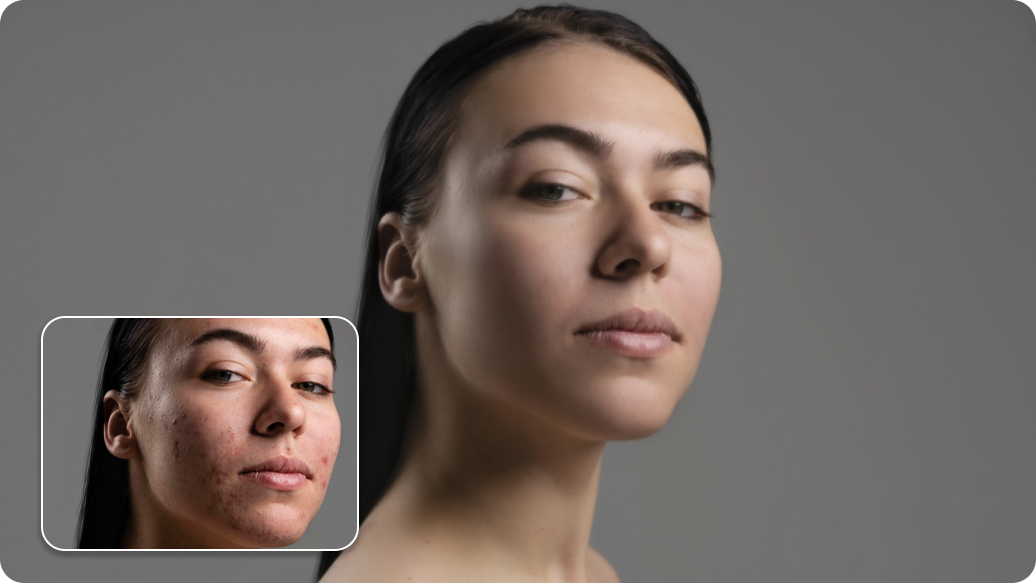
  • Fast and easy edits: Fix beauty product photos with balanced lighting, sharp details, and true-to-tone color. You can see the "before" and "after" side-by-side to make sure they look perfect.
  • Works on any device: Edit and export beauty product images in the format you need - perfect for mobile, tablet, or desktop workflows.
  • Safe and private: Our AI image editor for beauty products uses special security to make sure only you can see your work.
  • Start for free right now: Start fixing your beauty and brand photos immediately. There is no need to sign up or create an account.
  • Easy for everyone: Create clean, professional beauty product visuals without design skills. The AI handles retouching and consistency, saving you time and effort.

Use cases of the best AI image editor for beauty products

1. Beauty product listing enhancement

Turn raw product photos into polished, marketplace-ready visuals that attract buyers and improve conversions.

2. Background removal and replacement

Remove or swap backgrounds in seconds to create great images for beauty catalogs, websites, and social channels.

3. Perfect colors and details

The AI automatically fixes the light and colors to make your products look real. It cleans up the texture and small details so every item looks professional.

4. Bulk editing for large beauty catalogs

Process hundreds of cosmetic and skincare images at once with batch editing or API automation, saving valuable time and operational effort.

5. Social media and marketing visuals

Create consistent posts, ads, thumbnails, and promotional creatives tailored for beauty brands.

6. Consistent beauty brand

Make sure all your photos have the same style and match what online shops want. This makes your brand look clean and helps customers trust you.

How to get the best results from AI image editors for beauty products?

  • Use clear, sharp photos so the AI can see the tiny details and textures.
  • Find a bright spot with even light to keep your colors looking real.
  • Make sure your logos and labels are easy to see and not blurry.
  • Use a plain background so the AI can focus perfectly on your product.

FAQs

Here are some of the most common questions about our Recolor Image Online free tool. If you can’t find the information you need, contact us at support@pixelbin.io or refer to our documentation for more details.

No. You can use our free AI image editors for the first three free trials in a month without creating an account. If you want more features later, you can sign up at any time.
Yes. Once you download your edited beauty product photos, you can use them for ads or your website. Our tool is built to be a top AI image editor for beauty products, making your items look their best.
If you handle large volumes of product images, this tool supports single edits and bulk processing through API access, allowing you to automate image workflows and manage high image volumes efficiently.
No. Pixelbin’s AI photo editor maintains the real quality of your pictures. The colors will stay real, and the quality will stay high for your beauty brand.
Yes. Our tool allows you to upload a large group of photos and fix them all at once. This bulk editing for brands saves you hours of work.
Edit images in seconds, not hours
Get pixel-perfect results just with your words
Start editing with AI