PixelBin logo
Image generator is here -   Create Now   and Claim 30% off on Pro Plans. Use code SALE30 at checkout.   Claim Discount

AI image editor for Amazon products

Turn raw product photos into clean, Amazon-ready images without manual editing.

Uploaded image
2500 chars left
Max file size 10 MB.
Loading

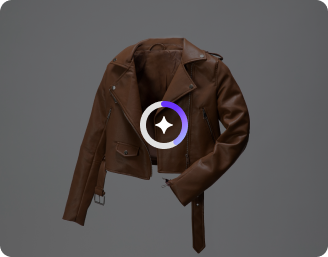
AI Magic in progress
Removing backgrounds, enhancing lighting, refining edges, and preparing your optimized Amazon product image

Ready

Your Amazon product image is ready!

Edit image with AI
Get 🔥 free credits for image editing, upscaling, generation and more
Edit another product
Generation Failed

There was some issue on our end. Please try again.

Try Again
Show case

How to use Pixelbin’s AI image editor for Amazon products?

1
Add your image
Paste a URL or upload your image in any of the following formats: JPG, JPEG, WEBP, or PNG.
2
Add the prompt
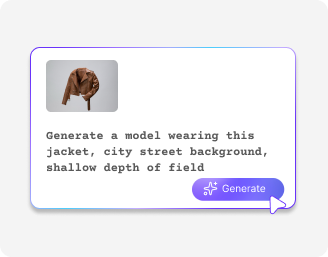
Describe the changes you want to make in simple words.
3
Download your image
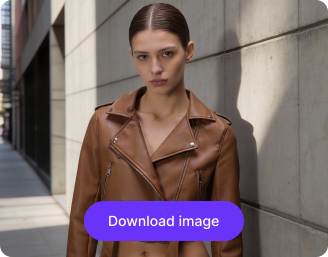
Preview the generated image & download it in HD, free from watermarks.

Why use Pixelbin’s best AI image editor for Amazon?

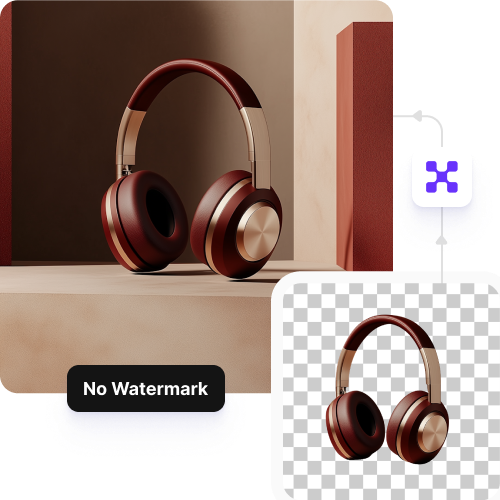
Watermark-free downloads
Download product images with no added branding or watermarks, ready for Amazon listings.
Bulk editing made easy
Edit multiple product images at once to speed up your Amazon listing workflow.
No login required
Start editing immediately without creating an account or sharing payment details.
Accessible from anywhere
Use the editor on any device with a browser, with no app installations required.
HD-quality downloads
Save product images in clear, high-resolution formats suitable for Amazon.
Secure processing
Your product images stay secure and are never stored after editing.

Get Amazon-ready product photos in a single click

Enhance your product images effortlessly with no apps, no downloads, and no editing skills required.

Watermark-free images

Download professional product images with no added branding, suitable for Amazon listings, ads, and A+ content.

Feature 1
Maintain image resolution

Preserve your image’s original resolution, detail, and sharpness while enhancements are applied.

Feature 2
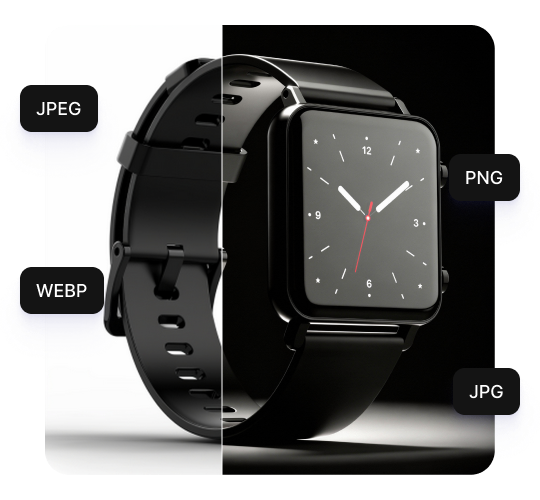
Supports all formats

Upload and edit images in formats such as JPG, PNG, WebP, HEIC, or TIFF without additional conversion steps.
Feature 3
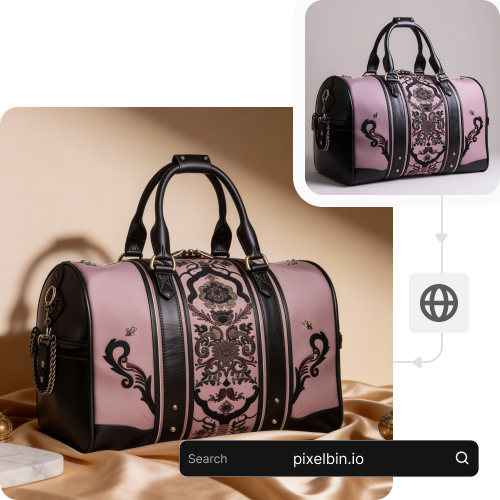
Browser-only editing

Use the editor directly from your browser on any device without downloading software or tools.
Feature 4

AI tools by Pixelbin

Key features of AI image editor for Amazon

Benefits of Pixelbin’s AI image editor for Amazon products

  • Meet Amazon image guidelines easily: Create compliant main images with clean backgrounds and correct framing.
  • Improve product clarity: Enhance lighting, colors, and sharpness so product details are easy to see.
  • Create multiple image types: Generate lifestyle images, infographics, and variants from one product photo.
  • Maintain catalog consistency: Keep all product images uniform across SKUs and categories.
  • Speed up listing creation: Get images ready faster and publish products without delays.
  • Increase click-through and conversions: Better visuals help products stand out in search results.
  • Scale image editing: Process large volumes of product images as your catalog grows.
  • Reduce photoshoot and editing costs: Minimize reshoots, manual edits, and reliance on designers.

Use cases of an AI image editor for Amazon

1. Product listings

Create clean, Amazon-compliant main images that meet background and framing guidelines.

2. Catalog management

Maintain consistent image quality across large product catalogs and SKUs.

3. Variant creation

Show different colors, sizes, or styles using a single product image.

4. A+ Content visuals

Create high-quality lifestyle and feature images for enhanced brand content.

5. Search and ads creatives

Generate optimized images for Amazon Sponsored Ads and search results.

6. New product launches

Get listing images ready quickly and go live without delays.

7. Seller onboarding

Standardize images from multiple vendors or manufacturers.

8. Catalog refreshes

Update old or underperforming product images to improve conversions.

How to get the best result from an AI image editor for Amazon free?

  • Start with bright, high-quality photos to help the AI apply edits accurately.
  • Follow Amazon’s image guidelines to ensure your product listings remain compliant.
  • Use clean, uncluttered backgrounds so the product stands out clearly.
  • Include images from multiple angles to give customers a complete view of the product.
  • Download images in the highest available resolution to maintain sharpness and clarity.

FAQs

Here are some of the most common questions about our AI image editor for Amazon. If you can’t find the information you need, contact us at support@pixelbin.io or refer to our documentation for more details.

Pixelbin’s free plan lets you generate up to three sad-face images per month at no cost. To continue using the filter, you will need to sign up to redeem ten free credits, which you can use to access any of Pixelbin's other AI apps.
No. The editor preserves high-resolution clarity, sharpness, and color accuracy so your images stay crisp and Amazon-ready.
No. Pixelbin is entirely web-based. You can use it directly in browsers like Chrome or Safari on your computer or mobile device without installing any apps.
While you cannot edit the generated output directly within this tool, you can download the image and use Pixelbin's AI Image Editor to make further adjustments, crops, or enhancements.
Yes. Images up to 10 MB should work as long as they’re in the mentioned file formats (JPG, JPEG, PNG, WEBP).
Edit images in seconds, not hours
Get pixel-perfect results just with your words
Start editing with AI