






No sign-up
At Pixelbin, you don’t need to sign up or log in to use our clarity upscaler.

 Contact Us
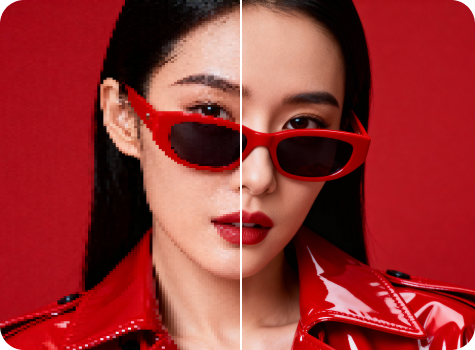
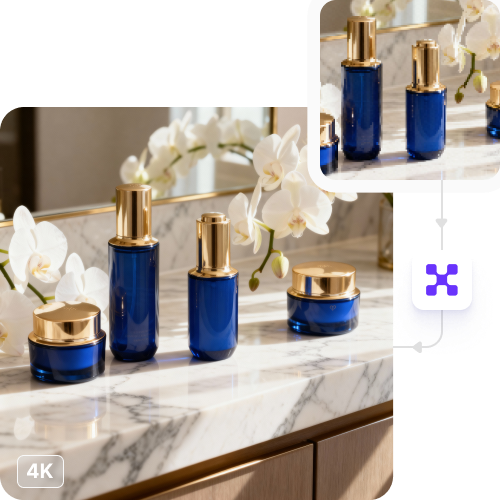
Upscale photos to 4K with AI enhance detail, reduce noise, and sharpen edges in seconds.
File should be less than 10MB
or paste URL

Upscaling to 4K...
Boosting resolution, restoring detail, and sharpening edges with AI
Your 4K upscaled image is ready!
There was some issue on our end. Please try again.




.png)
.png)


Transform low-quality photos into clear, sharp, high-resolution images within seconds with Pixelbin.
At Pixelbin, you don’t need to sign up or log in to use our clarity upscaler.
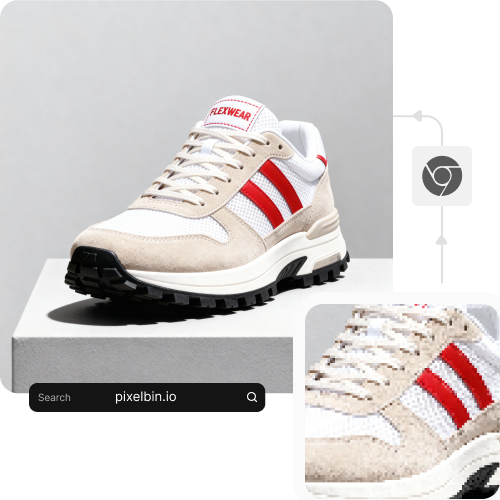
Since Pixelbin is completely browser-based, you can access it on any device (mobile, laptop, or tablet) with no downloads or installations needed.
At Pixelbin, you get to choose your images across three formats, namely JPG, JPEG, and PNG.
You’ll get free credits for your first three trials with Pixelbin, and after that, each use will be charged.

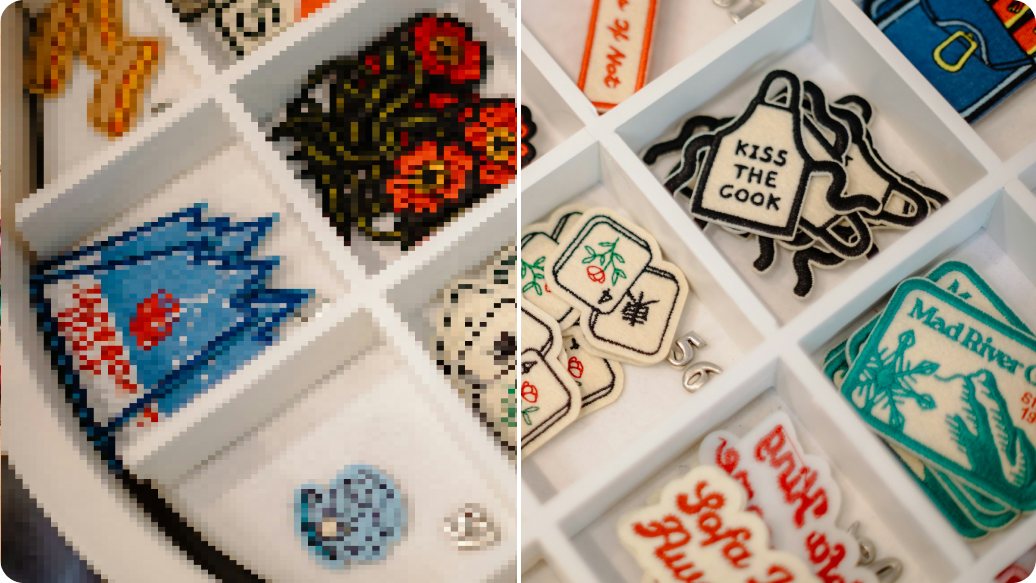
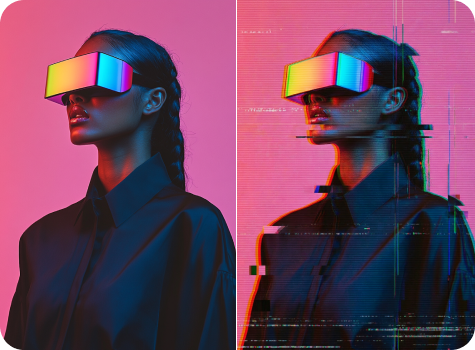


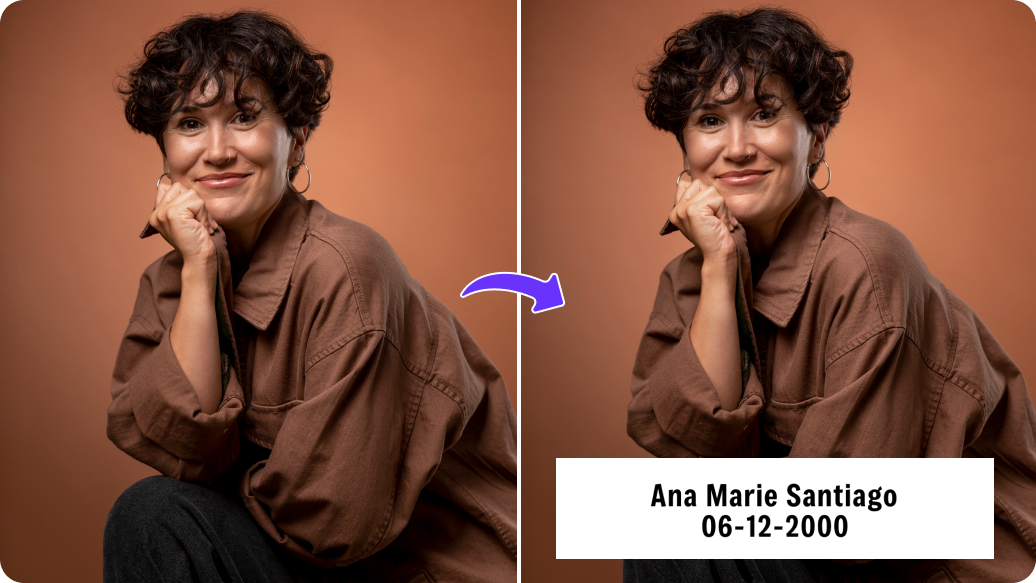
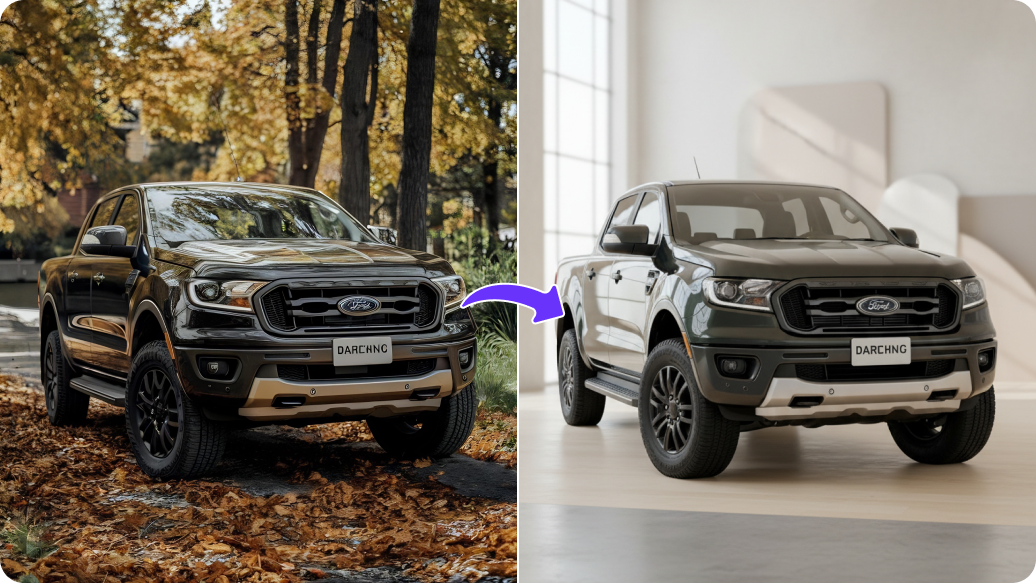
Enhance the clarity of your dull photographs and give them an overall fresh look with Pixelbin. Here are some of its benefits:
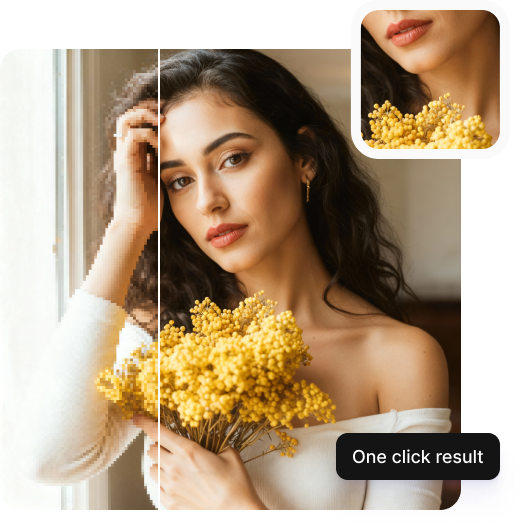
Improve every photo instantly with just one click. Turn low-resolution images into crisp, high-quality visuals. Listed below are a few of its use cases:
Make low-quality photos look professional for use in portfolios, exhibitions, and client presentations.
Enhance product images to make your listings look clearer and sharper.
Improve your visuals for campaigns, mailers, and promotional materials to strengthen marketing initiatives.
Restore and enhance old or scanned photos to preserve your memories with better clarity.
To ensure your photos appear as clear as possible, you can follow these simple recommendations:
Here are some commonly asked questions about our Clarity Upscaler tool. If you need more assistance, reach out to us at support@pixelbin.io or visit our documentation .