PixelBin logo
🚀 Pixelbin AI Studio - No Prompt - Idea to final image with our agent Pixie   Click for Free Trial

AI truck photo editor

Create showroom-ready truck photos by updating designs, changing paint styles, and enhancing visual details.

Uploaded image
2500 chars left
Max file size 10 MB.
Loading

AI Magic in progress
Improving vehicle clarity, refining colors, cleaning backgrounds, and creating a sharp, professional truck visual

Ready

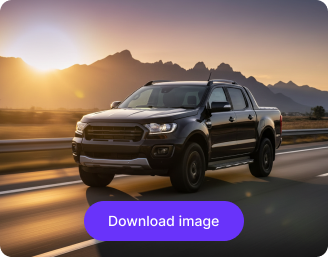
Your enhanced truck image is ready!

Edit image with AI
Get 🔥 free credits for image editing, upscaling, generation and more
Try another image
Generation Failed

There was some issue on our end. Please try again.

Try Again
Show case

How to use Pixelbin’s online AI photo editor?

1
Add your image
Upload your photo in any of these formats: JPG, JPEG, PNG, or WEBP.
2
Specify the edits
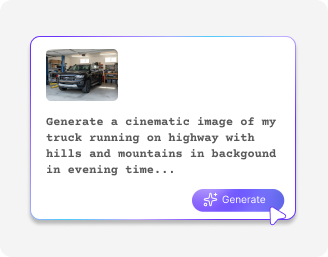
Describe the changes you want to make in simple words. Use prompts like “Change the truck color to white” or “Add company branding on the doors.”
3
Generate & download
Click on “Generate,” preview the edited image, and download it in HD, free from any watermark or additional costs.

Why use Pixelbin's truck photo editor?

Multiple image formats
Upload images in common formats such as JPG, JPEG, PNG, or WEBP.
Global CDN
Deliver your truck images worldwide through a fast, reliable CDN.
Text to video
Create truck videos from simple text prompts, ready for marketing or training use.
White-labeling
Download professional images without branded watermarks or logos.
Free trials
Get high-quality, refined outputs even on the free plan.
Complete privacy
Your images are encrypted, processed securely, and never shared with anyone.

Edit images faster without compromising quality

Maintain realistic textures while refining your images to preserve authenticity.

Bulk retouching

Edit multiple truck images at once using bulk API support to save time on repetitive work.

Feature 1
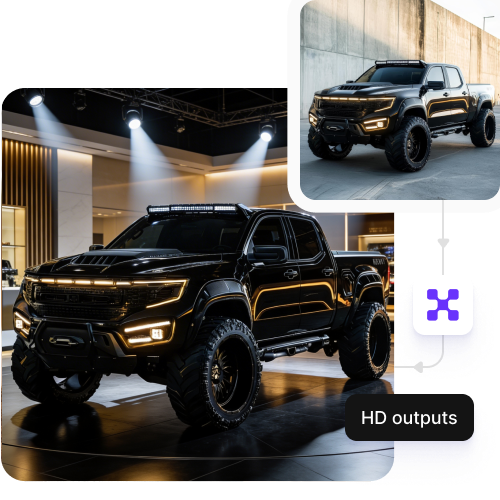
HD outputs

Download high-resolution images suitable for listings, catalogs, or presentations.
Feature 2
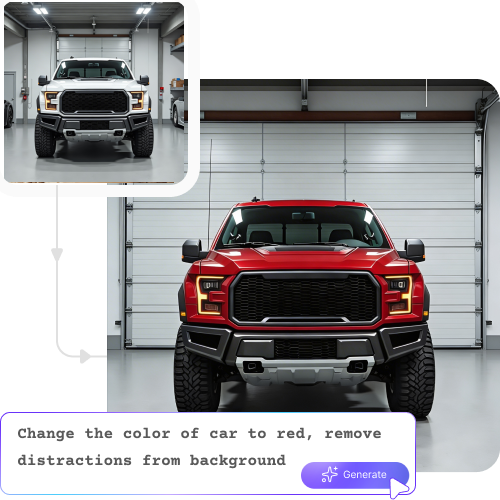
Instant access

Start editing immediately without creating an account or adding payment details.
Feature 3
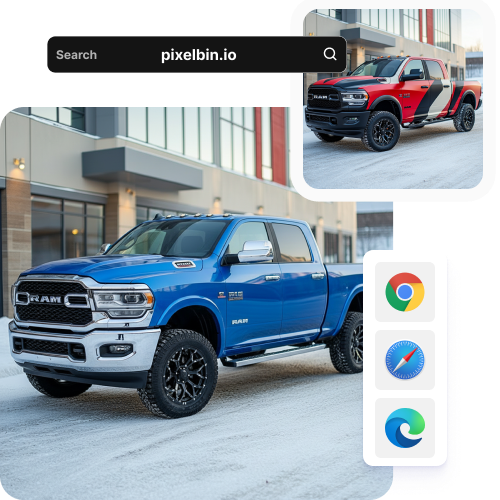
Browser-based

Access the editor directly from any browser, such as Chrome, Firefox, Edge, or Safari, without installing software.
Feature 4

AI tools by Pixelbin

Key highlights of Pixelbin’s AI truck photo editor tool

Benefits of using Pixelbin’s AI truck photo editor

  • Improve photo quality instantly: Enhance lighting, sharpness, and colors so trucks look clean and professional.
  • Create multiple variants easily: Generate different colors, trims, or configurations with our AI truck photo editor from a single truck image.
  • Remove background clutter: Clean up yards, roads, or warehouses to keep your truck in focus.
  • Speed up listings and launches: Get truck catalogs and listings online faster without manual edits.
  • Highlight key details: Make features like body build, wheels, cargo areas, and branding stand out clearly with our AI image editor.
  • Scale image editing: Process large volumes of truck images at once without any added effort with our API support.

Use cases of using Pixelbin’s AI truck photo editor tools

1. Truck listings

Improve image quality with our AI to make trucks look clean, reliable, and ready for sale.

2. Fleet catalogs

Maintain consistent visuals across large fleets with different models and builds.

3. Color & build variants

Create multiple truck configurations from a single base image with ease.

4. Marketing & ads

Refine your truck photos with new colors or designs so they can be used on websites, brochures, and digital campaigns.

5. Before & after visuals

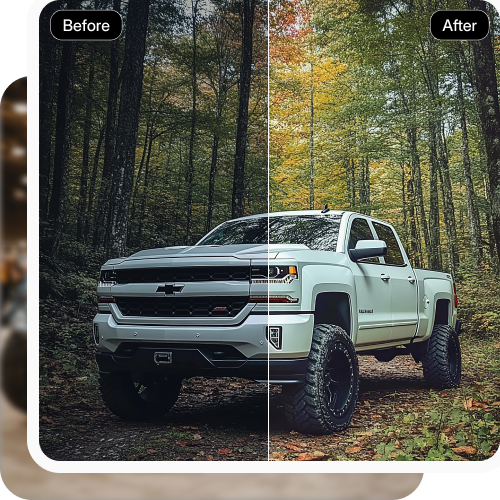
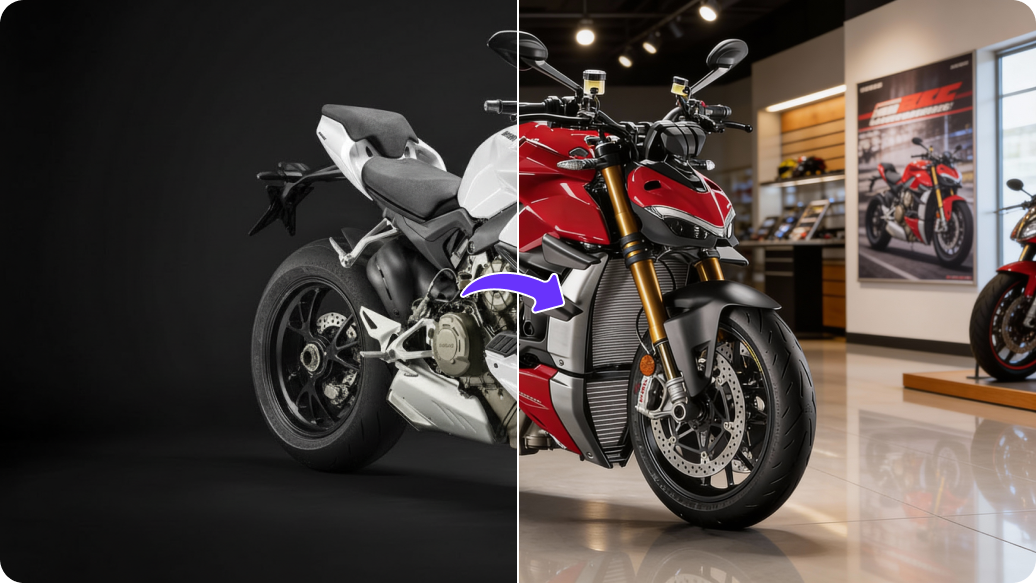
Help your viewers understand changes clearly by showing how a truck looks before and after updates or modifications.

6. Inventory management

Update truck visuals quickly as stock, branding, or configurations change.

How to get the best results from Pixelbin?

To get the best output from Pixelbin’s AI truck photo editor software, here are a few things you can follow:

  • Upload truck images clicked in natural light.
  • Avoid using compressed, blurry, or heavily-edited files.
  • When adding prompts, give the instructions clearly in simple words.
  • Use images where the truck is clearly visible.
  • Try avoiding photos with noisy backgrounds.

FAQs

Here are some of the most common questions about our Recolor Image Online free tool. If you can’t find the information you need, contact us at support@pixelbin.io or refer to our documentation for more details.

An image recolor online tool is a smart editor that lets you change the color of specific objects in a photo. Instead of manual editing, it uses AI to understand the image and apply the new color without requiring any manual edits.
Pixelbin offers a free plan with three free edits per month. You can choose plans or pay-as-you-go credits depending on how many images you need to edit. Custom enterprise plans are also available.
Yes, the maximum file size is 10MB. Ensure your images stay within this limit to maintain quality and avoid upload errors.
Pixelbin is a browser-based tool, so you do not need to install any software or app to get started. You can work directly on Chrome, Edge, Safari, or Firefox.
The tool uses encrypted servers and private processing, so no images are shared without your consent.
Edit images in seconds, not hours
Get pixel-perfect results just with your words
Start editing with AI