PixelBin logo
Image generator is here -   Create Now   and Claim 30% off on Pro Plans. Use code SALE30 at checkout.   Claim Discount

AI PNG Maker

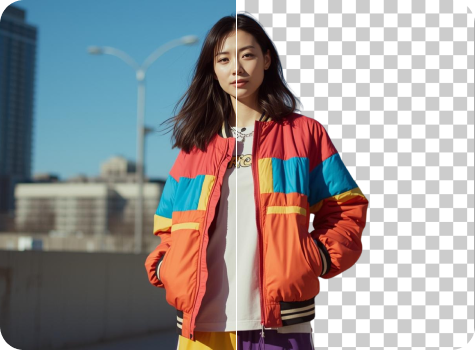
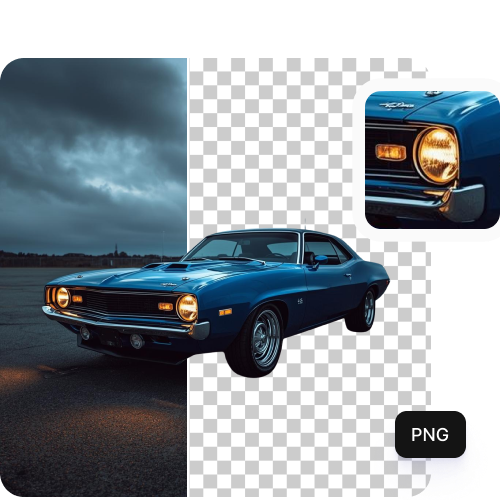
Convert JPEG, JPG, or WEBP images to transparent PNGs in just one click.

PNG Maker tool

File should be less than 10MB

or paste URL

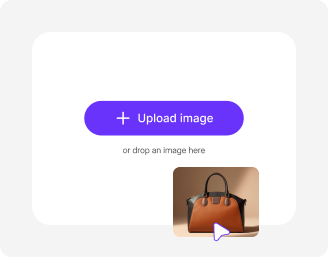
Upload an image to create a transparent PNG automatically using our PNG Maker.

Before
Loading

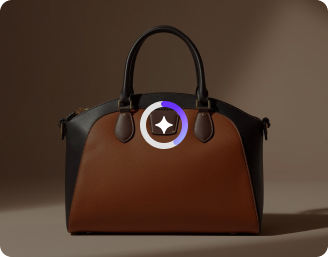
AI Magic in progress
Removing background and generating a clean transparent PNG

After

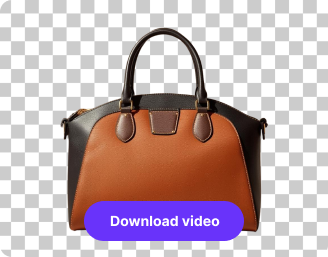
Your PNG image is ready!

Edit image with AI
Get 🔥 free credits for image editing, upscaling, generation and more
Create another PNG
Generation Failed

There was some issue on our end. Please try again.

Try Again
Show case

How to use Pixelbin’s AI PNG maker?

1
Add your image
Paste a direct image link, or upload an image from your device in JPG, JPEG, or WEBP format.
2
Convert to PNG
Pixelbin automatically analyzes your image and converts it into a high-quality PNG.
3
Save your file
Preview and download your clean PNG file with no watermarks or overlays.

Why use Pixelbin’s AI PNG maker tool?

Multiple formats
Work with common file formats, such as JPEG, JPG, PNG, or WEBP, for instant transformations.
Mobile-friendly
Convert your images into transparent PNGs easily on your smartphones or tablets.
Complete privacy
Your images are processed on encrypted servers, and never shared or reused without your consent.
Intuitive interface
Navigate the platform easily without having to learn any complex editing skills.
Easy sharing
Copy the image URL directly or from images stored within folders and share it instantly with your peers or teams.
Asset management
Organize all your images in one place so you can find them whenever you need.

Create transparent logos, icons & graphics in seconds

Remove backgrounds while keeping every detail clean and consistent across your visuals.

HD outputs

Get high-resolution images instantly with all details preserved, ready for immediate use.

Sailling ship of sketche to image
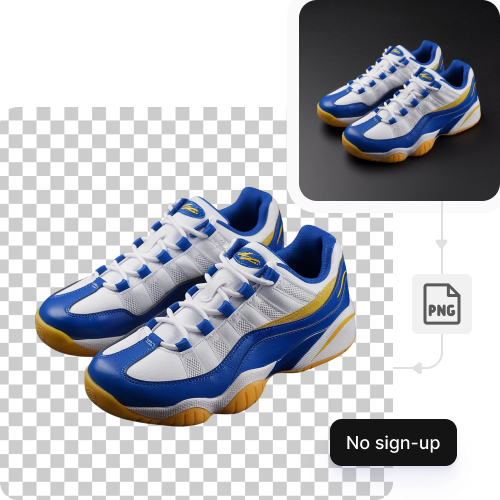
No sign-up

Access the AI PNG maker without creating an account or sharing your personal details.
Mountain sketch to image
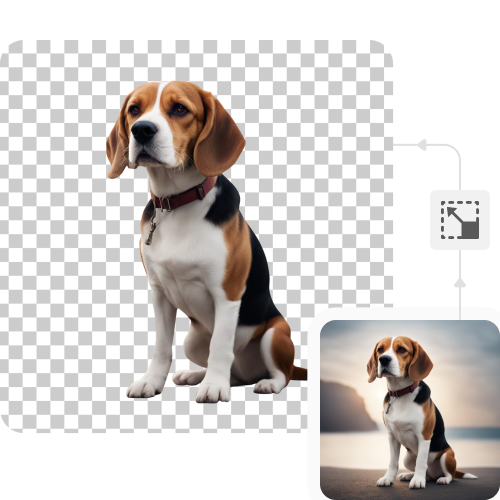
Image upscaling

Increase your image resolution by 2X, 4X or 8X without losing clarity or precision.
Sketch hot air baloon to image generator
Browser-based

Use the tool directly on Chrome, Safari, Edge, or Firefox; no app installations needed.
AI tools by Pixelbin

Key highlights of Pixelbin’s PNG maker

Benefits of using the AI PNG maker online

  • High-quality PNG output: Convert images into clean, lossless PNG files that preserve detail, sharp edges, and transparency.
  • Automatic format detection: The AI detects the source image and applies the right conversion settings without manual adjustments.
  • No quality loss: Unlike basic converters, AI processing helps retain image clarity during conversion.
  • Fast and simple: Convert images in seconds without installing software or configuring settings.
  • Supports transparency: Ideal for logos, UI assets, and design elements that require transparent backgrounds.
  • Consistent results: Get uniform PNG outputs suitable for professional, product, and design use.
  • Accessible from anywhere: Works directly in the browser, no downloads or setup required.

Use cases of AI PNG maker online

1. Design and UI assets

Convert images into PNGs for websites, apps, and digital products.

2. Logos and branding

Create clean PNG logos with transparent backgrounds for consistent branding.

3. Product images

Prepare images for ecommerce listings, presentations, and marketing materials.

4. Web optimization

Convert images into PNG format for better compatibility across browsers and platforms.

5. Document and presentation assets

Use PNGs in reports, slides, and PDFs without compression artifacts.

6. Developer workflows

Quickly convert image formats for front-end and product development needs.

How to get the best results using the AI PNG maker?

  • Upload complete images that display the entire subject without any edge markings.
  • Use original JPEG, JPG and WEBP file formats instead of screenshots because they help to minimize compression problems.
  • Avoid applying strong filters or heavy edits to your images before upload.
  • Use sharp, well-focused images with clear edges so the AI can easily detect.
  • Keep a strong contrast between the subject and the background to avoid uneven cutouts.
  • Be specific and descriptive with your prompts. Add negative prompts so the AI avoids unwanted elements like shadows, background details, text, or blur.

FAQs

Here are some of the most common questions about our AI White Background Remover Tool. If you can’t find the information you need, contact us at support@pixelbin.io or refer to our documentation for more details.

An AI PNG maker is a tool that creates transparent PNG files by removing background elements from uploaded images. The AI extracts the main subject from the image and gives a crisp cut-out image, ready to use for personal or professional purposes.
Yes, there’s a limit on the free usage. Pixelbin offers 3 credits for free, which get restored every month once you exhaust them. But if you want to continue editing, you need to sign up and purchase additional credits on a pay-as-you-go basis. For enterprises, we have custom plans too.
The maximum supported image size is 10 MB. Images within this limit process smoothly and maintain quality during background removal and PNG conversion.
Yes, the tool works well with logos, icons, and text-based images. It keeps edges clean and text readable when converting them into transparent PNGs.
No, the results from uploaded images and pasted image URLs produce identical outcomes. There is no difference in quality as long as the image itself is clear and high-quality. The result depends on the image resolution and clarity, not on whether it is uploaded directly or added through a URL.
Edit images in seconds, not hours
Get pixel-perfect results just with your words
Start editing with AI