PixelBin logo
🚀 Pixelbin AI Studio - No Prompt - Idea to final image with our agent Pixie   Click for Free Trial

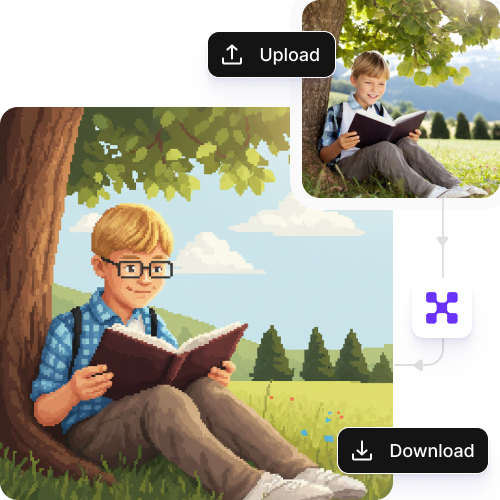
AI Stardew Valley profile maker

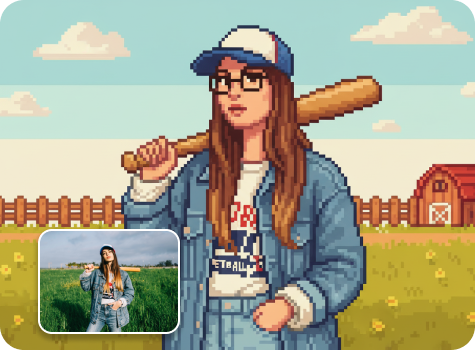
Turn your photo into a custom Stardew Valley–style character for profiles, roleplay, and fan art in seconds.

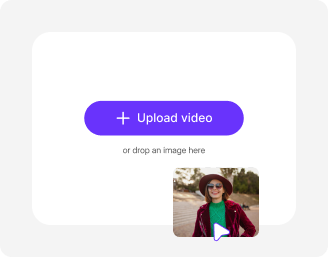
File should be less than 10MB

or paste URL

Before
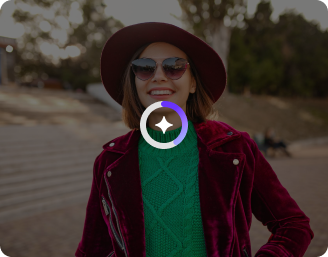
Loading

AI Magic in progress
Enhancing pixel details, adjusting colors, adding cozy tones, and preparing your Stardew Valley-style profile picture

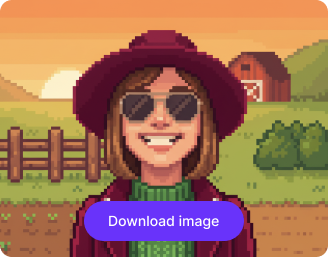
After

Your Stardew Valley avatar is ready!

Edit image with AI
Get 🔥 free credits for image editing, upscaling, generation and more
Generate more images
Generation Failed

There was some issue on our end. Please try again.

Try Again
Show case

How to use Pixelbin to create a Stardew Valley profile picture?

1
Upload your image
Paste an image URL or upload a file in JPEG, JPG, PNG, or WEBP format.
2
Click on “Generate”
Pixelbin automatically converts your photo into a Stardew Valley-style character, enhancing details, colors, and the overall look.
3
Download your picture
Preview and save the final image in HD quality, with no watermarks, text, or logos.

Why use Pixelbin’s AI Stardew Valley character generator?

Multiple formats
Work across photos in common formats, such as JPEG, JPG, WEBP, and PNG.
Digital asset management
Store your favorite edits in one place to revisit or reuse them for social media and personal projects.
Global CDN delivery
Access your images instantly from anywhere in the world with fast, reliable delivery.
Image upscaling
Increase your image resolution by up to 2x, 4x, or 8x for improved clarity and sharpness.
No sign-up
Use the Stardew Valley profile maker instantly without creating an account or adding payment details.
Complete privacy
Your images are encrypted, processed securely, and never shared with anyone.

Create customized game-style avatars without editing skills

Adjust outfits, colors, and details to reflect your personality, mood, or roleplay style.

No learning curve

Easily create your avatar with a friendly design built for everyone, from beginners to experts.

Sailling ship of sketche to image
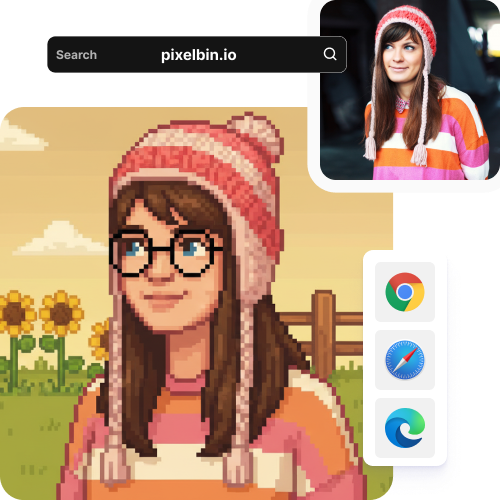
Browser-based

Open the tool instantly in any browser, such as Safari, Chrome, Edge, or Firefox, without downloading any software.
Mountain sketch to image
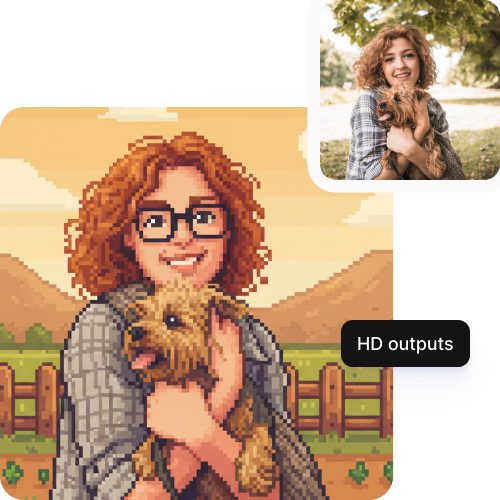
HD outputs

Get sharp, high-quality images that look great on Discord, social media, or any of your fan projects.
Sketch hot air baloon to image generator
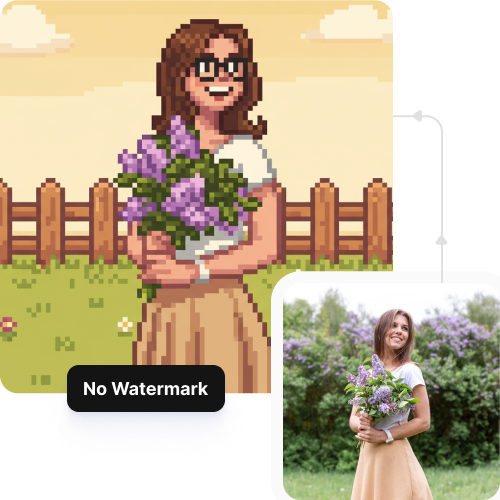
Watermark-free exports

Download your art without any logos or watermarks, perfect for sharing or using it directly on your profile.
sketch to image in HD-resolution pictures

AI tools by Pixelbin

Key highlights of Stardew Valley profile picture maker

Benefits of Pixelbin’s Stardew Valley profile picture generator

  • Create Stardew Valley–style portraits easily: Describe your character in a few words, and get a pixel portrait that looks like it belongs in Stardew Valley.
  • Represent any character you imagine: With just a few prompts, you can build female, male, or non-binary characters and shape your farmer the way you want.
  • Get clean or transparent backgrounds: You can remove cluttered backgrounds or create one from scratch in a few seconds.
  • Customize your character: Just with a few simple descriptions, you can change hair, clothes, accessories, or mood in your prompt and see those details appear naturally.
  • Visualize your farmer’s story and personality: Create images that reflect your character’s likes, dislikes, and overall vibe to share with the community.
  • Create portraits for mods or custom projects: Apply your generated images to in-game mods or fan projects without extra editing.

Use cases of Stardew Valley profile picture maker

1. OC development

Turn your images into fan-fiction characters, D&D NPCs, or your own story characters using the AI Stardew Valley profile picture maker.

2. Life after grind portfolio

Create a unique farmer based on a themed save file built around a specific role or story, such as an employee of Joja Corp or an occultist at the Witch Farm.

3. Interpret what ifs

Visualize portraits of non-romanceable villagers or characters as you would prefer them to be, allowing you to put your own spin on the fan lore surrounding that character.

4. Personal projects beyond profile pictures

Turn avatars into digital journals of your farm life or character journey. You can make custom themed merchandise (stickers, prints, digital cards) for personal use.

5. Mod prototyping

Use the generator to experiment with character looks, clothing, or hairstyles quickly, so you can refine your ideas before downloading the final avatar look.

6. Time-lapse projects

Give your characters different facial expressions or accessories to track your character’s evolution over time.

How to get the best results with Pixelbin’s AI profile picture maker?

To get the best results using our AI Stardew Valley profile picture generator, here are a few things you need to keep in mind:

  • Ensure your photo is clear and well-focused.
  • Use bright, even lighting for accurate colors and details.
  • Position the face front-facing or slightly angled.
  • Choose images with simple or uncluttered backgrounds.
  • Be specific with the style references if you want a specific look for your avatar.
  • Try to avoid extreme angles to maintain accurate facial features.

FAQs

Here are some of the most common questions about our AI Stardew Valley Profile Picture Maker. If you can't find the information you need, contact us at support@pixelbin.io or refer to our documentation for more details.

Yes, you can generate both full-body characters and portraits using the AI Stardew profile picture maker. Just make sure the uploaded image is clean and is without any blurred backgrounds or heavy filters. If you are using only your headshot, make sure the face is clearly visible, and for full body images, ensure all details of your image are clearly visible.
Pixelbin offers three free credits every month, with which you can try 3 free edits. However, if you want to continue editing, you have to create an account and purchase additional credits on a pay-as-you-go basis.
No, you do not need to start from scratch. You can use just a single photo as the base image, edit the image multiple times, and save different versions of it.
Yes, the upload limit is 10 MB. This keeps the tool fast while still giving you good-quality results.
Yes, you can copy the image link directly from the edited file or from the folder and share it on Discord, social media, or with friends instantly.
Edit images in seconds, not hours
Get pixel-perfect results just with your words
Start editing with AI