PixelBin logo
Black Friday offer is live now. Flat 30% on all annual plans. Use code at checkout - BF30. Claim Now

Turn your pets into portraits using AI

Transform your pet’s photo into a lifelike, artistic, & cartoon-style portrait.

Uploaded image
2500 chars left
Max file size 10 MB.
Loading

AI Pet Portrait in progress
Applying your prompt to craft a custom AI pet portrait

Export Image

Your pet portrait is ready!

Download your AI pet portrait in HD

Edit pet portrait

Change background, style, colors, lighting, or upscale

Create another pet portrait
Generation Failed

There was some issue on our end. Please try again.

Try Again
Show case

How to create AI pet portraits using Pixelbin?

1
Add your image
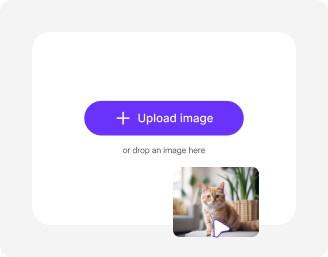
Click on the ‘+’ sign to upload photo in any of the following formats: JPG, JPEG, PNG, or WEBP.
2
Wait for AI processing
Pixelbin’s AI automatically turns your pet’s photo into a human-like portrait without requiring manual edits.
3
Download your image
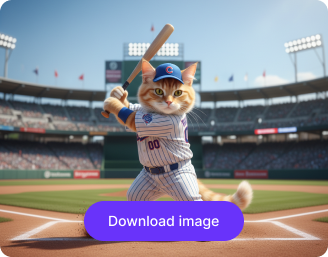
Preview and download your generated pet portrait, free of watermarks or hidden costs.

Why use Pixelbin’s AI pet portrait generator?

Multiple image formats
Upload images in popular formats such as JPG, JPEG, PNG or WEBP for seamless compatibility.
Batch processing
Edit multiple images at once with bulk-editing API to save time and improve efficiency.
Smart AI editor
Automatically transform your pet’s photos into human-like portraits without any manual adjustments.
Free HD download
Preview and download your portraits in high definition without watermarks or extra costs..
No credit card login
Start using the tool instantly without creating an account or entering payment details.
Complete privacy
Your photos are encrypted, processed securely, and never shared with anyone.

Turn your pet photo into an artistic portrait online

Instantly create fun portraits of your furry friends in artistic styles using Pixelbin’s pet portrait AI generator.

One-click result

Skip complicated tools and extra steps. Create pet portraits instantly with the AI pet portrait generator.

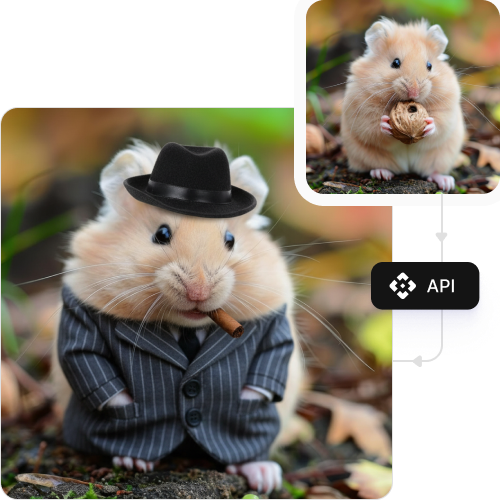
Feature 1
No technical skills required

Turn your pet into a cartoon-style character automatically - no prompts, design expertise, or editing needed.
Feature 2
Free trials for everyone

Generate up to three pet portraits each month for free, and upgrade anytime for more credits or API access.

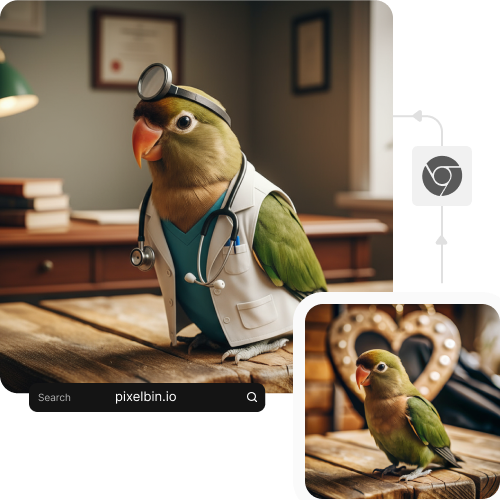
Feature 3
Browser-based editing

Create pet portraits directly from your browser on any device - no downloads or installations required.
Feature 4

AI tools by Pixelbin

AI pet portrait generator turn dog into human

Benefits of using AI-based portrait generator tools

Using Pixelbin, you can easily humanize or cartoonize your pet’s photo online. Here are some of its benefits:

  • Easy accessibility: You can use our tool from anywhere, with just an internet connection.
  • No quality loss: The processed image has the same resolution as the uploaded one.
  • No watermarks: Download your generated image in high definition without any distracting watermarks.
  • Scalable for bulk edits: Save time by processing multiple images in one go with Pixelbin’s API for bulk editing (available in premium plans).
  • Flexible for creators: Artists, pet owners, and content creators can use our tool for instant results, in one click.

Use cases of free AI pet portrait generator online tools

With Pixelbin’s AI editor, you can do more than just create a simple portrait of your pet’s image. Here are some creative ways you can use our tool:

1. Create a cartoon version of your pet

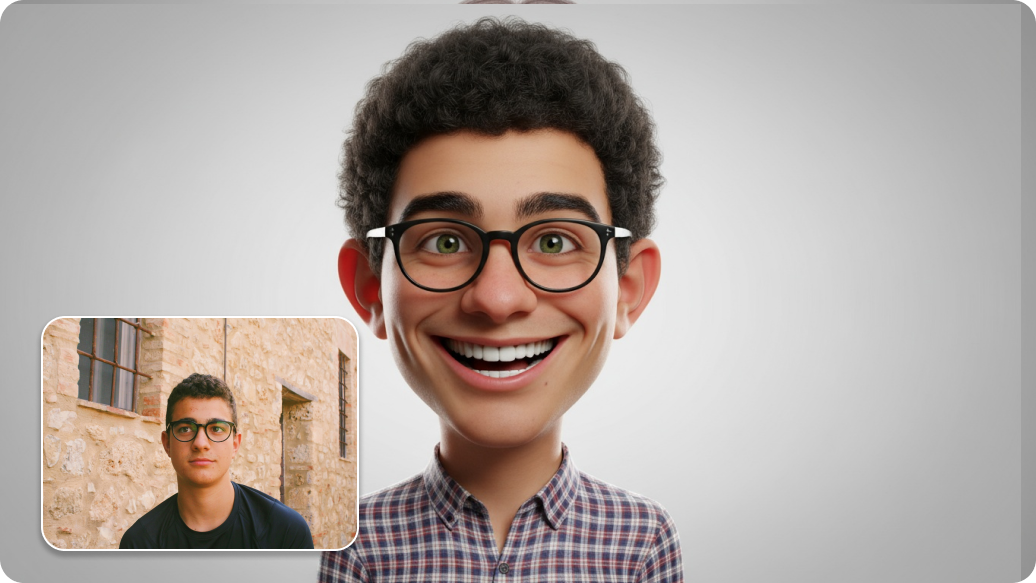
Use our AI pet portrait generator free online tool to turn a photo of your dog into a fun, animated character. Instantly create custom avatars or social media profile pictures of your pet with Pixelbin.

2. Imagine your pet as a human

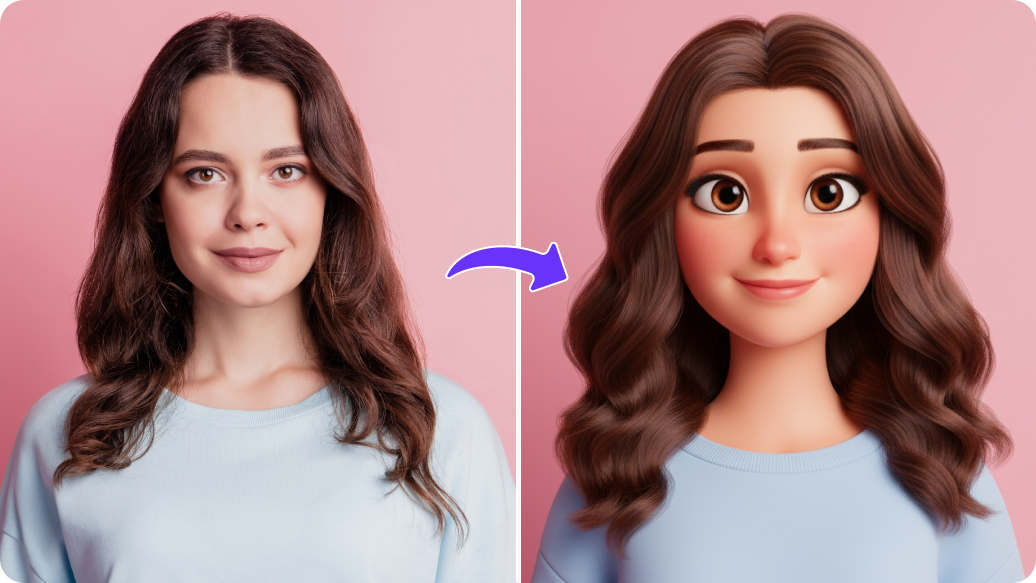
Ever wondered what your pet would look like as a person? Using Pixelbin, you can create a humanized version of your furry companion, blending their features into a unique character portrait.

3. Create fantasy or Ghibli-style art

Try our Studio Ghibli-style pet portrait AI generator to transform your pet photo into a soft, anime-like illustration. Our AI editor recreates the colors and shading of hand-painted Studio Ghibli animation.

4. Design unique home decor

Generate beautiful pet portraits and print them in HD quality so that you can print and frame them. Using Pixelbin, you can create custom wall art instantly, without any manual work.

How to get the best results from AI pet portrait generator online free tools?

To get the most amazing results when you generate a portrait, follow these simple tips:

  • Upload a clear, high-quality image of your pet’s face.
  • Make sure your pet’s face is clearly visible and facing forward.
  • Avoid using photos that are blurry, dark, or have objects covering your pet’s face.
  • Photos with a simple, uncluttered background often produce cleaner portraits.
  • Try experimenting with different photos and styles to see which one you like best.

FAQs

Here are some of the most commonly asked questions about our AI Pet Portrait Generator. If you still can’t find what you’re looking for, you can reach out to us at support@pixelbin.io or read our documentation for more details.

Pixelbin lets you turn your pet’s photos into portraits for free, up to three times a month. You can sign up anytime to redeem your ten free credits and continue using the tool. You can also use these credits to try our other AI tools, such as the vignette effect or clarity upscaler.
No. It’s not necessary to have a perfect image of your pet to get the best results. Uploading a well-lit and clear image is enough to generate great portraits.
No. Pixelbin is a web-based application, so you don’t need to download any software or install a mobile app. You can use our tool on any device with an internet connection and a web browser.
Yes, you can process multiple images in one go by uploading them in bulk using Pixelbin’s API, which is available in the premium plans.
Yes, you can upload big files to Pixelbin. Images up to 10 MB should work as long as they’re in the mentioned file formats (JPG, JPEG, PNG or WEBP).
Edit images in seconds, not hours
Get pixel-perfect results just with your words
Start editing with AI