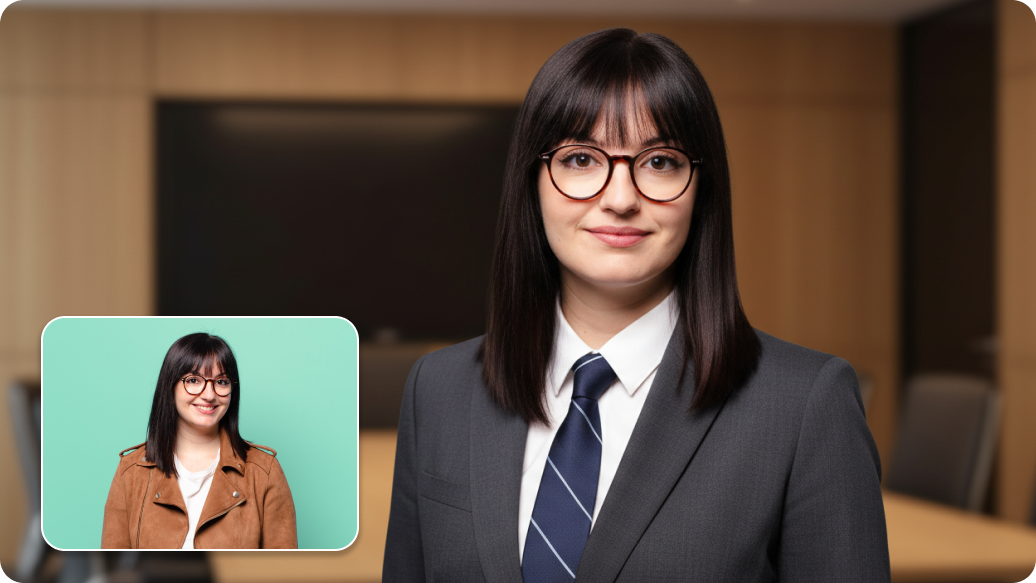
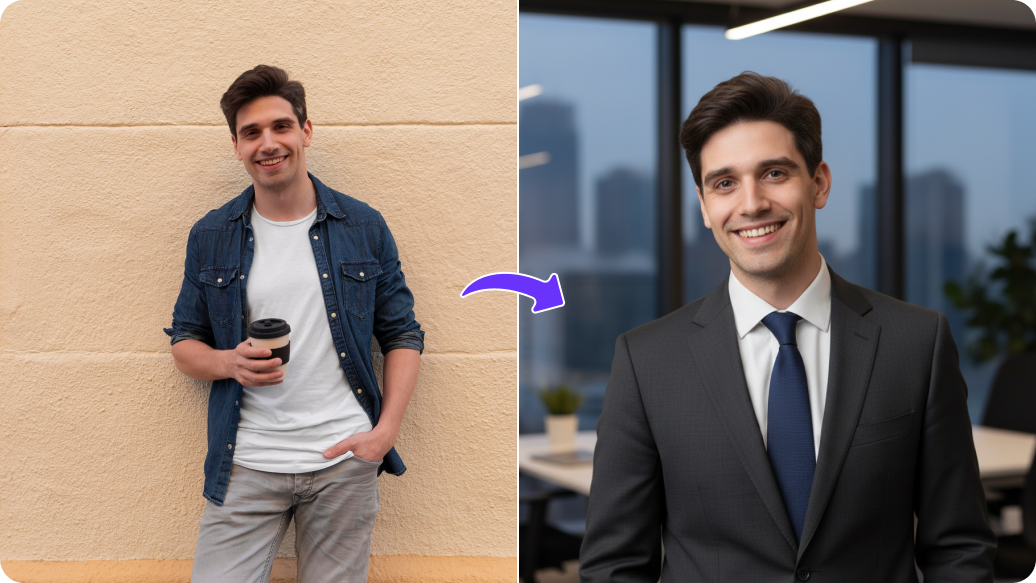
PixelBin logo
🚀 Pixelbin AI Studio - No Prompt - Idea to final image with our agent Pixie   Click for Free Trial

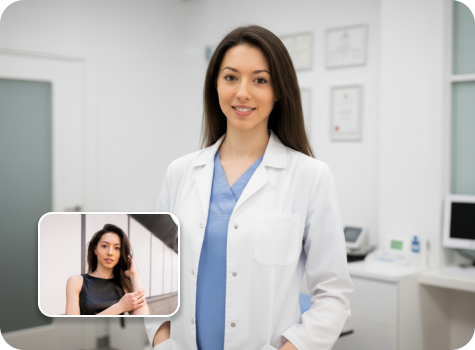
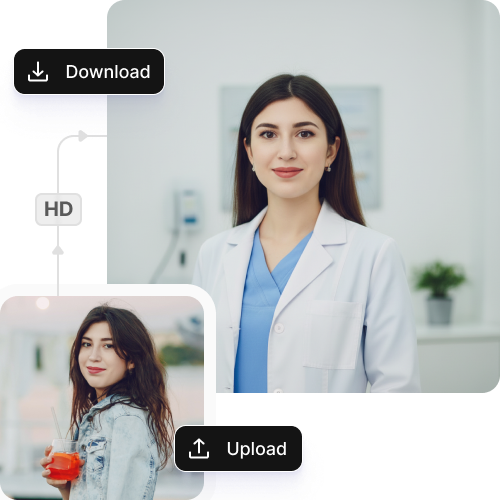
Doctor headshot maker

Create professional, application-ready headshots for medical residency, clinics, and credentials.

Doctor headshot tool preview

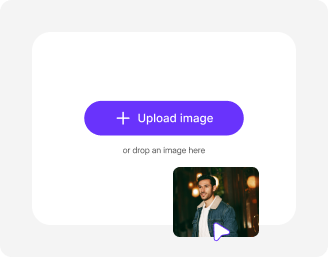
File should be less than 10MB

or paste URL

Before
Loading

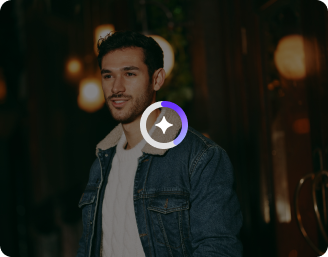
AI Magic in progress
Creating a polished, professional doctor headshot from your photo

After

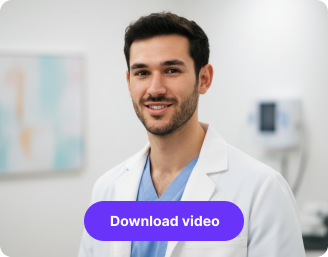
Your AI doctor headshot is ready!

Edit image with AI
Get 🔥 free credits for image editing, upscaling, generation and more
Create doctor headshots from another photo
Generation Failed

There was some issue on our end. Please try again.

Try Again
Show case

How to use Pixelbin to create doctor headshots?

1
Upload your image
Paste a URL to get started or select an image from your device in JPEG, JPG, WEBP, or PNG.
2
Generate the headshot
Pixelbin automatically generates your doctor headshot without requiring any manual edits.
3
Download the photo
Preview & save the image in high-resolution without watermarks or any text overlays.

Why use Pixelbin's doctor headshot maker?

Standard formats
Upload images in popular formats, such as JPEG, JPG, PNG, or WEBP.
Browser-based
Work directly on any browser, such as Safari, Chrome & Firefox; no software downloads required.
Bulk processing
Process multiple images at once with the Bulk editing API to save your time and effort.
Privacy first
Edit images on secure, encrypted servers that prevents misuse of information.
24/7 accessibility
Use the tool anytime, anywhere, from your laptops, tablets, or mobile phones.
Instant previews
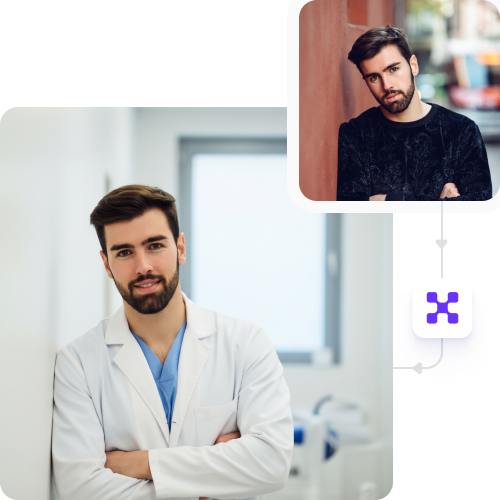
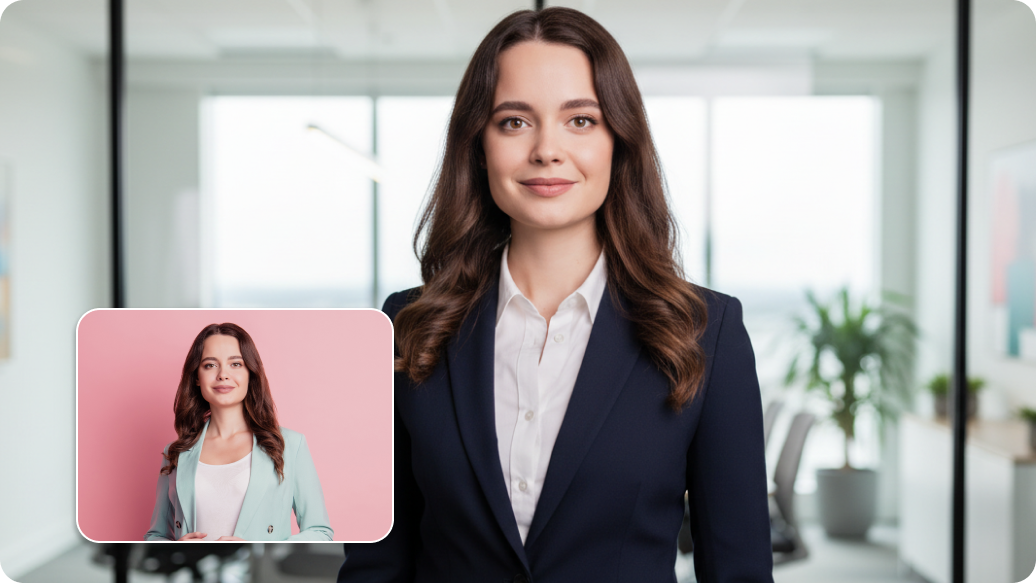
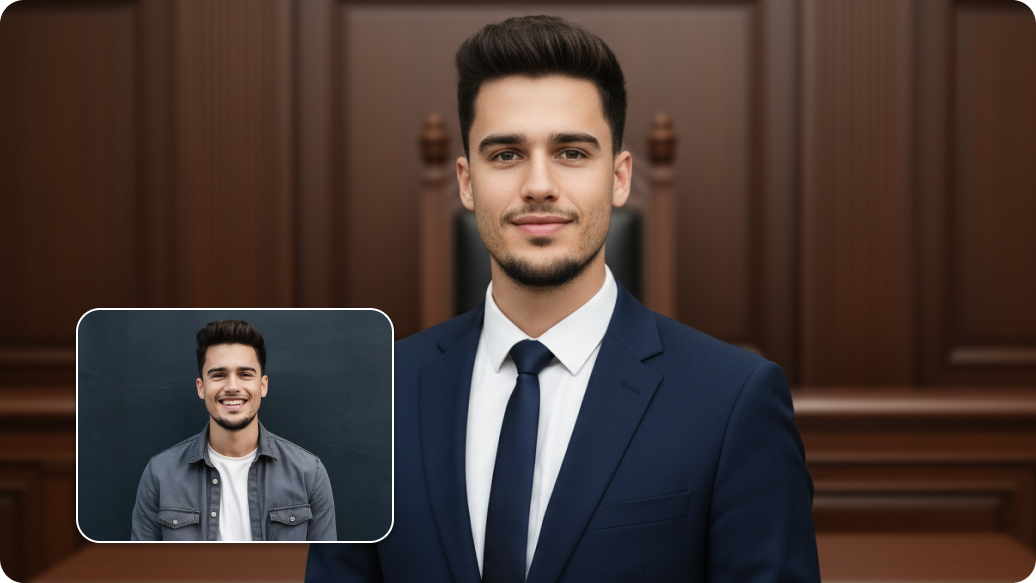
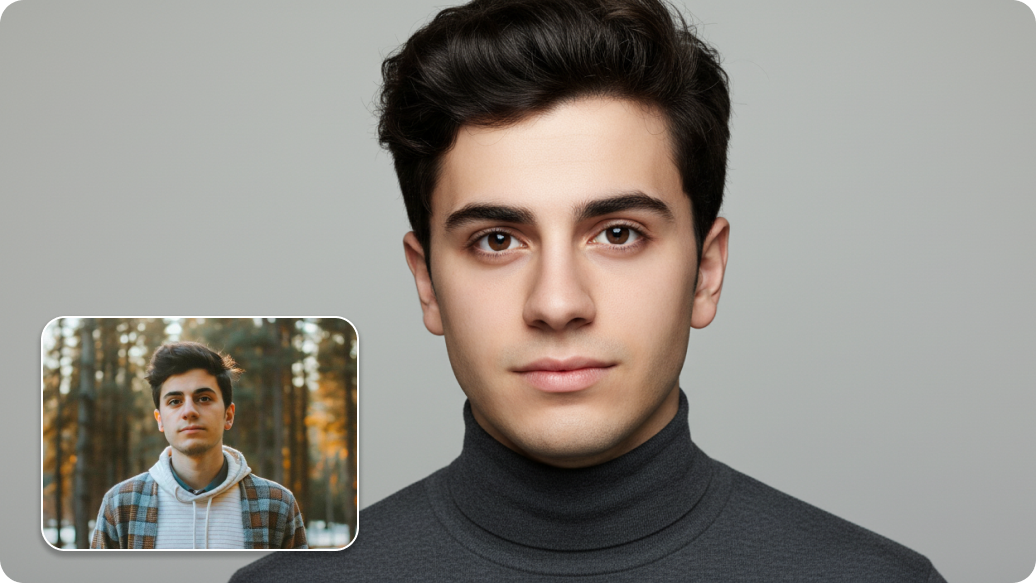
View your original and edited headshots side by side before saving the final image.

Skip the studio, create professional headshots online

Save cost and effort while generating realistic, studio-quality medical portraits.

Auto Centering

Adjusts your face automatically to the correct position for professional use.

Sailling ship of sketche to image
Instant Processing

Generates new medical headshots the moment you upload, with zero waiting time.
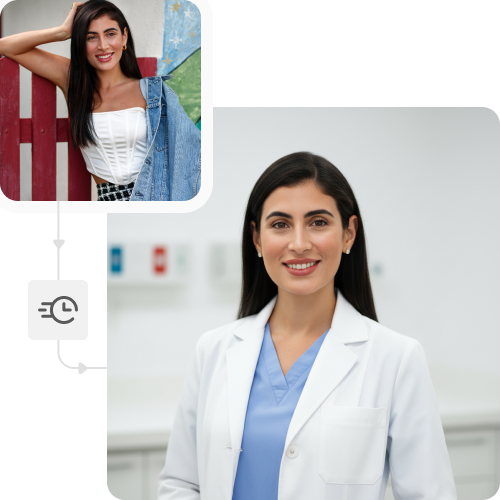
Mountain sketch to image
Image upscaling

Enhances image up to 8X resolution with consistent speed and accuracy.
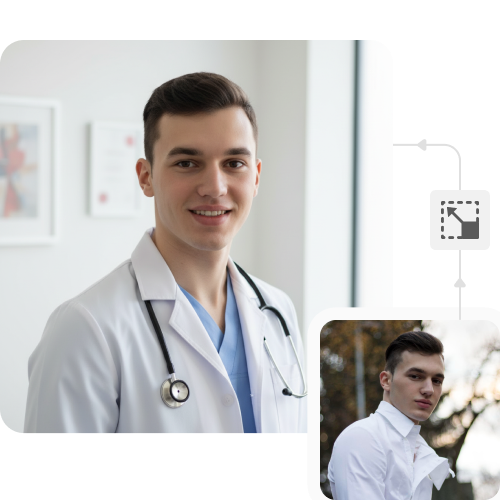
Sketch hot air baloon to image generator
HD outputs

Delivers edited visuals in high-resolution, free from watermarks or text overlays.
sketch to image in HD-resolution pictures

AI professional headshot generator

Key highlights of Pixelbin’s AI doctor headshot

Benefits of using the doctor headshot AI

  • No photoshoot required: Create professional headshots without booking a studio, finding a photographer, or worrying about lighting and backgrounds.
  • Designed for medical use: Headshots are generated to look appropriate for residency applications, hospital systems, clinics, and professional credentials.
  • Fast and stress-free: Upload a photo and get a polished, professional headshot in minutes instead of days.
  • Cost-effective: Avoid expensive studio sessions while still getting a high-quality, professional result.
  • Consistent and professional look: Get clean, neutral, studio-style headshots that match medical and institutional expectations.
  • Accessible anywhere: Works for medical students, residents, and doctors regardless of location or access to professional photography.

Use cases of our AI doctor headshot tool

1. Medical residency applications

Create application-ready headshots suitable for residency and fellowship submissions.

2. Hospital and clinic profiles

Use headshots for hospital directories, clinic websites, and patient-facing profiles.

3. Professional credentials and boards

Submit headshots for medical boards, licensing, and credentialing portals.

4. LinkedIn and professional profiles

Present a consistent, credible professional image across online platforms.

5. Conference and academic profiles

Use headshots for speaker bios, research profiles, and academic websites.

6. International medical graduates (IMGs)

Generate compliant, professional headshots without needing local studio access.

How to get the best results using the AI doctor headshot?

  • Use clear photos with good lighting to capture your face and skin in detail.
  • Upload images with a sharp focus. Low-quality pictures can affect the final headshot.
  • Keep the camera at eye level and face straight ahead.
  • Make sure your entire face is visible. Keep hair away from your eyes, and don't wear accessories that hide your face.
  • Wear simple clothes in solid colors so the AI can easily detect your shoulders and neckline.

FAQs

Here are some of the most common questions about our AI Suit Editor Tool. If you can’t find the information you need, contact us at support@pixelbin.io or refer to our documentation for more details.

The doctor headshot is an AI tool that turns your ordinary photos into medical portraits. You just upload your picture and the tool automatically applies edits to create a professional image ready for medical profiles, residency applications, or board submissions.
Yes. You only need one clear photo to generate professional headshots. The tool allows you to create multiple versions from the same image, so you can experiment with different looks and make adjustments until you are satisfied. This way, you don’t need extra photos or retakes.
Yes, the images produced by our tool are of high resolution and are professional enough to meet the standards required for residency applications, hospital directories, and medical board licenses.
Yes, all your uploaded images are processed in a safe manner, and we use encryption protocols to prevent sharing or misuse of information.
Yes, you get a free Pixelbin plan with 3 credits per month. Beyond that, you can buy additional credits on a pay-as-you-go basis or opt for a custom enterprise plan.
Edit images in seconds, not hours
Get pixel-perfect results just with your words
Start editing with AI