PixelBin logo
Image generator is here -   Create Now   and Claim 30% off on Pro Plans. Use code SALE30 at checkout.   Claim Discount

AI model headshot generator

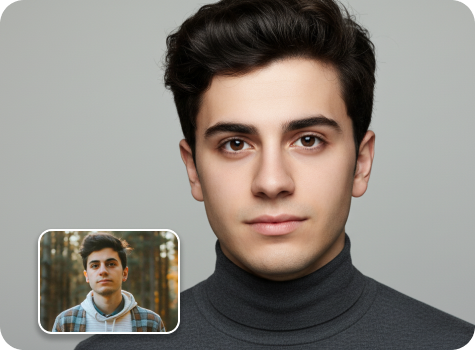
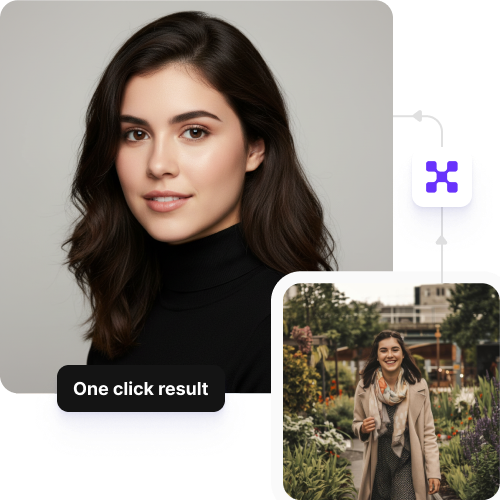
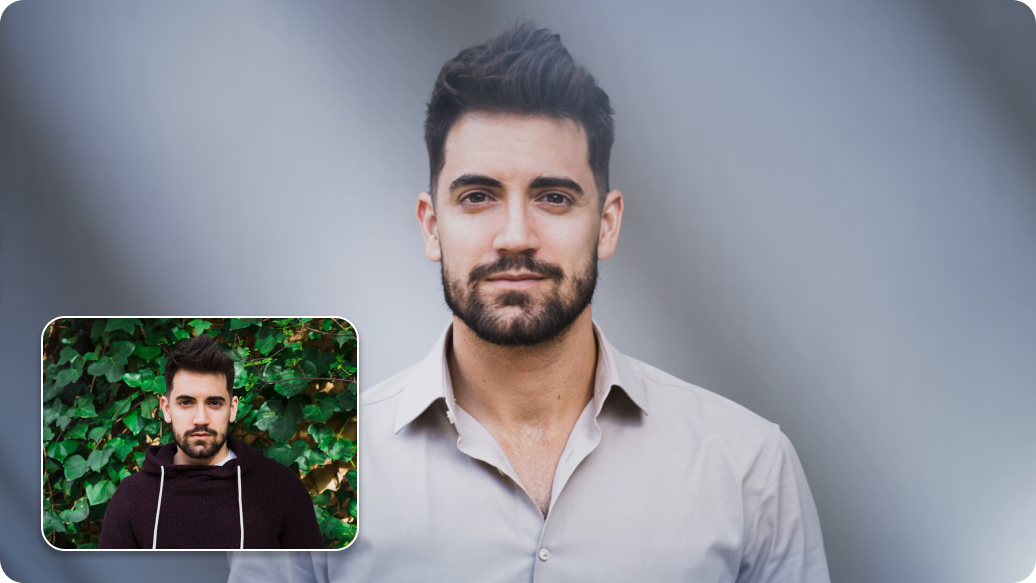
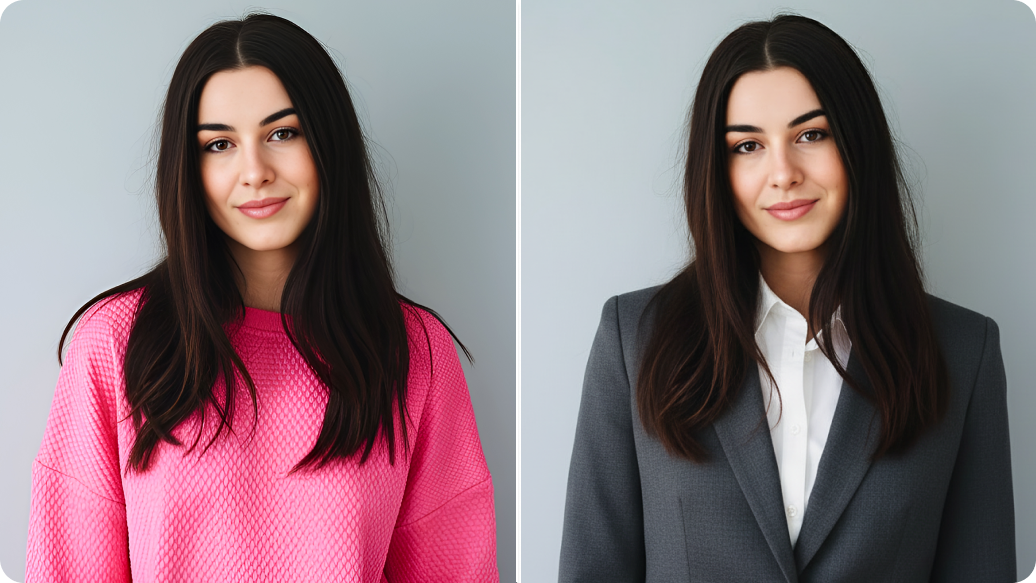
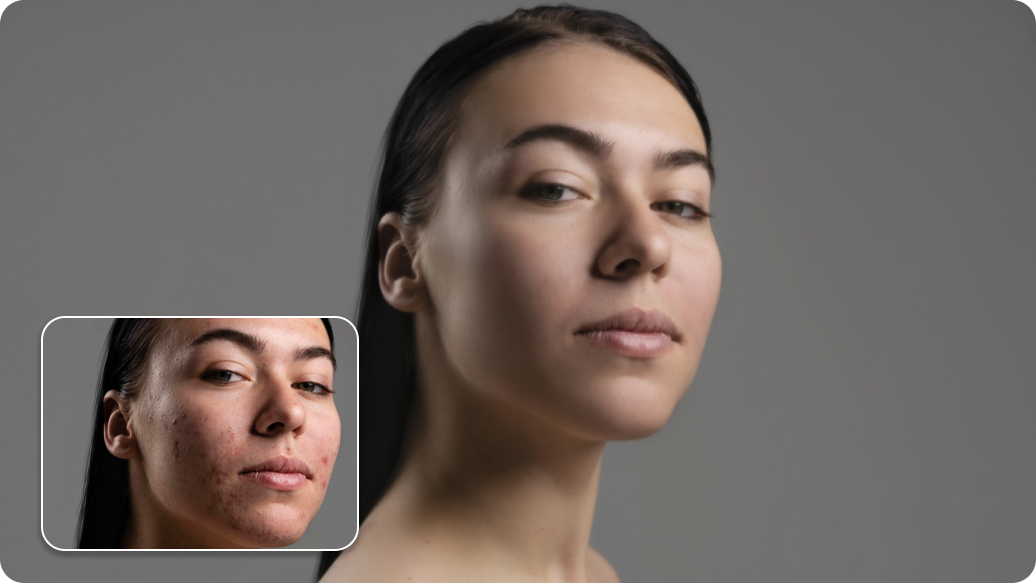
Create model-style headshots from any photo with refined lighting, sharper details, and clean studio or runway-inspired backgrounds.

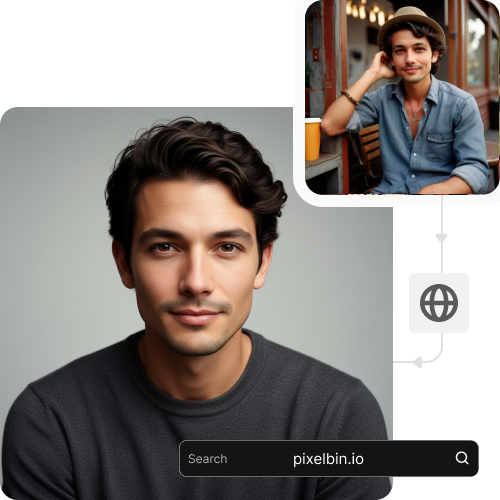
Model headshots tool preview

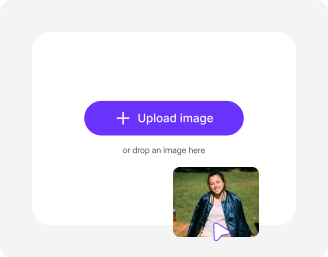
File should be less than 10MB

or paste URL

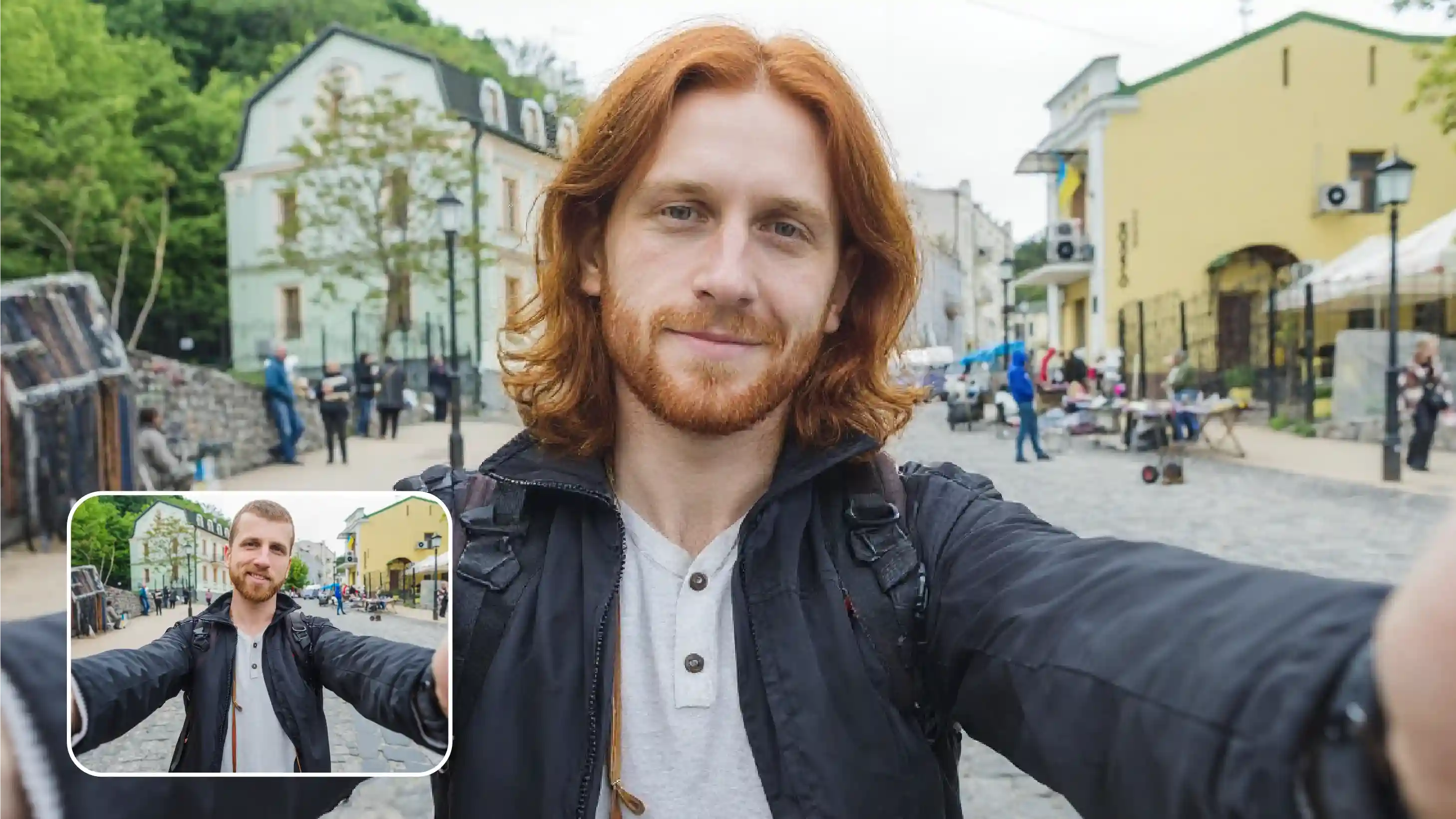
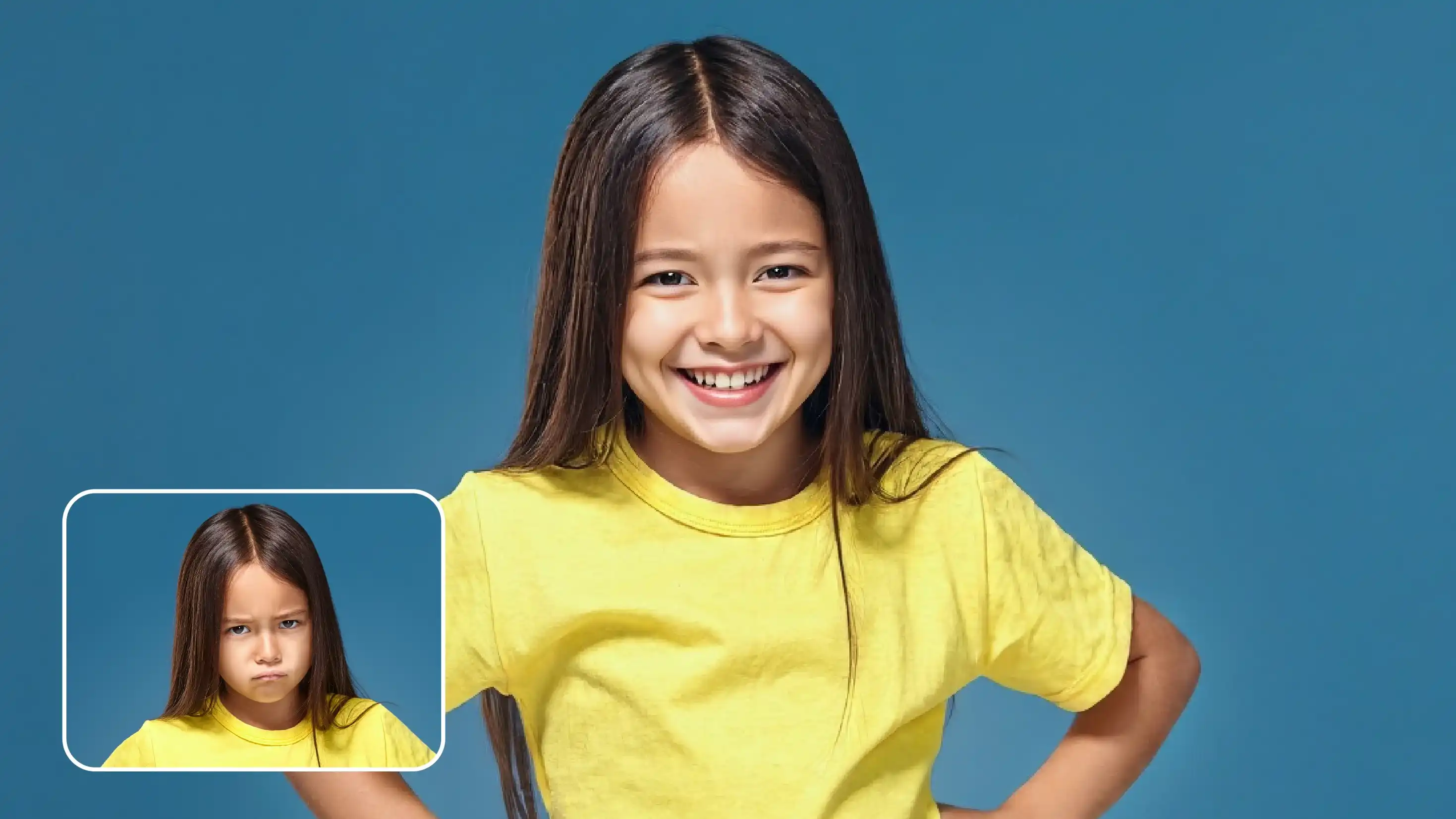
Before
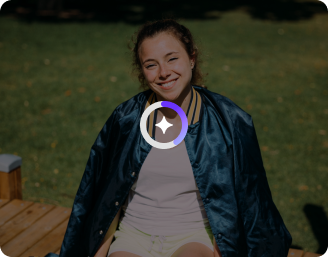
Loading

AI Magic in progress
Enhancing your photo to create a polished, professional model headshot

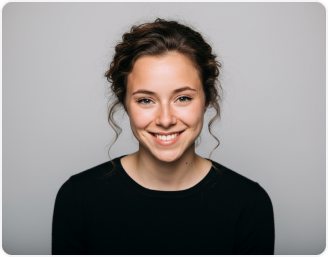
After

Your AI model headshot is ready!

Edit image with AI
Get 🔥 free credits for image editing, upscaling, generation and more
Create another model headshot
Generation Failed

There was some issue on our end. Please try again.

Try Again
Show case

How to create model headshots with Pixelbin?

1
Add your image
Paste a URL or upload your photo in any of these formats: JPG, JPEG, PNG, or WEBP.
2
Wait for AI processing
Pixelbin automatically generates your model headshot without requiring any manual edits.
3
Download your image
Preview & download the headshot for free, without watermarks or any hidden costs.

Why use Pixelbin to create model headshots?

Multiple image formats
Upload images in popular formats such as JPG, JPEG, PNG, or WEBP.
Batch editing
Process multiple photos at once with API support to save time and improve workflow efficiency.
Easy accessibility
Use the headshot generator from any device with a browser and an internet connection.
Free HD downloads
Download your headshots in high definition without watermarks or extra costs.
No sign-up required
Access the tool instantly without logging in or entering payment details.
Complete privacy
Your images are encrypted, processed securely, and never shared with anyone.

Portfolio-ready model portraits from everyday photos

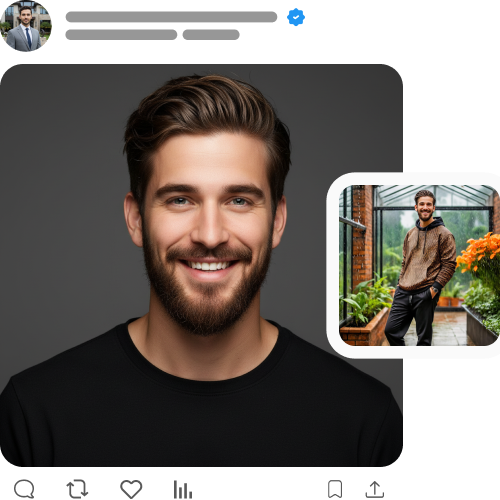
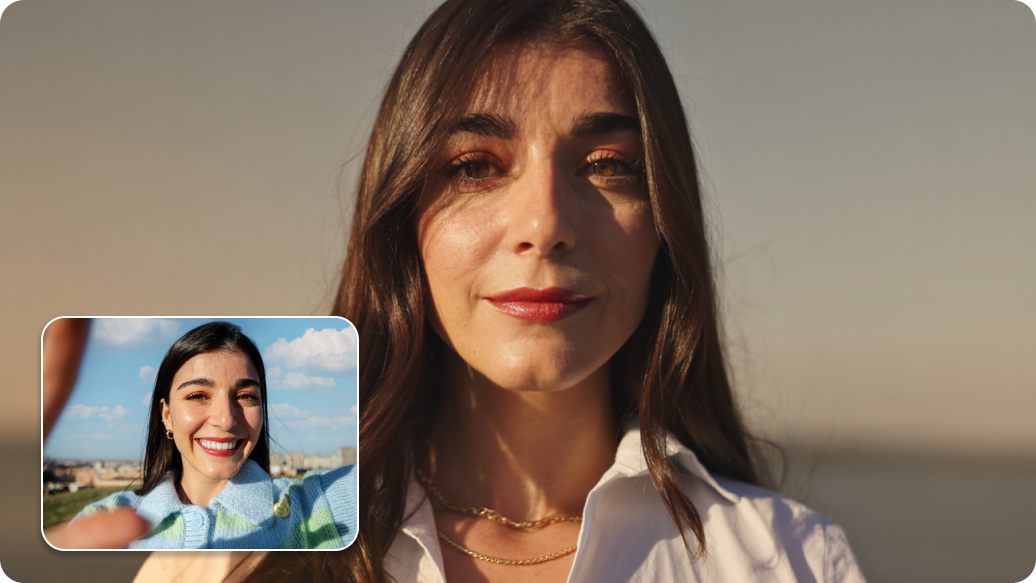
Transform simple portraits into sharp, portfolio-quality model images instantly.

Instant studio-quality results

Convert candid photos into polished, studio-quality portraits within seconds using the AI editor.

Sailling ship of sketche to image
Perfect for portfolios

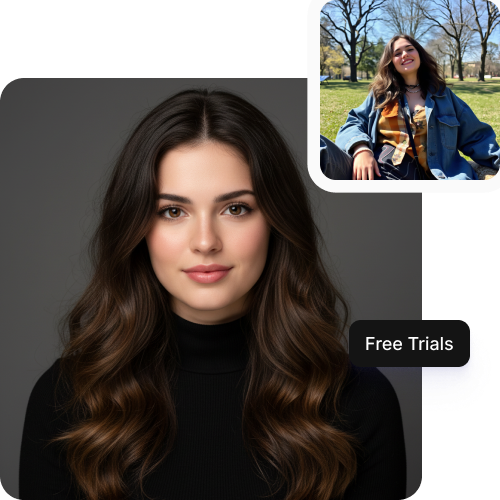
Design high-resolution headshots for comp cards, modeling agencies, casting websites, and social media.
Mountain sketch to image
Monthly free trials

Create up to three free headshots per month using Pixelbin, and upgrade anytime for more credits & API access.
Sketch hot air baloon to image generator
Browser-based editor

Generate your new headshot directly from your browser on any device without installing software or mobile apps.
sketch to image in HD-resolution pictures

AI tools by Pixelbin

Key highlights of Pixelbin’s model headshot generator online

Benefits of using an AI app to generate model portraits

  • Fast & effortless: Instantly create high-quality model-grade portraits from any casual photo.
  • Studio-grade quality: Get a high-fashion look without losing the original image's clarity.
  • No watermarks: Download clean, distraction-free images ready for agency submissions.
  • Bulk-ready: Process multiple headshots in one go using Pixelbin’s API support. (available in premium plans).
  • Privacy-first: All uploaded photos are encrypted, processed securely, and never shared without your consent.
  • Ready for sharing: You can download your headshot & upload instantly to Instagram, audition portals, or any other platform.

Use cases of our best model headshot generator

1. Digital comp cards

Create a versatile range of looks for your composite card without booking multiple test shoots. Generate distinct styles, from commercial to high-fashion, to show agencies your potential in a single layout.

2. Casting websites

Stand out on digital casting platforms with authoritative, high-quality images. Pixelbin helps you present a polished look that grabs the attention of casting directors immediately when they scroll through profiles.

3. Social media modeling profiles

Give your Instagram or TikTok modeling page a stronger visual presence with a proper headshot. High-quality model headshots help you look more professional and attract more collaborations from agencies and brands.

4. Agency applications

Submit agency-ready photos without the initial investment. Using Pixelbin, you can submit clean and professional photos, giving you a better chance of getting signed by top modeling agencies.

5. Acting & commercial work

Bridge the gap between modeling and acting. Detailed, expressive headshots allow you to apply for commercial acting roles that require a specific "model" look for advertisements and print media.

How to get the best results from model headshot generator free tools?

  • Choose high-resolution photos: Upload a clear image with good lighting for the best HD model headshots.
  • Keep your face unobstructed: Avoid heavy bangs, sunglasses, or hands covering your face to ensure accurate processing.
  • Use simple backgrounds: A clean or less cluttered background helps the AI focus entirely on your features.
  • Maintain a natural pose: Neutral expressions or the "smize" (smiling with eyes) work best for versatile modeling shots.
  • Use minimal makeup: Upload photos with natural or minimal makeup to get a "blank canvas" look often preferred by agencies.
  • Center your face: Framing your face in the center improves accuracy and ensures the final output is balanced.

FAQs

Here are some of the most commonly asked questions about our AI Model Headshot Generator. If you still can’t find what you’re looking for, you can reach out to us at support@pixelbin.io or refer to our documentation for more details.

Pixelbin lets you create up to three HD model headshots every month, for free, even without signing up. If you need more, you can sign up to get ten free credits or upgrade to a premium plan anytime for extra perks and additional credits.
No. Pixelbin works entirely in your browser. You can generate AI headshots from Chrome, Safari, or Edge, on mobile or on any device, without downloading any apps.
After you upload your photo, Pixelbin processes it on secure servers. We respect your privacy and never share your data with third-party websites without your consent.
Not at all. You don't need to write prompts or give any instructions to create the best model headshots. The entire process is automatic, where you just upload your image and wait while our AI generates a professional headshot for you in seconds.
Yes. Images up to 10 MB should work as long as they’re in the mentioned file formats (JPG, JPEG, WEBP, or PNG).
Edit images in seconds, not hours
Get pixel-perfect results just with your words
Start editing with AI