






Instant studio-quality results
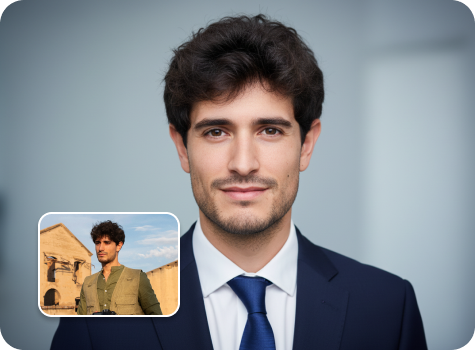
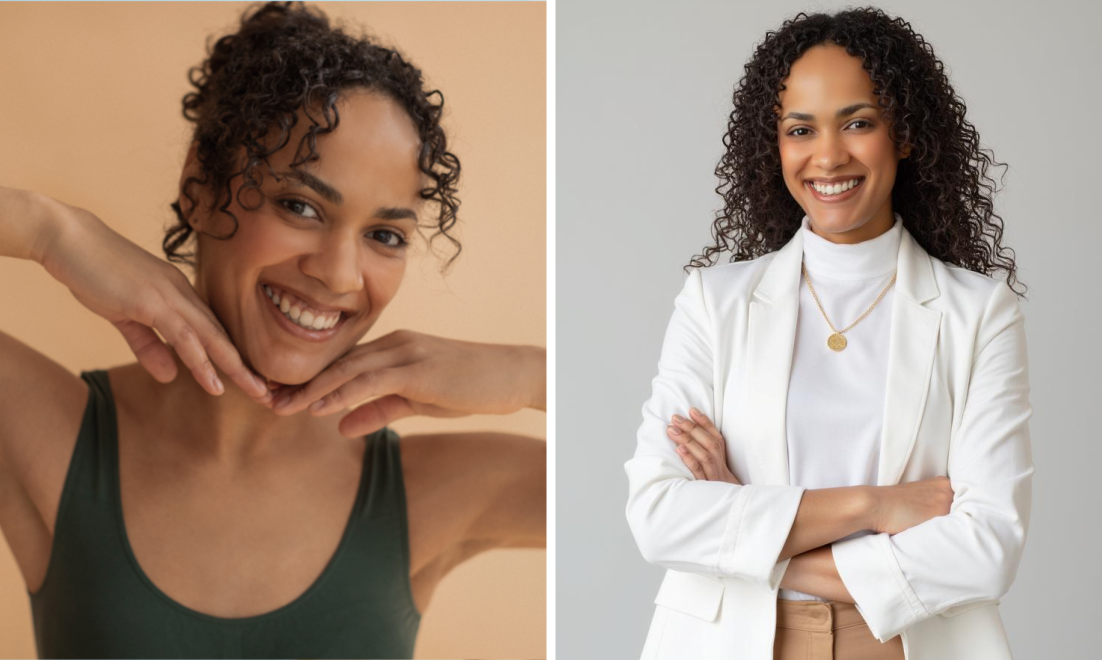
Create polished executive headshots from your uploaded images within seconds using the AI editor.

 Contact Us
Turn any photo into a professional executive headshot with refined lighting, natural retouching, and a clean studio-style background.
File should be less than 10MB
or paste URL
Upload a well-lit portrait to generate a polished, professional executive headshot instantly.

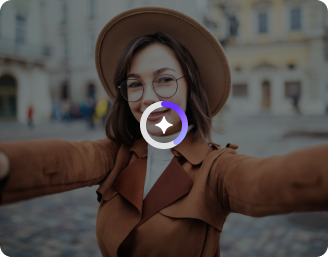
AI Magic in progress
Enhancing lighting, refining facial details, smoothing backgrounds, and generating a high-end executive headshot
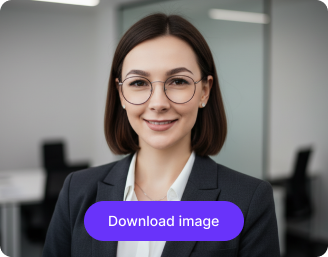
Your executive headshot is ready!
There was some issue on our end. Please try again.


.png)

.png)
.png)

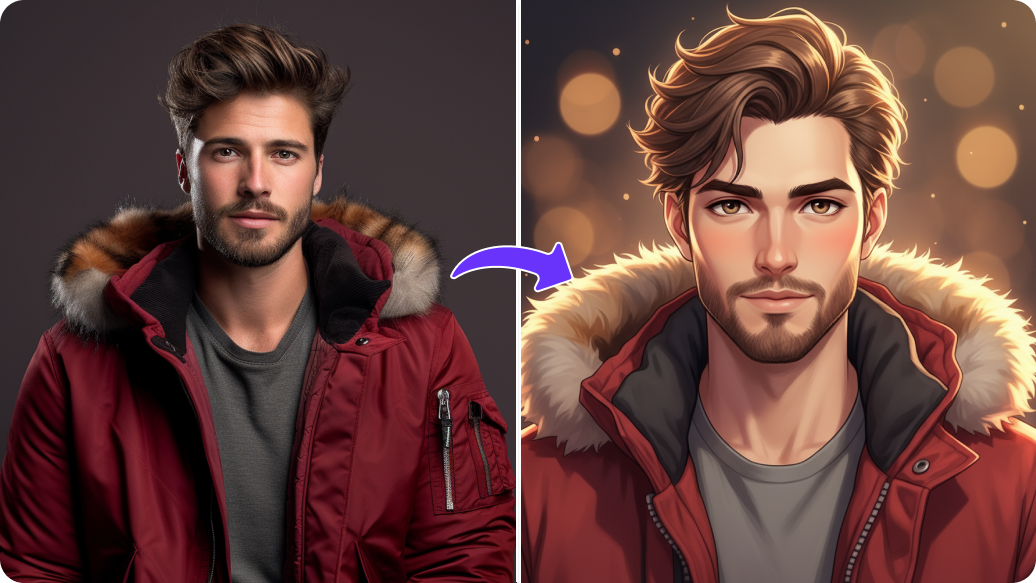
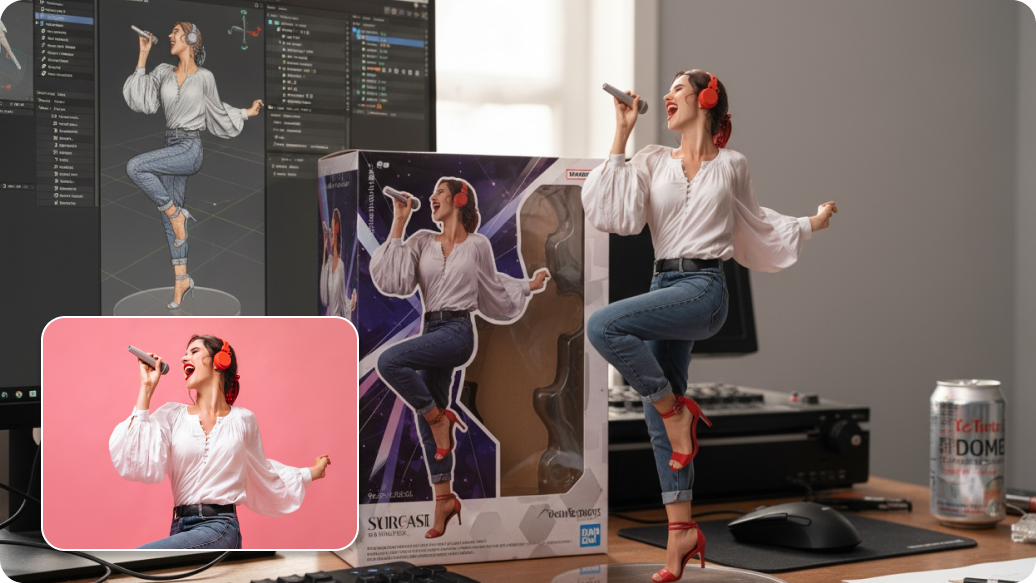
Generate business-ready executive photos without a photoshoot, starting from a single image.
Create polished executive headshots from your uploaded images within seconds using the AI editor.
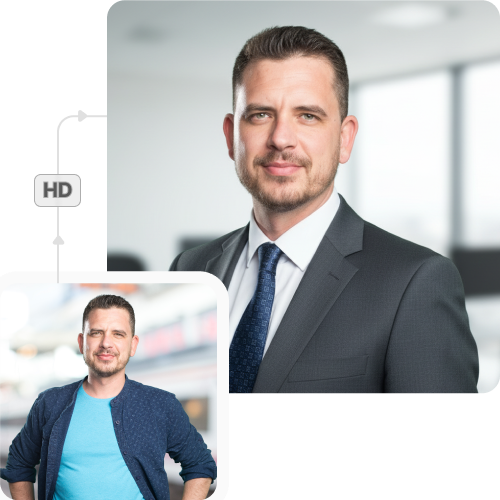
Generate perfectly sized headshots for company websites, LinkedIn profiles, executive bios, and speaker panels.
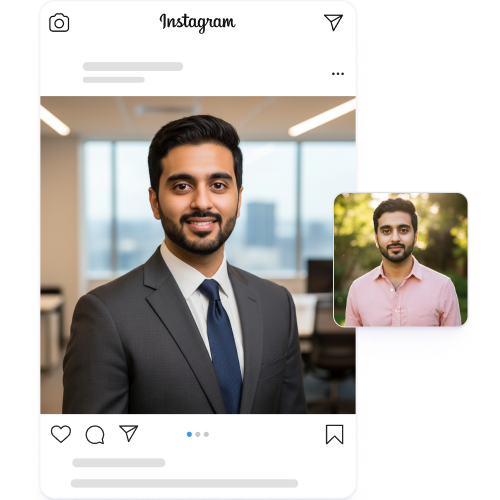
Design up to three executive headshots each month for free and upgrade anytime for more credits or API access.
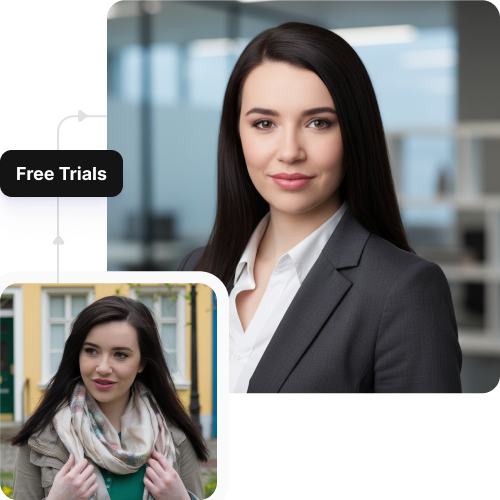
Use the headshot generator directly from your browser on any device without downloading software or mobile apps.
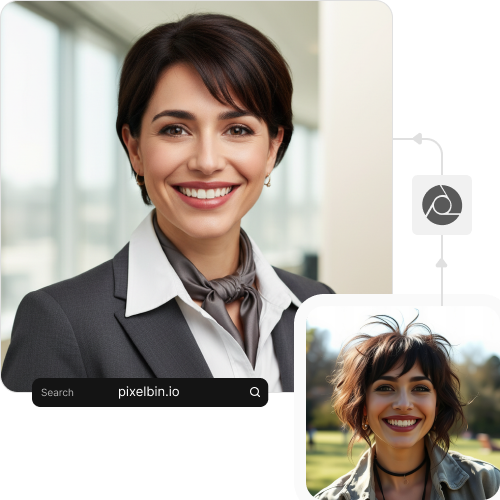
.webp)

.png)
Pixelbin’s AI editor helps you create polished executive headshots easily and quickly. Here are some of its benefits:
Pixelbin’s AI headshot generator turns your everyday images into professional-grade headshots. Here are a few examples of how you can use it:
Ensure your leadership team looks professional on your company's "Our Team" or "About Us" page. Use our bulk-editing API to process photos for all executives, maintaining a consistent brand image that builds trust.
Elevate your personal brand on LinkedIn with an authoritative, professional executive headshot. A polished, AI-generated portrait helps you distinguish your profile to recruiters, clients, and industry colleagues.
Make a strong impression before you even step on stage. Using our AI editor, you can generate a high-quality headshot for conference speaker bios, press releases, and media kits, to look credible and professional in all public appearances.
Add a personal and professional touch to high-stakes documents by including polished headshots of your executive team in RFPs, annual reports, or client proposals.
Foster a connected company culture by updating internal profiles on Slack, Teams, or the company intranet. A clear, professional headshot helps new joiners and remote colleagues remember you better.
Follow these simple tips to ensure you generate professional headshots from our tool:
Here are some of the most commonly asked questions about our free AI executive headshot generator. If you still can’t find what you’re looking for, you can reach out to us at support@pixelbin.io or refer to our documentation for more details.