PixelBin logo
Image generator is here -   Create Now   and Claim 30% off on Pro Plans. Use code SALE30 at checkout.   Claim Discount

Ecommerce product image editor tool

Turn raw product photos into studio-ready images for social media, catalogues, and inventory listings instantly with AI.

Uploaded image
2500 chars left
Max file size 10 MB.
Loading

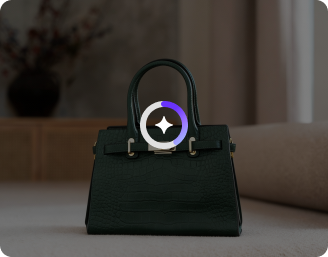
AI Magic in progress
Applying background cleanup, centering, color correction, and marketplace-ready export

Ready

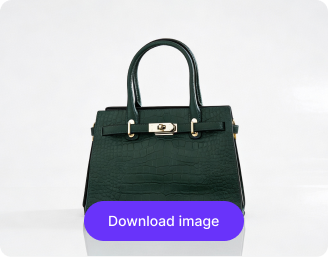
Your ecommerce-ready image is ready!

Explore enterprise
For bulk processing, APIs, or custom workflows and volume discounts
Edit another product
Generation Failed

There was some issue on our end. Please try again.

Try Again
Show case

How to use Pixelbin’s product image editor?

1
Upload a product image
Paste a URL or upload your image in any of the following formats: JPG, JPEG, WEBP, or PNG.
2
Write a prompt
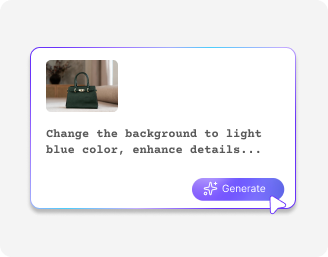
Enter a prompt describing how you want your image to look, and our tool will process it.
3
Download the image
Preview the enhanced photo and download it in HD, free from watermarks.

Why use Pixelbin’s free AI image editor?

High-quality output
Get sharp HD product images with perfect colors and clear details for professional listings.
Watermark-free images
Work with all major image formats, ensuring your uploads and exports are compatible with any platform.
Secure & private
Your images are encrypted, processed securely, and never shared with anyone.
No sign-up required
Access the tool instantly without logging in or entering payment details.
Easy online access
Use the editor directly in your browser without any software downloads.
Complete privacy
Images are encrypted, processed securely, and never shared with anyone.

Increase conversions with high-definition product images

Edit your product photos in seconds with no app or manual work needed.

Reduce design bottlenecks

Fix product photos instantly so you can list items faster without relying on designers.

Feature 1
Deliver consistent branding

Maintain consistent branding across all product images with a unified and on-brand look.
Feature 2
Increase conversions quickly

Improve product photos, increase conversions, avoiding cart abandonment.
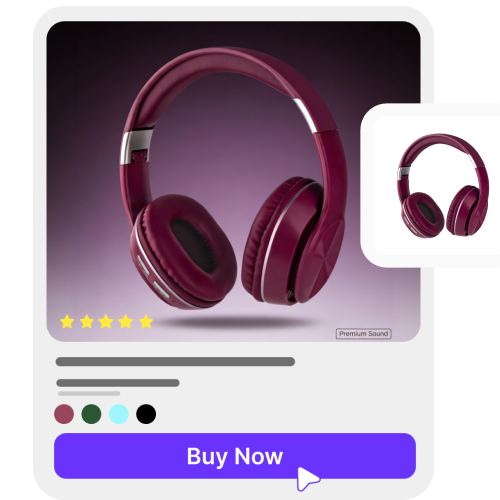
Feature 3
Scale effortlessly

Handle large volumes of product images efficiently with batch editing and seamless API access.
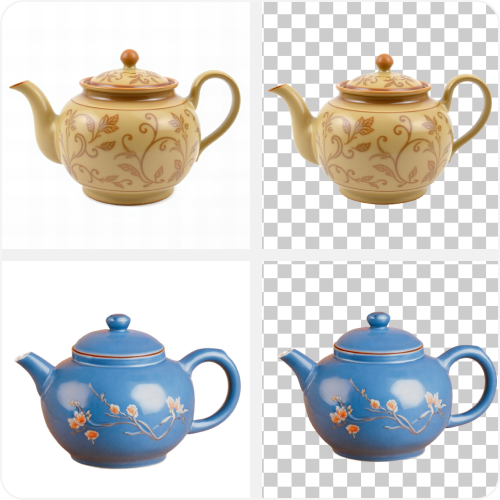
Feature 4

AI tools by Pixelbin

Key highlights of the Pixelbin product image editor

Using the Pixelbin AI image editor, you can enhance your product photos and download them in HD without watermarks or software installs. Here is what makes it stand out:

  • Ultra HD output: Turn product photos into sharp, 4K-quality images with improved textures and colors.
  • Fast editing: Just upload your image, enter your prompt, and let our AI photo editor take care of the rest.
  • Supports all image formats: Works across all devices with standard image files such as PNG, JPG, WEBP, etc.
  • Safe and private: Your data is protected with secure uploads and processing.
  • Easy & cost-effective: Start editing photos without any learning curve and save time and money with our free AI image editor.
  • Versatile & free: Use the editor for e-commerce, social media, branding, or packaging. Try it for free with no sign-up required.

Use cases of the best AI image editor for eCommerce

Pixelbin’s free AI editor can be used for eCommerce, marketing, and personal design projects. Here are some common use cases:

1. Delete the mess!

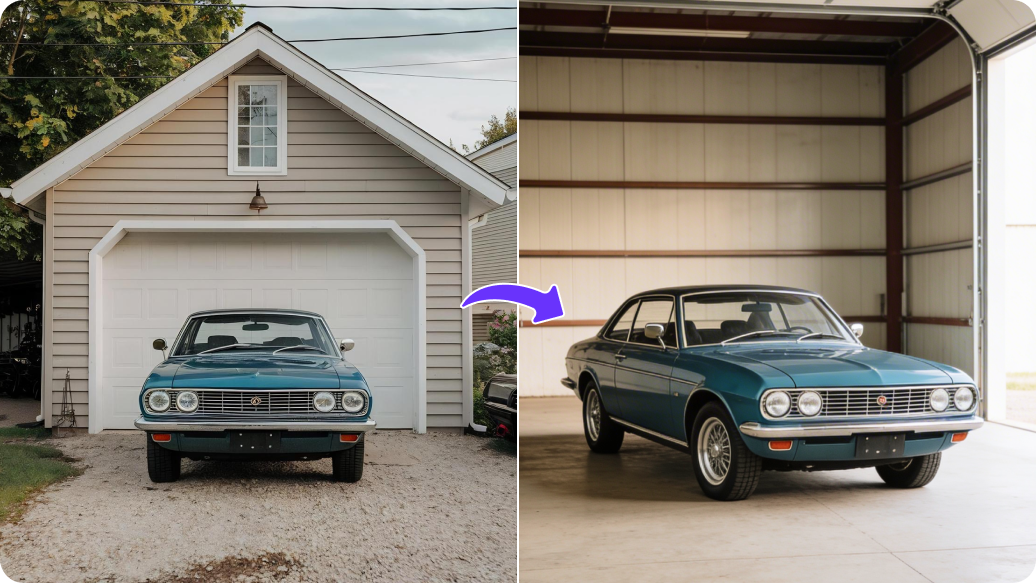
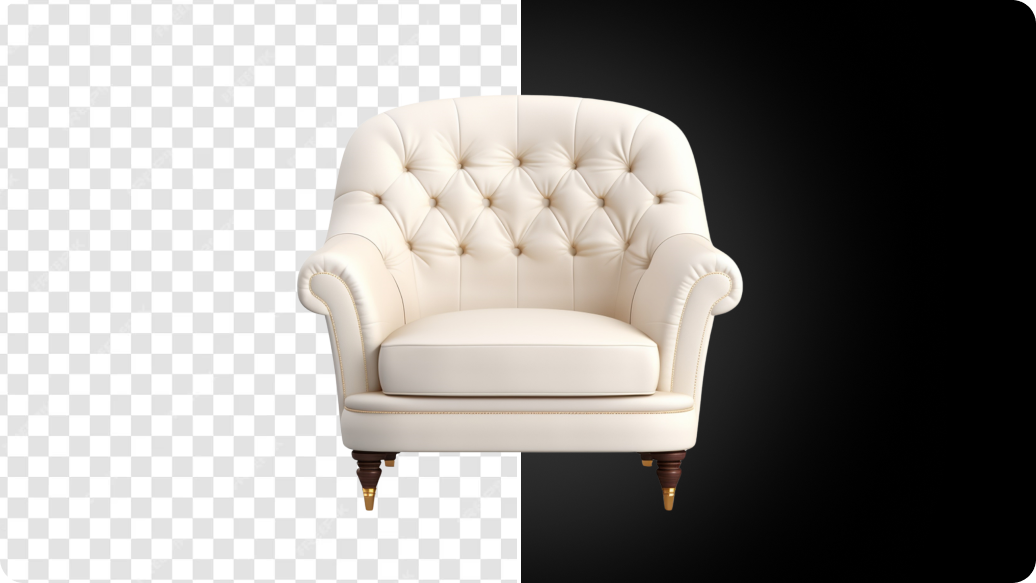
Do you have product photos with messy backgrounds cluttering the viewing experience? Don't worry! AI can wipe away the mess and put your product on a clean, white background to give you studio-quality images.

2. Turn on the lights

If the photos look dark and dull, not highlighting your product in the right way, AI can fix that, too. It’s like you used the high-end equipment to shoot your product shots.

3. Make it sharp

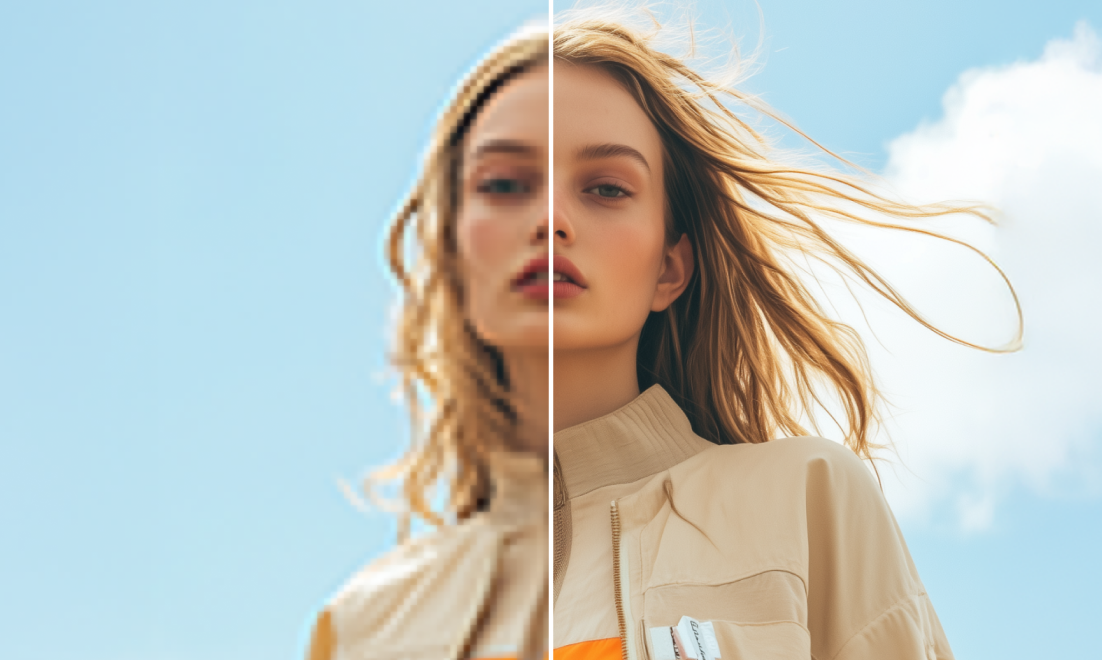
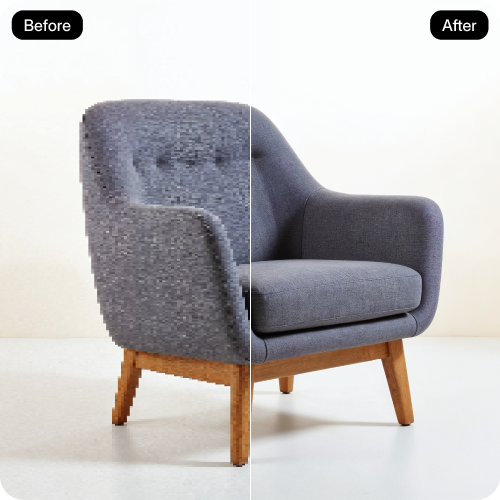
Blurry photos not focusing on the detailing your product has to offer? Get rid of the fuzziness with AI in seconds. It makes your product look sharp and clear, so your clients do not miss even the tiniest details, giving them a feel that they are holding it in their hands!

4. Change the colors

If you have one hat in five colors, you don't need five photos. Just take one! Use AI to change the color from red to blue or green in a second. It saves you a lot of time.

5. Fit every screen

Different platforms and channels have different aspect ratios to ensure users have the best experience. Our AI image editor understands this and give you specifically catered images for your online store, catalogues, social media channels with just a prompt.

6. Travel without moving

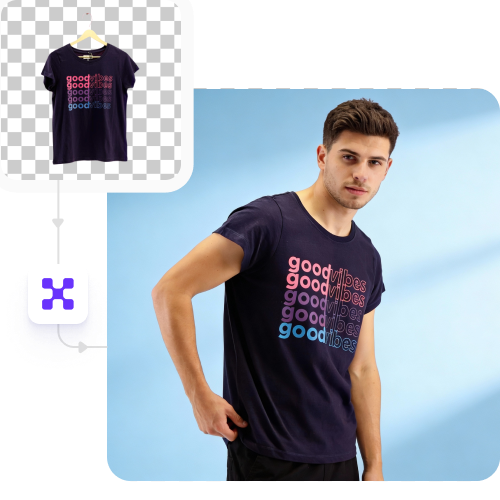
Want to shoot pictures of your sunblock at the beach? AI can change the background to a sunny ocean or a pretty park. You get cool and scenic photos without leaving your house!

How to get the best results from AI image editors for eCommerce?

  • Upload clear, high-resolution photos so AI can identify edges, textures, and details correctly.
  • Use simple, direct prompts like “remove background” or “brighten product lighting” for accurate edits.
  • Specify exact details such as background color, shadow style, or product tone for precise output.
  • Avoid dark, blurry, or low-quality images, as the AI may struggle with fine product edges.
  • Before downloading, preview the image to make sure it satisfies eCommerce listing requirements.

FAQs

Here are some of the most common questions about our AI image editors for eCommerce tool. If you can’t find the information you need, contact us at support@pixelbin.io or refer to our documentation for more details.

Yes. You can enhance up to three product photos per month using our free AI image editor. Creating an account will give you access to advanced features.
There’s no learning curve. Our AI image editor is simple to use and lets anyone create and edit product images in just a few clicks.
You can upload common formats like JPEG, PNG, and WEBP. All are fully supported for smooth, high-quality editing.
No. Our AI image editor preserves HD resolution, sharpness, and perfect colors while enhancing your product photos.
Yes. You can use the visuals in ads, catalogs, social media, packaging, and other commercial channels that are edited on Pixelbin.
Edit images in seconds, not hours
Get pixel-perfect results just with your words
Start editing with AI