PixelBin logo
Image generator is here -   Create Now   and Claim 30% off on Pro Plans. Use code SALE30 at checkout.   Claim Discount

AI image editor for content creators

Create, edit, and enhance visual content at every step of your content creation journey.

Uploaded image
2500 chars left
Max file size 10 MB.
Loading

AI Magic in progress
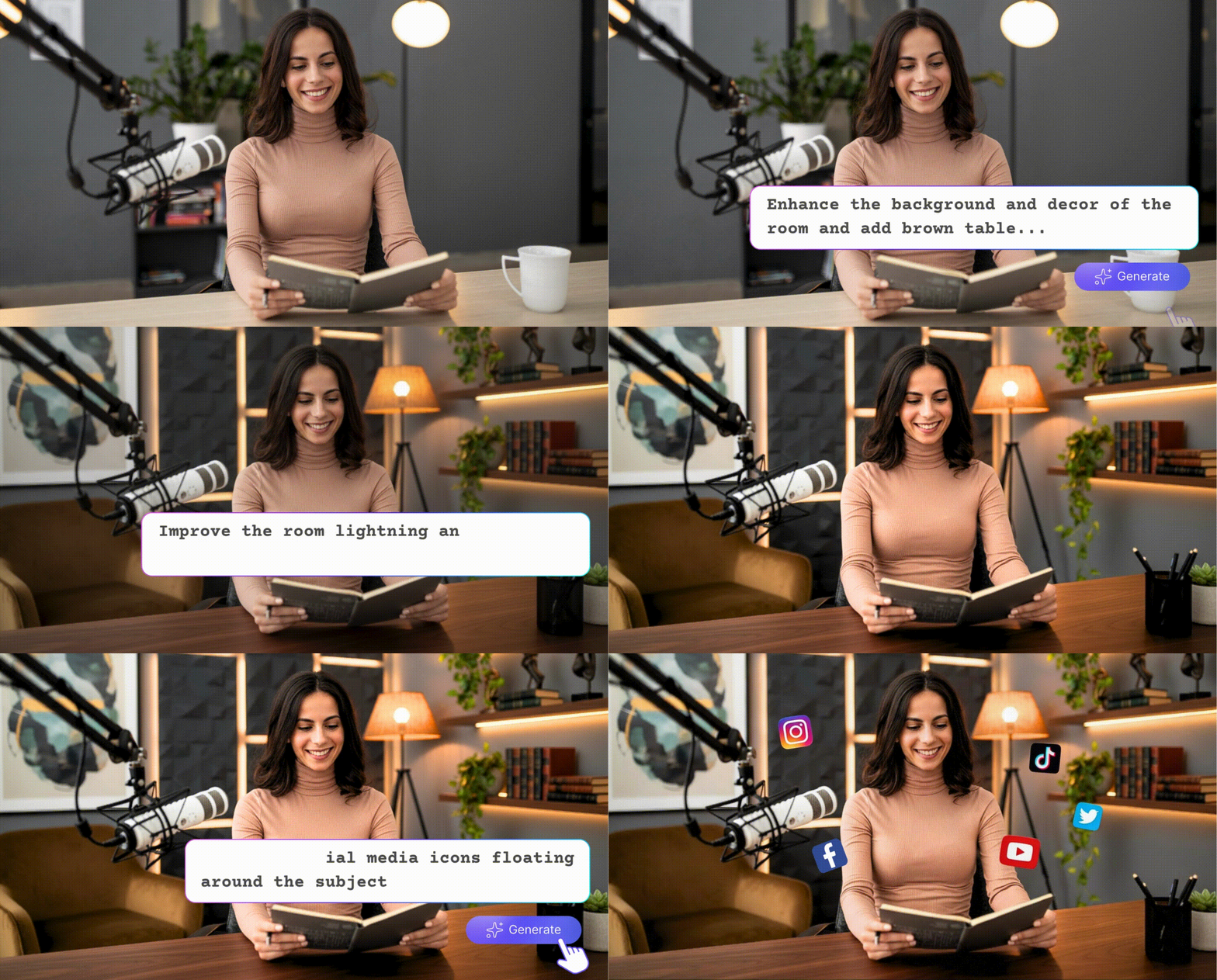
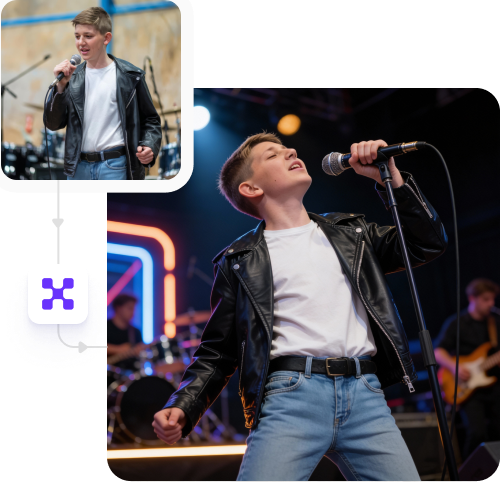
Enhancing details, improving lighting, and applying professional-grade photo corrections

Ready

Your professionally enhanced photo is ready!!

Explore enterprise
For bulk processing, APIs, or custom workflows and volume discounts
Edit another photo
Generation Failed

There was some issue on our end. Please try again.

Try Again
Show case

How to use Pixelbin’s AI image editor for content creators?

1
Upload your image
Add visuals in JPEG, JPG, WEBP, or PNG formats for editing.
2
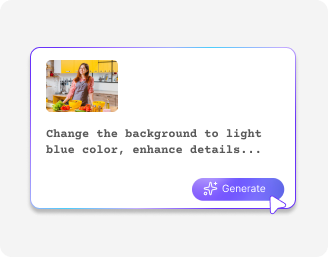
Prompt to edit
Specify the changes to remove backgrounds, refine colors, or enhance resolution.
3
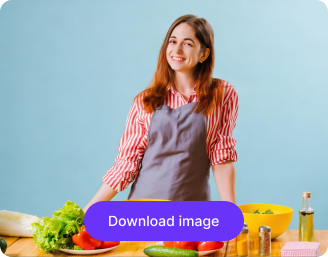
Download the photo
Preview & export HD images instantly without watermarks, ready for social, blogs, or client work.

Why content creators must try Pixelbin's AI image editor?

No learning curve
Start instantly with a simple, intuitive interface that requires no technical knowledge.
Cloud-based convenience
Use any browser to access the tool with fast loading, powered by a global CDN.
No watermarks or logos
Download distraction‑free images, leaving room for your own logos and branding elements.
Free HD download
Solve the pain of low-quality exports with free HD downloads that are platform‑ready in seconds.
No sign-up required
Access the tool with ease. No need to create an account or add any payment information.
Complete privacy
Work with full confidentiality, as all photos are processed securely and never shared without your consent.

Create stunning visual content in seconds for free

Cut down hours of editing! Try Pixelbin to create content faster with a single click.

Ready-to-post visuals

Generate images and videos in HD quality for your Instagram, YouTube, or blogs without any further adjustments.

Feature 1
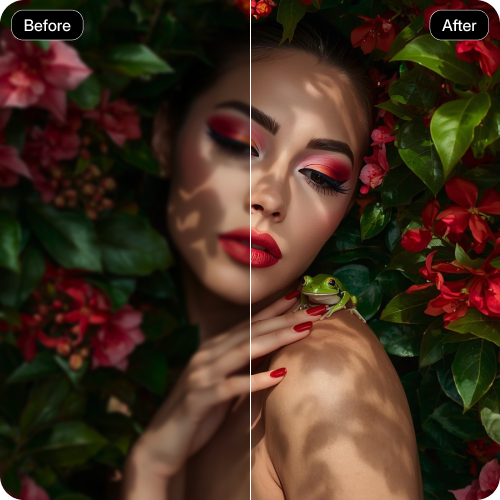
Instant image enhancements

Fix lighting, colors, and clarity in images within seconds to ensure high-quality images.
Feature 2
Batch edit to save time and effort

Edit multiple images in one go without manual editing or complicated external software.
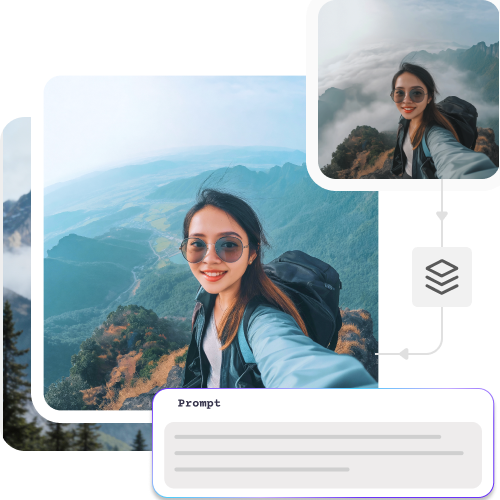
Feature 3
Remove backgrounds like a pro

Refresh your visuals by removing clutter and replacing plain backgrounds.
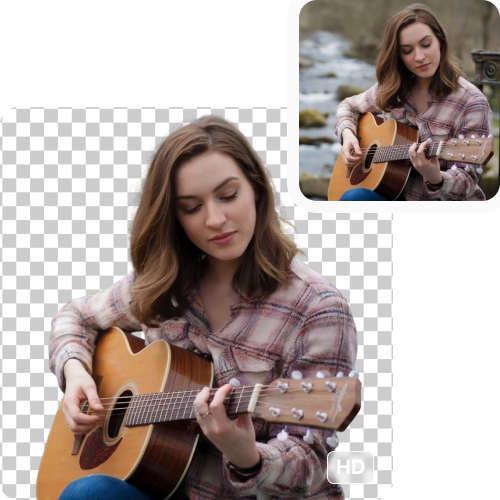
Feature 4

AI tools by Pixelbin

Key highlights of Pixelbin’s AI image editors for content creators

Benefits of using an AI image editors for content creators

Pixelbin takes the stress out of image editing for creators. Our AI image editor is quick, intuitive, and easy to access. We have everything you need to make visuals look professional:

  • Instant background removal & enhancements: Pixelbin can improve visuals by erasing noisy backgrounds. The tool can enhance images upto 8X without compromising quality.
  • Consistent visual quality: The AI image editor delivers consistent and quality visuals across all content formats.
  • No software hassles: Pixelbin is a 100% online image editing tool and lets you access it on any browser with a strong internet connection.
  • Fast turnarounds: The tool can process multiple images at once in minutes with accuracy, so you can publish, share, or use them without delays.
  • Platform-ready visuals: The images generated by Pixelbin’s AI image editor for content creators online come out clean and ready to be published.

Use cases of best AI image editors for content creators

Below are some ways in which you can use Pixelbin’s AI photo editing software:

1. Level up blog visuals

Enhance featured images and thumbnails in seconds to add a professional touch.

2. Perfect your social media feed

Smooth out backgrounds, change lighting, and make bunch edits so your Instagram or TikTok feed stays consistent.

3. Create ad creatives in a flash

Create aesthetically pleasing marketing campaign visuals without the help of designers.

4. Polished product images

Optimize listings with sharp HD quality images that sell faster. Save time on content projects: Content teams and creators can process large quantities of images quickly within a few seconds.

5. Produce all types of visuals

Pixelbin can refine your visuals as per reels, posts, banners, and website graphics.

6. No more bottlenecks

Pixelbin has your back when it comes to tight schedules, as it delivers polished, professional images, ready for posting.

How to get the best results from Pixelbin’s AI image editor for content creators?

To get the most out of this AI image editor for content creators, try the following tips mentioned below:

  • Get started with images taken in natural light, without any added filters.
  • Choose the right aspect ratio, depending on where you plan on publishing.
  • Avoid uploading images with noisy or cluttered backgrounds.
  • Play around with enhancements, but don't overdo them because natural always looks better.
  • Be very specific with your prompts. Instead of writing “make the image better, write add a soft shadow behind the product.

FAQs

Here are some of the most common questions about our AI image editors for content creators. If you can’t find the information you need, contact us at support@pixelbin.io or refer to our documentation for more details.

Yes, Pixelbin lets you sign up for free and gives 3 free credits every month. Beyond that, you can use the tool on a pay-as-you-go basis.
Like many other AI photo editors, Pixelbin works with a credit model. One credit equals one AI action, like removing a background from one image. You can choose pay-as-you-go or monthly plans like Lite or Pro, based on your requirements.
You can use this AI image editing tool three times in a month, with no sign-up required. If you want to make batch edits, you need to upgrade your plan.
You can upload WEBP, PNG, JPEG, and JPG onto the AI editor.
No. Pixelbin focuses on clean, natural-looking results, so your images still feel real and creator-made.
Edit images in seconds, not hours
Get pixel-perfect results just with your words
Start editing with AI