






Smart AI editor
Automatically align your text with the image with no manual adjustments needed.

 Contact Us
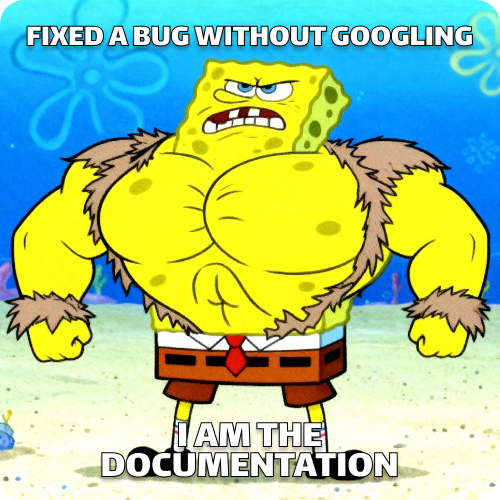
Upload a blank SpongeBob meme and add your own funny or custom caption.

Building your SpongeBob meme
Placing captions (Impact font with outline), balancing contrast, and formatting for sharing.
Your SpongeBob meme is ready!
There was some issue on our end. Please try again.

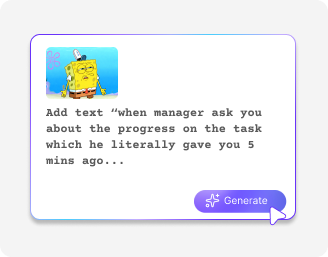
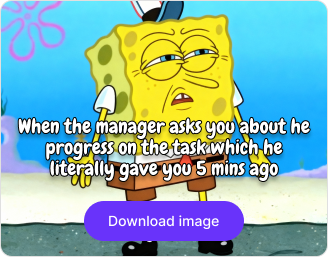

.png)

.png)
.png)

With Pixelbin, you can create your favorite SpongeBob memes without using design tools or editing software.
Automatically align your text with the image with no manual adjustments needed.
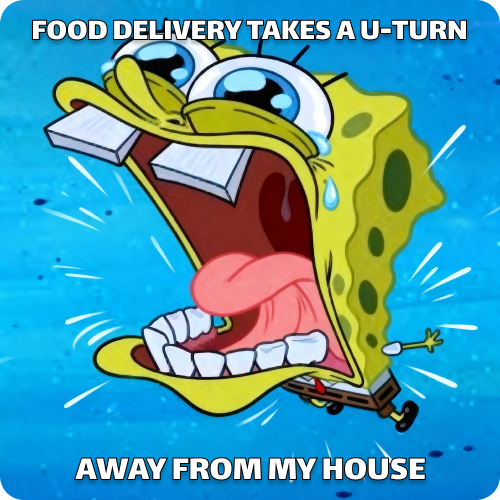
Generate your favorite formats, from the SpongeBob chicken meme to the rainbow meme, in just seconds.

Use the SpongeBob text meme generator anytime, anywhere, with just an internet connection and a browser.
All generated memes are free to use for both personal and commercial purposes without copyright restrictions.

.png)
.webp)
.webp)


Using Pixelbin, you can add text to SpongeBob templates and create hilarious memes instantly. Here’s what makes it stand out:
With Pixelbin, you can create shareworthy meme content in seconds using our AI editor. Here are some of the best use cases:
Create a hilarious mocking SpongeBob post to engage your followers on Twitter, Instagram, or TikTok.
Be the funniest person in your group chat by dropping a perfect SpongeBob Patrick meme reaction.
Use Pixelbin’s meme generator to make jokes specific to your friends, family, or colleagues. Just upload the template image, add a relevant text, and generate your meme in seconds.
Share your hot takes on Reddit or Discord with a classic SpongeBob chicken meme generator image. Get more followers and become a meme lord of tomorrow.
Add a relatable SpongeBob meme to your articles & blogs for better engagement. Bringing humor to your blogs or marketing posts helps you connect more with readers.
Getting the best results from our meme generator becomes simpler when you follow these tips:
Here are some of the most common questions about our Mocking SpongeBob Meme Generator. If you can’t find what you’re looking for, contact us at support@pixelbin.io or check our documentation for more details.