PixelBin logo
Image generator is here -   Create Now   and Claim 30% off on Pro Plans. Use code SALE30 at checkout.   Claim Discount

Eras headshots AI generator

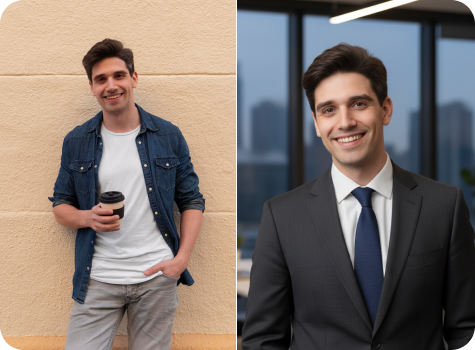
Create professional headshots for medical residency applications at no cost.

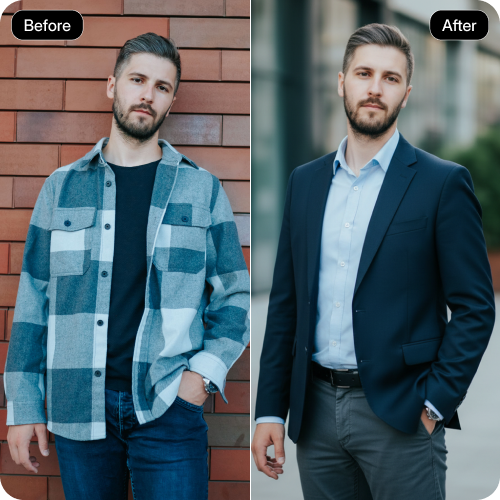
ERAS headshot tool preview

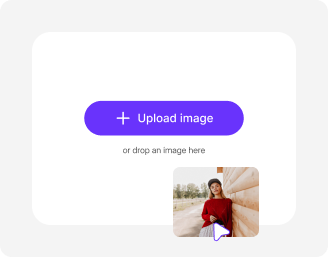
File should be less than 10MB

or paste URL

Before
Loading

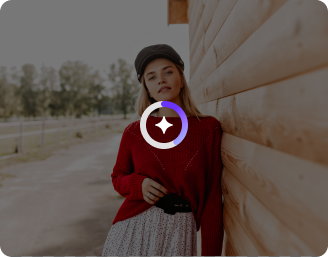
AI Magic in progress
Enhancing your photo to create a clean, professional ERAs-compliant headshot

After

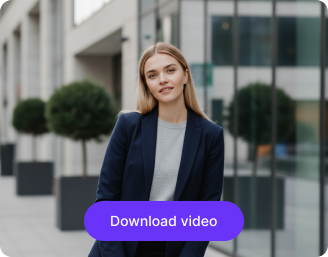
Your ERAs headshot is ready!

Edit image with AI
Get 🔥 free credits for image editing, upscaling, generation and more
Create another ERAs headshot
Generation Failed

There was some issue on our end. Please try again.

Try Again
Show case

How to make professional headshots using Pixelbin?

1
Upload an image
Paste a URL or upload your photo in any of these formats: JPG, JPEG, PNG, or WEBP.
2
Wait for AI processing
Pixelbin automatically generates your Eras headshot without any manual edits.
3
Download the photo
Preview & save high-quality photos ready for professional profiles or business use.

Why use Pixelbin's Eras headshot AI generator?

Multiple formats
Supports popular image formats, such as JPEG, JPG, WEBP, or PNG.
Global CDN delivery
Allows quick sharing and access to headshots from any location.
Strong privacy
Secures personal images and ensures no information is shared or misused.
Watermark-free exports
Removes all logos and brand marks from the final downloaded images.
Instant access
Requires no subscription or account creation; start working directly on the editor.
Webhook support
Makes it easy to connect Pixelbin with other tools and keep photo data in sync.

Get HD-quality headshots in one click

Create high-quality headshots that medical boards and residency directors expect.

Quick touch-ups

Enhance your photo instantly without any technical skills. Apply simple adjustments that improve overall appearance while keeping the image true to its original.

Sailling ship of sketche to image
Crystal-clear outputs

Get high-quality visuals that remain sharp even at high resolutions. Your photos retain clarity and detail across different screen sizes.
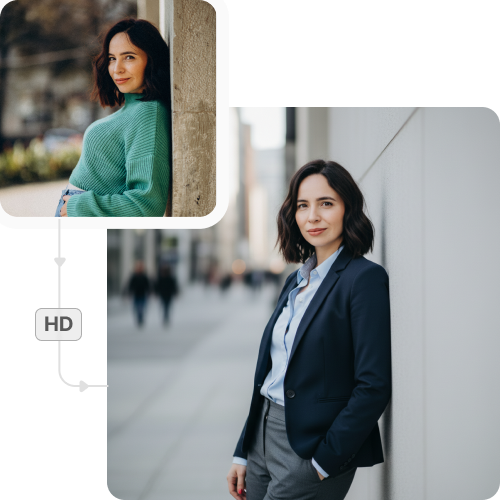
Mountain sketch to image
Consistent quality

Maintain realistic skin tones while enhancing the overall photo clarity. Each edit looks realistic, with no artificial or overdone effects.
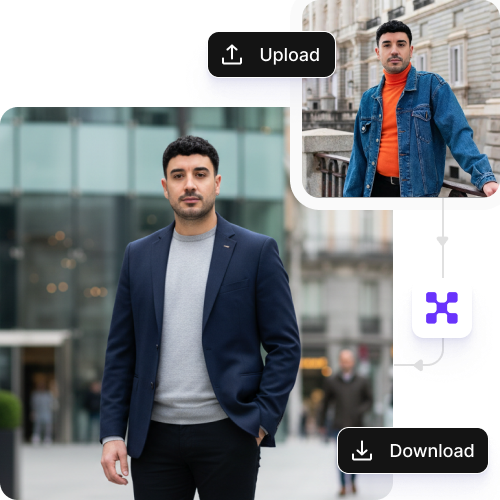
Sketch hot air baloon to image generator
Web access

Edit headshots instantly on any modern browser, including Chrome, Safari, and Firefox. Start editing right away; no setup or downloads needed.
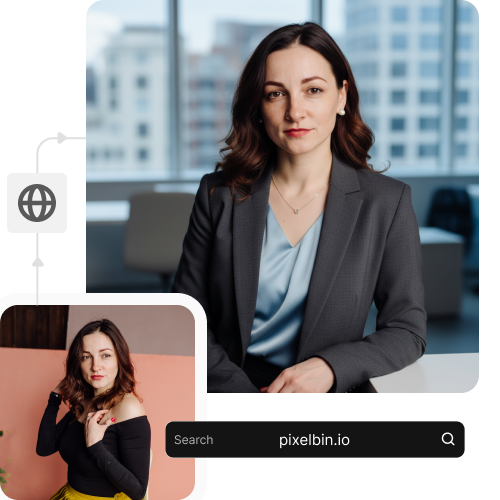
sketch to image in HD-resolution pictures

AI tools by Pixelbin

Key highlights of Pixelbin’s AI eras headshots

Benefits of using the Eras AI headshot generator

  • Match specifications with ease: You don’t have to worry about pixels or DPI. Format your headshot to the exact inch dimensions and keep the file size under the limit required for a successful upload.
  • Create the ideal framing: Align your face in the centre with a front-view head and shoulder crop, to avoid "artistic" angles that residency programs dislike.
  • Add standardized backdrops: Use required white or light gray backgrounds with the AI eras headshot maker to make your thumbnail remain clear and professional.
  • Choose appropriate attire: Try multiple business attire options to avoid wearing a white coat in your primary application photo.
  • Address fatigue in your images: If you're feeling tired, subtle corrections can help with under-eye circles and skin blemishes for an alert appearance.
  • Enhance glass glare: If you wear glasses, take steps to remove distracting reflections instantly with the tool, ensuring your eyes are clearly visible to program directors.

Use cases of Pixelbin’s AI eras headshots tool

Apart from creating eras headshots for your application upload, the tool can also be used for various other purposes, such as:

1. Quick conference bio

Got asked to present at a conference at the last minute? Need a headshot for the program? Don't use a bad smartphone photo. Instead, create a studio-quality image in seconds that fits the requirements.

2. Hospital IDs and badges

Use your AI headshot to create a sharp photo for your official hospital ID or directory. Show patients and staff a professional image of yourself right away.

3. Telehealth and patient platforms

As a resident, you are often the first point of contact on telehealth or patient platforms. Create an image using our AI that balances professionalism (suit/scrubs) and approachability (a natural smile). Help build trust and empathy before the video call starts.

4. Consistent personal image across networks

Medical residency is a connected world. Use a variety of headshots to keep your professional image consistent across platforms, such as ERAS (A formal suit and neutral background), LinkedIn, or for ResearchGate/Doximity, where you can show yourself in a lab coat for journal publications.

5. Medical journal bios

When your paper gets accepted, journals usually want a headshot. Use AI to make a sharp, high-resolution image that looks good in print and gives you the look of an experienced researcher.

How to get professional results using the AI Eras headshot maker?

  • Upload photos taken near a window or outdoors in soft daylight. Avoid harsh office lights or yellow indoor lamps.
  • Use images taken with a rear phone camera. Avoid blurry or low-quality selfie shots.
  • Make sure the camera is straight in front of your face at eye level. Avoid high or low angles that can distort your features.
  • Upload photos with a relaxed smile and a natural grin. This helps create a more genuine final image.
  • Ensure your face is fully visible with hair away from your eyes. Wear plain, solid-colored clothing and avoid large accessories.

FAQs

Here are some of the most common questions about our AI Suit Editor Tool. If you can’t find the information you need, contact us at support@pixelbin.io or refer to our documentation for more details.

You can use Pixelbin’s headshot tool for creating images suitable for hospital profiles, official ID badges, and LinkedIn profiles.
Yes, Pixelbin offers a free plan with 3 credits every month. Beyond that, you can buy extra credits when you need them, or get a subscription with more credits annually. There’s also a custom enterprise option for high-volume use.
Yes, your headshots will look polished and realistic after editing. The tool preserves the true facial details of the user so that it looks genuine and professional.
Yes, you can create headshots from one clear source photo per person. There’s no need for uploading multiple images or doing extra photoshoots.
The ERAS headshot generator is simple and reliable, which makes it suitable for first-time applicants with no photo editing experience.
Edit images in seconds, not hours
Get pixel-perfect results just with your words
Start editing with AI