






Instant results
Upload your photo and generate a professional headshot within seconds using the AI editor.

 Contact Us
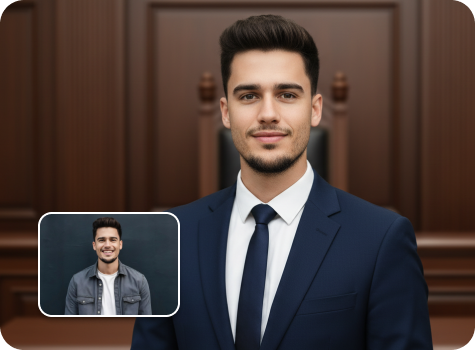
Create refined, business-grade portraits from a single photo. Suited styling, natural retouching, and studio-style backgrounds included.
File should be less than 10MB
or paste URL
Upload a clear photo to generate a professional lawyer headshot.

AI Magic in progress
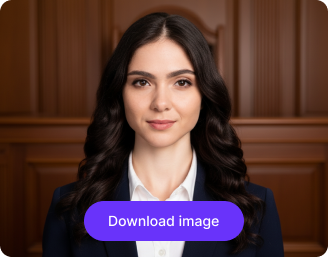
Creating a professional attorney headshot with clean lighting and a polished background
Your lawyer headshot is ready!
There was some issue on our end. Please try again.


.png)

.png)
.png)

Get ready-to-use lawyer headshots for LinkedIn, legal directories, firm websites, etc., without manual editing or software download needed.
Upload your photo and generate a professional headshot within seconds using the AI editor.
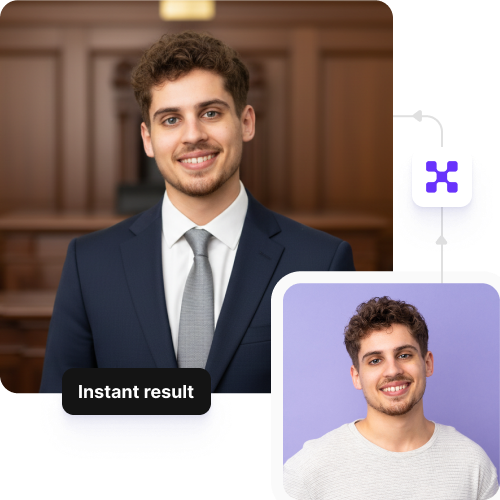
Create perfectly sized headshots for law firm websites, LinkedIn profiles, legal directories, or speaker bios.
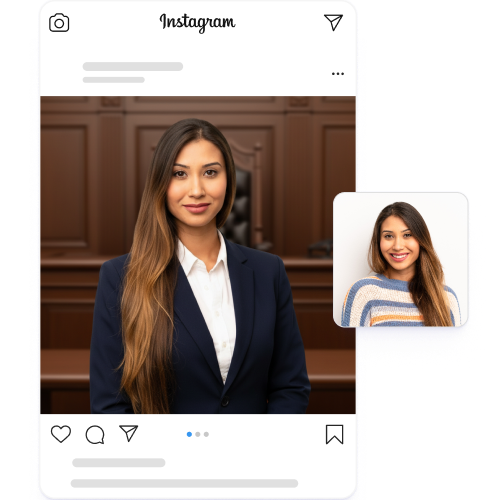
Generate up to three headshots each month for free, and upgrade anytime for more credits or API access.
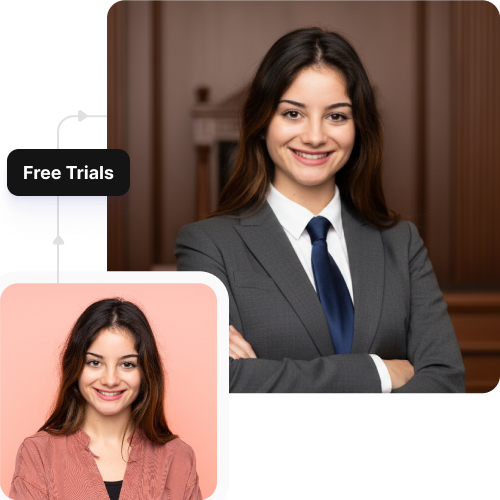
Use the headshot generator directly from your browser on any device without downloading software or mobile apps.
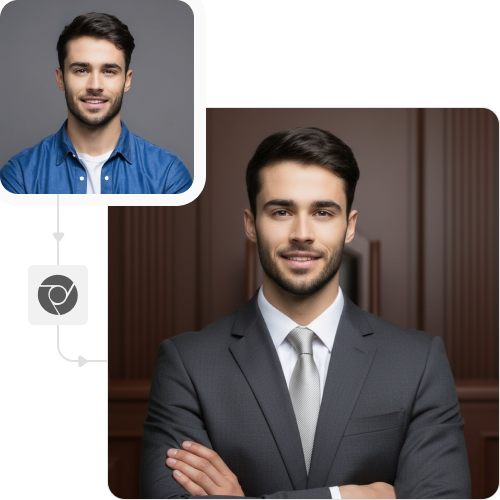
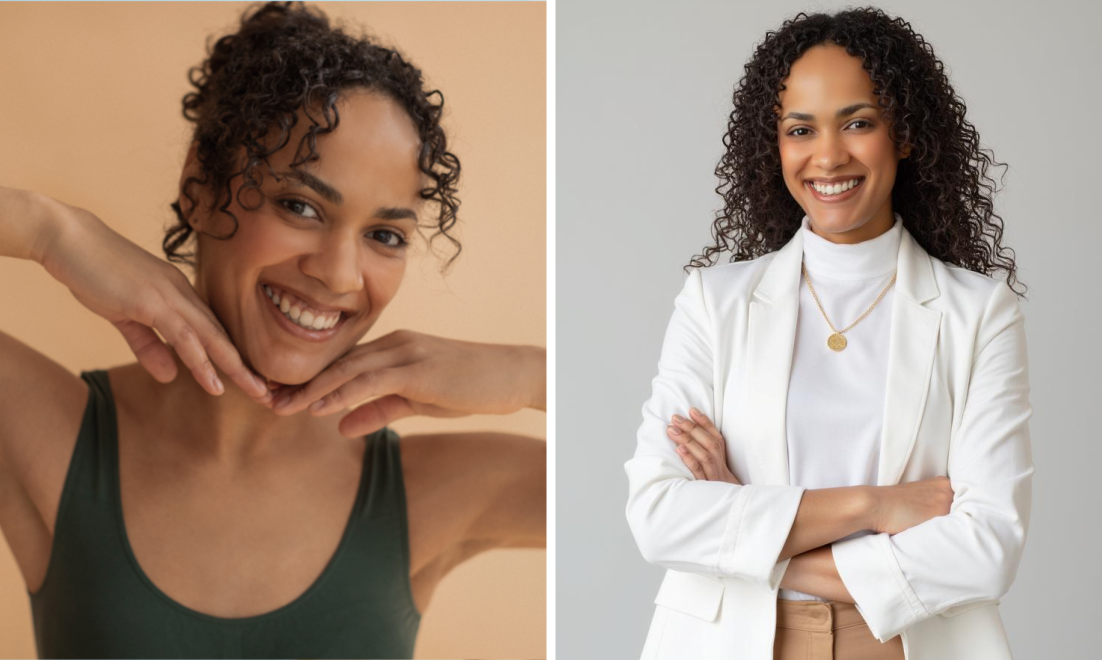
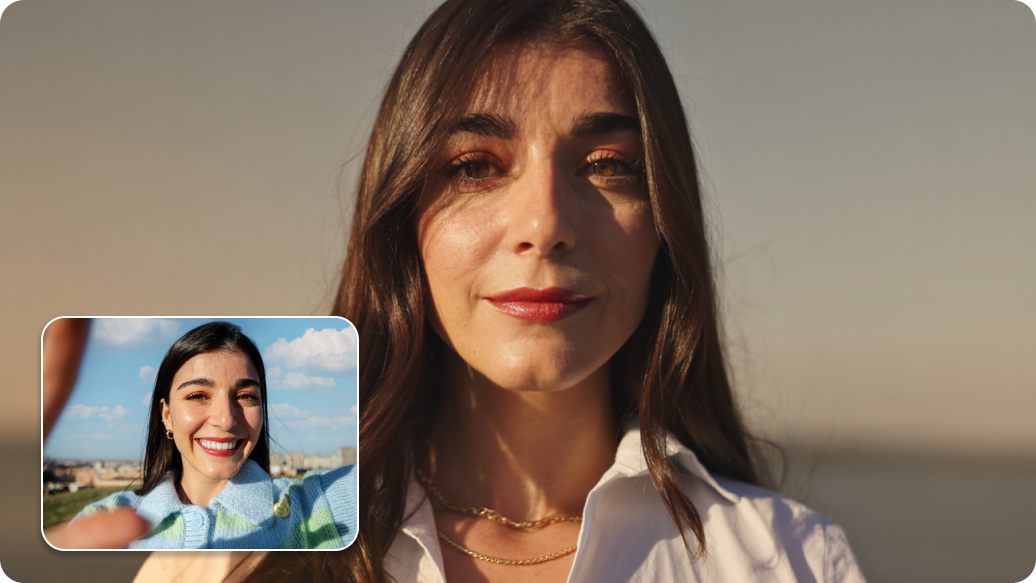

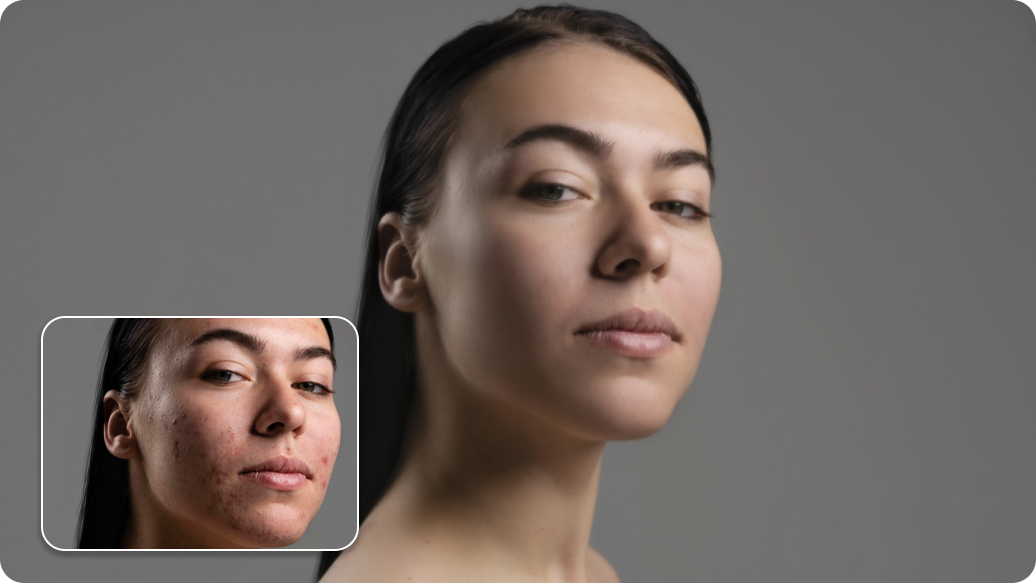
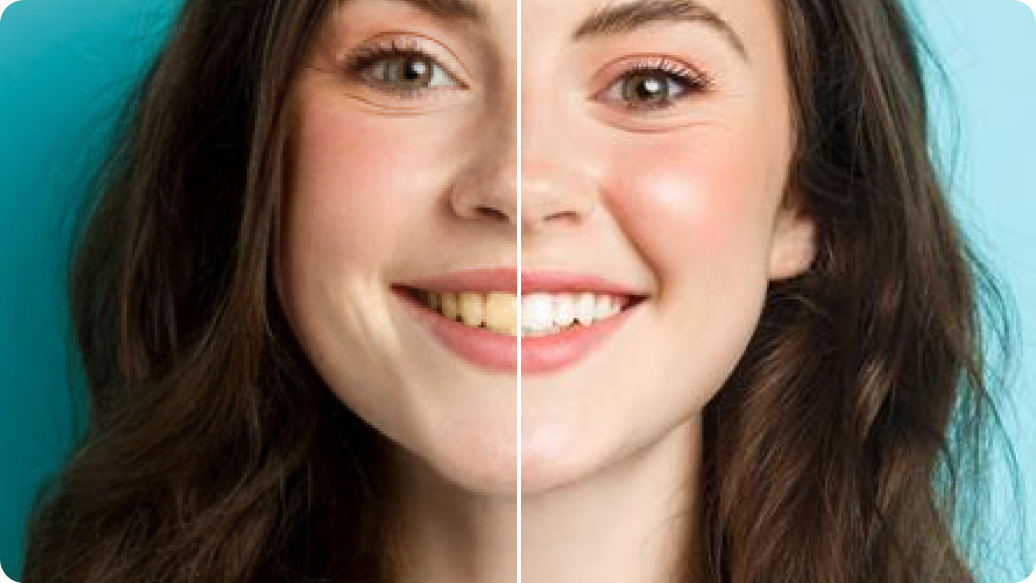
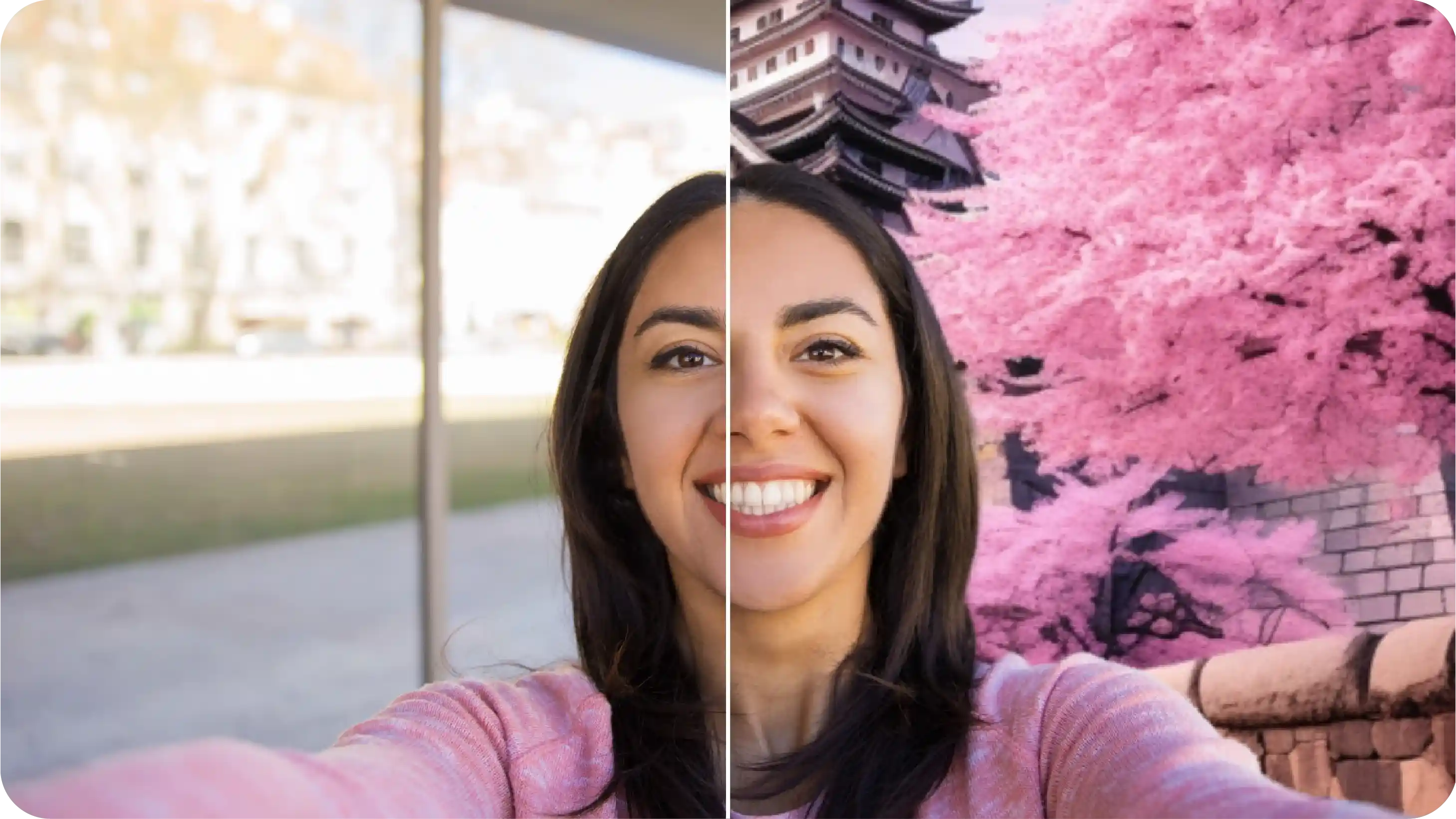
Create studio-quality lawyer headshots instantly, without editing skills or complex tools. Here’s what more:
Pixelbin’s AI headshot maker does more than just add filters to your uploaded images. Here’s how you can use this tool:
Create a uniform professional look for your firm’s "Our Team" or "Attorneys" page. Use our bulk-editing API to process photos for all associates and partners, ensuring a consistent brand image.
Using the AI headshot generator for attorneys, you can generate a headshot & update your LinkedIn profile with an authoritative headshot that stands out to colleagues, clients, and recruiters.
Get a head start on your career with a professional headshot for your resume, CV, and networking profiles. Make a great first impression on potential employers without the expense of a photoshoot.
Use a clear and professional image for your state or local bar association directory. This ensures you are presented professionally in all official legal registries and publications.
Generate a high-quality headshot to accompany articles, legal publications, or speaker bios for conferences and seminars. Look polished and credible in all your professional appearances with the AI lawyer headshot generator.
Follow these simple tips to ensure you generate the best-looking professional headshot from our tool:
Here are some of the most commonly asked questions about our AI Lawyer Headshot Generator. If you still can’t find what you’re looking for, you can reach out to us at support@pixelbin.io or refer to our documentation for more details.