PixelBin logo
🚀 Pixelbin AI Studio - No Prompt - Idea to final image with our agent Pixie   Click for Free Trial

Discord AI profile picture maker

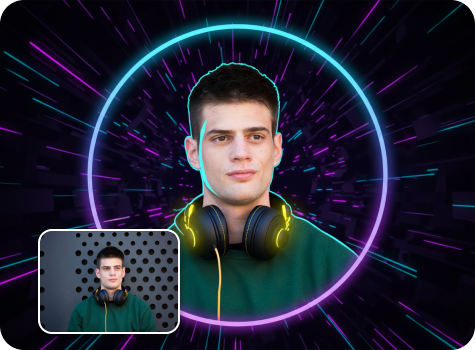
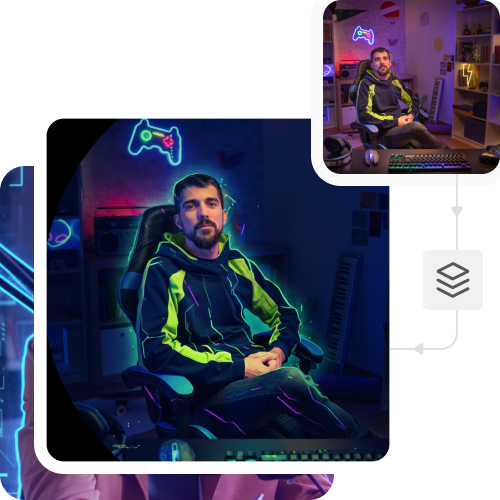
Turn your photo into a bold Discord profile picture with cool neon lighting and gamer vibes.

pregnant filter tool preview

File should be less than 10MB

or paste URL

Before
Loading

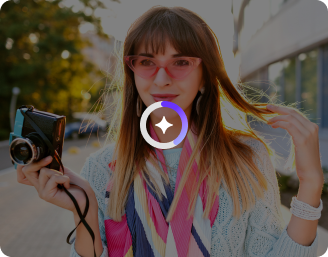
AI Magic in progress
Creating a clean, Discord-ready portrait

After

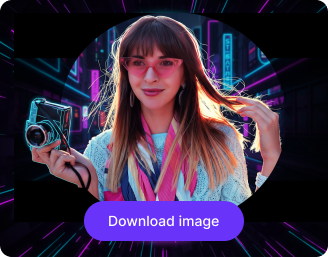
Your Discord profile photo is ready!

Edit image with AI
Get 🔥 free credits for image editing, upscaling, generation and more
Try another image
Generation Failed

There was some issue on our end. Please try again.

Try Again
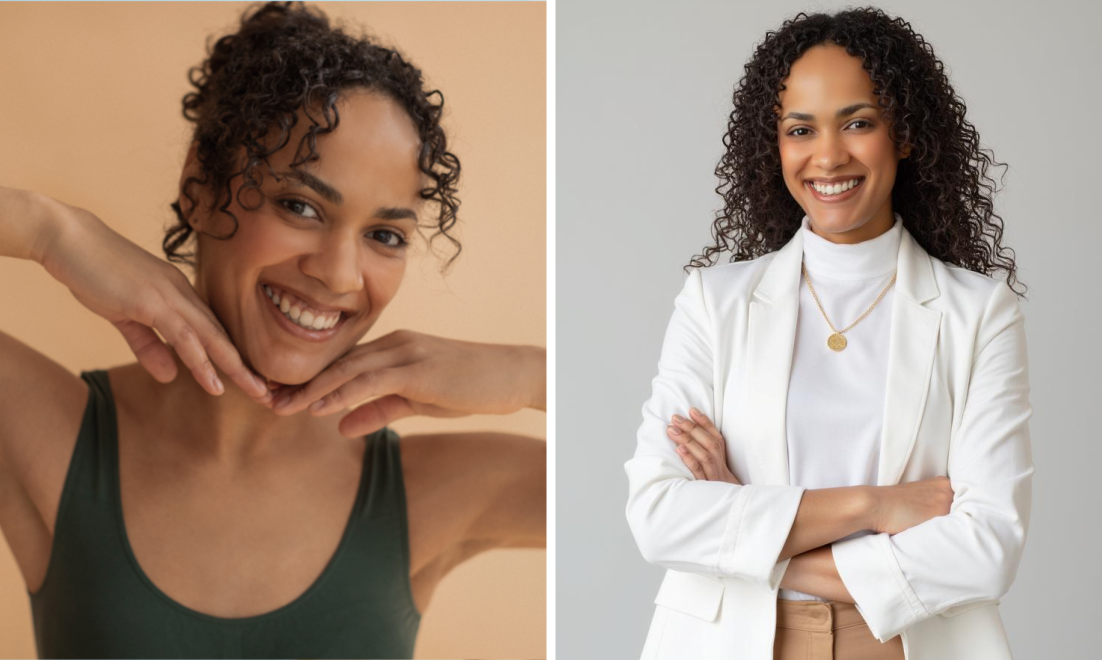
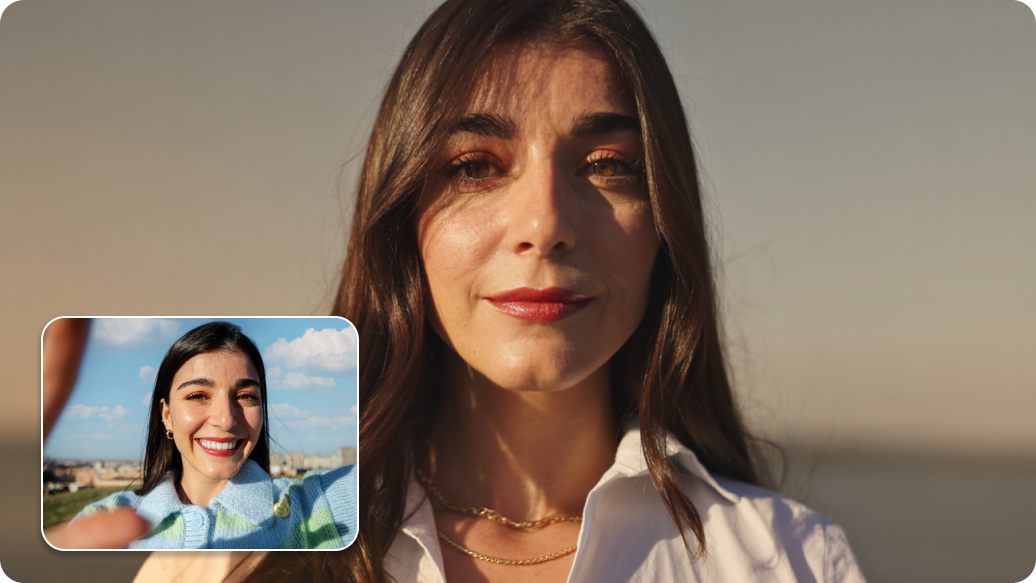
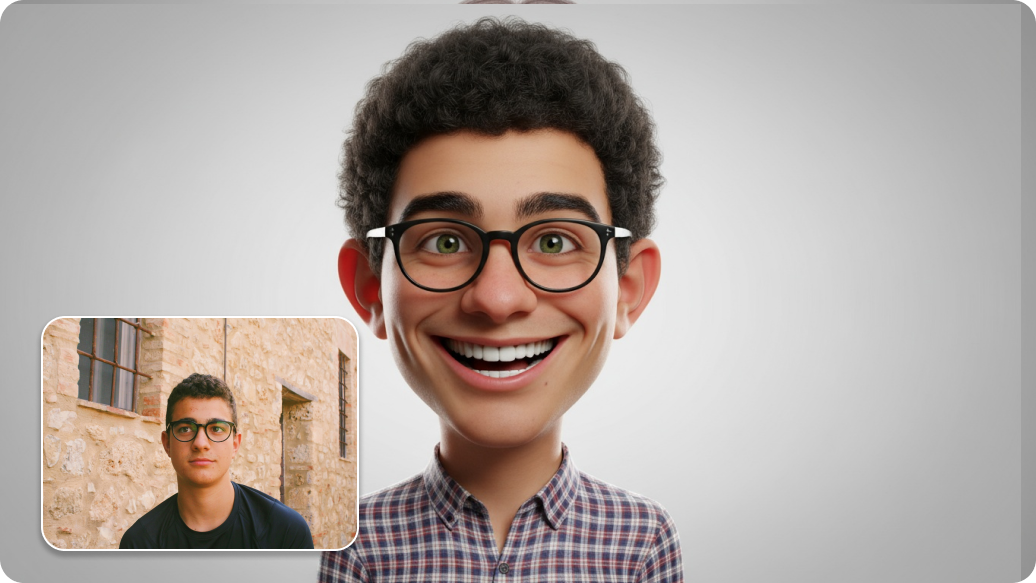
Show case

How to use Pixelbin’s Discord profile picture maker?

1
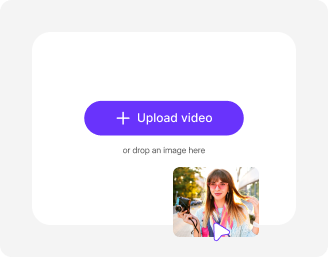
Upload your image
Paste a URL or click on the “+” icon to add your image in JPEG, JPG, PNG, or WEBP.
2
Click on “Generate”
Pixelbin automatically enhances the background, improves colors, and sharpens details. No prompts or extra steps required.
3
Download your image
Preview and save the final image in HD, with no watermarks, added texts, or logos.

Why use Pixelbin’s AI profile picture generator?

Browser-based
Access the tool from any browser, including Safari, Chrome, Edge, and Firefox; no installation required.
Multiple formats
Upload your images in popular formats like JPEG, JPG, PNG, or WebP for easy editing.
Image upscaling
Enhance your image up to 8Ă— larger while keeping it sharp and true to the original.
Complete privacy
Your photos are processed on secure servers and never shared, reused, or stored.
Easy sharing
Copy and share image URLs directly from the folder or file to share it instantly with your team or friends.
Global CDN delivery
Access and upload your images quickly from anywhere in the world without worrying about slow loading or lag.

Everything you need to create a standout Discord profile picture

Upgrade any photo into a crisp, server-ready Discord profile picture with minimal effort.

Bulk transformation

Transform multiple images at once with our API support, saving hours on manual efforts.

Sailling ship of sketche to image
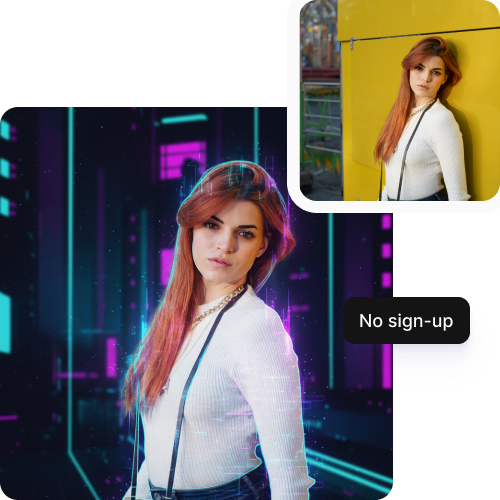
No sign-up

Start editing immediately without creating your account or sharing any personal details.
Mountain sketch to image
Intuitive interface

Use a simple, easy-to-navigate interface designed for experts and beginners alike.
Sketch hot air baloon to image generator
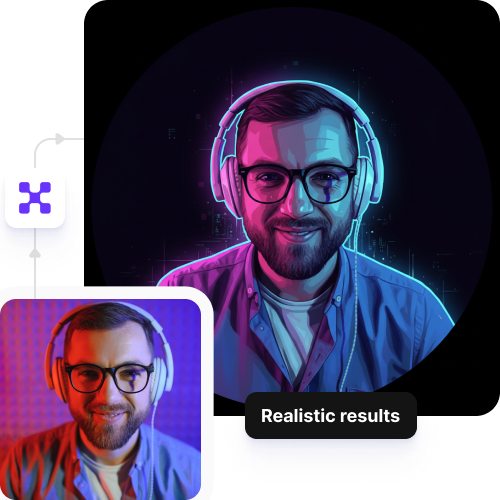
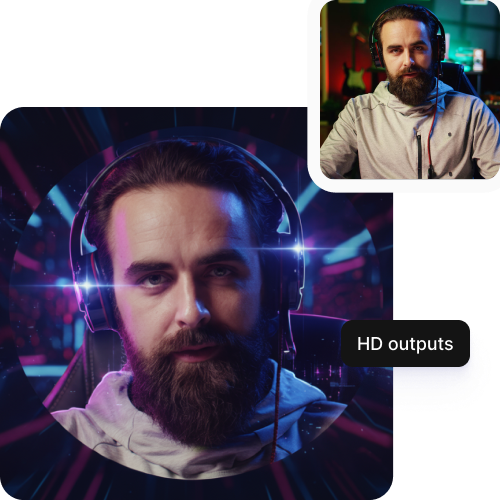
HD exports

Download high-resolution images that look sharp on your Discord profiles and communities.
sketch to image in HD-resolution pictures

AI tools by Pixelbin

Key highlights of Pixelbin’s AI profile picture maker

Benefits of using the Discord profile picture maker

  • Automatic background removal: Remove backgrounds in an instant and replace them with clean colors or themed backgrounds to make your avatar stand out in any chat.
  • “Chat to edit” refinement: Refine your edits with color changes, accessory additions, or expression tweaks through text-based instructions without having to recreate the image.
  • Versatile styles: Change any photo into different styles, like anime, 3D cartoon, pixel art, or cyberpunk, based on your desires.
  • Rapid iteration: If you don't like the first result, you can generate more versions with minor adjustments in seconds.
  • Zero inspiration required: Make great avatars from selfies or short descriptions quickly, saving time on searching for inspiration from Pinterest or stock images.
  • Eliminate trial and error when creating avatars: Make your required enhancement and formatting automatically, skipping the need for repeated edits or manual resizing.

Use cases of the Discord profile picture maker

1. Gaming communities

If your guild or raid team needs individual player avatars, you can create matching avatar sets that display shared visual elements. This saves you from the headache of finding similar art styles across the internet, and it's perfect if you are in a roleplay server where you need faction-appropriate portraits without paying for commissions.

2. Content creators

You can create an entire mod team and VIP avatars that match your channel aesthetic through your streaming platform. A podcast host who lacks visual content can establish unified character images through design elements that match their actual appearance.

3. Privacy-focused users

Maybe you want something personalized but aren't comfortable uploading real photos; our Discord profile picture generator gives you that middle ground. It's especially useful if you're a minor with parents who restrict photo sharing, or if you're in professional Discord servers for work but want to maintain some level of anonymity.

4. Server events

The server admin can establish special member avatar designs that display holiday and charity stream and tournament themes. The AI profile picture maker proves effective for birthday parties because entire communities transform into special edition modes to display their support for the honored individual.

5. Character & identity expression

D&D players can use actual character visualizations to create their current D&D character. Users in niche communities such as music production and art servers can create avatars that display their current genre, style, and aesthetic preferences.

How to get the best results using Pixelbin’s AI Discord profile picture maker?

  • Use clear, good-quality photos for the best results. Avoid using blurred images, though our tool can work on blurry photos as well.
  • Make sure your face is clear and in the middle of the frame. Don't use photos where you're too far away, hidden, or at a weird angle.
  • Pick photos with natural light. Avoid dark photos or ones with harsh shadows on your face.
  • Avoid photos with heavy edits or filters, since they can make the result look fake.
  • If you don't like the result, try another photo. Sometimes, a small change in the angle or lighting can make a big difference.

FAQs

Here are some of the most commonly asked questions about our AI Discord profile picture maker. If you still can’t find what you’re looking for, you can reach out to us at support@pixelbin.io or refer to our documentation for more details.

Yes, the tool is free to start. You get free credits with which you can try the basic editing features. If you want to continue using it after those credits run out, you'll need to create an account and purchase additional credits on a pay-as-you-go basis. Your free credits will restore automatically next month.
Yes, the tool works perfectly on both mobile phones and tablets since it works on all modern browsers.
No, you don't need any design skills at all. Pixelbin’s Discord AI profile picture maker is designed to be simple and intuitive, so anyone can use it regardless of their experience level.
Yes, you can use the profile picture for other social media platforms as well, such as Instagram, Twitter, LinkedIn, Facebook, Twitch, YouTube, or any gaming platform.
Yes, your image will stay sharp. The AI makes enhancements while keeping all the important details preserved, so it holds up well even after Discord's automatic compression.
Edit images in seconds, not hours
Get pixel-perfect results just with your words
Start editing with AI