No skills needed
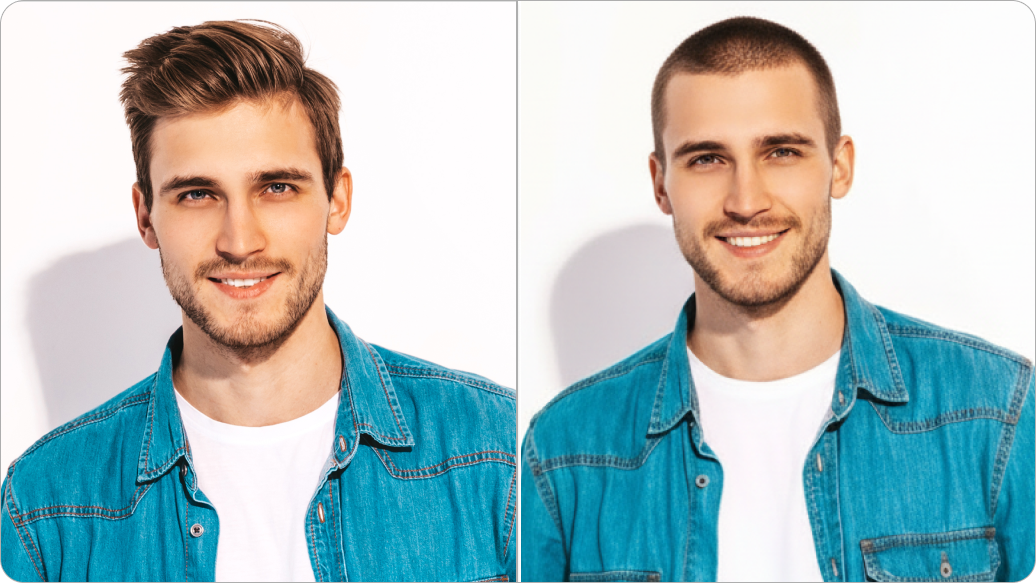
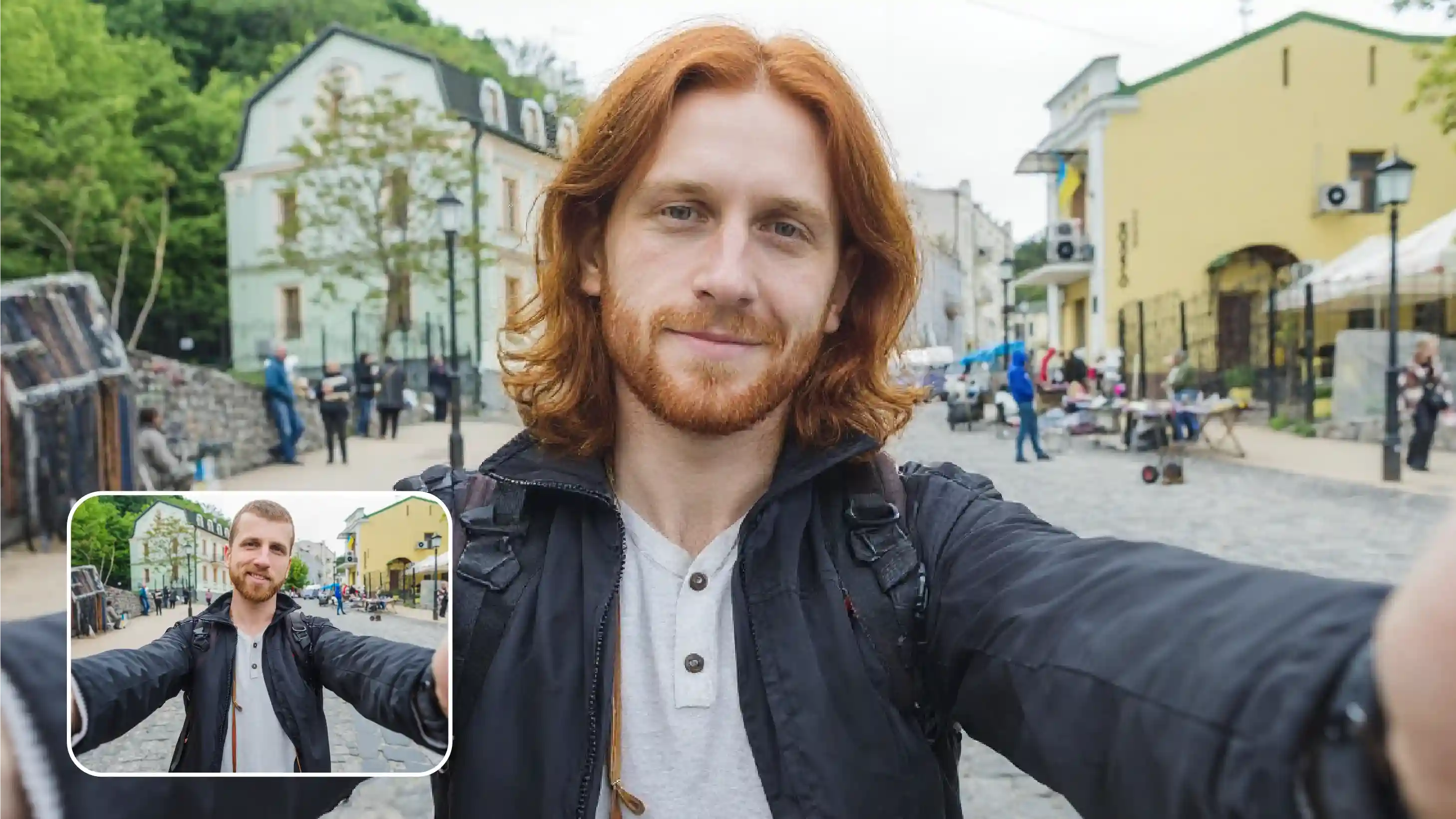
Apply realistic curling styles to photos without learning editing tools or hair styling techniques.

 Contact Us
Try different curl patterns, switch hairstyles, adjust volume, and preview how it looks on you.
File should be less than 10MB
or paste URL
Upload a clear photo for the most natural curly hair results.

AI Magic in progress
Adding natural, realistic curly hair to your photo
Your curly hair photo is ready!
There was some issue on our end. Please try again.

.png)


.png)

.png)
.png)

Try different hair styles with Pixelbin’s AI curl filter for personal or professional use.
Apply realistic curling styles to photos without learning editing tools or hair styling techniques.
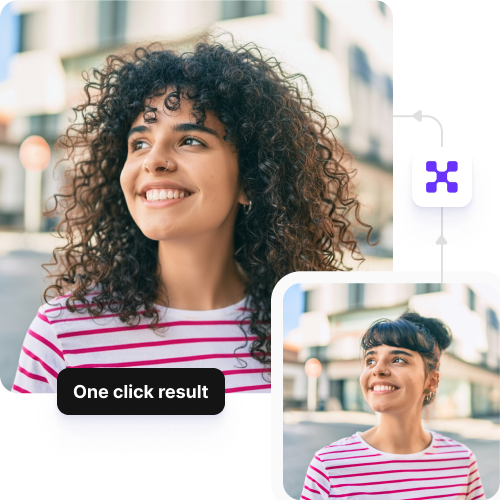
Create different curly hair styles using one base image, perfect for modeling portfolios or client presentations.
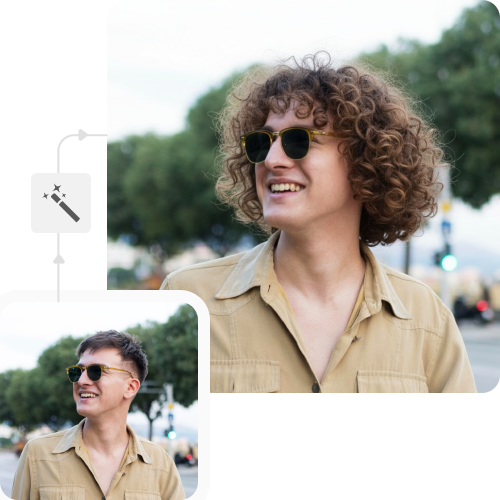
Store your original photos and edited versions in separate folders for easy comparison.
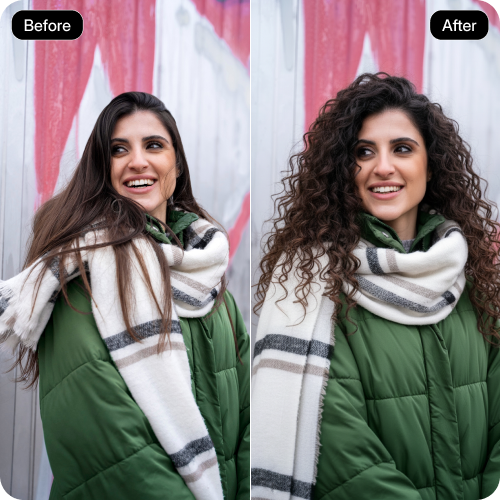
Save final images without watermarks or overlays, suitable for sharing, publishing, or client use.
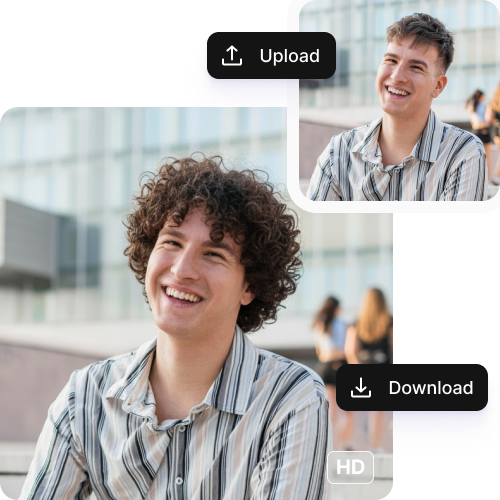
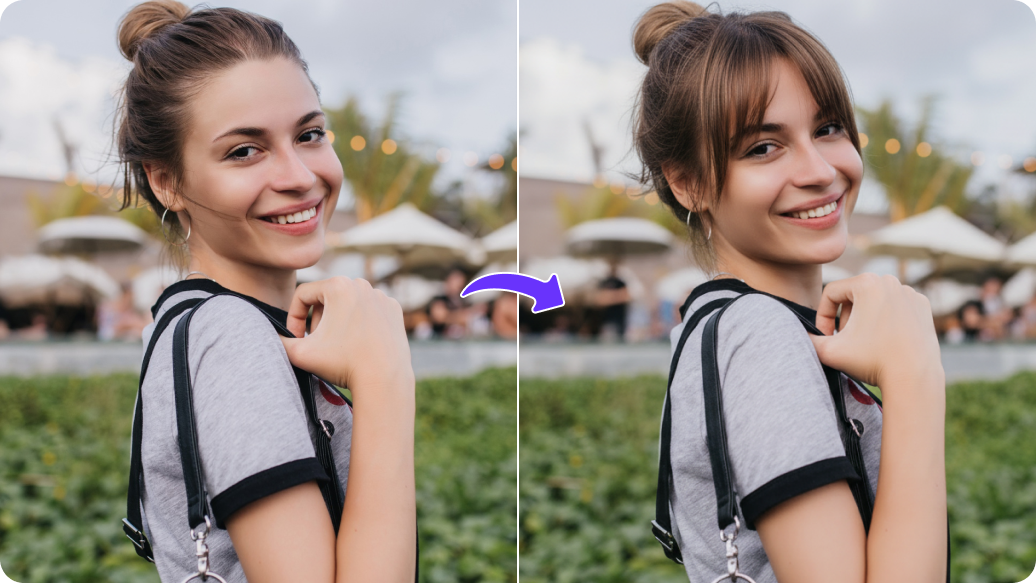
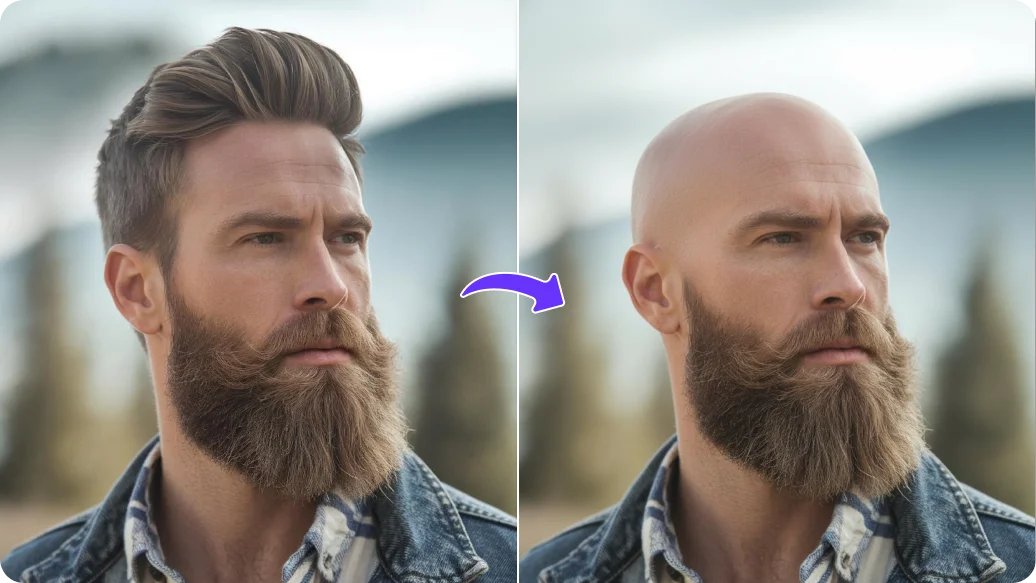
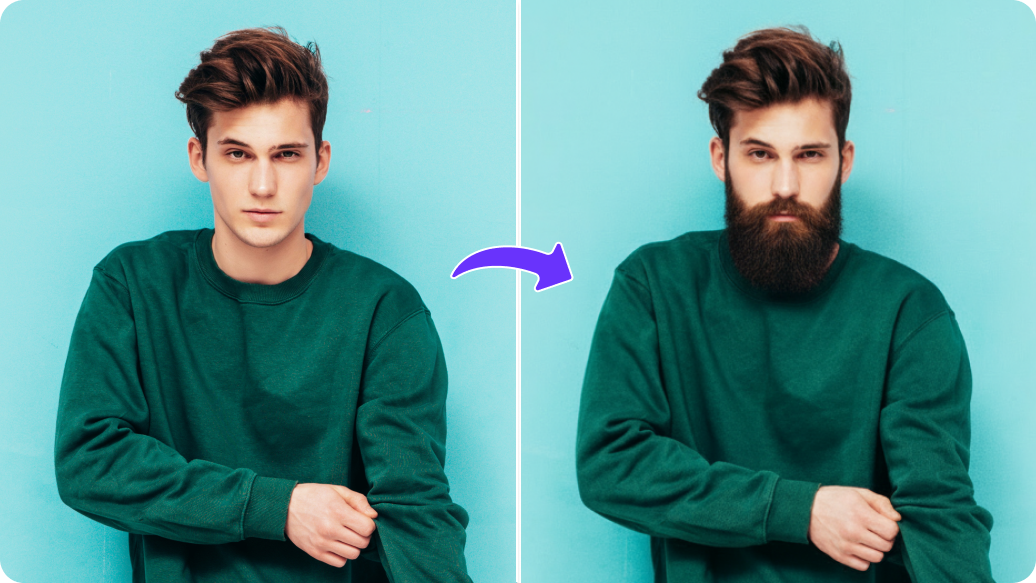
Pixelbin’s AI curling tool can help you try out different curl textures, have a look at how they fit the face shape and skin tone to make quick decisions before hair cut or a chemical treatment.
You can participate in transformation trends and showcase multiple hair types for your ad campaigns to boost engagement and inclusiveness.
Experiment with different hairstyles, perfect for photoshoots or even videos for creative projects.
Brands can give realistic previews of their curling products or tools, so customers will find it easier to visualize the results before making any purchase.
Apply realistic curl looks to your pictures to discover new styles, colors, and lengths that are suitable for you before trying them in real life.
Here are some of the most common questions about our AI curly hair filter. If you can’t find the information you need, contact us at support@pixelbin.io or refer to our documentation for more details.
.png)