PixelBin logo
Image generator is here -   Create Now   and Claim 30% off on Pro Plans. Use code SALE30 at checkout.   Claim Discount

AI fat filter

Apply realistic weight-gain effects to faces and bodies in your photos with a single click.

executive headshots generator tool

File should be less than 10MB

or paste URL

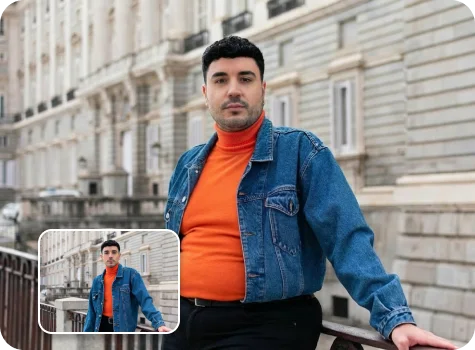
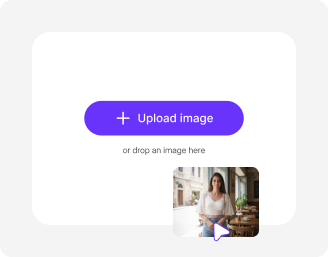
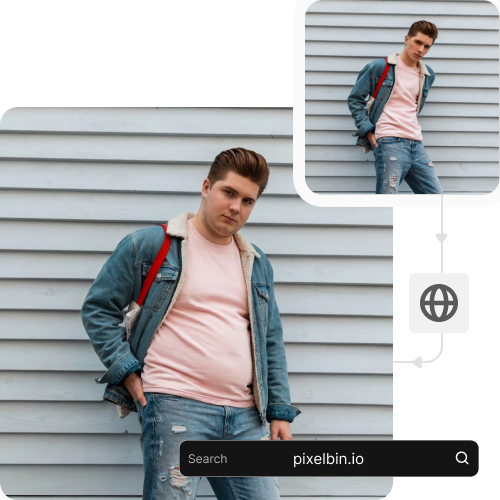
Upload a clear photo to apply a realistic weight gain effect using AI.

Before
Loading

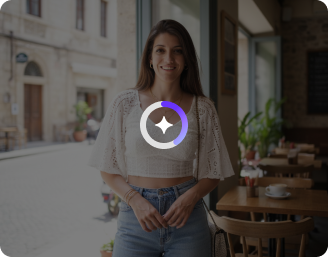
AI Magic in progress
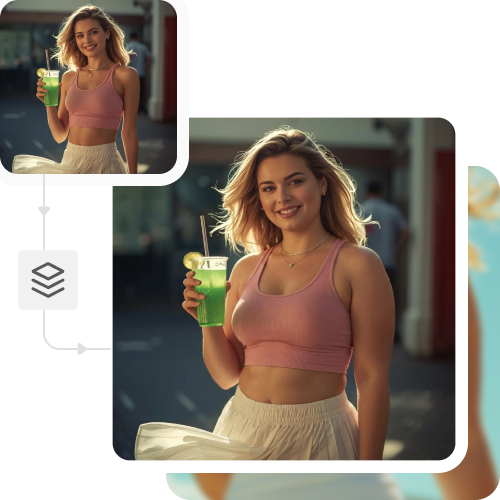
Increasing body volume, enhancing facial fullness, and adjusting proportions naturally

After

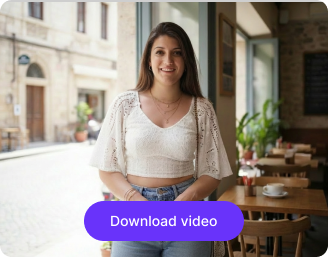
Your fat filter photo is ready!

Edit image with AI
Get 🔥 free credits for image editing, upscaling, generation and more
Apply fat filter to another image
Generation Failed

There was some issue on our end. Please try again.

Try Again
Show case

How to use Pixelbin’s AI fat filter?

1
Upload a photo
Paste the image URL or upload your photo from your device in JPEG, JPG, PNG, or WEBP format.
2
Wait for AI processing
Pixelbin automatically analyzes facial and body features to apply weight-gain effects, creating a realistic and fuller appearance.
3
Save the image
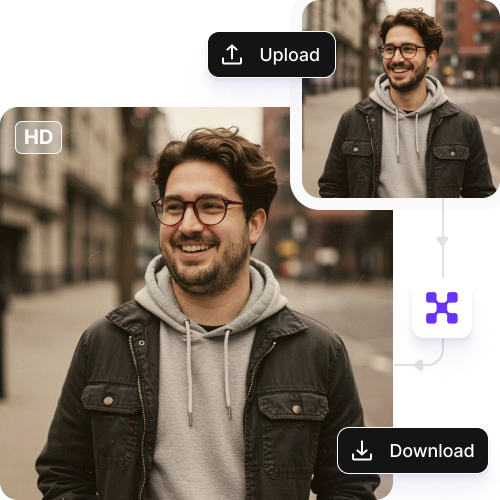
Export the edited image directly to your device in HD quality, free from watermarks or text overlays.

Why use Pixelbin’s fat AI image generator?

Multiple formats
Upload your images in popular formats, such as JPEG, JPG, WEBP, or WEBP.
Watermark-free exports
Get clean, watermark-free outputs ready for professional projects or social media sites.
HD upscaling
Enhance image density & clarity up to 2X, 4X, or 8X while retaining the original quality.
Full privacy protection
Work with confidence, as your images stay private and are never shared without your consent.
Global CDN delivery
Experience fast, reliable photo transformations using a worldwide server network.
Beginner friendly
Create naturally fuller-looking images in just a few clicks, with no editing skills or setup required.

Create realistic transformations in seconds

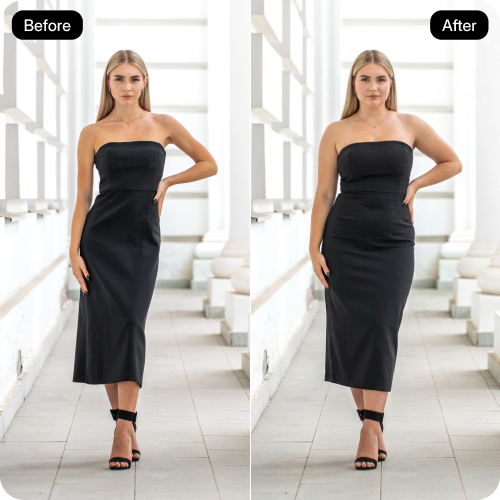
Simulate weight gain with realistic body changes to experiment with different looks and styles.

Browser-based

Access the AI fat filter on any device and on all modern browsers, such as Chrome, Safari, Edge, or Firefox.

Sailling ship of sketche to image
Batch editing

Apply weight-gain effects to multiple images at once with the Bulk editing API, saving hours on manual efforts.
Mountain sketch to image
HD outputs

Export full-resolution images, so your edits look clean and ready to use for professional use or creative projects.
Sketch hot air baloon to image generator
Unchanged image quality

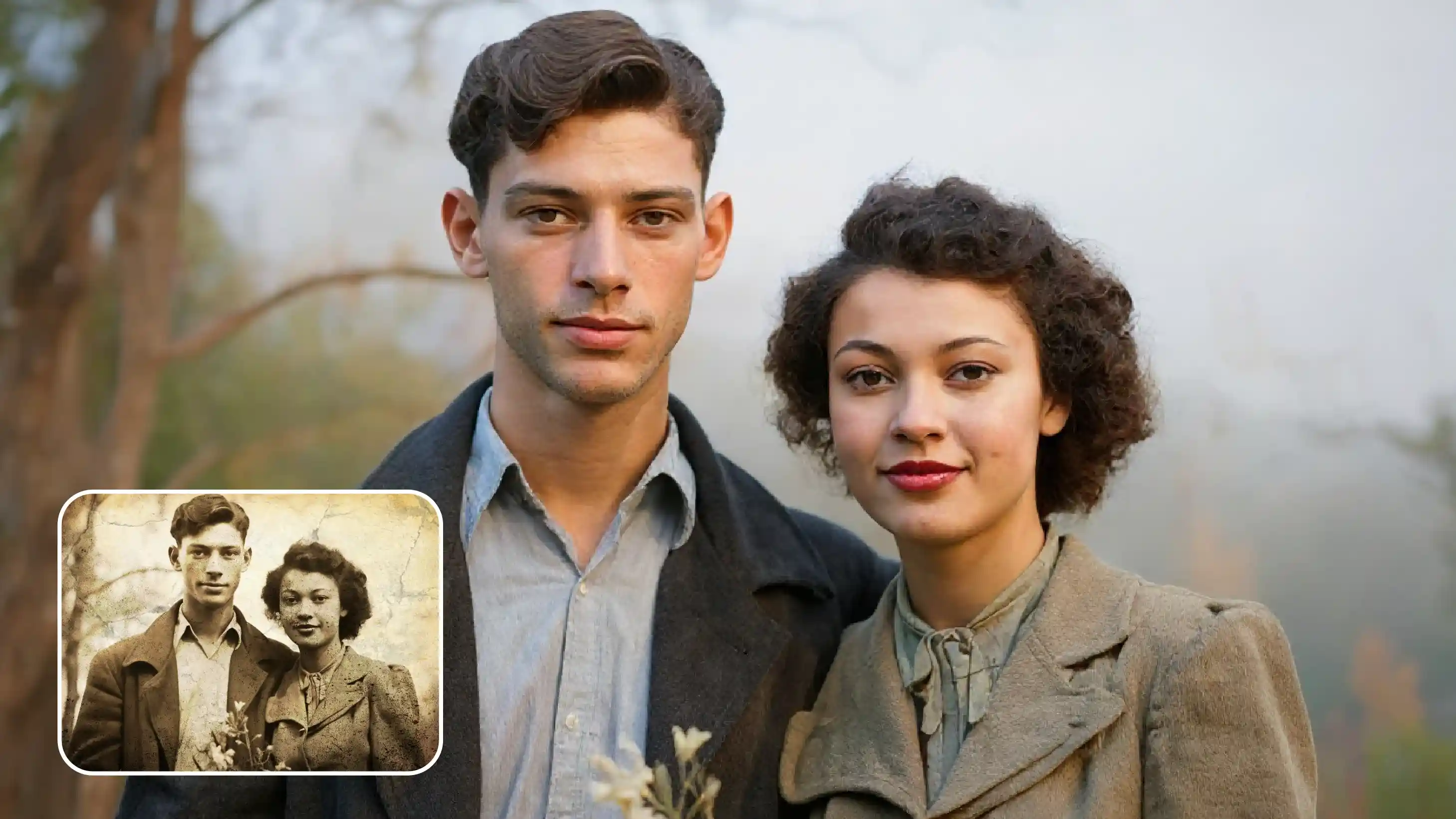
Preserve resolution, textures, and details exactly as they appear while enhancing facial and body features.
sketch to image in HD-resolution pictures

AI tools by Pixelbin

Key highlights of Pixelbin’s free AI fat filter tool

Benefits of using Pixelbin’s AI fat filter tool

  • Creative character design: You can quickly generate different body types for characters to see what fits your story.
  • Fitness tracking: Visualize your body composition goals without manual retouching, and stay motivated on your health journey.
  • Realistic previews: Check how a subject might look with a fuller figure, for Pixelbin generates a natural-looking version that looks like an original photo.
  • Fashion testing: See how clothing drapes on fuller figures before buying, making online shopping more predictable.
  • Social media fun: Create lighthearted, engaging content or memes that often go viral due to realistic AI transformations.

Use cases of Pixelbin’s AI fat filter tool

1. Athletics

As a bodybuilder, powerlifter, or athlete interested in gaining mass, you can imagine what it would look like with 20-30 pounds on your frame. You can figure out the level of bulk you need without accidentally getting too heavy.

2. Pregnancy preparation

You get to know how much weight you may gain during pregnancy would appear on your body. This will make you mentally prepare for the changes and get to know what is normal and what the media depicts you to be.

3. Weight gain goals

If you are recovering from an eating disorder or illness and need to gain weight, you can use the AI fat filter to see what a healthy weight actually looks like on you. It can reduce anxiety about gaining "too much" when you're underweight.

4. Aging effects

You can imagine how nature and metabolic processes may change your body in 10-20 years. This assists you in making changes to your lifestyle today to avoid unnecessary weight gain in the future.

5. Movie/Theater prosthetics

If you are into acting or are a costume designer, you can see what a character is supposed to look like without actually gaining weight or spending hours in make-up.

How to obtain the best results with the online AI fat filter?

  • Use a clear, high-resolution image where the body or target area is fully visible.
  • Choose a natural, front-facing pose without extreme angles or cropped limbs.
  • Ensure even, well-balanced lighting with minimal shadows.
  • Avoid heavy filters, blur, or prior edits before uploading.
  • Wear fitted or well-defined clothing so body contours are easy to detect.
  • Keep the background simple and uncluttered to avoid distractions.
  • Make sure the subject is in focus and not partially hidden by objects.

FAQs

Here are some of the most common questions about our AI Old Age Filter. If you can’t find the information you need, contact us at support@pixelbin.io or refer to our documentation for more details.

No. Pixelbins’s AI fat filter adds realistic fullness while keeping facial and body features natural. Your edited photo will look proportional and appear realistic.
Yes, you can upload photos of friends, family, or pets, and the tool will apply realistic fat effects. Just make sure the images are in supported formats and not more than 10MB in size.
Pixelbin’s AI tool adapts to various body types and genders. Every image you edit appears natural while maintaining proportions and natural-looking fullness.
Yes. The tool handles multiple people in a group photo at once, where each person gains realistic fullness in a single edit.
Pixelbin is a free tool where you get 3 credits per month to edit your images without signing up. If you want to make further improvements, then you need to create an account and purchase additional credits on a pay-as-you-go basis. Apart from that, we also have custom enterprise plans.
Edit images in seconds, not hours
Get pixel-perfect results just with your words
Start editing with AI