PixelBin logo
Image generator is here -   Create Now   and Claim 30% off on Pro Plans. Use code SALE30 at checkout.   Claim Discount

Blonde hair AI filter

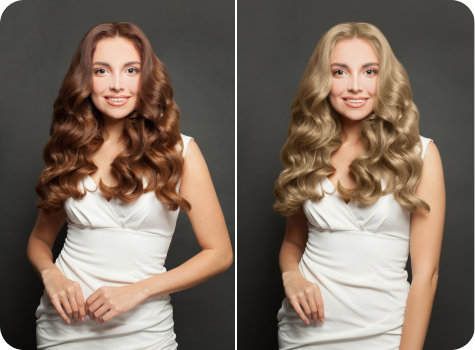
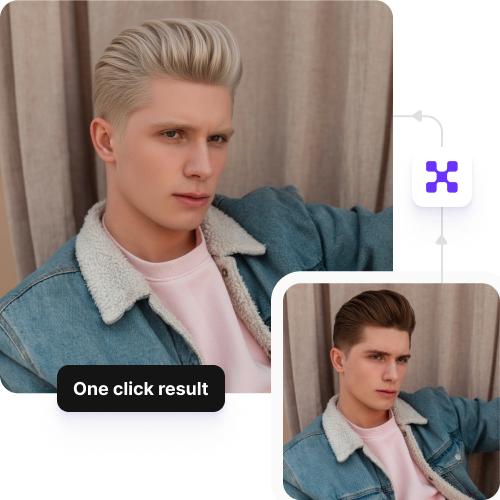
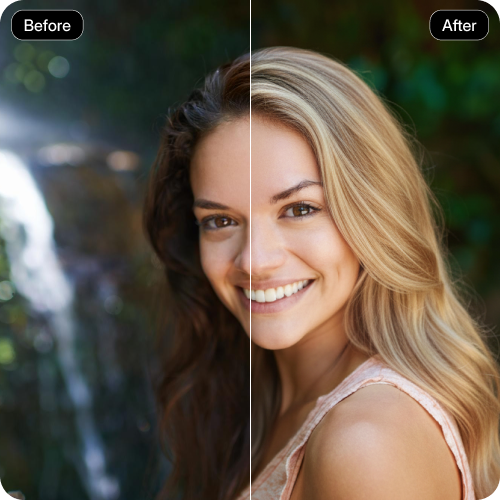
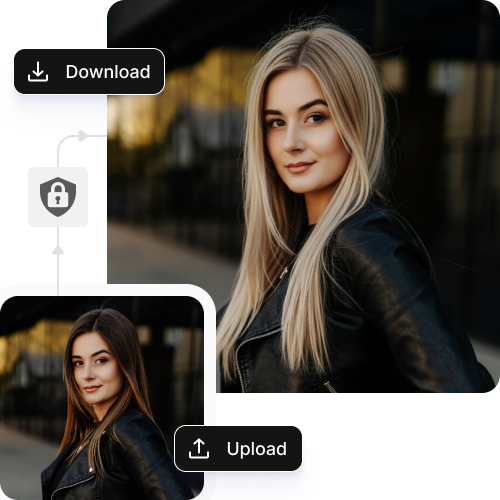
See how you’d look with blonde hair in just one click, with a realistic and natural finish.

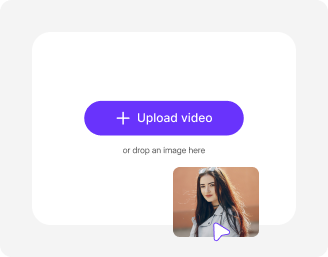
Upload Image

File should be less than 10MB

or paste URL

Before
Loading

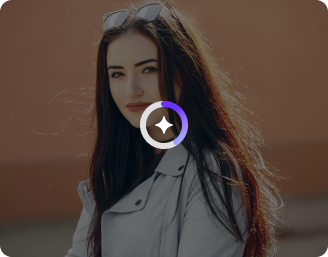
AI Magic in progress
Applying realistic blonde tones and natural hair texture

After

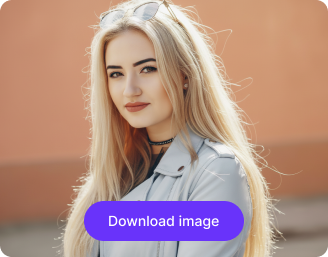
Your AI-generated blonde look is ready!

Edit image with AI
Get :🔥: free credits for image editing, upscaling, generation and more
Try another blonde shadw
Generation Failed

There was some issue on our end. Please try again.

Try Again
Show case

How to use Pixelbin’s AI blonde filter?

1
Add an image
Paste a URL or upload your front-facing image to our editor in JPEG, JPG, PNG, or WEBP.
2
Wait for AI processing
Pixelbin automatically matches the blonde shade to your hair and face for realistic results.
3
Download image
Preview and save the image in HD without any watermarks, logos, or added texts.

Why choose Pixelbin’s AI blonde filter?

Instant sharing
Copy the generated image URL and share it directly with your clients or stylists.
URL-based transformations
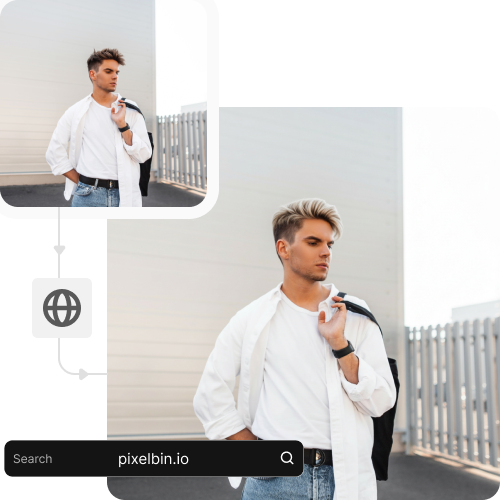
Modify, optimize, and edit your images in real-time by adding parameters directly to the image URL.
No sign-up
Make your hair transformations instantly without creating an account or sharing your personal information.
Multiple formats
Upload images in all popular formats, such as JPEG, JPG, PNG, or WEBP.
Asset management
Store all your edited images in one place so you can access them whenever needed.
Global CDN delivery
Load your images quickly from anywhere in the world with a fast and reliable global delivery network.

Try Various Blonde Looks Virtually Before Getting a Dye

Try ash, platinum, honey, or golden blonde shades to discover what suits your skin tone best.

User friendly

Use the Blonde AI filter through a simple, clean interface that lets you change your hair color instantly.

Feature 1
No skills needed

Get realistic hair color without learning any editing skills or technical knowledge.
Feature 2
Browser-based

Access the tool directly on any modern browser, such as Safari, Chrome, Edge, or Firefox; no app installation needed.
Feature 3
Full confidentiality

Your images are processed on secure servers and never shared or reused.
Feature 4

AI tools by Pixelbin

Key highlights of Pixelbin’s blonde hair AI filter

Benefits of the AI blonde filter

  • Risk-free experimentation: You can try multiple blonde shades from warm honey to icy platinum without bleaching your real hair.
  • Save time and costs: Skip the need to visit expensive hair salons as you can now turn your hair color to blonde with just a click. Do away with trial and errors, too, to avoid any post-hairdresser regret.
  • Instant visualization: See instantly how you would look in blonde shades, irrespective of your present hair color. The blonde AI filter detects your natural hair shade, and then it applies the filter to ensure the final results look natural.
  • Skin tone matching: Determine which shade of blonde suits your skin undertones so you can easily make an informed choice.
  • Professional consultation tool: Show your clients the potential outcomes after getting their hair blonde, so both parties have the same vision before starting the coloring process.

Use cases for AI blonde filter

1. Professional salon consultations

The blonde hair AI filter is like your safety net, so you can easily figure out which shade is the right choice for you. Instead of trying to describe the exact shade of "sandy beige" you want, you can show your colorist a photo of your own face with that color already applied. It takes the guesswork out of the appointment and ensures you and your stylist are on the exact same page before the bleach comes out.

2. Influencer & social media content

The “Big Reveal” has become a valuable tool for creators because it drives audience interaction. The AI blonde hair filter enables you to show a significant transformation to your audience or participate in a popular trend without having to spend five hours in a salon chair. The way, you can post fresh content on your social media while testing a different visual style and observing how your audience responds to your blonde appearance.

3. Cosplay & Character Design

The right wig becomes your most essential expense when you develop a costume for a convention or photo shoot. The AI blonde hair filter allows you to check whether platinum silver or golden yellow will suit your skin tone before making a purchase for that wig.

4. Product retouching

If you’re running a small beauty business or working on a brand, you don't always have the budget for ten different models. You can use this filter to visualize how different hair dye products would look in "real-world" scenarios.

5. Wardrobe audits

Going blonde isn't just about your hair, but it also changes your whole "color palette." You can use the filter to see if your favorite bright red sweater still looks good or if it suddenly clashes. It’s like a virtual styling session that helps you decide if you're ready to overhaul your makeup bag and wardrobe to match your new, lighter look.

6. Special events

If you’ve always wanted to have your hair in blonde color on your D-day or any special event, the pressure to get it right is huge. With our blonde hair filter, you can easily check if the shade suits you while wearing your dress (or a similar color). It’s a great way to de-stress the planning process.

How to get the best results using our blonde AI filter

To get realistic hair colors using our blonde filter, here are a few things you need to keep in mind:

  • Use a clear, high-quality photo so the Blonde AI filter can detect your hair properly.
  • Make sure your hair is fully visible and not heavily covered by hats, hands, or objects.
  • Choose good lighting, preferably natural light, to help the blonde shades look more accurate.
  • Avoid heavy filters or edits before uploading, as they can affect how the blonde tone appears.
  • Face the camera directly or slightly angled so the AI can apply the color evenly.
  • Keep the background simple to help the AI focus clearly on your hair.

FAQs

Here’s a list of commonly asked questions about our Saree Trend Maker Tool. If you still can't find what you're looking for, reach out to us at support@pixelbin.io or check out our documentation for more details.
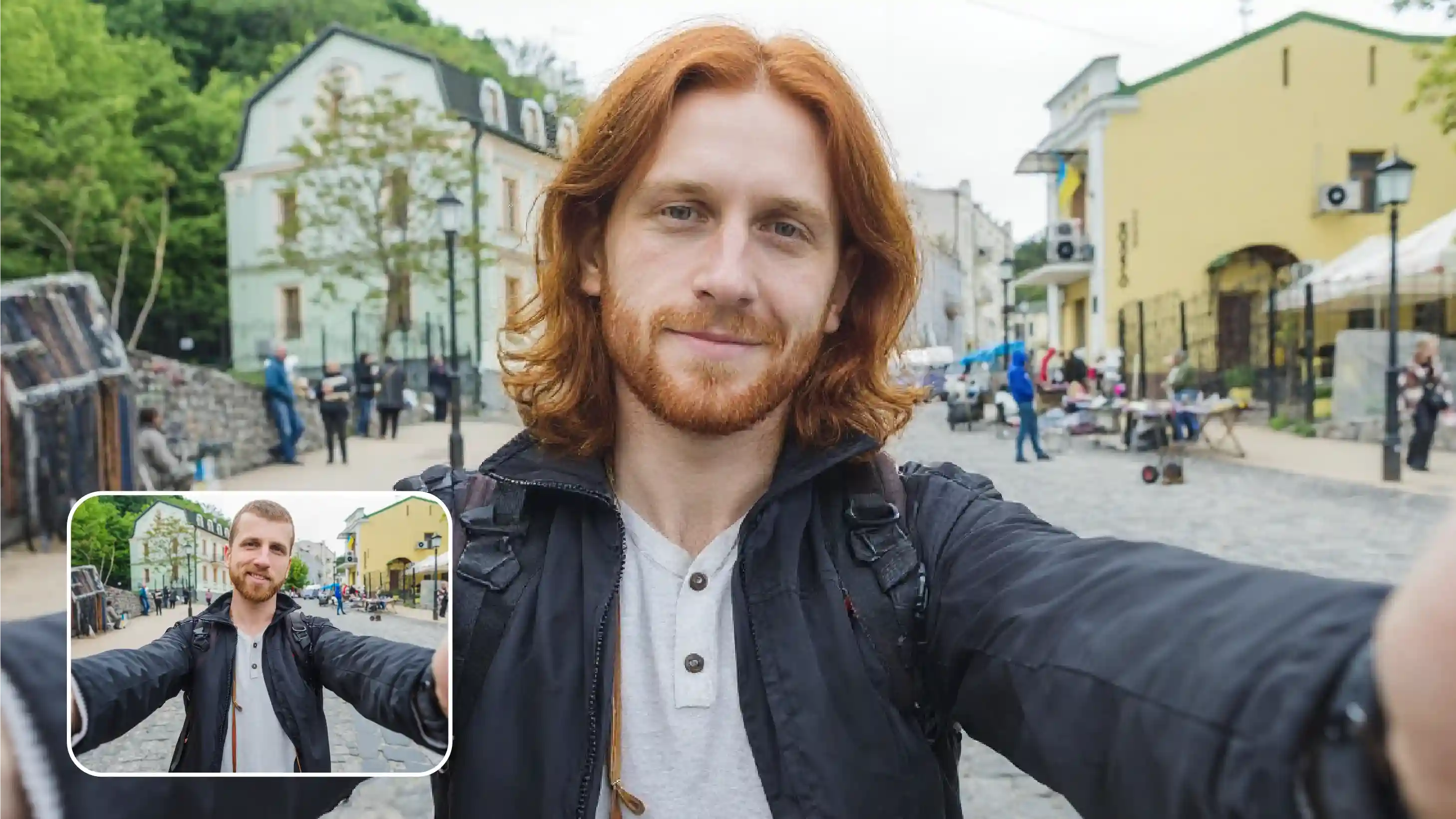
Indeed, the tool can be used on natural, dyed, light, or dark hair. Depending on the lighting and your initial hair color, the outcome may differ slightly.
No, your skin tone, makeup, and facial features remain natural while the blonde hair filter AI only concentrates on your hair.
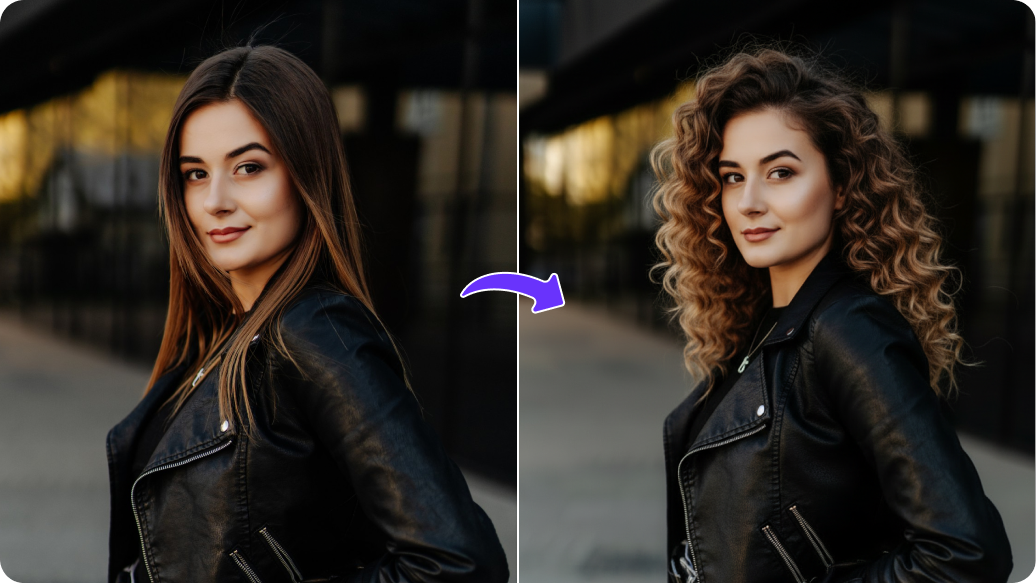
The filter maintains your hair's natural volume and texture, whether it is curly, wavy, or straight.
Yes, it can. But it’s better if you upload a picture with a single, clear face for optimal effects. The accuracy of applying the blond shade may be impacted by multiple faces.
Yes, you get 3 free actions with 3 free credits to try the Blonde AI filter. Once your free credits are used, you can create an account and purchase additional credits on a simple pay-as-you-go basis.
Edit images in seconds, not hours
Get pixel-perfect results just with your words
Start editing with AI