PixelBin logo
🚀 Pixelbin AI Studio - No Prompt - Idea to final image with our agent Pixie   Click for Free Trial

AI comic generator

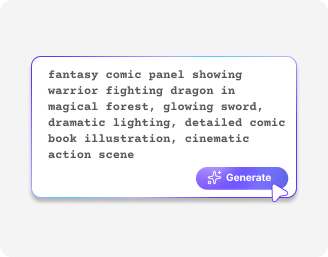
Create unique heroes, worlds, and adventures from your imagination just by describing them.

2500 chars left
Loading

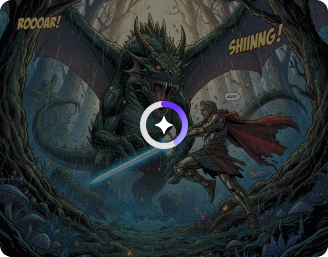
AI Magic in progress...
Turning your text prompt into an AI-generated comic panel

Generated AI girl

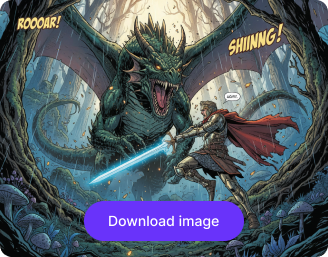
Your AI-generated comic is ready!

Edit image with AI
Get 🔥 free credits for image editing, upscaling, generation and more
Create another comic
Generation Failed

There was some issue on our end. Please try again.

Try Again
Show case

How to use Pixelbin’s AI comic maker?

1
Describe your character/story
Write a short description within 2,500 characters about your characters, setting, or story idea.
2
Generate your comic
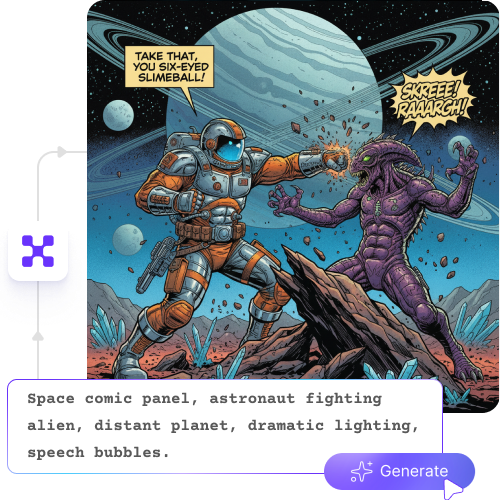
Click the generate button and watch your words turn into colorful comic panels in seconds.
3
Download and share
Save your AI comic in HD quality without any watermarks, labels, or added texts, ready to use for projects or newsletters.

Why create a comic with Pixelbin’s AI comic maker?

Text-based editing
Turn your ideas into panels by simply describing your scenes; there's no need to draw a single line to bring your story to life.
HD outputs
Download your comic strips or panels in high-definition quality, ready for sharing, printing, or editing further in your favorite apps.
No sign-up
Create your AI comics immediately without creating your account or sharing personal information.
Free trials
Explore all the features of our AI comic generator at no cost, and see how simple it is to make a comic in seconds.
Complete privacy
Your ideas and creations are fully protected, and they stay private until you choose to share or export them.
URL-based transformations
Change your images just by updating the URL, and get real-time results for your comics.

Build complete AI comic strips with consistent characters

Switch between retro, anime, superhero, or cinematic styles without any drawing skills.

Browser-based

Access the comic generator on any modern browser that you use, such as Chrome, Safari, Edge, or Firefox.

Feature 1
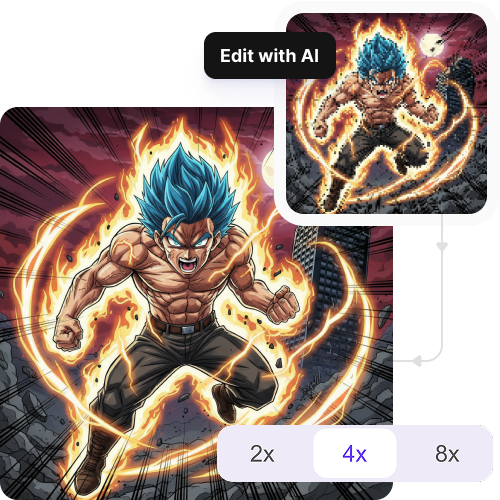
Image upscaling

Increase the resolution of your comic characters by 2x, 4x, or 8x to make it look crisp and clear across all devices.
Feature 2
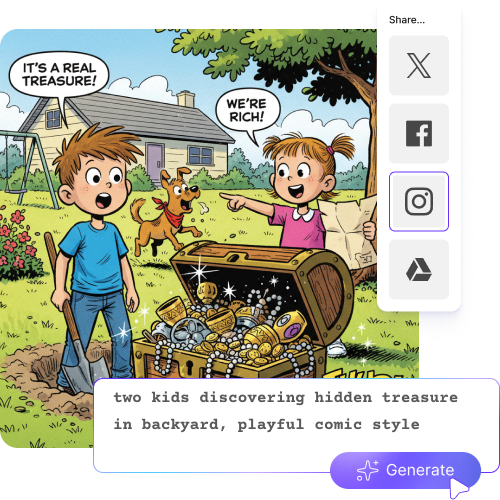
Quick sharing

Copy the generated link of the AI comic characters and share it directly with your friends, peers, or teams.
Feature 3
Global CDN

Load your images with high speed, irrespective of your location, with our robust global delivery network.
Feature 4

AI tools by Pixelbin

Key highlights of Pixelbin’s AI comic book maker

Benefits of the online comic creator

  • Skip the drawing lessons: Forget struggling with anatomy or perspective. The AI comic handles the shading and sketching while you focus on the plot to create professional visuals from just your words.
  • Finish your story quickly: Hand-drawing a single comic often takes months of hard labor. The AI comic generator slashes that time down to days, letting you get your work onto platforms while the idea is still fresh.
  • Keep characters consistent: Making a hero look the same in every panel is a common struggle. Using the AI comic maker, you can solve this by "locking in" a character’s face and outfit so they never change unexpectedly.
  • Build a custom cast: From glowing sci-fi robots to detectives in gritty rain, every character is possible. Design unique heroes, detailed villains, or even huge crowds of background people without any extra effort.
  • Direct every shot: Create wide establishing shots for world-building, tight close-ups for emotional drama, or massive action comic panels that make the story feel cinematic.
  • Save your budget: Hiring professional artists and colorists usually costs thousands. You can produce high-quality work without needing a massive bank account or a big team.
  • Edit with a click: Mistakes don't mean starting over. If a character’s expression isn't right or a background needs more detail, a quick prompt change lets the AI "redraw" that specific part in seconds.

Use cases of our AI comic book maker

1. Bring your scripts to life as a filmmaker

Use your scripts to create realistic comic scenes. Use our AI to storyboard your scenes before you ever pick up a camera. Try complete shot and angle displays, which help you avoid spending time on set through unnecessary trials.

2. Fun guides

Transform dull lessons into interactive learning resources that students can use as their own educational materials. Transform your manuals into "how-to" comics that keep your students or employees actually engaged with the material".

3. Brand growth

Our AI comic strips lets you create messaging that stands out on Instagram and LinkedIn. You can easily explain your offerings instead of using traditional stock images.

4. Independent publishing

Start your journey to become a published author. You can create graphic novels that you can sell on Amazon KDP and WEBTOON while maintaining complete control over your creative process.

5. Personalized gifts

You can turn special moments, such as your friend's wedding and family vacation, into a custom comic book. It’s a one-of-a-kind gift that looks like it came straight from a professional studio.

6. Independent game world

you are into games, you will know that it requires you to create "character bibles" and concept art. This can now be done easily with our AI comic generator. You can easily show the mood and hero designs to your team and investors.

7. Creative prototyping

If you’re an artist, you can use our AI tool to test out different color palettes or lighting moods. It’s a great way to experiment with 50 different styles in minutes before you commit to drawing the final version by hand.

How to get the best results using Pixelbin’s comic book creator

To make the most realistic comic characters that look natural, here are a few tips you can try:

  • Start by writing a clear description of the scene or characters you want in your comic.
  • Include details like actions, emotions, or dialogue to make your panels more lively.
  • Keep your sentences short and simple, so the comic maker understands your idea.
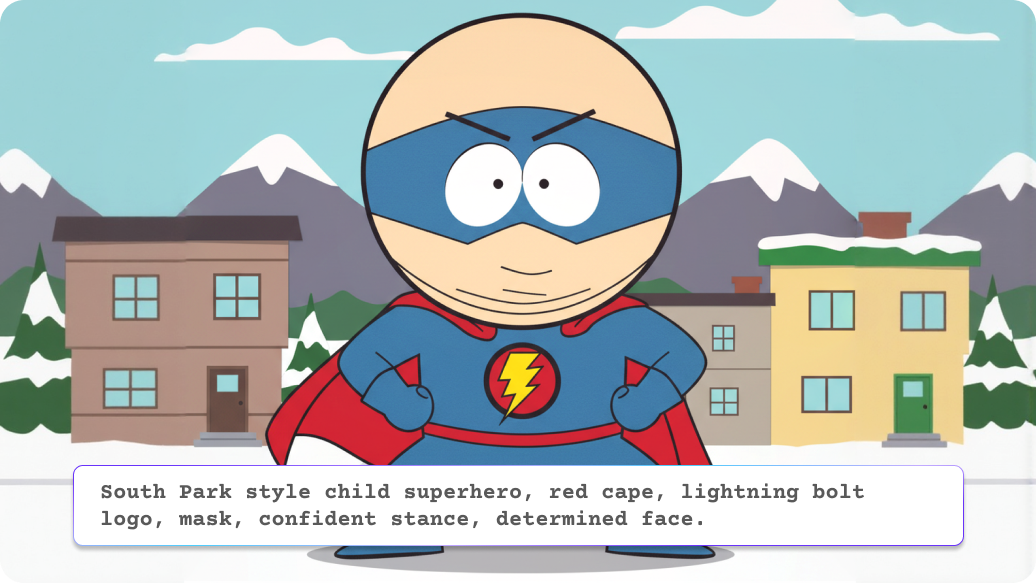
  • Mention the style you want, like superhero, anime, or classic newspaper strips.
  • Use multiple lines if needed to describe each panel or action clearly.
  • To make changes, adjust your text with small edits rather than changing the whole thing.

FAQs

Here are some of the most common questions about our Best AI comic generator. If you can’t find the information you need, contact us at support@pixelbin.io or refer to our documentation for more details.

Yes, our AI cmoc generator enables you to download high-definition visuals without watermarks, which you can use for your personal book and product creations. However, the specific licensing terms must be checked before you sell your products on major retailers like Amazon.
The comic maker offers flexible operating capabilities. You can add your entire story in 2,500 characters. But to get the best results, it’s better if you can generate 1-4 panels at a time.
The current version focuses on text-to-image generation. You can describe yourself or a specific person in detail (hair color, clothing, features), and the AI will create a stylized character based on that description.
The download options include PNG, JPG, WEBP, or JPEG formats, so you can use them on all platforms while maintaining professional standards..
You can describe different characters through your text descriptions. For the best results, mention their positions (e.g., "a hero on the left and a villain on the right") to help the AI comic maker organize the composition.
Edit images in seconds, not hours
Get pixel-perfect results just with your words
Start editing with AI