PixelBin logo
Image generator is here -   Create Now   and Claim 30% off on Pro Plans. Use code SALE30 at checkout.   Claim Discount

AI Vtuber generator

Create custom VTuber 2D or 3D avatars for YouTube and Twitch in seconds.

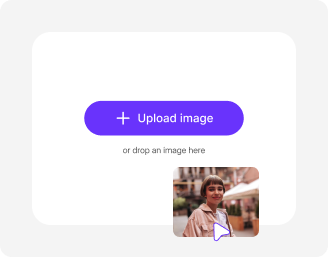
Upload Image

File should be less than 10MB

or paste URL

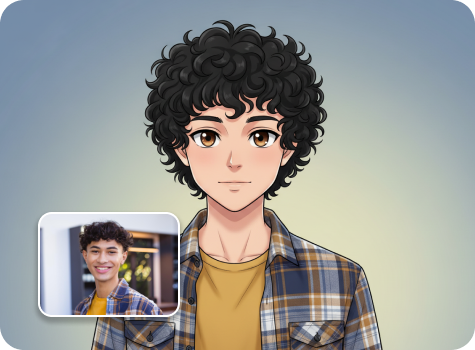
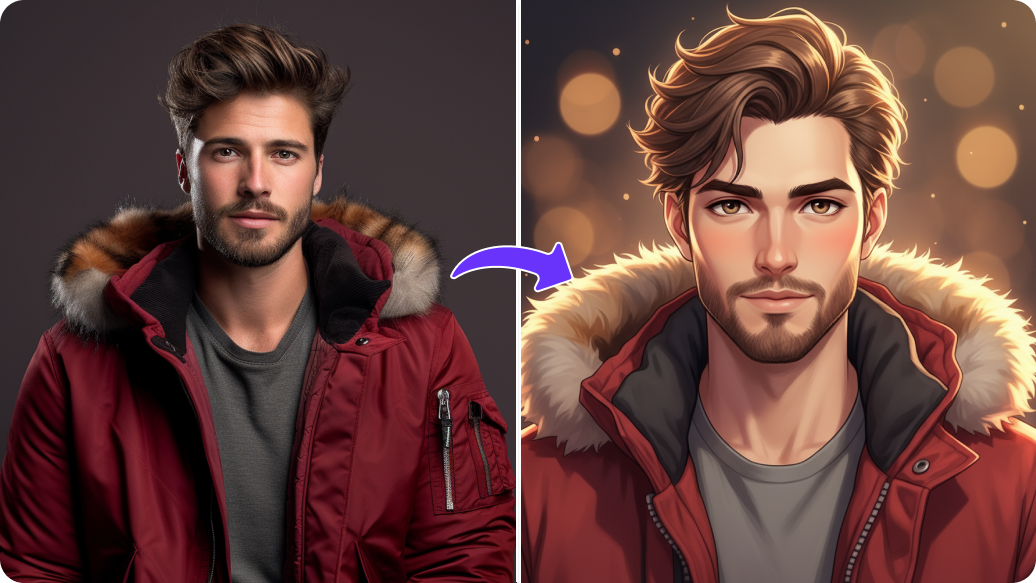
Before
Loading

AI Vtuber Design in Progress
Creating your personalized VTuber avatar

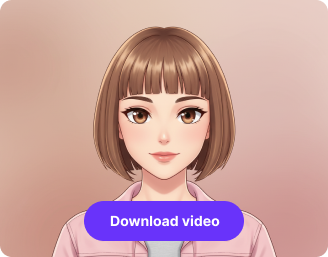
After

Your AI-generated VTuber avatar is ready!

Edit image with AI
Get 🔥 free credits for image editing, upscaling, generation and more
Create another AI VTuber avatar
Generation Failed

There was some issue on our end. Please try again.

Try Again
Show case

How to make an AI Vtuber avatar with Pixelbin?

1
Upload your image
Paste an image link or upload a clear selfie or portrait in JPG, PNG, or WEBP format to create your VTuber avatar.
2
Click on “Generate”
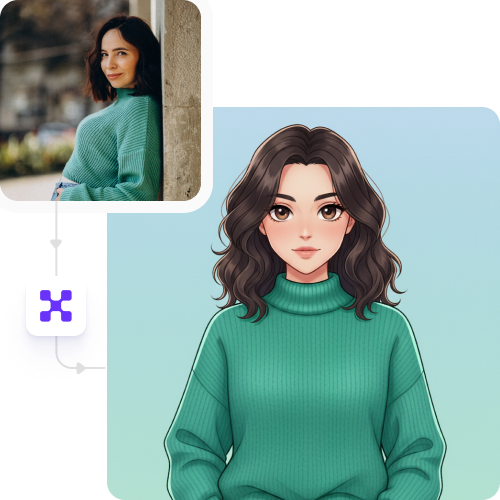
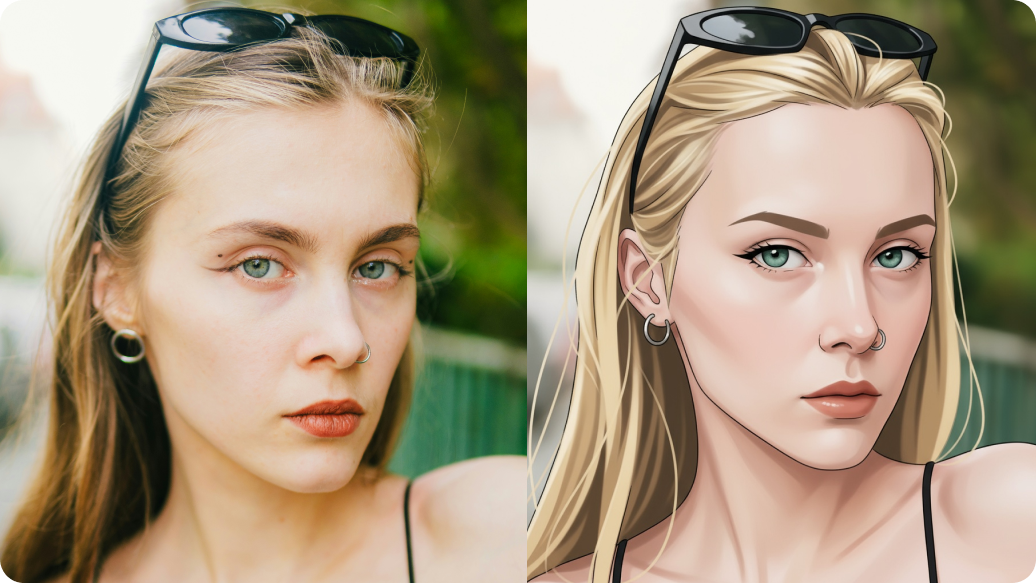
Pixelbin automatically detects your image and transforms it into a polished, streaming-ready model or animated VTuber avatar in seconds.
3
Download the image
Preview your result and download your avatar in high resolution, without any watermarks, labels, or logos.

Why use Pixelbin’s online VTuber AI maker?

Multiple formats
Work across common image file formats, such as JPEG, JPG, PNG, or WEBP format.
Real-time modifications
Change size, quality, background, or effects instantly by editing the generated image URL.
Image upscaling
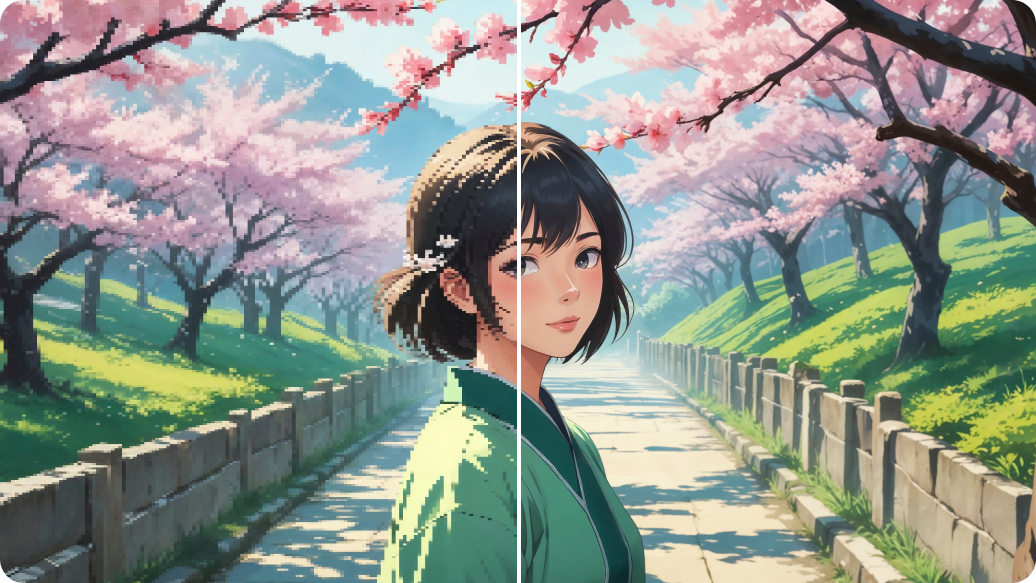
Increase the resolution of your avatar to 2x, 4x, or 8x while maintaining sharp edges and fine character details.
HD outputs
Get refined, high-resolution results suitable for streaming, thumbnails, and profile images.
No sign-up
Access the VTube maker immediately without creating an account or sharing your personal details.
Watermark-free exports
Download clean results with no branding overlays or added texts, ready for direct use.

Generate full-body AI VTuber avatars to fit your channel theme

Design complete head-to-toe VTuber models customized to your preferred gender, age, hairstyle, outfits, and overall style.

Fully automated

Turn your photos into polished V-Tuber characters without needing any advanced design or animation skills.

Feature 1
Complete privacy

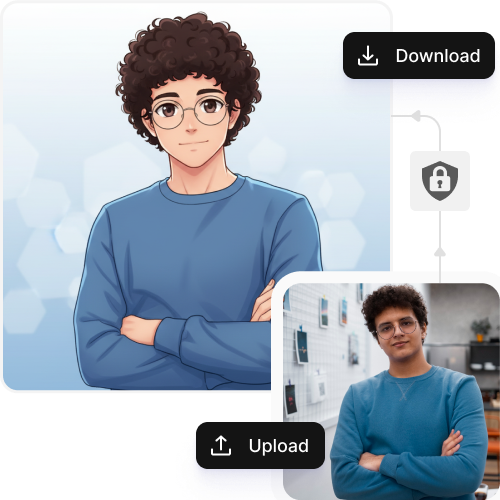
Your avatars are processed on secure, encrypted servers and never shared or reused without your consent.
Feature 2
Browser-based

Access the AI Vtuber maker for free on any modern browser, such as Safari, Chrome, Edge, or Firefox; No heavy app or complicated setup required.
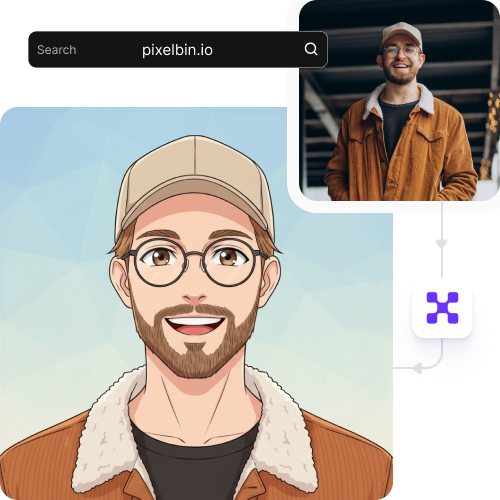
Feature 3
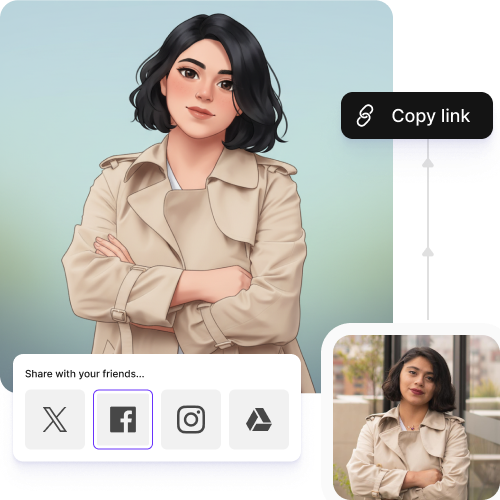
Instant sharing

Just copy the generated output image URL and share your VTuber model with peers or social media followers easily.
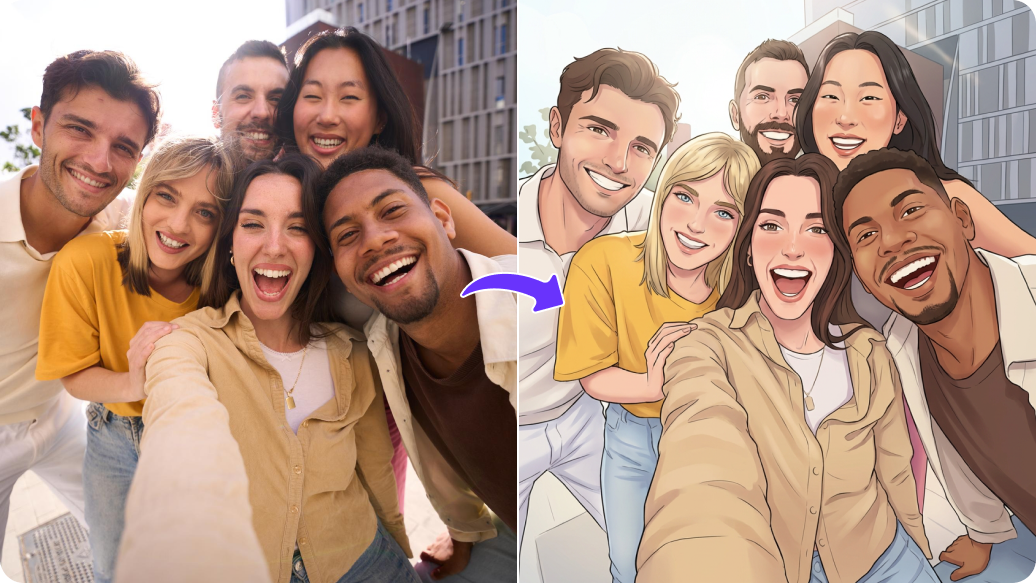
Feature 4

AI tools by Pixelbin

Key highlights of Pixelbin’s AI VTube maker

Benefits of using the AI Vtuber creator

  • Instant persona swapping: Create multiple "identities" instead of being limited to one identity. You can choose to be a futuristic cyborg on Monday and a cozy fantasy mage on Friday. You can change your entire avatar and art style instantly without needing to create a new model from scratch or wait months for a new design. Keep your channel fresh while presenting new experiences to your dedicated audience.
  • Total customization via simple prompts: After instant generation of the image, you can use texts to refine your outputs. And for that, you don't need to be a professional illustrator. Create a classic hand-drawn anime look or a detailed photorealistic persona, just by describing them. You can adjust the appearance until you achieve the ideal style that represents your character.
  • Immersive, automated backgrounds: Your character represents only half the narrative because the surrounding space establishes the atmosphere. With our AI Vtuber maker, you can create new backgrounds or replace existing ones while improving them to fit your current atmosphere or the game you are playing.
  • Freedom to experiment without risk: The "cost of failure" becomes non-existent because you create your world through prompts. You can experiment with unconventional concepts by changing hair colors according to chat goals and developing your avatar's clothing through time. You can try all of this without thinking much about your technical skills.
  • Professional polish on a solo budget: You're essentially getting a full art department that works at the speed of your imagination. From your character design to the very walls of your virtual room, everything remains cohesive and high-quality. This allows you to compete with "big" streamers visually, even if you’re just starting from your bedroom.

Use cases for free AI VTube maker

1. Community-driven character design

Try unique avatars with "blue hair," "cat ears," and "cyberpunk jacket," through our VTuber maker platform, and let your audience truly own a piece of your journey.

2. Creating "guest" avatars for collabs

You can create a temporary "guest" persona for your friend who lacks a model by using our AI VTuber maker. It keeps the visual style of your stream consistent and makes the collaboration feel much more professional than just having a random webcam box next to your v-tuber.

3. Generating specific actions

Our AI VTuber model maker lets you create character models that display specific actions, such as sleeping or waving goodbye, to produce high-quality assets that match your model perfectly.

4. "Aura" and power-up visuals

Create a "powered-up" version of your character when you reach important milestones, such as sub-goals or high scores. The transformation includes glowing eyes and magical effects, which result in a complete character change. The "super" version of your AI VTuber creates a major effect on audience engagement during high-energy moments.

5. Lore-based "flashback" images

When you share your character's backstory, you can generate images of your VTuber avatar as a child who resides in their "hometown." The visuals you create enable you to display content on screen during streaming, which enhances your storytelling experience and strengthens community ties.

How to get the best results using the AI Vtuber maker?

  • Upload a high-resolution, clear image with good lighting and sharp facial details.
  • Use a front-facing portrait where the face is fully visible and not cropped.
  • Avoid heavy shadows, blur, filters, or low-quality compressed images.
  • Choose images with a simple background to help define clean character edges.
  • Make sure key features like eyes, hairline, and jawline are clearly visible.
  • Use original photos instead of screenshots for better detail accuracy.
  • If possible, start with a well-lit image taken in natural light.
  • For stylized results, upload images with distinct hairstyles, outfits, or expressions.

FAQs

Here’s a list of commonly asked questions about our Vtuber Trend Maker Tool. If you still can't find what you're looking for, reach out to us at support@pixelbin.io or check out our documentation for more details.
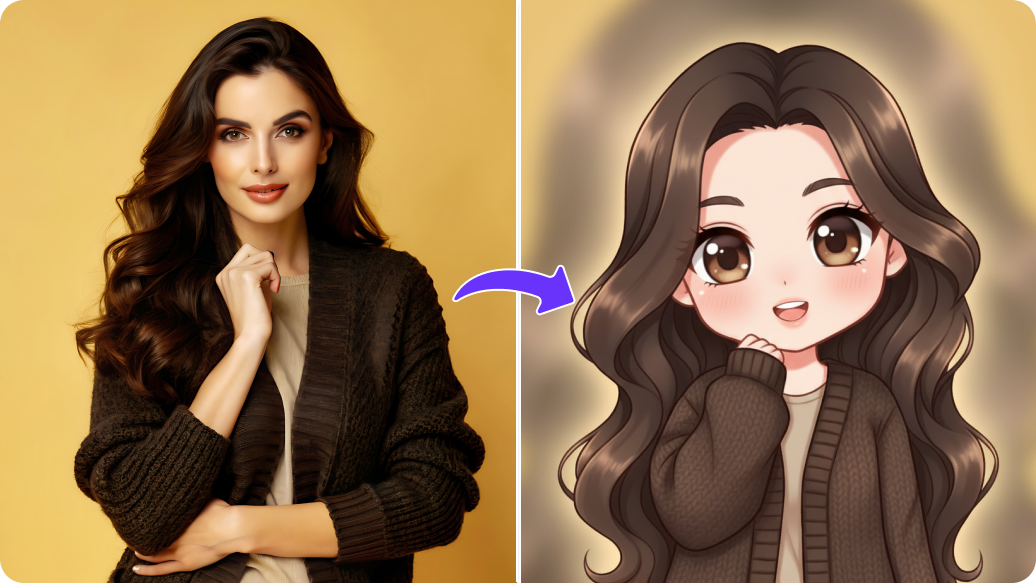
You can create backgrounds that match your VTuber avatar and your streaming theme. You can experiment with multiple styles, such as anime, 3D, or cyberpunk, to achieve a professional appearance during your online broadcasts.
Yes, you get 3 free actions per month as Pixelbin offers 3 free credits. After that, you need to sign up and purchase credits on a pay-as-you-go basis to continue generating more VTuber avatars.
Yes, you can customize your avatar’s expressions, poses, hairstyles, and outfits to match your channel vibe. This way, you can easily build a unique virtual identity that fits your content style.
Yes, you can adjust small details using URL-based transformations. Just edit the image URL parameters to modify size, quality, or enhancements. There’s no need to reupload or start from scratch.
Pixelbin functions effectively on mobile web browsers, which work with Android and iOS operating systems. You can create a VTuber avatar directly from your mobile browser.
Edit images in seconds, not hours
Get pixel-perfect results just with your words
Start editing with AI