






One-click result
Skip complex editing tools and long prompts. With Pixelbin, you can apply a noise filter to images in just one click.

 Contact Us
Add subtle or artistic noise to your photos in seconds using Pixelbin’s AI noise filter, without software downloads or editing skills.
.png)

AI Magic in progress
Adding a realistic film noise texture to your photo
Your AI-enhanced noise effect image is ready!
There was some issue on our end. Please try again.

.png)
.png)
.png)

.png)
.png)

.png)

Give your pictures a noisy, grainy effect instantly for an effortless 80s vintage look, using Pixelbin.
Skip complex editing tools and long prompts. With Pixelbin, you can apply a noise filter to images in just one click.
.png)
Apply different noise effects (random, Gaussian, white noise, or film-style grain) to photos according to your preference.
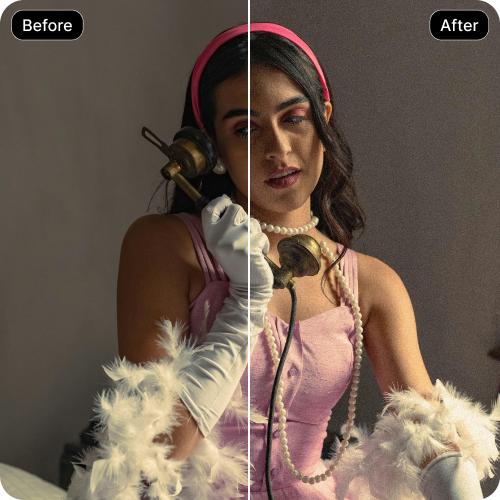
Get three free uses every month to apply noise filters to your images. Upgrade anytime for extra credits and API access.
.png)
Add a noise filter to images directly in your browser without the need to download any software or install a plug-in.
.png)
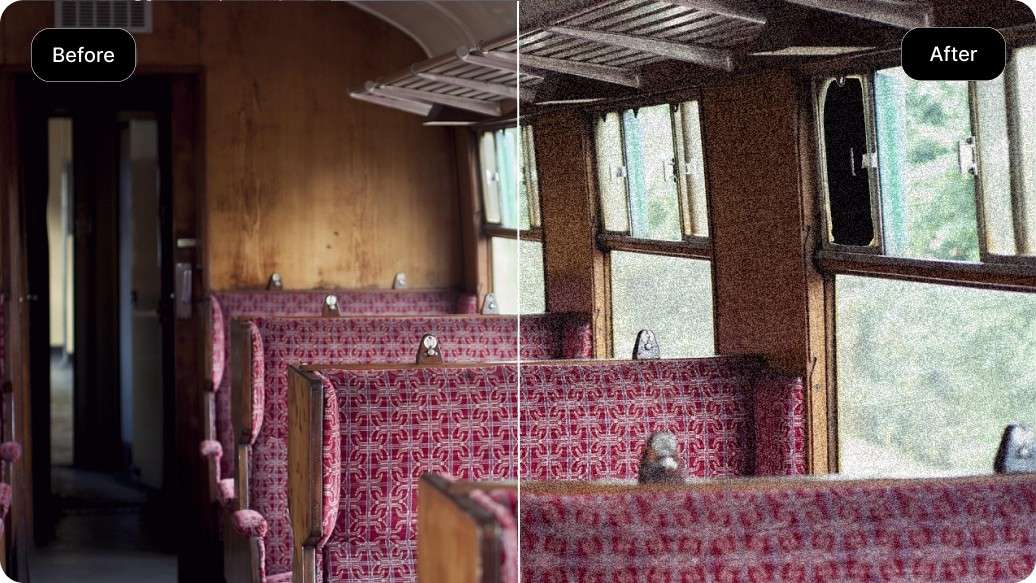
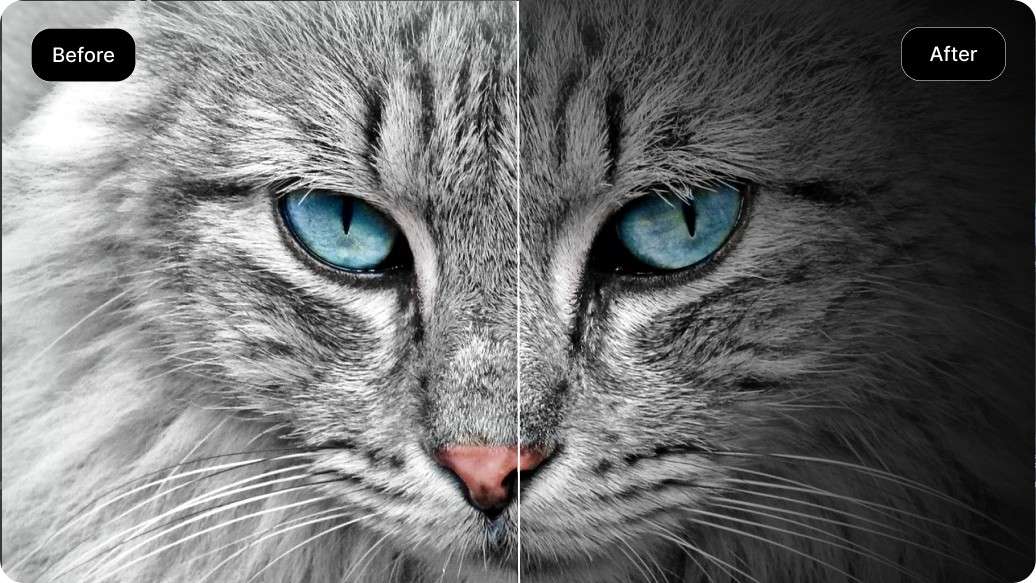


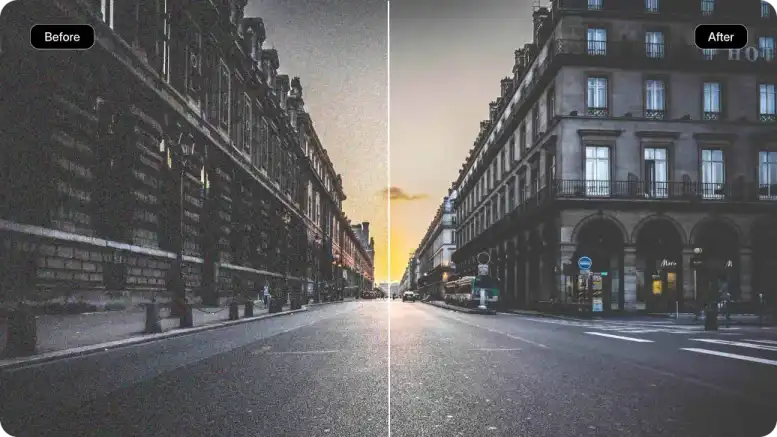
Using Pixelbin, you can add noise to photos online and instantly turn images into artistic creations. Here are some of its benefits:
With Pixelbin’s AI noise filter, you can add texture and a vintage feel to your images. Here are some of the ways you can use it:
Using Pixelbin’s noise filter, you can easily replicate the charm of vintage photography, adding an old-school look to modern photos.
Add a layer of noise to digital artwork, posters, or album covers to give them a more organic and textured feel.
Applying a noise filter is one of the best ways to fix color banding, especially in gradients like skies. Pixelbin’s AI editor breaks up the harsh lines and blends the color transitions.
You can apply a subtle noise filter to portrait images for a more dramatic and textured look, perfect for headshots or social media posts.
To get the most natural-looking results when you add noise to an image online, follow these suggestions:
Here are some of the most commonly asked questions about our AI Noise Filter Tool. If you still need help, contact us at support@pixelbin.io or read our documentation for more details.