






One-click result
Add a Christmas background to your photo instantly with no manual editing or prompts required.

 Contact Us
Swap plain backgrounds for snowy scenes, glowing lights, and classic Christmas decor in one click.

File should be less than 10MB
or paste URL
Upload a bright, front-facing photo for the best Christmas-themed background.

Adding Christmas background...
Replacing the background with tree lights, fireplace, or snowy window using AI while keeping the subject intact
Your Christmas background image is ready!
There was some issue on our end. Please try again.



.png)

.png)
.png)

Create a holiday-ready photo in your browser, without editing tools or extra software.
Add a Christmas background to your photo instantly with no manual editing or prompts required.

Turn everyday images into holiday-themed visuals without using Photoshop or any editing tools.
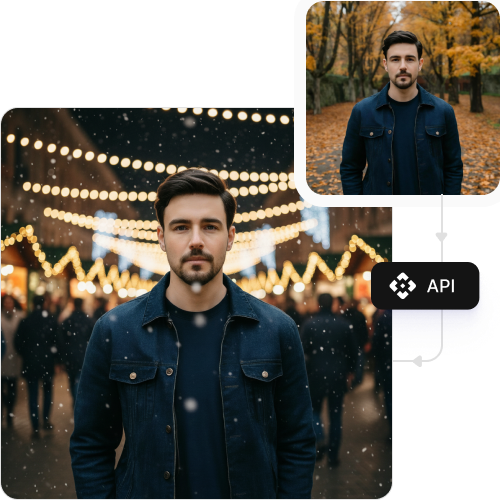
Edit up to three photos each month for free and upgrade anytime for more credits or API access.

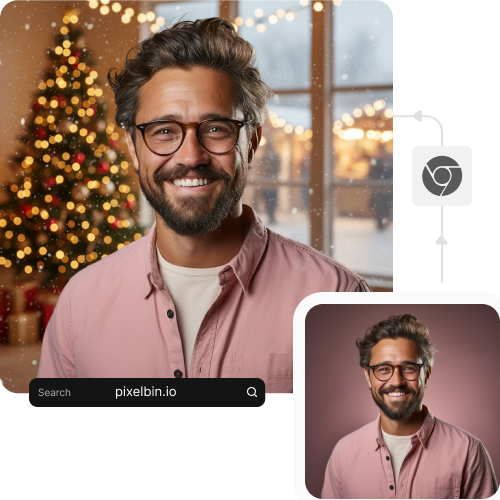
Use the Christmas background tool directly from your browser on any device without downloading software or mobile apps.

.png)

Pixelbin’s AI editor makes it easy to add a Christmas vibe to your portraits in seconds. Here are some of the other benefits:
Pixelbin helps you add a Christmas background to a photo online for free, perfect for holiday cards, festive social media posts, or family pictures. Here’s how you can use it:
Transform profile photos or group pictures with Christmas-themed backgrounds. Quickly prepare Instagram posts, Facebook updates, and holiday stories with a polished seasonal look.
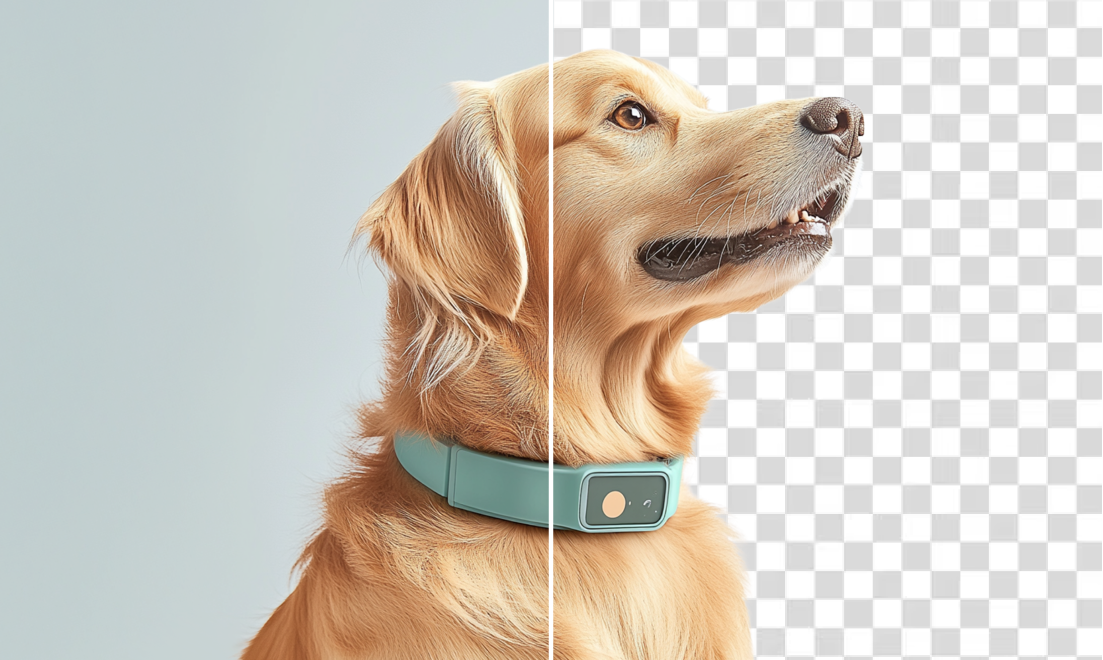
Turn a simple family portrait or even a pet photo into a warm Christmas card. Upload your image, apply a festive background, and it’s ready to print or share digitally.
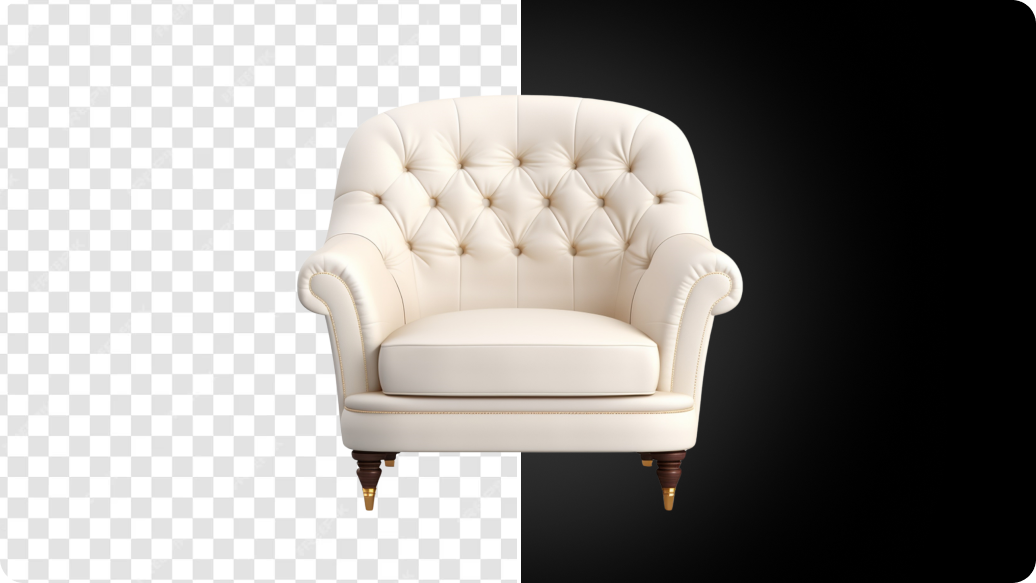
Give product photos a seasonal touch for holiday sales. Add a Christmas backdrop to make items stand out on Amazon, Etsy, or Shopify during the festive rush.
Add a subtle, winter-themed background to your LinkedIn or company directory photo for a seasonal update that still feels polished and work-appropriate. Upload your image and the tool handles the rest.
Follow these simple tips to get the most detailed and high-quality results when you add a Christmas background to your photo:
Here are some of the most commonly asked questions about our AI Christmas background generator. If you still can’t find what you’re looking for, you can reach out to us at support@pixelbin.io or read our documentation for more details.