PixelBin logo
Black Friday offer is live now. Flat 30% on all annual plans. Use code at checkout - BF30. Claim Now

AI signature background remover

Turn your handwritten signatures into clean, ready-to-use digital images.

signature background remover

File should be less than 10MB

or paste URL

Before
Loading

AI Magic in progress
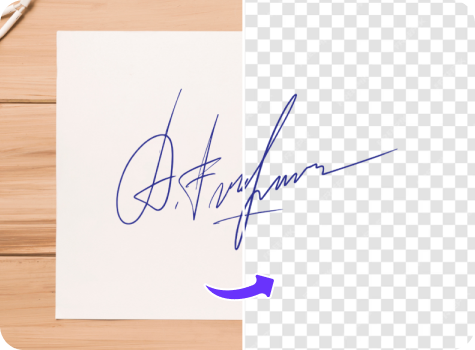
Isolating ink and removing the paper background

After

Your transparent signature is ready!

Download your transparent signature

Edit signature with AI

Adjust threshold, clean edges, or recolor ink in our AI editor

Remove background from another signature
Generation Failed

There was some issue on our end. Please try again.

Try Again
Show case

How to remove signature background using Pixelbin

1
Add your signature
Paste a URL, or upload a hi-resolution image of your signature in JPG, JPEG, WEBP, or PNG format.
2
Remove the background
Your signature is automatically processed to remove the background, leaving a clean and transparent result with no manual effort.
3
Save your e-signature
Preview the final image and download it in high definition, watermark-free and at no additional cost.

Why use Pixelbin's online signature background remover?

Multiple image formats
Supports multiple image file formats, including JPG, JPEG, WEBP, and PNG.
Web-based platform
Access the tool directly from a browser, without downloading any software or mobile apps.
Smart AI editor
Our AI editor isolates handwritten strokes while removing white, gray, or uneven paper textures.
Free HD downloads
Preview and download processed images in full HD at no cost and without watermarks.
Instant access
Use the signature background remover app instantly without creating an account or entering payment details.
Complete privacy
All uploaded signatures are encrypted, processed securely, and never shared.

Get a clean, transparent signature in seconds

Transform your handwritten signature into a digital asset instantly using Pixelbin’s background remover tool.

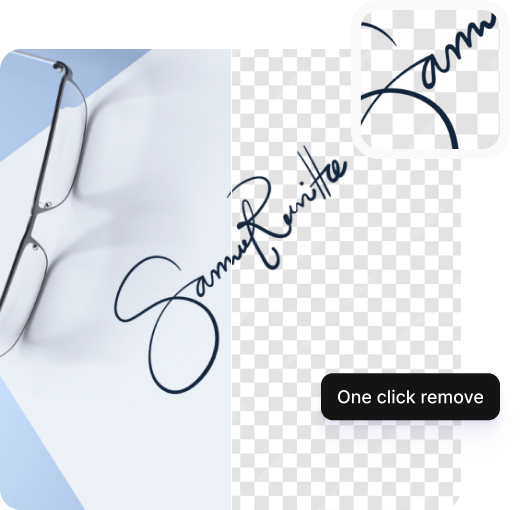
One-click background removal

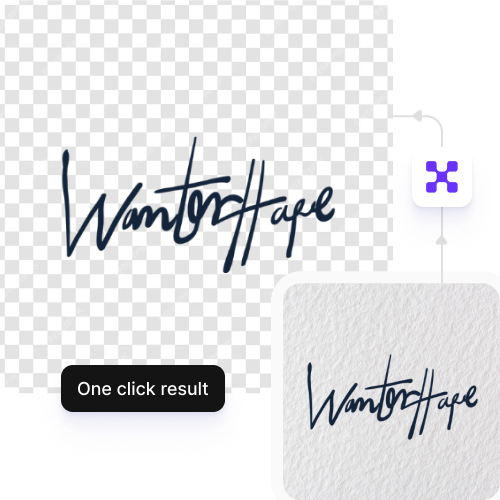
Remove signature backgrounds automatically in a single click – no manual editing required..

Feature 1
Precise cutouts

Get accurate cutouts with auto background detection while preserving every stroke and detail of your e-signature.
Feature 2
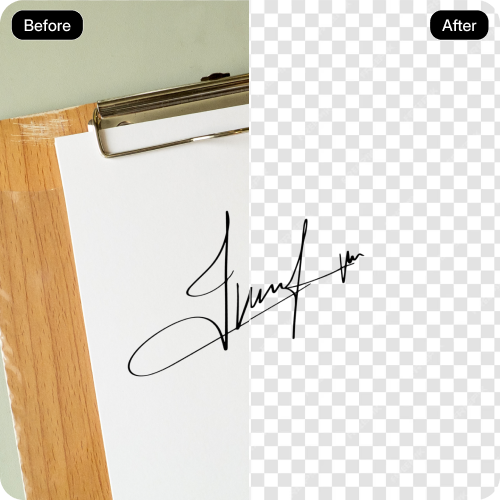
Side-by-side preview

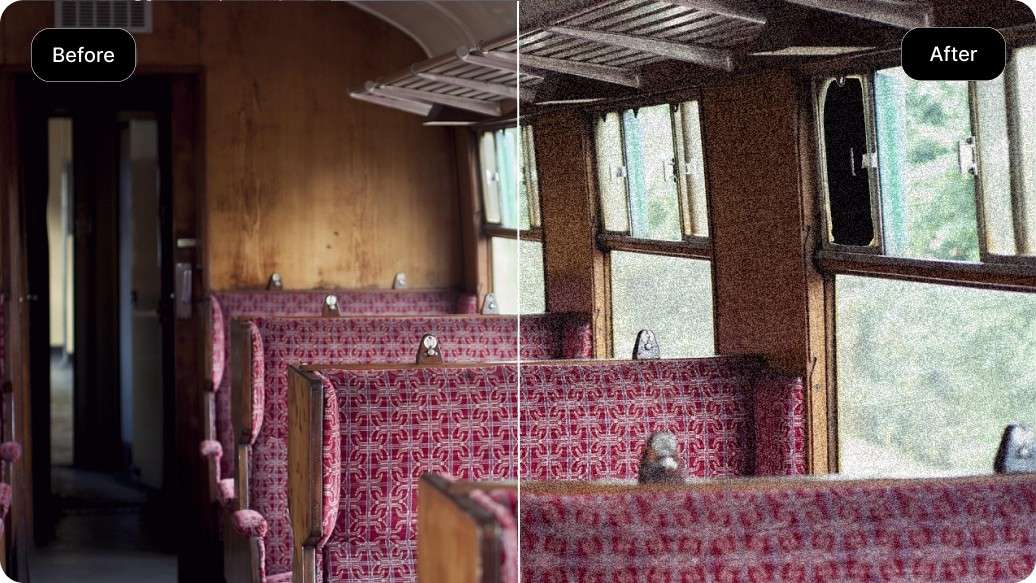
View your original and processed signatures together before downloading.
Feature 3
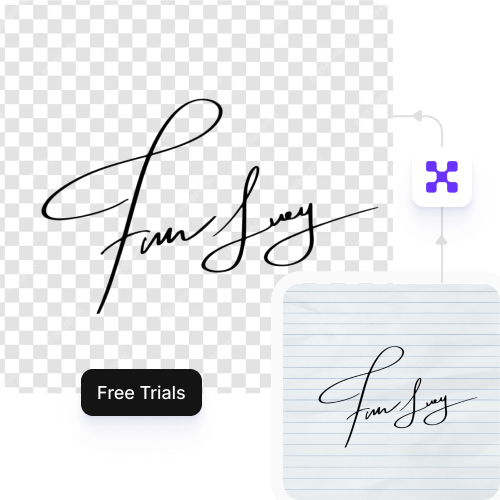
Free trials for everyone

Access up to three free background removal edits each month, and upgrade anytime for more credits or API access.
Feature 4

AI tools by Pixelbin

Signature background remover transparent online

Benefits of using a signature background remover free online tool

With Pixelbin, you can instantly convert handwritten signs into transparent digital assets, without any manual work. Here are some of its benefits:

  • Clean, transparent results: Remove any white or colored paper background from your signature with precision.
  • No quality loss: Preserve every detail of your signature in the processed image.
  • Save in PNG format: Download your signature as a transparent PNG file, the ideal format for digital documents & e-signatures.
  • Supports all signatures: Our tool works equally well for handwritten, stylus, or scanned signatures.
  • No watermarks: Download your e-signature without any promotional branding or watermarks added.
  • Cross-device compatibility: Pixelbin works on desktop, tablet, or mobile devices.

Use cases of signature background remover online free tools

With Pixelbin, you can create an e-signature for various professional and creative needs. Here are some ways you can use it:

1. Add signatures to digital documents

Add your handwritten signature on contracts, agreements, and forms to authorize them digitally, using Pixelbin’s free background remover for signature, making the process faster than printing or scanning.

2. Create professional email signatures

Make official emails more credible by including your actual signature. Using Pixelbin, you can instantly generate an e-signature without the hassles of manual editing.

3. Watermark your creative work

Safeguard your photos, artwork, or written copies by adding a transparent signature as a watermark, with Pixelbin’s signature background remover tool.

4. Prepare for online verification

Using Pixelbin, you can prepare e-signatures for secure uploads and online identity documents.

5. Enhance your branding

You can use Pixelbin’s background remover tool to incorporate your signature into business cards, letterheads, and other branding materials for a personalized brand identity.

How to get the best results from free signature background remover online tools?

To get the cleanest cutout when you remove the background from a signature online, follow these suggestions:

  • Upload a clear, high-contrast image of your signature for precise results.
  • Avoid blurry or low-light photos, as they can reduce detection accuracy.
  • Use white or light-colored paper backgrounds for the best results.
  • Ensure the photo is well-lit and avoid casting shadows over the signature.
  • Avoid using heavily compressed files, as they may have artifacts that affect the cutout quality.

FAQs

Here are some of the most commonly asked questions about our Signature Background Remover tool. If you still can’t find what you’re looking for, reach out to us at support@pixelbin.io or read our documentation for more details.

Pixelbin offers a free plan to use the signature background remover up to three times a month. For more uses, you can sign up to get ten free credits, which can be used for this tool or any other AI tool on our platform.
Yes. The tool can accurately detect and separate your signature from different backgrounds, including colored, lined, or textured paper. For the best results, use images with good lighting and clear contrast between the signature and the background.
No. Pixelbin processes your image without reducing its resolution. The final downloadable signature will be as sharp and clear as the original image you uploaded.
You can use the generated transparent signature for various purposes, such as signing digital documents and creating custom signs for your official email, or simply add it to business cards, personal projects, etc.
Yes. You can upload images up to 10 MB in supported formats, including JPG, JPEG, PNG or WEBP.
Edit images in seconds, not hours
Get pixel-perfect results just with your words
Start editing with AI