PixelBin logo
Black Friday offer is live now. Flat 30% on all annual plans. Use code at checkout - BF30. Claim Now

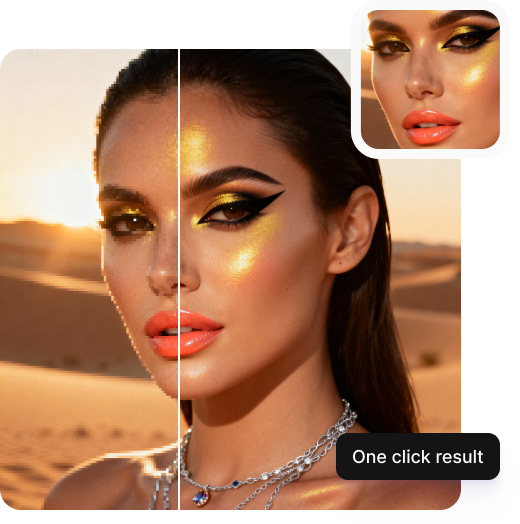
Upscale any Midjourney image to 2K instantly

Bring clarity, color accuracy, and life-like texture to your Midjourney images, without complex editing or software required.

Midjourney upscaler

File should be less than 5MB

or paste URL

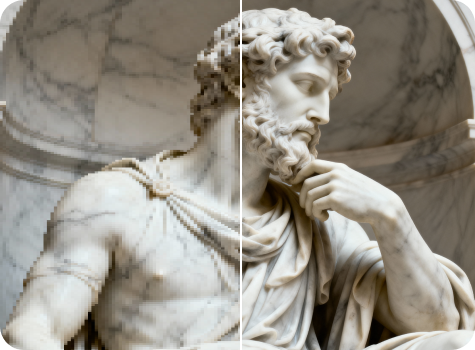
Before
Loading

Upscaling Midjourney image...
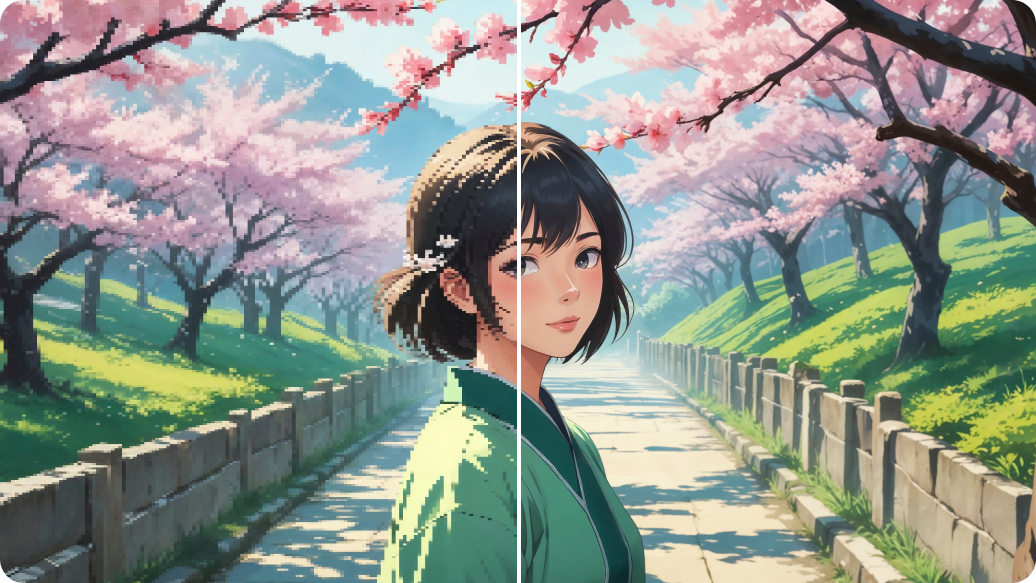
Boosting resolution, restoring fine detail, reducing noise, and fixing common MJ artifacts

After

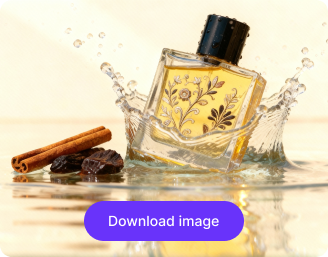
Your Midjourney upscaled image is ready!

Download your upscaled image

Edit image with AI

Refine details, adjust size, or add extra enhancements

Upscale another Midjourney image
Generation Failed

There was some issue on our end. Please try again.

Try Again
Show case

How to upscale Midjourney images using Pixelbin?

Upload Your Image
1
Add your image
Paste a URL or click “Upload image” button and select your file. Pixelbin supports JPG, JPEG, PNG, and WEBP formats.
Let AI Work
2
Wait for AI processing
Our AI editor automatically enhances your images, while preserving its natural look.
Download Enhanced Image
3
Download the output
Preview the upscaled image next to the original, and download it instantly at no extra cost.

Why choose Pixelbin's free upscaler for Midjourney?

Instant Clarity Boost
Multiple image formats
Supports Midjourney images in JPG, JPEG, PNG, and WEBP formats.
One-Click Upscaling
Batch upscaling
Uses API to save time & upscale multiple Midjourney images in one go.
Private & Hassle-Free
Smart AI editor
Upscales low-res AI artwork into hi-res ones, without prompts or manual edits.
AI-Driven Enhancement
Free HD downloads
Lets you download upscaled images in HD, without watermarks or any charges.
High-Resolution Output
No sign-up required
Gives access to the tool instantly without registration or payment-related details.
Supports All Major Formats
Complete privacy
Handles your images in secure servers & never shares them with anyone.

Go beyond Midjourney’s default upscaler

With Pixelbin, you can push your AI art to its maximum resolution, without any manual editing or complex software.

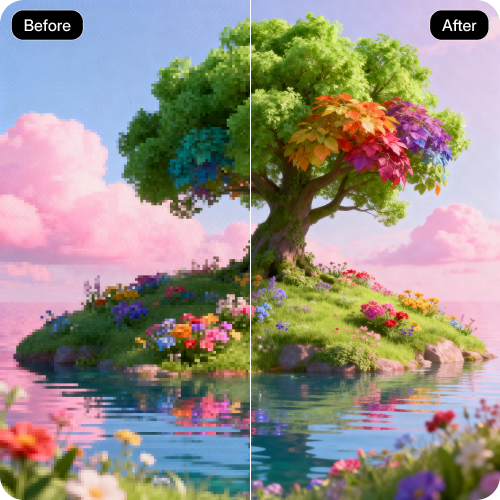
One-click 2K upgrade

Convert your Midjourney creations into stunning 2K-quality visuals with a single click with no setup or configuration required.

Feature 1
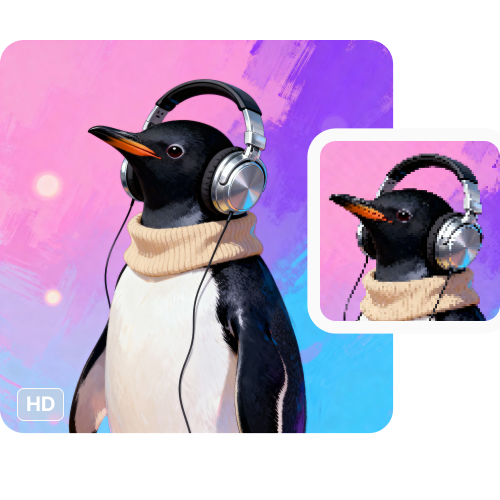
AI-powered precision

Enhance image detail and restore natural textures for sharper, more realistic results.
Feature 2
Monthly free trials

Upscale up to three Midjourney images each month for free, and upgrade anytime for more credits or API access.
Feature 3
Browser-based platform

Use the image upscaler directly from your browser without downloading apps or installing plugins.
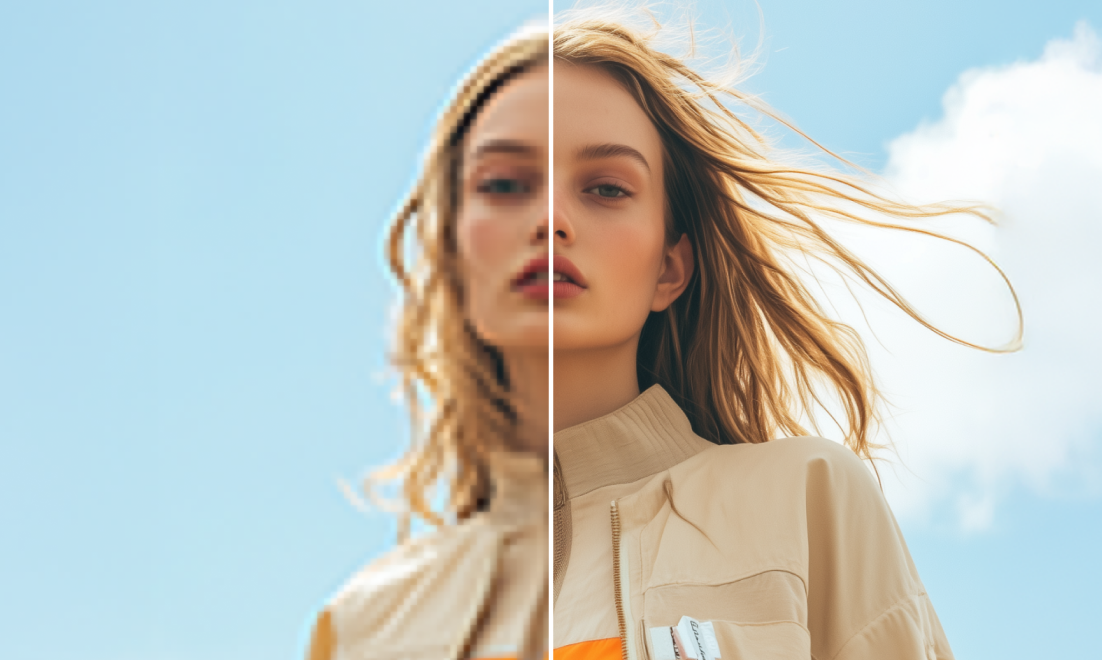
Feature 4
AI tools by Pixelbin

Key highlights of Pixelbin’s Midjourney upscaler maximum resolution tool

Benefits of using our best upscaler for Midjourney images

Using Pixelbin, you can make your AI art look professional and print-ready. Here are some of its benefits:

  • Instant results: Bring high-definition 2K clarity to your AI artwork in one click.
  • Enhanced sharpness: Our upscaler enhances sharpness, texture, and color fidelity for a professional look.
  • No quality loss: Pixelbin’s AI editor maintains the original composition and color balance of your Midjourney photo, even after upscaling.
  • No watermarks: You can download your processed ultra-HD image with no watermarks added.
  • Cross-platform access: Our image upscaler is accessible from any device or operating system (Windows, Android, iOS, etc.).
  • Scalable for bulk edits: For large projects, you can use Pixelbin’s bulk-editing API to process images in batches.

Use cases of our best image upscaler for Midjourney

With Pixelbin, you can take your AI-generated art from a simple render to a professional asset in just a single click. Here are some of the ways you can use it:

1. Prepare your AI art for printing

Turn your favorite 1024x1024 Midjourney renders into high-resolution files. Pixelbin ensures your art looks sharp and detailed when printed on posters, canvases, or t-shirts.

2. Create 2K digital wallpapers

Upscale your AI-generated landscapes, characters, or abstract designs using our AI editor. Create ultra-HD wallpapers for your 2K monitor, TV, or mobile devices.

3. Enhance your professional portfolio

Using our Midjourney upscaler free tool, you can make your digital art portfolio look more prominent. Upscale and showcase your AI creations in the highest possible quality to clients or on platforms like Behance.

4. Fix low-resolution generations

Did you get the perfect image from an older Midjourney version? Instead of re-rolling for better resolution, use Pixelbin to upscale older, lower-resolution AI art.

5. Improve client previews

Do you use Midjourney for commercial work? With Pixelbin, you can send your clients high-resolution previews that look professional, instead of pixelated drafts.

How to get the best results from our best AI upscaler for Midjourney?

Follow these simple tips when uploading art to our free Midjourney upscaler for the best results:

  • Upload clear, high-quality original Midjourney outputs for the best results.
  • Avoid uploading images that have already been upscaled by another tool.
  • Also, avoid uploading images that are already heavily edited or have filters on top.
  • Preview both original and upscaled versions before downloading.
  • Experiment with multiple images to find your ideal upscale setting.

FAQs

Here are some of the most commonly asked questions about our Midjourney Upscaler Tool. If you still can’t find what you’re looking for, contact us at support@pixelbin.io or visit our documentation for more details.

Pixelbin offers a free plan that lets you upscale up to three images per month. For more, simply sign up to get ten free credits, which you can use for the Midjourney upscaler or any of our other AI apps.
Midjourney's upscalers are great, but they often don't reach true 2K resolution. Our best upscaler for Midjourney is designed to take your final image and enhance it even further, specifically to 2K or higher, making it the best choice when you need maximum quality.
No. Our AI is trained to preserve the original art style. It focuses on enhancing details, sharpening lines, and increasing resolution without altering the core colors, composition, or uniqueness of your Midjourney generation.
Yes, you can upload big files to Pixelbin. Our Midjourney upscaler online tool supports images up to 10 MB as long as they’re in the mentioned file formats (JPG, JPEG, WEBP, PNG).
Our best Midjourney upscaler enhances your images up to 2K resolution. For even higher resolutions (like 8K), you can explore our premium plans and API options.
Yes, you can. Using Pixelbin’s bulk-editing API (available in premium plans), you can convert multiple Midjourney images to 2K quality in one go.
Edit images in seconds, not hours
Get pixel-perfect results just with your words
Start editing with AI