PixelBin logo
Image generator is here -   Create Now   and Claim 60% off on Pro plans. Use code PB60 at checkout.   Claim Discount

Convert any anime image to 4K with AI

Upscale anime artwork to 4K resolution while preserving detail, color, and original style.

Anime upscaler

File should be less than 10MB

Image too large! Max allowed 16MP

or paste URL

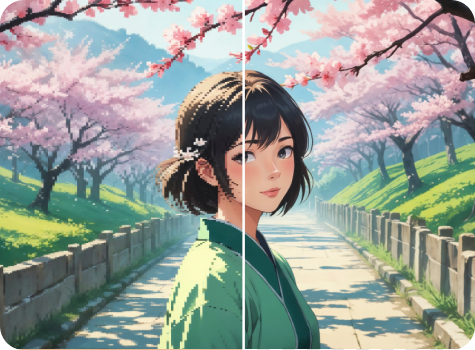
Before
Loading

AI anime upscaling in progress...
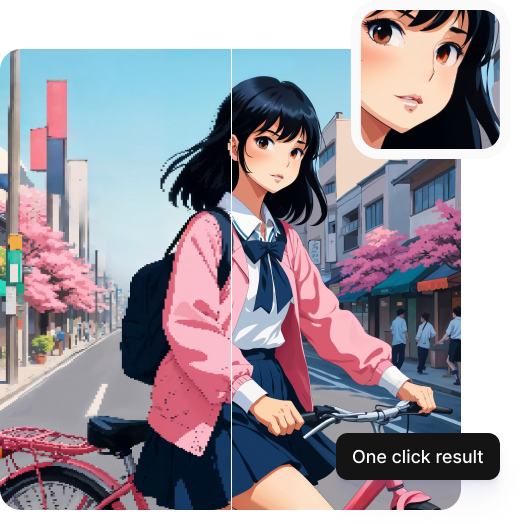
Preserving line art, reducing noise and banding, and sharpening edges

After

Your anime upscaled image is ready!

Edit image with AI
Get 🔥 free credits for image editing, upscaling, generation and more
Upscale another image
Generation Failed

There was some issue on our end. Please try again.

Try Again
Show case

How to upscale anime images using Pixelbin?

Upload Your Image
1
Add your image
Paste an image URL or upload an image in JPG, JPEG, WEBP, or PNG.
Let AI Work
2
AI processing
Pixelbin’s AI editor automatically enhances your image, preserving its natural details.
Download Enhanced Image
3
Download the output
Preview the upscaled image & download it instantly at no extra cost.

Why choose Pixelbin's 4K anime upscaler?

Instant Clarity Boost
Multiple image formats
Upload your image in any of the following formats: JPG, JPEG, WEBP, or PNG.
One-Click Upscaling
Batch upscaling
Use Pixelbin’s bulk-editing API to upscale multiple anime images in one go.
Private & Hassle-Free
Smart AI editor
Skip the hassles of manually upscaling images when our AI can do that in one click.
AI-Driven Enhancement
Free downloads
Preview your upscaled image & download it free of cost, without watermarks.
High-Resolution Output
No credit card login
Start upscaling images, without credit card details or creating an account.
Supports All Major Formats
Copyright-free usage
Enjoy copyright-free usage of upscaled images for personal/commercial purposes.

Upgrade anime image quality in seconds

With Pixelbin’s free anime image upscaler, you can sharpen blurry screenshots and photos without any complex software or manual editing.

One-click solution

Upscale anime images instantly with a single click – no prompts or complex steps required.

Feature 1
Fast & free conversion

Enhance low-resolution anime images in seconds and access up to three free HD upgrades each month.
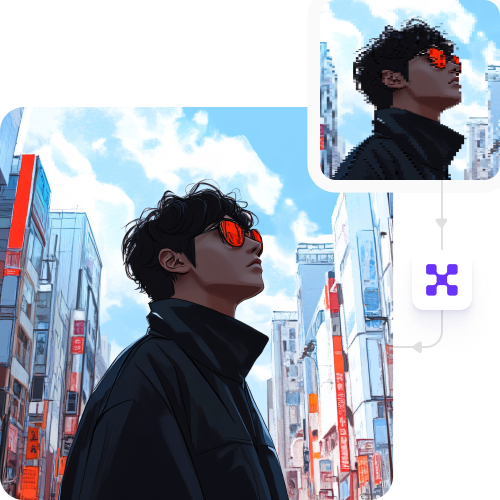
Feature 2
Unchanged image quality

Sharpen lines and enhance colors without adding unwanted textures or artifacts.
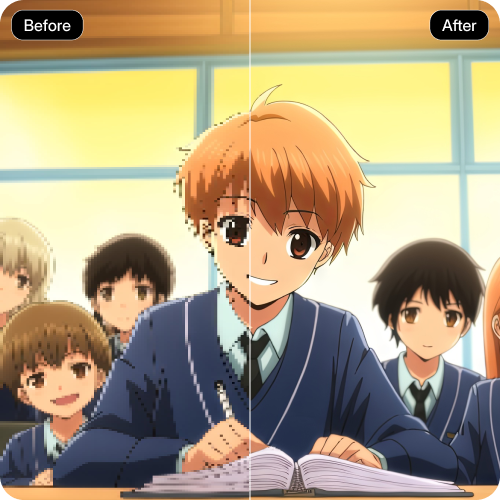
Feature 3
Browser-based platform

Use the anime upscaler directly from your browser on any device – no downloads or installations required.

Feature 4

AI tools by Pixelbin

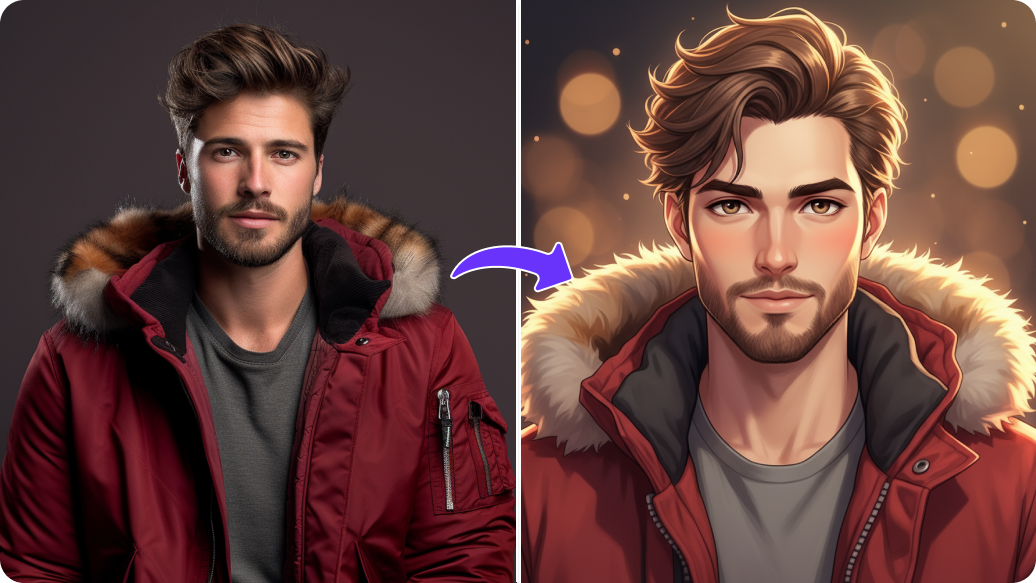
Free image upscaler photo to anime

Benefits of using an anime image upscaler online tool

Pixelbin instantly transforms your images into 4K quality without expensive software or design skills. Here are some of its benefits:

  • Instant results: Upscale into high-definition images instantly using our anime upscaler model.
  • Superior line art: Our AI anime upscaler sharpens edges, making line art and text look clean.
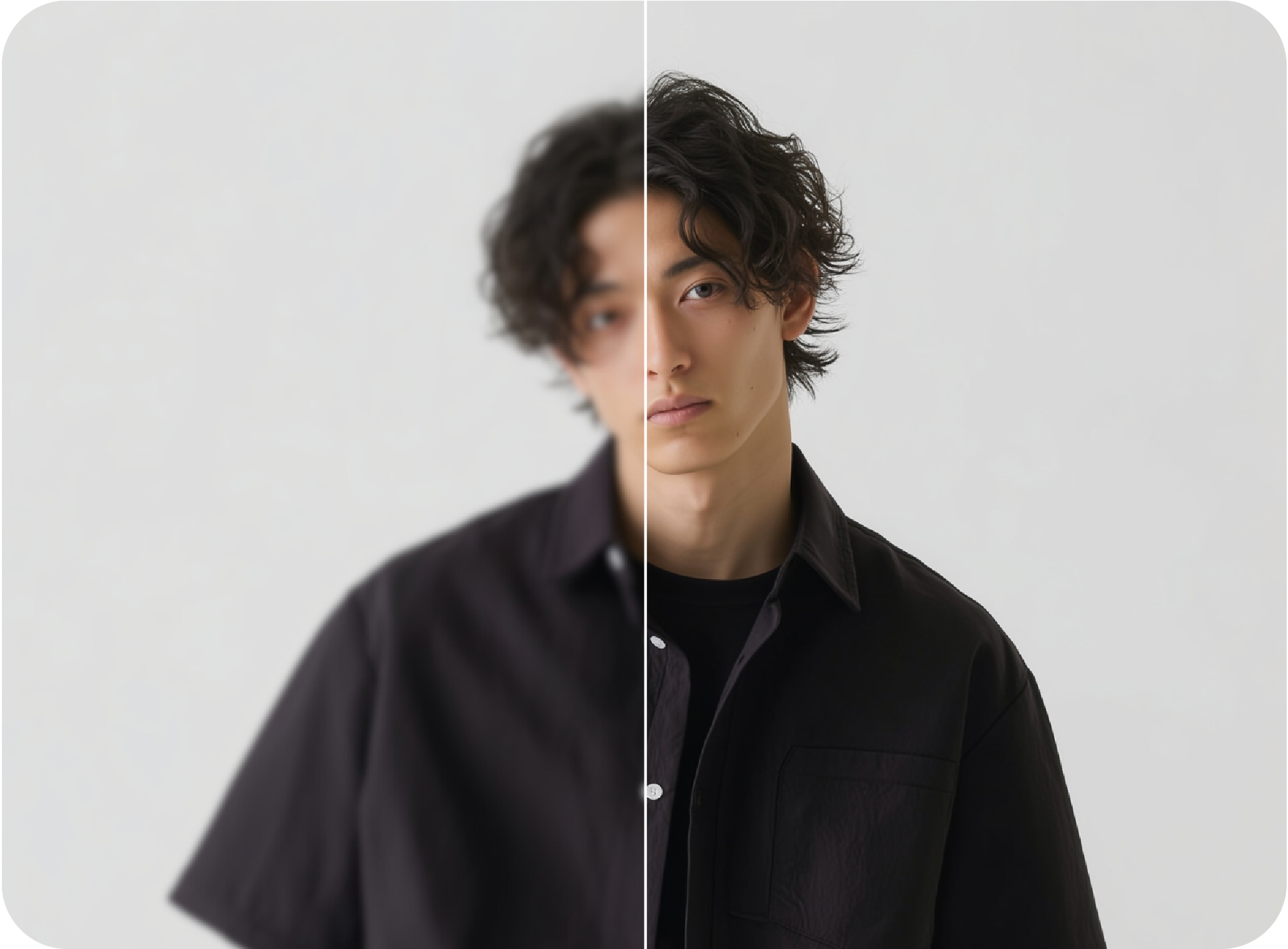
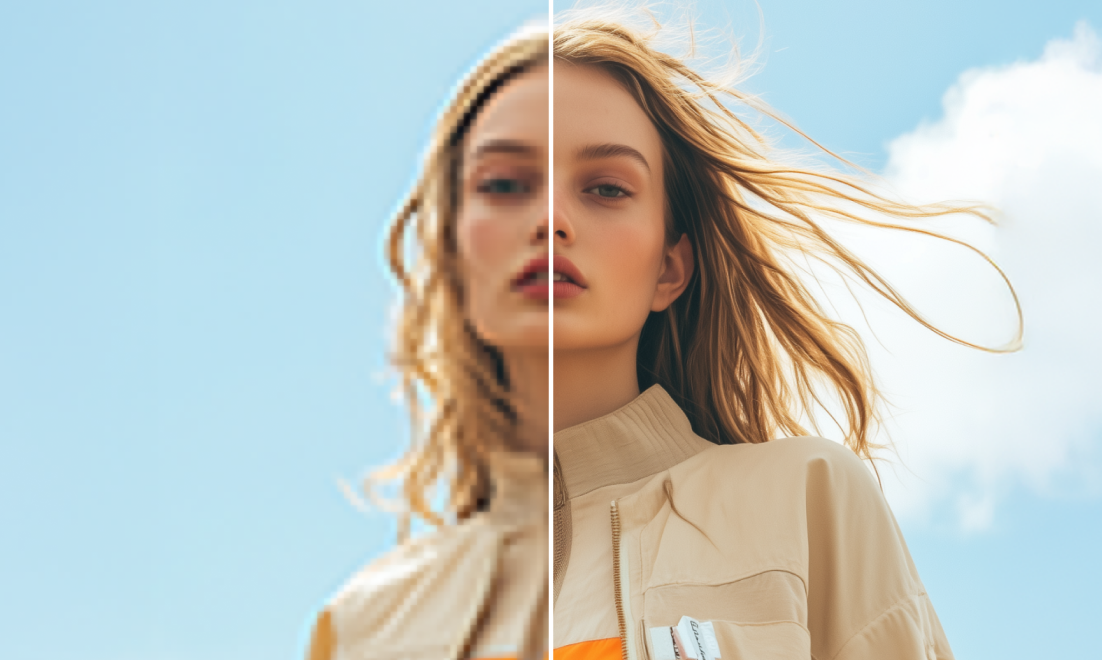
  • Reduce noise & artifacts: Clean up compression artifacts and digital noise from old screenshots or low-quality JPEGs using Pixelbin.
  • Enhanced sharpness: Our 4K AI upscaler enhances sharpness, texture, and color fidelity for a professional look.
  • No quality loss: Pixelbin’s AI editor maintains the original composition and color balance of your anime image, even after upscaling.
  • No watermarks: You can download your processed image with no watermarks added.
  • Cross-platform access: Our upscaler tool is accessible from any device or operating system (Windows, Android, iOS, etc.).
  • Privacy guaranteed: Your uploaded images are processed on secure servers and never shared with anyone.

Use cases of anime image upscaler free tools

Pixelbin’s anime upscaler brings professional clarity to your images. Here are some of the best ways to use it:

1. Create 4K anime wallpapers

Found a perfect anime scene with a low-res image quality? Use our anime upscaler to turn it into a hi-res wallpaper for your desktop or mobile device.

2. Restore old anime & manga screenshots

Revive manga panels, vintage anime screenshots, or compressed fan art with Pixelbin’s image upscaler tool. Enhance old, pixelated images and improve clarity for forums, blogs, or social media posts.

3. Prepare digital art for printing

If you're a digital artist, you can use Pixelbin to prepare your art for high-quality printing, ensuring every line and color looks sharp on posters or merchandise.

4. Enhance images for videos or content

Creating an anime review or analysis video? Use Pixelbin’s anime AI image upscaler to ensure all your visuals and thumbnails look professional and clear on HD and 4K screens.

5. Upscale fan art & drawings

Easily upscale your favorite fan art or even your own scanned drawings with Pixelbin. Our AI editor enhances details while preserving the original style of your uploaded image.

How to get the best results from anime upscaler online tools

Follow these simple tips when uploading a photo to our free upscaler for the best results:

  • Upload the highest-quality original image you have.
  • The tool works best on anime, manga, and cartoon-style illustrations.
  • Avoid using images that are already heavily edited, filtered, or have excessive blur.
  • Clear images with defined subjects will produce the sharpest results.

FAQs

Here are some of the most commonly asked questions related to our Anime Upscaler tool. If you still can’t find what you’re looking for, please contact us at support@pixelbin.io or visit our documentation for more details.

Pixelbin offers a free plan, where you can instantly upscale up to three anime images per month. To upscale more images, sign up to get ten free credits, which you can use for our anime upscaler free tool or any other AI apps from Pixelbin.
Our anime upscaler model is trained on anime and cartoon-style images. It’s much better at sharpening line art and preserving the flat-color art style, unlike general photo upscalers that might add unwanted texture.
Pixelbin’s image upscaler is entirely made for portraits, pet and product photos, etc. On the other hand, our anime upscaler is solely meant for anime, manga, and other similar images.
Yes! Our anime art upscaler works for black-and-white manga panels, as well. It sharpens the line work and makes small text or details much clearer and easier to read.
Yes, Pixelbin supports image uploads up to 10 MB in size. Make sure your files are in one of the supported formats: JPG, JPEG, PNG, or WEBP.
Yes, you can. Using Pixelbin’s bulk-editing API (available in premium plans), you can convert multiple anime images to 4K quality in one go.
Edit images in seconds, not hours
Get pixel-perfect results just with your words
Start editing with AI