PixelBin logo
🚀 Pixelbin AI Studio is Live - Latest models and integrated studio for images and videos   Click for Free Trial

AI Instagram profile picture maker

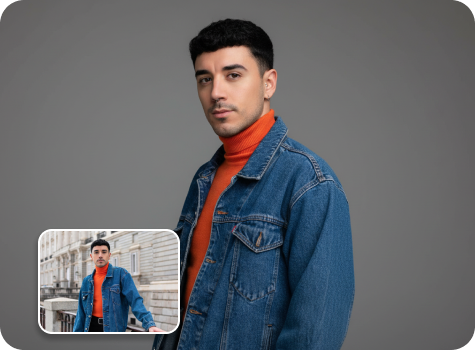
Turn your casual photos into eye-catching Instagram profile pictures with trendy lighting and clean backgrounds.

pregnant filter tool preview

File should be less than 10MB

or paste URL

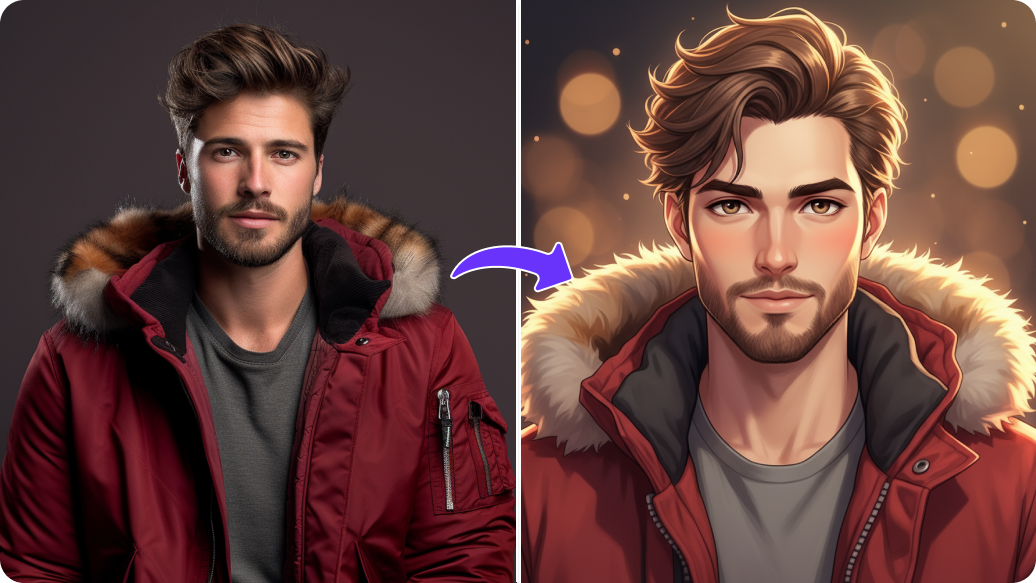
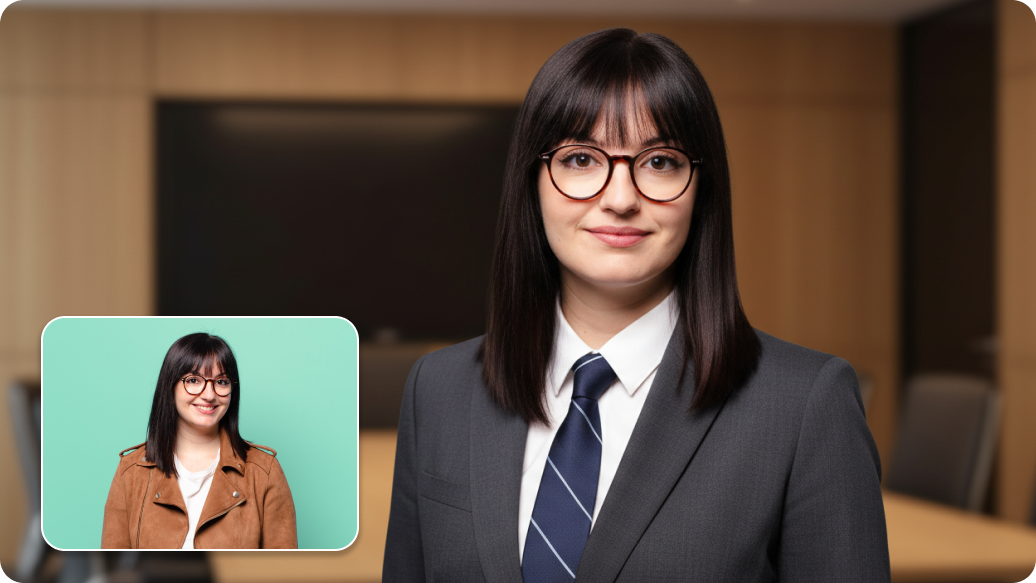
Before
Loading

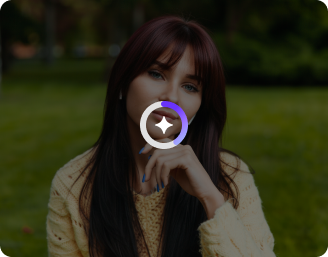
AI Magic in progress
Creating a clean, aesthetic Instagram-style portrait

After

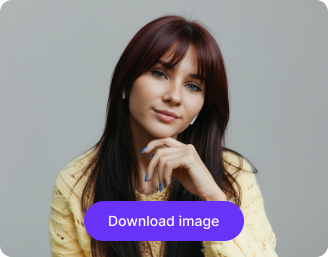
Your Instagram profile photo is ready!

Edit image with AI
Get 🔥 free credits for image editing, upscaling, generation and more
Try another image
Generation Failed

There was some issue on our end. Please try again.

Try Again
Show case

How to use Pixelbin’s AI profile picture maker?

1
Add your image
Paste an image URL or upload it directly from your device in JPEG, JPG, PNG, or WEBP. Upload size must not exceed 10MB.
2
Click on “Generate”
Pixelbin analyzes your image and automatically sharpens the quality, fixes lighting, adjusts colors, and cleans or changes the background without any manual effort.
3
Download your image
Save your edited image in HD-quality without watermarks or overlays, ready to use for Instagram profiles, business pages, or thumbnails.

Why use Pixelbin’s AI profile picture maker?

Multiple formats
Work with common image formats such as JPEG, JPG, WEBP, or PNG.
Free downloads
Save all your edited visuals in HD quality without watermarks or added texts, without paying extra.
Complete privacy
Your images are processed on secured encrypted servers and never shared, reused, or stored.
Bulk transformations
Transform multiple images at once using our API support for a faster workflow.
Folder management
Organize your files to keep all edited profile photos in one place for easy access anytime.
Watermark-free exports
Get images free from unwanted logos, marks, or texts; ready to use for Instagram profile picture, thumbnails, or story covers.

Gain more followers with professional profile photos made in seconds

From color adjustments to background removal, create high-end images without any editing skills.

Browser-based

Access our AI profile picture maker instantly on Safari, Chrome, Edge, or Firefox; no downloads needed.

Sailling ship of sketche to image
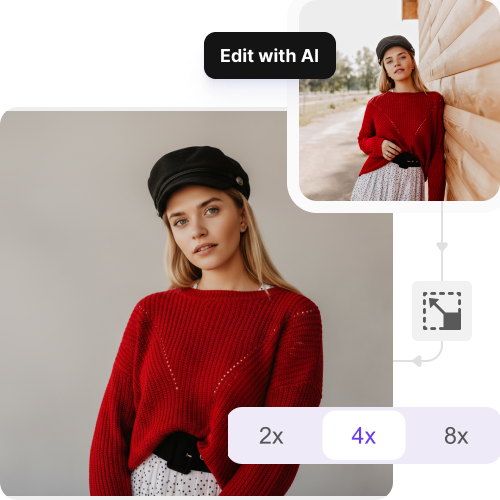
Image upscaling

Enhance low-resolution images up to 8x without losing any details.
Mountain sketch to image
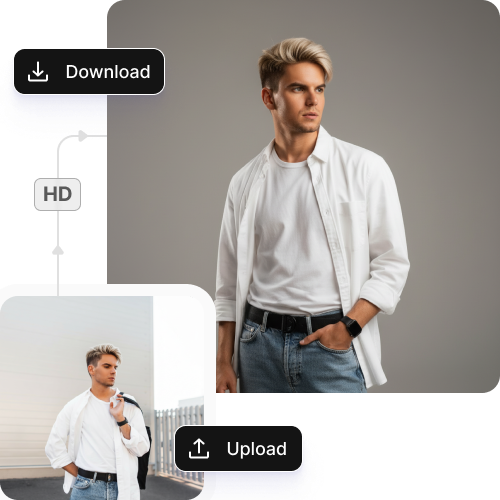
HD-quality outputs

Export high-quality profile pictures for free while preserving every color and detail of your actual image.
Sketch hot air baloon to image generator
Mobile friendly

Edit on the go with a responsive, mobile-friendly interface for iOS and Android.
sketch to image in HD-resolution pictures

AI tools by Pixelbin

Key highlights of Pixelbin’s AI Instagram profile picture maker

Benefits of using the AI Instagram profile picture generator

  • Creative freedom: Pixelbin turns photos into expert headshots or professional images, giving you options to experiment with different looks without manual work.
  • Cost savings: Avoid costly studios and use our tool to get expert results quickly for free.
  • Strong business image: Since first impressions matter, our AI profile picture maker can help you stand out with professional HD-quality outputs that build trust with your audience.
  • High-quality outputs: Every image is clear and without watermarks, so your image looks clean and sharp on all devices.
  • Instant retouching: Beyond just creating a picture, you can easily refine your appearance and looks by changing outfits, adjusting backgrounds, or fixing imperfections like hair and eye color.
  • Safe data use: With Pixelbin, you never have to worry about data leakages. We value your privacy by using secure servers and giving you control over your assets.

Use cases of AI Instagram profile picture generator

1. Maintain a consistent feed appearance

Do you need your profile picture to match your Instagram aesthetic? Our AI Instagram profile picture maker lets you design a profile image that fits with your grid's colors and style. No matter if you like muted pastels, strong colors, or dark tones, you can make something that blends everything properly..

2. Make matching story highlight covers

Pixelbin can assist you in creating a profile picture that matches your story highlight covers. This way, your whole profile seems intentional and well-organized; something Instagram users prefer..

3. Change images for different seasons

Instagram is all about staying fresh and current. Use our free AI profile picture generator to quickly make holiday versions, seasonal updates, or images for special events. Consider festive looks for December, spring feelings for March, or special themes for awareness months - all without hiring a photographer.

4. Fit into your Instagram niche

Every Instagram group has its own taste. Fitness coaches often use clean, energetic headshots. Artists like creative, stylish avatars. People interested in Crypto tend to like digital art. Our generator helps you make images that instantly tell people which group you are a part of.

5. Match your content style

If you often make Reels or carousel posts, you can design a profile image that matches your content thumbnails. This creates quick brand awareness when people view your posts in their feed or on the Explore page.

How to get the best results with the AI profile picture maker?

  • Use a clear, well-lit photo so your features are visible.
  • Face the camera. Photos where you are looking directly at the camera work best.
  • Do not upload photos with strong filters or heavy edits.
  • Avoid blurry or low-quality photos.
  • Make sure your face is fully visible.
  • Only one person should be in the photo.
  • Simple backgrounds are preferred to help the AI focus on your face.

FAQs

Here are some of the most commonly asked questions about our AI Instagram Profile Picture Maker. If you still can’t find what you’re looking for, you can reach out to us at support@pixelbin.io or refer to our documentation for more details.

Pixelbin’s AI creates images that appear both natural and realistic. Our tool enhances lighting and backgrounds and improves features, all while keeping the photo realistic. This makes the pictures useful for Instagram, business profiles, or any social media platform.
You get free credits per month with which you can test the tool. Free credits are refilled every month. To continue creating more images after using your free credits, you can purchase extra credits on a pay-as-you-go basis.
Yes, you can change your looks and appearance. You can include text-based instructions to alter styles, colors, backgrounds, or exact looks to refine your photos.
Pixelbin’s AI profile picture maker is primarily designed for humans. While it may work for some pets, the results are optimized for human faces, expressions, and features.
Yes, you can upload photos from your phone without any issues. Just ensure you don’t use screenshots or highly edited images, as the AI functions best with clear photos with good lighting, where your face is easy to see.
Edit images in seconds, not hours
Get pixel-perfect results just with your words
Start editing with AI