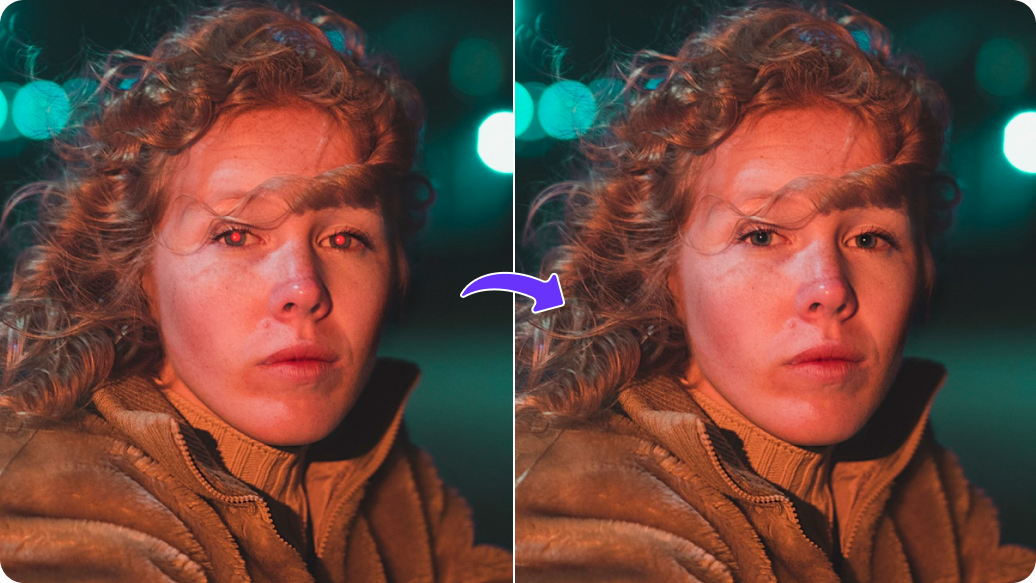
PixelBin logo
🚀 Pixelbin AI Studio - No Prompt - Idea to final image with our agent Pixie   Click for Free Trial

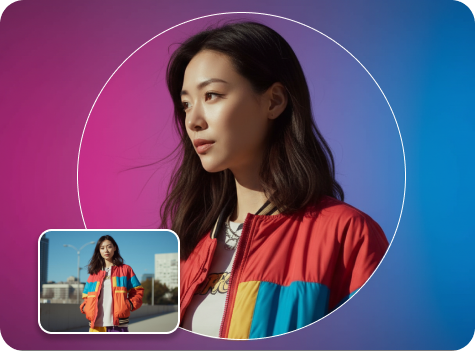
YouTube profile picture maker

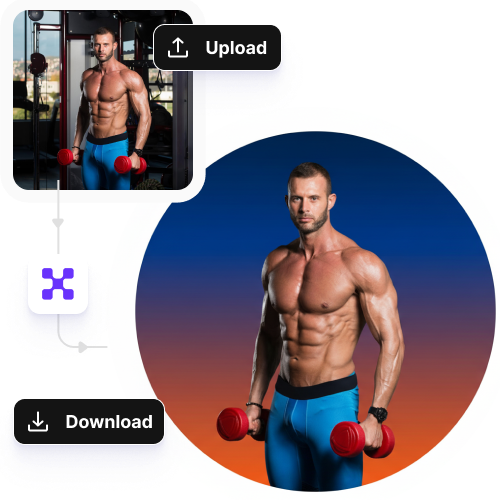
Turn your photos, logos, or illustrations into professional images, perfect for YouTube profile pictures or thumbnails.

pregnant filter tool preview

File should be less than 10MB

or paste URL

Before
Loading

AI Magic in progress
Creating a clean, YouTube-ready portrait

After

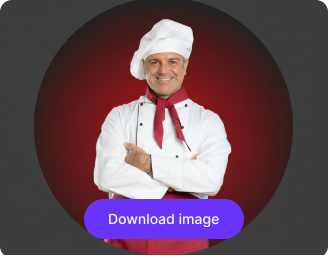
Your YouTube profile photo is ready!

Edit image with AI
Get 🔥 free credits for image editing, upscaling, generation and more
Try another image
Generation Failed

There was some issue on our end. Please try again.

Try Again
Show case

How to use Pixelbin’s AI to create a YouTube profile picture?

1
Add your image
Paste an image URL or upload your photo or logo directly from your device in any format, such as JPEG, JPG, WEBP, and PNG.
2
Generate your profile picture
Pixelbin analyses your image automatically improves colors, backgrounds, and enhances overall image quality without any manual editing required.
3
Preview & download
Save your profile picture in HD with no watermarks or added texts, free to download instantly.

Why use Pixelbin’s YouTube profile picture generator?

Multiple formats
Upload images in all popular formats, such as JPEG, JPG, PNG, or WEBP.
Image upscaling
Increase image resolution by 2x, 4x, or 8x while preserving clarity, sharpness, and fine details.
Free exports
Download your edited images at no cost, completely watermark-free, ready for immediate use on your YouTube channel.
Text to video
Create short 4/6/8-second video clips perfect for YouTube reels, teasers, or story content, directly from text.
Mobile friendly
Edit, enhance, and export images easily on your smartphones and tablets.
Complete privacy
Your images are processed on secure, encrypted servers and are never reused, stored, or shared.

Create professional YouTube profile pictures in seconds

Get HD-quality images with a single click to increase your visibility among potential subscribers.

No editing skills

Enhance colors, backgrounds, and image quality with a simple, beginner-friendly interface.

Sailling ship of sketche to image
Browser-based

Access and edit your images on any modern browser, including Chrome, Safari, Edge, and Firefox.
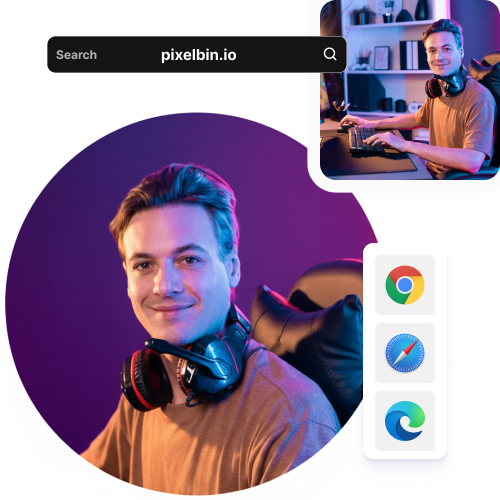
Mountain sketch to image
Prompt-free conversions

Refine your images instantly with one-click improvements, no manual prompts required.
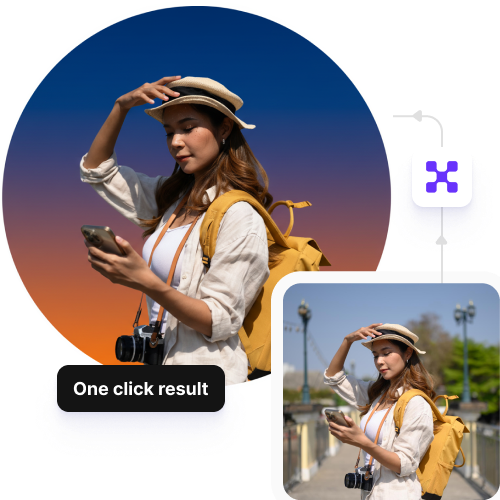
Sketch hot air baloon to image generator
Bulk transformations

Edit multiple visuals at once with our API support, while preserving clarity or style.
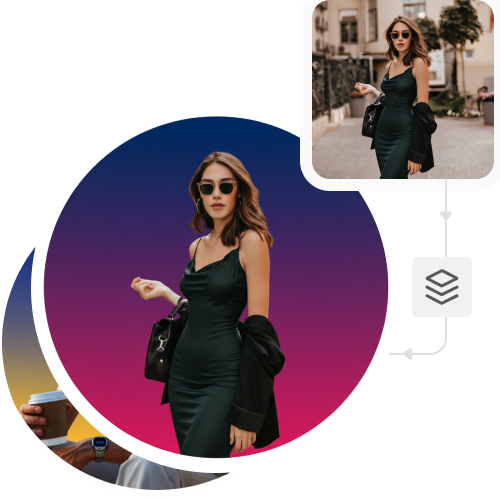
sketch to image in HD-resolution pictures

AI tools by Pixelbin

Key highlights of using Pixelbin’s online YouTube profile picture maker

Benefits of Pixelbin’s YouTube profile picture maker

  • Speed and efficiency: Pixelbin's YouTube profile picture maker produces professional-quality images within seconds, so you can easily update your profiles for system milestones, seasonal design changes, and brand updates.
  • No design experience required: The tool is designed for beginners, as users can access the system without learning complex software systems or editing skills.
  • Professional quality and customization: Enhance photos, retouch, and upscale images to make your YouTube channel professional and increase recognition, build trust, and encourage more clicks.
  • Optimal sizing and consistency: The tool automatically adjusts your image to the correct dimensions so that your image displays perfectly on any device.
  • Cost-effective: Eliminate the need for hiring professional designers as the tool is simple to use and you can design high-quality professional edits in seconds.

Use cases of YouTube profile picture maker

1. Personal brand

You can create custom channel icons through AI to match your specific theme needs, which include vibrant gaming colors and minimalist designs for vlogging.

2. Professional headshots

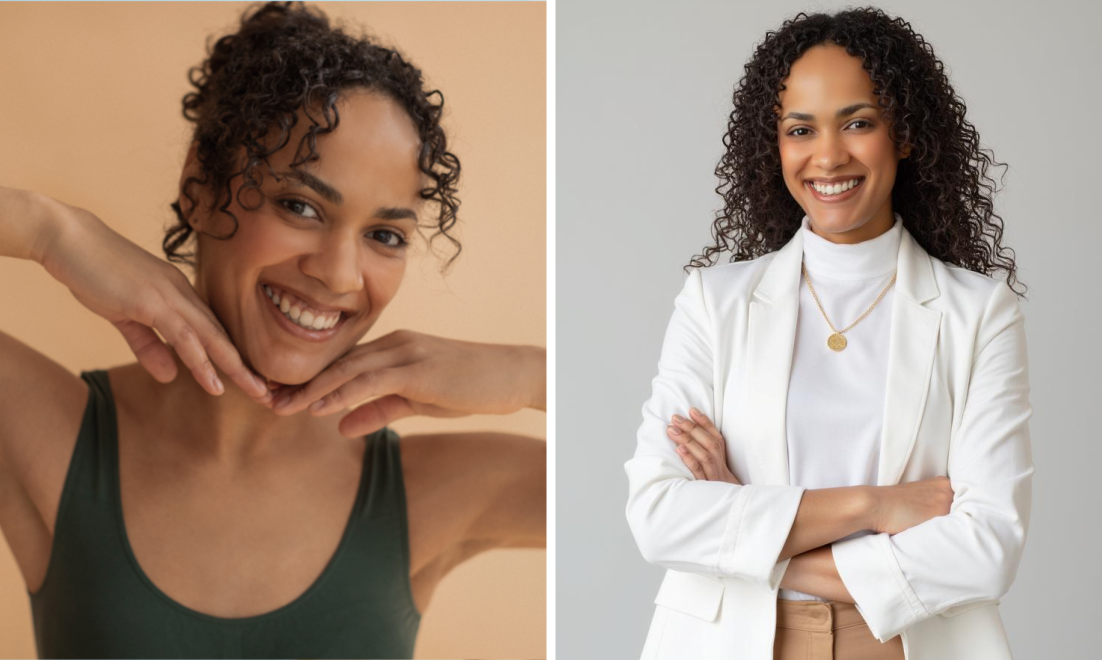
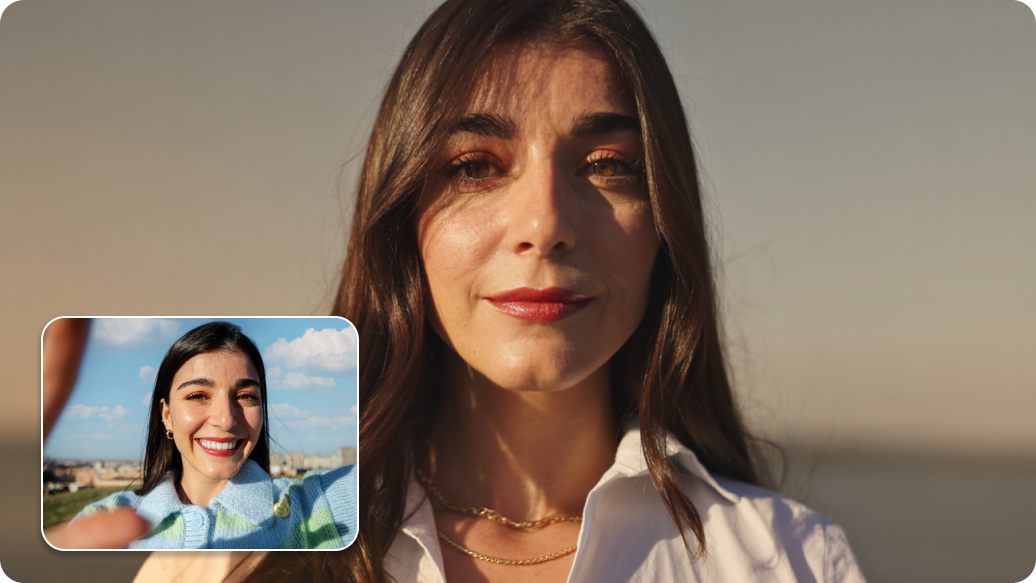
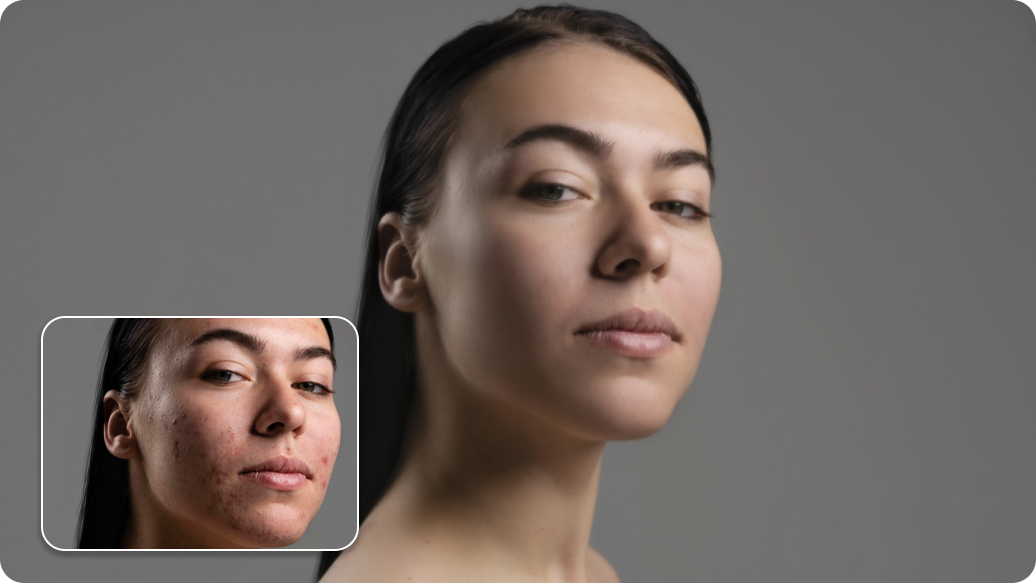
Pixelbin’s one-click AI YouTube profile picture maker allows you to transform your casual selfies into studio-quality portraits by improving lighting, skin texture, and background.

3. Artistic avatars

You can create animated or 3D character versions of yourself, especially if your niche is into tech or gaming.

4. Social media

The AI presets enable you to quickly resize your profile pictures for Instagram, Discord, and TikTok, which helps your brand maintain a consistent appearance across all online platforms.

5. Seasonal updates

Use your existing icon designs with our AI tool to create holiday or subscriber milestone celebrations by applying festive elements and special themes.

How to get the best results using the YouTube profile picture generator?

  • Use an image with natural light and brightness, as low-quality photos, blurry or dark pictures will appear unprofessional when compressed.
  • Avoid using screenshots, or they might look unprofessional after editing.
  • Upload an image where your face or the subject is easily identifiable.
  • The aspect ratio should be 1:1, preferably 800 x 800 pixels, for the best results.
  • YouTube cuts the image into a circle, so keep your subject in the middle and avoid placing key details near the edges.

FAQs

Here are some of the most commonly asked questions about our AI Real Estate Headshot Generator. If you still can’t find what you’re looking for, you can reach out to us at support@pixelbin.io or refer to our documentation for more details.

Yes, without a doubt! You can save time and maintain consistency in your branding by starting with a single base image and using it to create thumbnails, YouTube profile pictures, and even images for other social media platforms.
Yes, your display picture will appear sharp across all devices. Whether your image is viewed on a phone, computer, or TV screen, Pixelbin’s profile picture maker can upscale images to keep them clear and sharp.
Yes, you can use Pixelbin for free. You receive three complimentary edits per month, allowing you to edit and download up to three images. Once you exhaust the free limit, it gets restored in the next month. However, to continue editing, you need to create an account and purchase more credits on a pay-as-you-go basis. We also have custom pricing plans.
Yes, as long as the image is centered for YouTube's circular crop, a profile picture edited with Pixelbin will remain clear. Pixelbin creates watermark-free, high-definition images and can upscale them if necessary to avoid blurriness. Use a square image (800 x 800 pixels), save in PNG or JPG under 4MB, and center important elements for optimal results.
Pixelbin’s AI tool is highly customizable. After the instant AI edits, you can make all kinds of adjustments, such as colors, backgrounds, and overlays, with text prompts. This will ensure your profile picture aligns with your brand goals with ease.
Edit images in seconds, not hours
Get pixel-perfect results just with your words
Start editing with AI