






Intuitive interface
Navigate our AI image editor with ease, without the need for professional software or advanced editing skills.

 Contact Us
Adjust, stylize, and upgrade visuals instantly for games, films, or marketing campaigns.

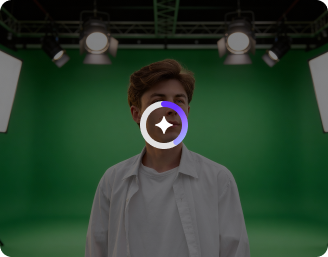
AI Magic in progress
Refining colors, boosting clarity, improving lighting, and preparing a high-quality creative asset for media and entertainment.
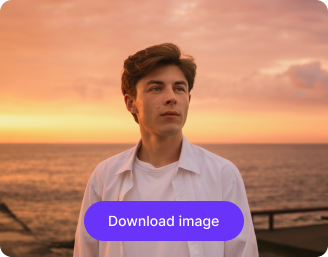
Your enhanced media and entertainment visual is ready!
There was some issue on our end. Please try again.


.png)


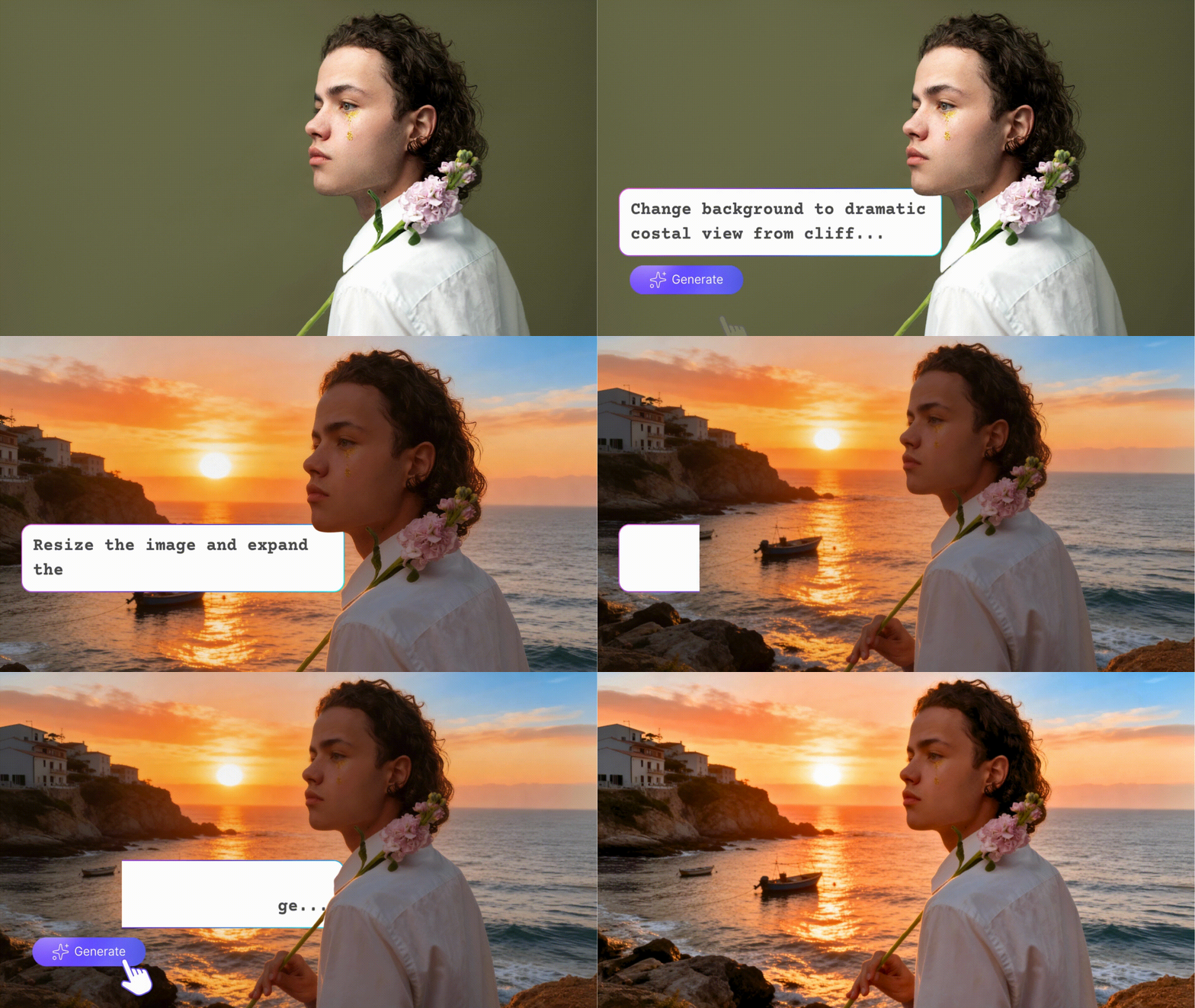
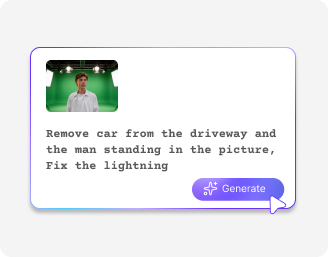
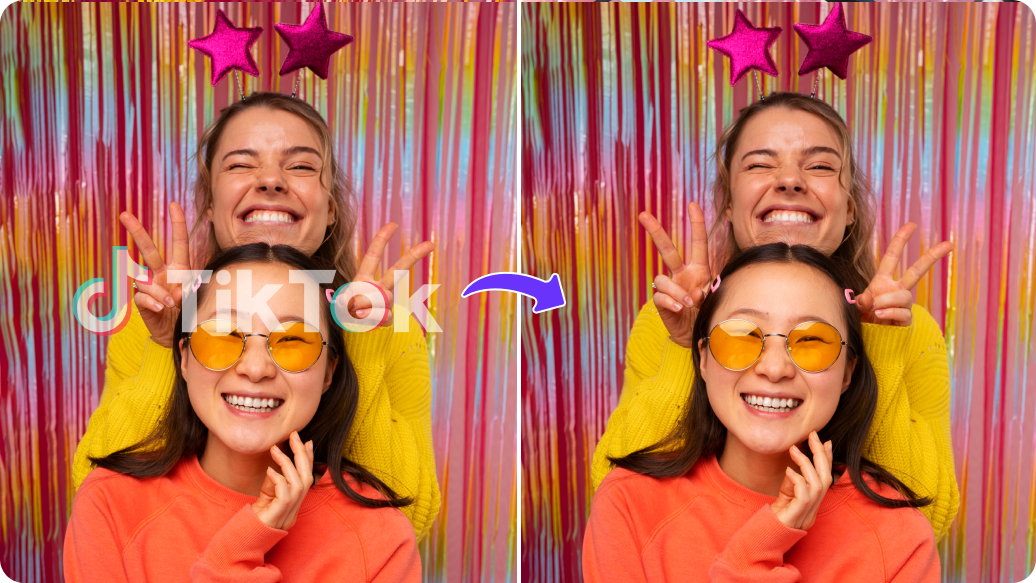
Swap production sets, change backgrounds, or enhance photo quality in seconds.
Navigate our AI image editor with ease, without the need for professional software or advanced editing skills.
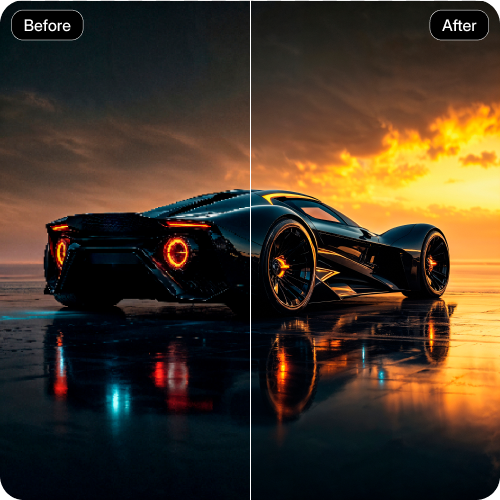
Access the tool on any modern browser, such as Safari, Edge, Chrome, or Firefox; no app or software downloads required.
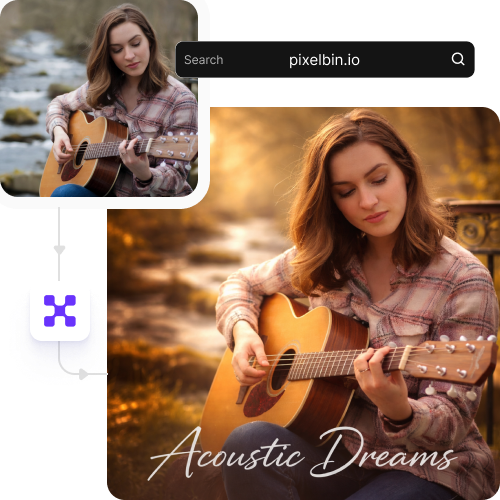
Edit multiple images in one go with our API support, saving hours on manual editing.
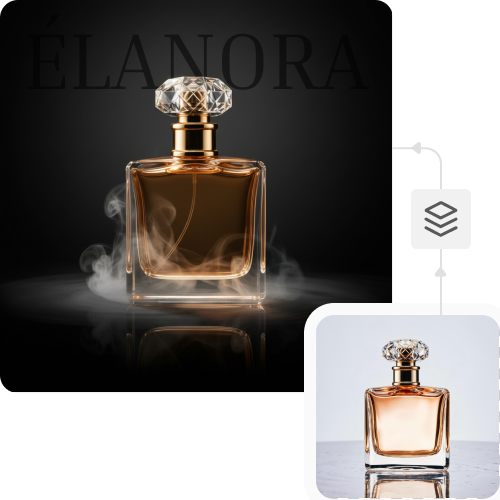
Work with peace of mind, knowing your images are processed on secure servers and not shared with anyone.
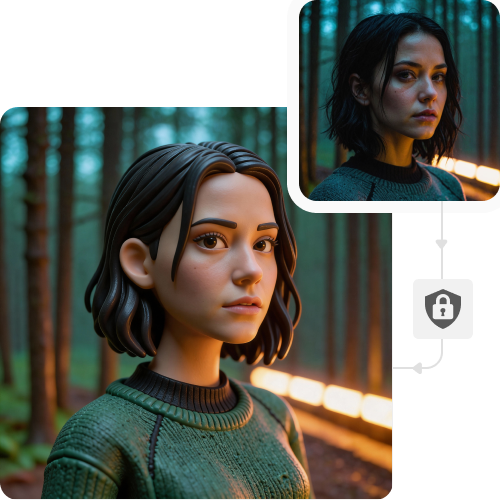
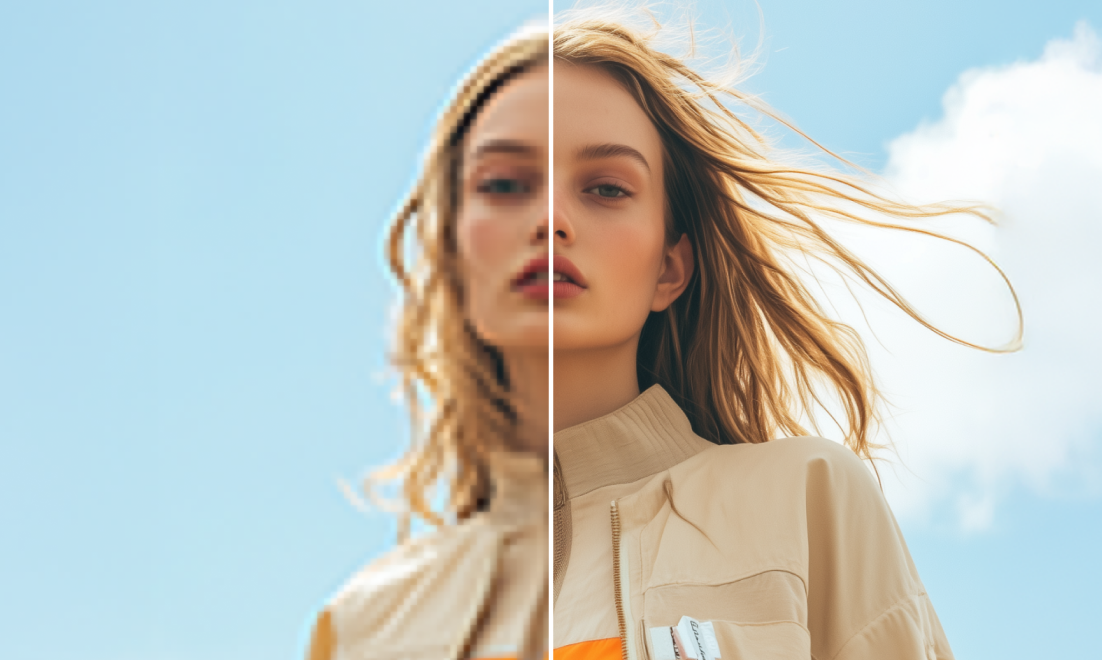

Pixelbin removes the hassles of manual efforts and helps create assets instantly. The tool also delivers many other benefits as follows:
First impressions matter especially when it comes to social media platforms. You can make your Instagram posts, thumbnails, and banners look professional by adjusting color grading and lighting, so that every image looks attractive and wins the scroller's attention.
At times, even the perfect shots have elements that distract the viewers. By editing movie stills, removing unwanted objects or background clutter, the main focus remains precisely where it should be: on the story and the actors.
With our tool, you can retouch and change background scenes to add a cinematic look necessary for a professional promotion.
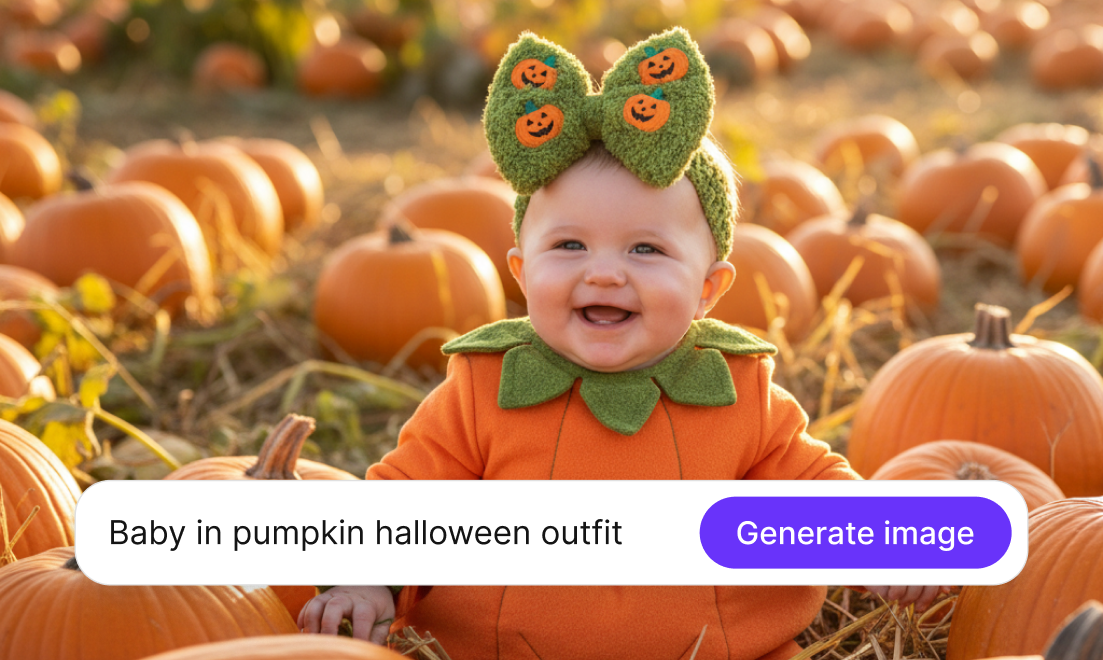
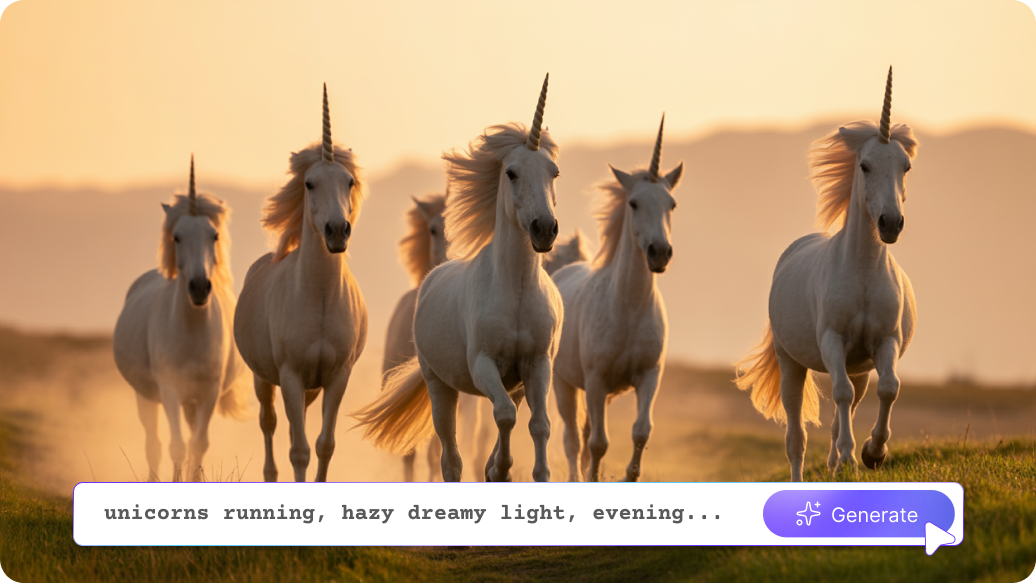
Create unique textures, concept art, storyboards, or even entire virtual environments from simple text descriptions.
Help creative ideas stand out more distinctly. Modify existing concept art by substituting elements, changing the atmosphere of a scene, or adding fine details to communicate the main idea more clearly.
To get the desired outcomes using our AI image editor, you can try the following things:
Here are some of the most commonly asked questions about our AI image editor for media and entertainment. If you still can’t find what you’re looking for, contact us at support@pixelbin.io or refer to our documentation for more details.