PixelBin logo
Image generator is here -   Create Now   and Claim 30% off on Pro Plans. Use code SALE30 at checkout.   Claim Discount

Online free AI image editor for Automotive dealers

Turn inconsistent automotive inventory photos into conversion-driving assets at an affordable price.

Uploaded image
2500 chars left
Max file size 10 MB.
Loading

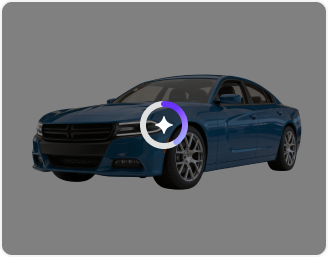
AI Magic in progress
Enhancing clarity, fixing lighting, and preparing a dealership-ready car photo

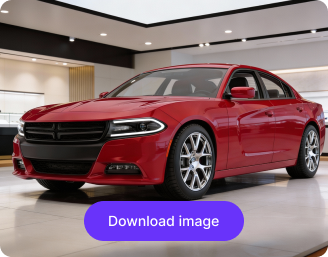
Ready

Your enhanced automotive image is ready!

Explore enterprise
For bulk processing, APIs, or custom workflows and volume discounts
Edit another vehicle photo
Generation Failed

There was some issue on our end. Please try again.

Try Again
Show case

How to use Pixelbin's AI editor to transform automotive parts?

1
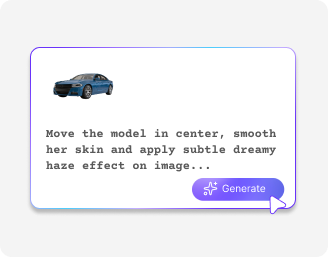
Add the image
Upload your product image in any of the supported file formats: JPG, JPEG, or PNG.
2
Enter the prompt
In the prompt box, describe how you want your image to look. Pro tip: Simple words & clear sentences give the best results.
3
Download the image
After the image is generated, preview & download it for free, without watermarks.

Why use Pixelbin’s AI image editor for Automotive dealers?

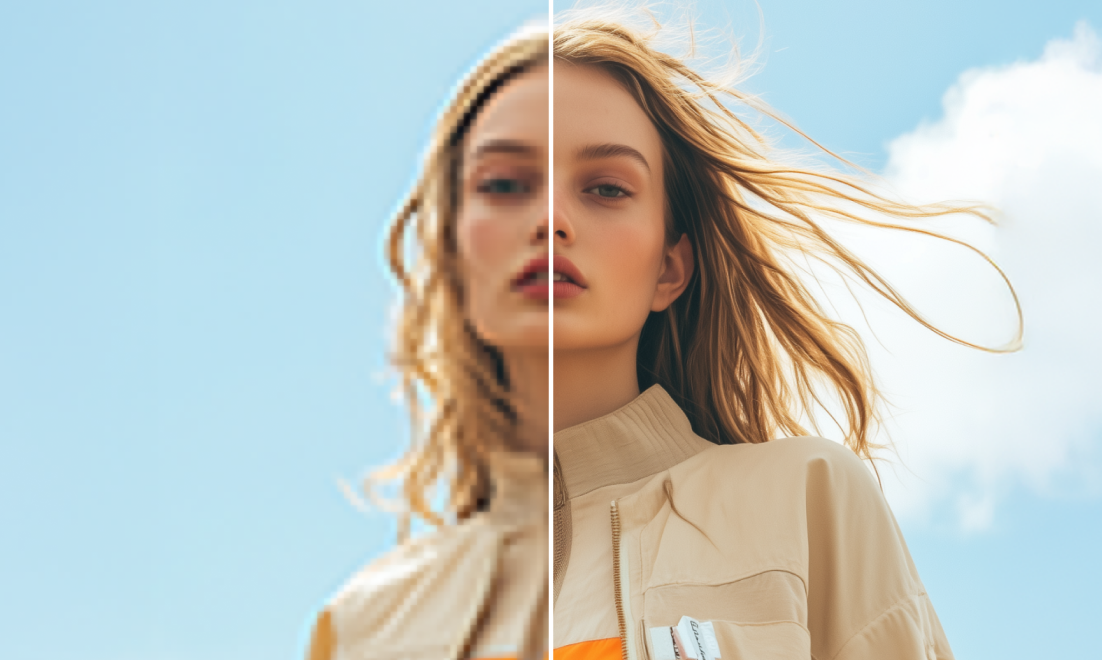
High-resolution image
Get crystal-clear, high-definition vehicle photos that capture every detail of your inventory.
User-friendly
Master professional car photography instantly through an intuitive interface built for busy dealership staff.
Batch Editing
Process your entire vehicle lineup at once to ensure a consistent, polished look across your whole website.
Supports multiple formats
Use all standard automotive photo formats, including JPG, PNG, WEBP, and AVIF, to create retail-ready assets.
Safeguards privacy
Secure your dealership’s private information with an encrypted editor that keeps your data confidential.
No watermarks
Download clean and high-quality images, and upgrade your listings for free without any watermarks on them.

Upgrade your entire automotive inventory listings across channels in minutes

Automatically enhance car images across hundreds of listings using our AI image editor for automotive dealers and save hours of manual editing.

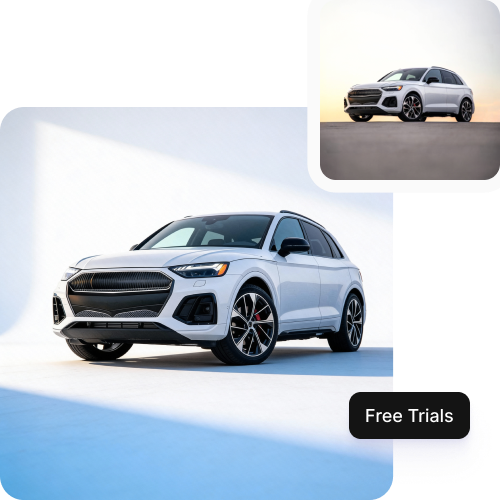
Try for free

Get the first three credits per month and explore Pixelbin without creating an account.

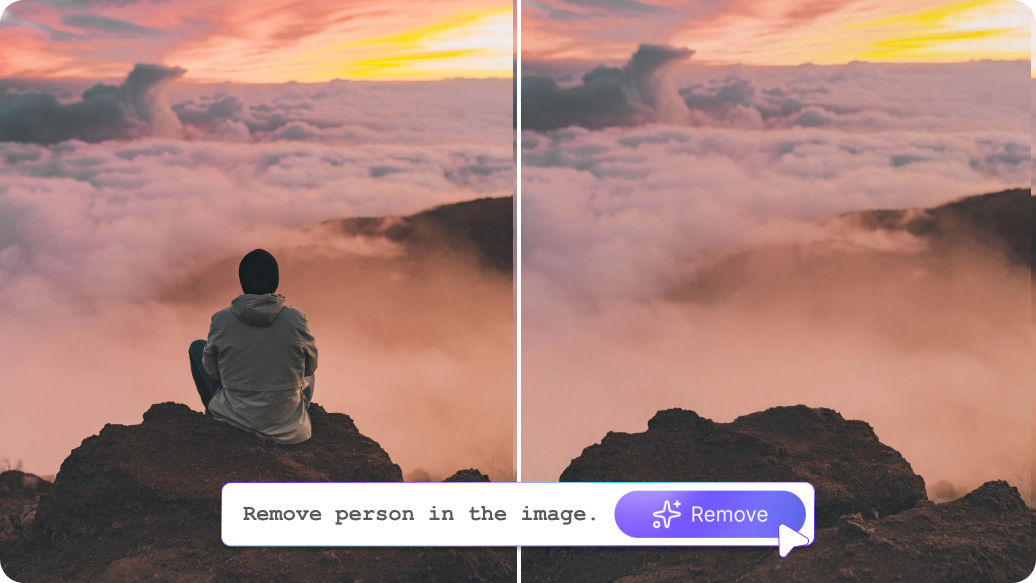
Feature 1
Work from anywhere

Access our browser-based platform from any device with zero downloads or installations.
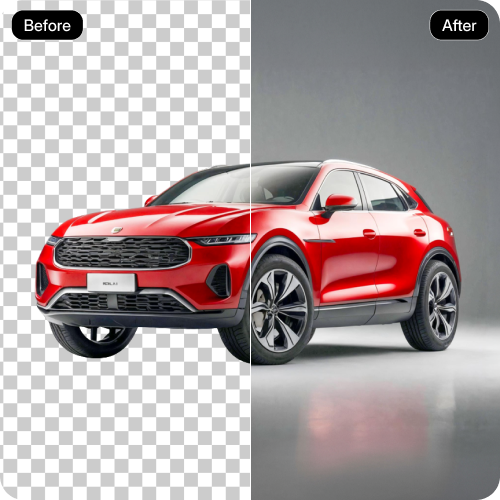
Feature 2
Skip the learning curve

Edit like a professional using AI tools designed for everyone, regardless of design experience.
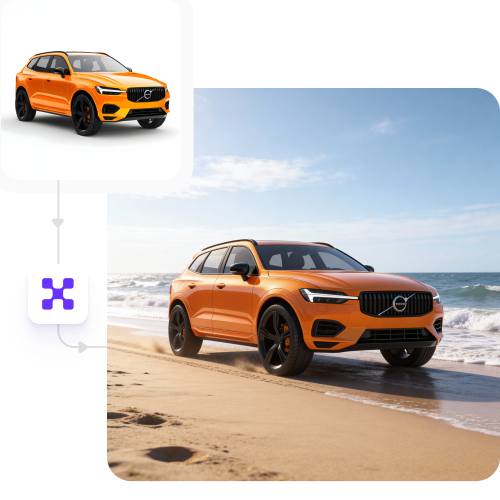
Feature 3
Single-click result

Convert your automotive images into high-quality assets with a single click.
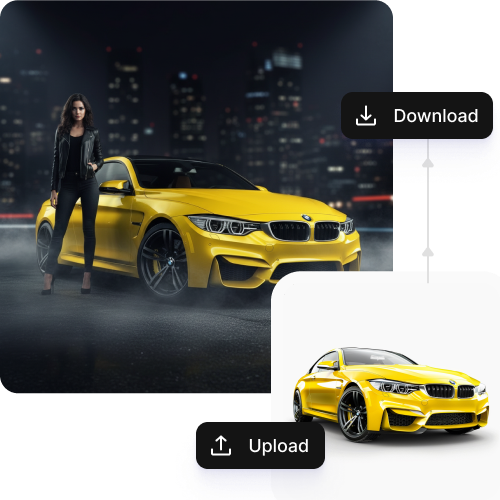
Feature 4

AI tools by Pixelbin

AI image editor for Automotive dealers online, free highlights

Benefits of Pixelin’s AI image editor for Automotive dealers

With Pixelbin, make professional-looking edits to vehicle images without any prior editing experience. Here are some of its benefits:

  • Easy interface: Edit car photos easily with a simple, dealer-friendly interface; no design or editing experience is needed.
  • Cost-effective solution: You get access to premium-quality aesthetic filters and tools without paying for expensive software subscriptions.
  • No watermarks: Download high-quality vehicle shots completely free of watermarks, keeping the buyer’s focus entirely on your brand.
  • Bulk-ready: Improve entire car inventories at once using our tool, ideal for large dealer listings.
  • Lightweight tool: Edit vehicle images directly in your browser without installing heavy software or slowing down dealership systems.
  • No quality loss: Preserve the original resolution of your car photos so every image stays sharp, detailed, and marketplace-ready.

Use cases of our free AI image editor for automotive dealers

1. New arrival showcases

Quickly fix photos of new cars so you can get your listings online much faster.

2. Pre-owned car presentation

Refine every vehicle shot by neutralizing harsh shadows and clearing distracting objects in one click.

3. 360° vehicle view support

Make every angle look clear and matching for a smooth virtual walkaround.

4. Seasonal campaign visuals

Update car photos with fresh looks for holiday sales or special year-end deals.

5. Dealer website branding

Give all car photos on your website a clean, professional, and consistent look.

6. Vehicle listing enhancement

Improve lighting and clarity so your car listings look sharp and trustworthy.

7. Background cleanup and replacement

Remove cluttered backgrounds and show cars in neat, simple scenes.

8. Marketing and promotions

Create and edit images instantly for car ads, social media posts, and email flyers.

Tips to get the best results from our online AI image editor

  • Take clear photos in good natural light.
  • Click pictures of the car from different angles.
  • Avoid dark shadows, reflections, or people near the car.
  • Edit photos together to keep the same look across all listings.
  • Check the images before downloading to make sure they look natural.

FAQs

Here are some of the most common questions about our Recolor Image Online free tool. If you can’t find the information you need, contact us at support@pixelbin.io or refer to our documentation for more details.

No editing skills are needed. Our AI image editor automates the editing process, allowing you to skip the lengthy photoshoot process and edit photos quickly in just a few clicks.
No. Your edited photos keep the same quality and clarity as the original images.
Yes. Pixelbin supports batch editing, which lets you enhance many car photos at once, saving time.
Yes, it allows the first three trials for free per month. Later, a user can subscribe on a pay-as-you-go basis.
Yes. You can use the downloaded images for listings, ads, websites, and promotions.
Edit images in seconds, not hours
Get pixel-perfect results just with your words
Start editing with AI