PixelBin logo
Image generator is here -   Create Now   and Claim 30% off on Pro Plans. Use code SALE30 at checkout.   Claim Discount

AI image editor for license plate blur

Hide number plates for free without manual masking or photo editing skills.

Uploaded image
2500 chars left
Max file size 10 MB.
Loading

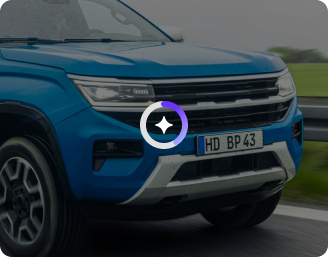
AI Magic in progress
Detecting vehicles, identifying license plates, and applying privacy-safe blur automatically

Ready

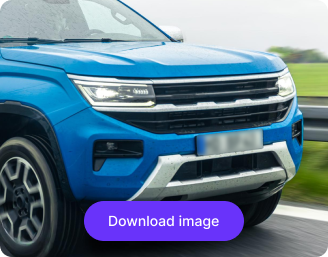
Your license plate–blurred image is ready!

Edit image with AI
Get 🔥 free credits for image editing, upscaling, generation and more
Blur another image
Generation Failed

There was some issue on our end. Please try again.

Try Again
Show case

How to blur license plates online with Pixelbin?

1
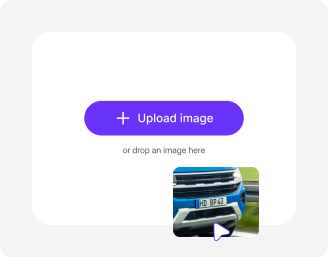
Upload your image
Add your vehicle image to the editor in JPEG, JPG, WEBP, or PNG format.
2
Add the prompt
Type a simple request like "blur the license plate" into the chat.
3
Save your photo
Preview & download the final high-resolution image without watermarks or overlays.

Why use Pixelbin's free number plate blur tool?

Multiple image support
Supports images in all standard formats like JPEG, JPG, WEBP, and PNG.
Browser-based
Works perfectly across all modern browsers such as Google Chrome & Safari.
Free access
Use the tool without subscribing or creating an account.
HD outputs
Provides high-resolution images perfect for listings, social media or websites.
Instant preview
See edits in real time to avoid repeated uploads or re-editing.
Complete privacy
All images and edits stay secure, ensuring your data is never shared.

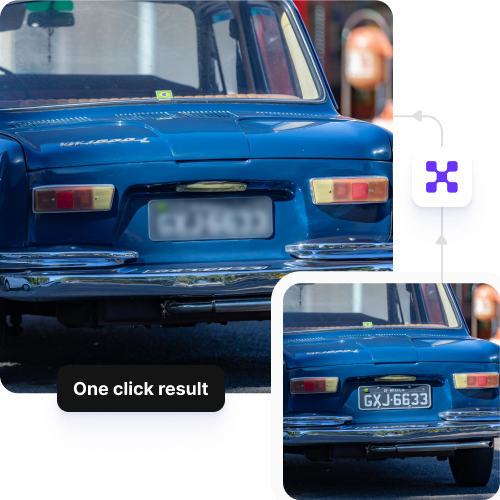
Secure vehicle privacy with one-click blurring

Blur license plates online for free before publishing on websites or social media platforms.

Instant blurring

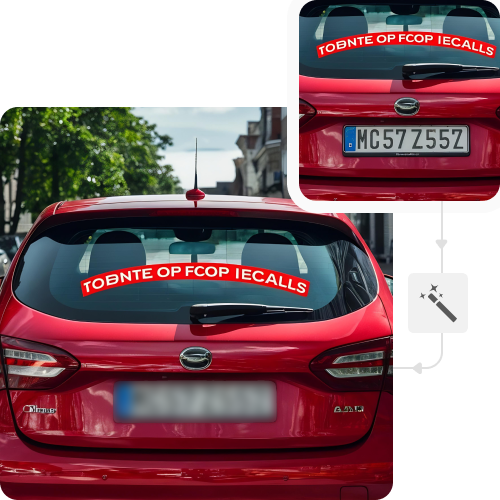
Remove or blur plate numbers with just a click, so vehicle photos are ready for sharing.

Feature 1
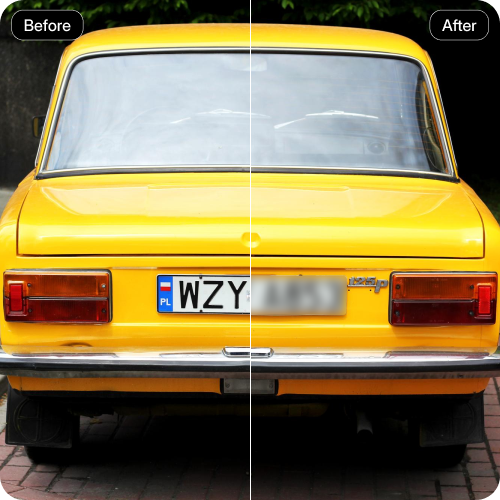
Clean removal

Edit only the license plate details with a natural, realistic finish.
Feature 2
Free trial for everyone

Create and download up to three images each month for free, and upgrade anytime for more credits or API access.
Feature 3
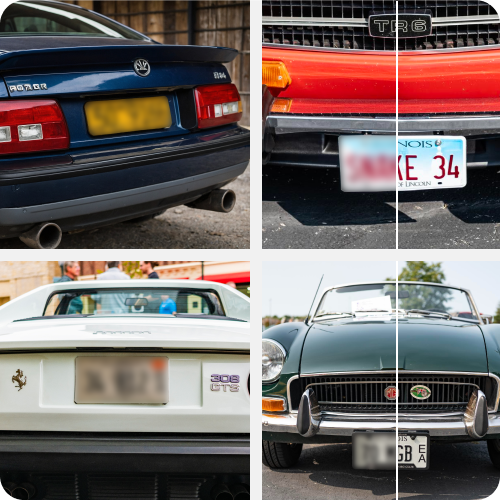
Batch edits

Blur out multiple license plates with bulk editing API, saving time on manual efforts.
Feature 4

AI tools by Pixelbin

Key highlights of Pixelbin’s AI image editor for license plate blur

Benefits of using an AI image editor for license plate blur

  • Fast Editing: Instantly blur or delete license plates, saving time on each photo.
  • Professional Results: Enhance car pictures to make them look professional on websites and social media platforms.
  • Simple Controls: Change blur settings without requiring any technical skills.
  • Multi-Photo Support: Edit multiple images using the API to enhance productivity.
  • High-Quality Output: Upscale images up to 8X while preserving the clarity and vehicle details.

Use cases of best online AI image editor for license plate blur

1. Car Marketplace Photos

Upload images for online sales by blurring license plates.

2. Social Media

Post vehicle images across social media channels without revealing registration numbers.

3. Ride-Sharing or Delivery Listings

Protect driver privacy when posting car images publicly.

4. Insurance Claims Submission

Blur license plates to maintain confidentiality when sending vehicle photos for insurance claims.

5. Photography Portfolios

Enhance your product portfolio while keeping vehicle license details private.

6. Automotive Blogs

Add car visuals to your blogs, vlogs, or articles without exposing plate numbers.

How to get the best results from Pixelbin’s AI image editor?

Below are some ways to get the best quality outputs from the tool. Follow the tips below:

  • Upload clear vehicle images where the license plate is visible.
  • Avoid blurry or grainy images to obtain cleaner results.
  • Give simple prompts, but be specific for accurate outputs.
  • Avoid images that have shadows or distracting objects covering the license plate.
  • Keep backgrounds simple and avoid clutter to ensure clear edits.

FAQs

Here are some of the most common questions about our AI image editor for license plate blur. If you can’t find the information you need, contact us at support@pixelbin.io or refer to our documentation for more details.

Yes, you can blur license plates in any vehicle photos, be it bikes or four-wheelers. Just make sure the license plate is clearly visible.
Pixelbin includes 3 editing credits each month on its free plan. If you need to edit more images, you can sign up and purchase additional credits on a pay-as-you-go basis, with no mandatory subscription.
You can upload images up to 10MB as long as they are in JPEG, JPG, WEBP, or PNG formats.
Yes, all your assets are safe on Pixelbin as no information is stored or shared with any third parties without your consent.
No, Pixelbin’s AI image editor just blurs out or removes the license plate while preserving the image quality.
Edit images in seconds, not hours
Get pixel-perfect results just with your words
Start editing with AI