






High-quality edits
Pixelbin’s AI editor preserves the original resolution of your image while making edits, ensuring the final result looks as detailed as your uploaded version.

 Contact Us
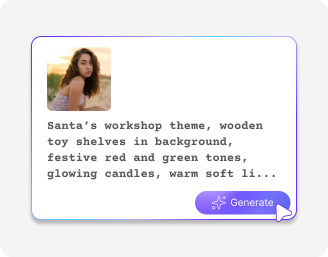
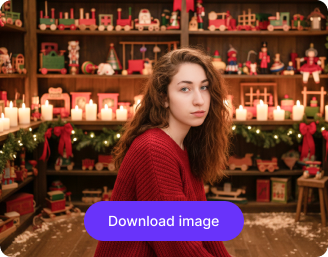
Turn any photo into a cheerful Christmas portrait with Santa hats, snowy backgrounds, and festive details in seconds.

Creating your AI Christmas photo...
Applying your holiday prompt to transform the image
Your AI Christmas photo is ready!
There was some issue on our end. Please try again.



.png)


With Pixelbin, make quick modifications to images using AI, without the need for software downloads or manual editing.
Pixelbin’s AI editor preserves the original resolution of your image while making edits, ensuring the final result looks as detailed as your uploaded version.
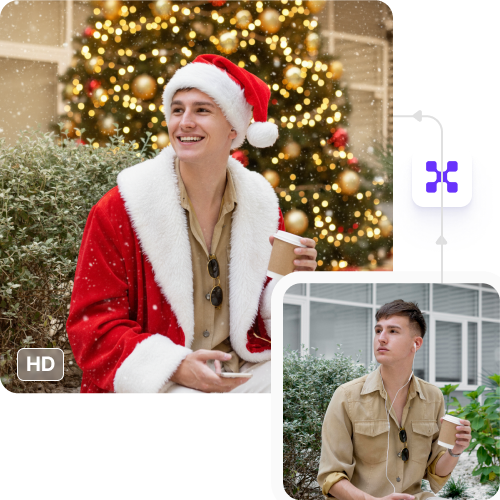
You can use Pixelbin’s AI image editor online from any device (smartphone, tablet, desktop, laptop, etc.) directly from a browser, without the need for software installations or mobile app downloads.
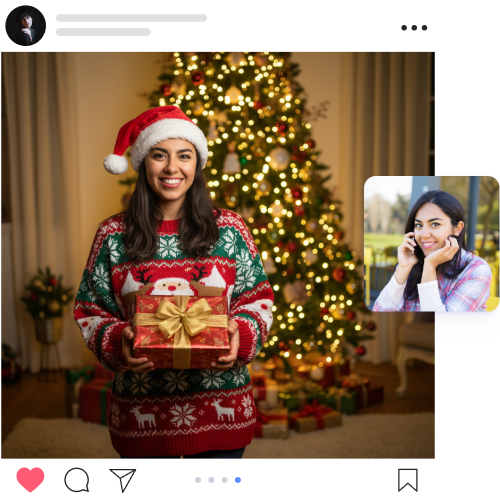
Using Pixelbin, you can make complex edits in just seconds. Simply upload your image, describe the changes, and the AI editor will automatically apply them.
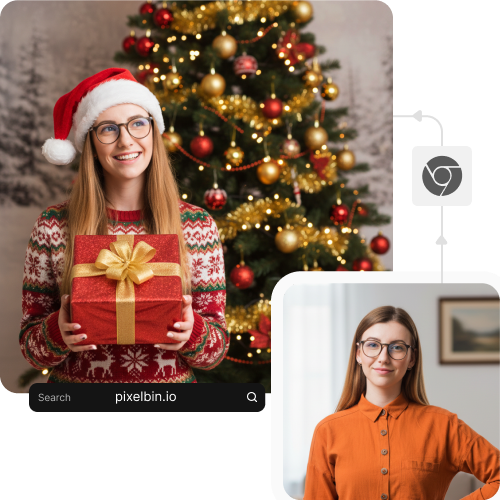
You can use Pixelbin’s AI prompt image editor for free up to three times a month. You can even download the generated images in HD, without paying anything.
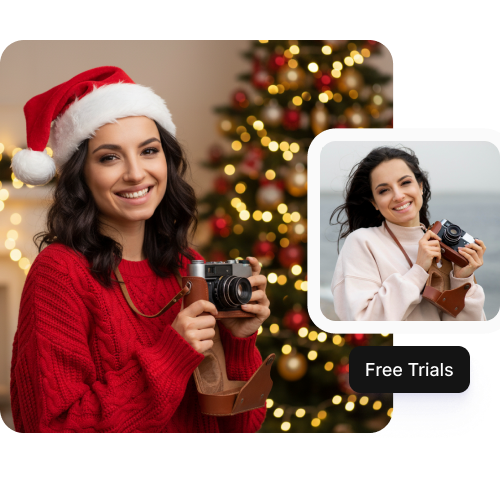

.webp)
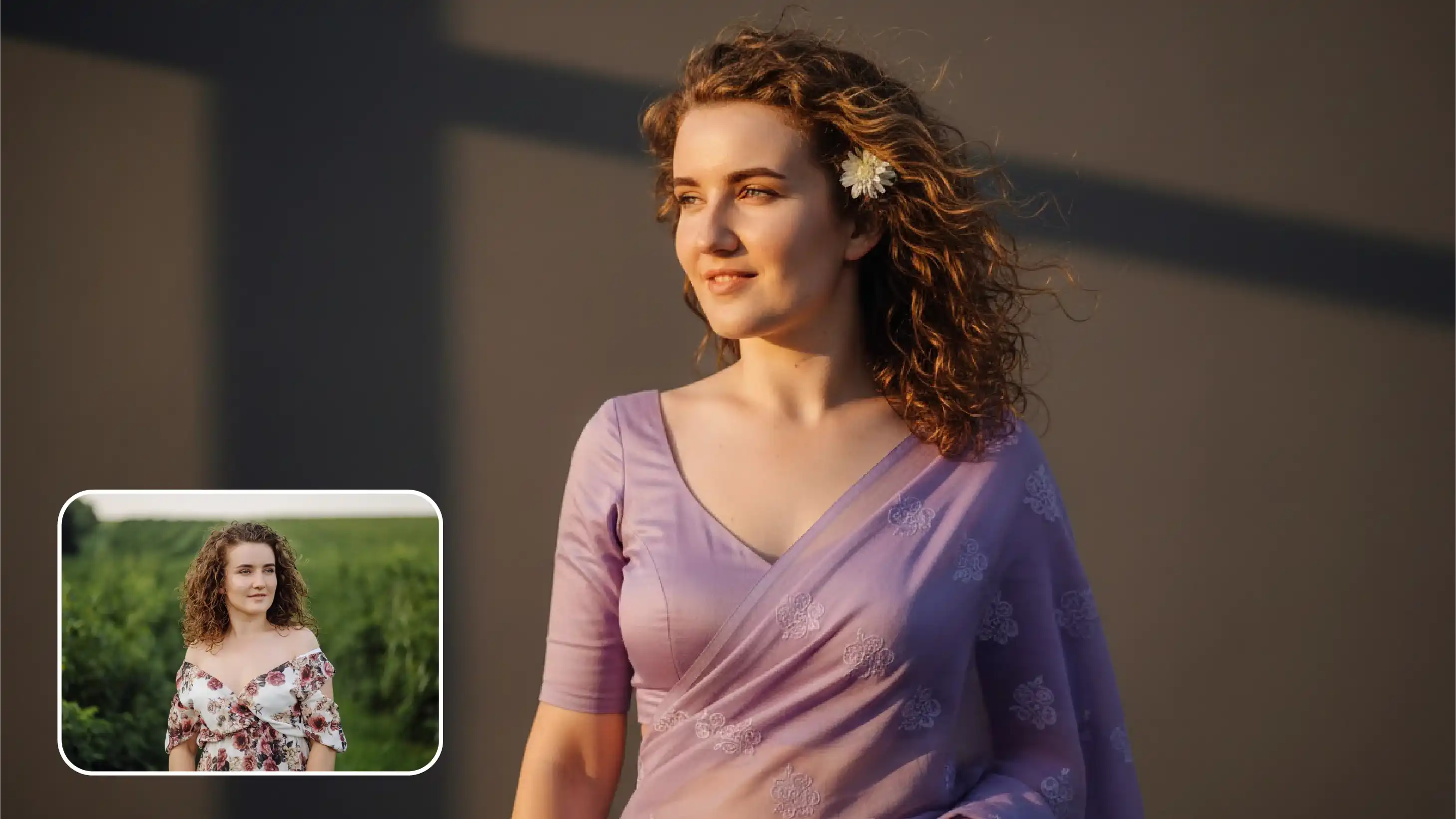
.webp)

.png)
Pixelbin lets you make complex edits to images online using simple text instructions, saving you time and money. Edit colors, add or remove objects, and adjust backgrounds directly in your browser.
Using Pixelbin, you can make professional-looking edits to your images without any prior editing experience. Here are some of its benefits:
Pixelbin’s free AI image editor can be used for both personal and professional needs. Here are some of the most common use cases:
Adjust the lighting, change the color of your clothing, or remove distracting people/objects from the background with just a simple prompt, using Pixelbin’s AI image editor.
Using Pixelbin’s AI product image editor, you can make your product photos ready for eCommerce listings by modifying backgrounds, adding props to the scene, or just correcting shadows or colors.
Have an image where the background is extremely cluttered? With Pixelbin’s AI image background editor, you can instantly replace such backdrops with a completely different scene by giving a simple text-based prompt like “transform the background into a solid color by removing all objects”.
Using Pixelbin’s realistic AI image editor, you can add new elements to your photos. For example, you can type a prompt like “add some birds to the landscape” and add some detail to the image.
Digital artists and designers can use Pixelbin’s generative AI image editor to add final touches to their artwork. With just a single prompt, you can refine illustrations, adjust colors, or add certain effects without redrawing the whole thing.
Here are some suggestions to get the most accurate results from Pixelbin’s free AI image editor with prompt:
Here are some of the most common questions about our Halloween Trend AI Generator. If you can’t find the information you need, contact us at support@pixelbin.io or refer to our documentation for more details.