PixelBin logo
Image generator is here -   Create Now   and Claim 30% off on Pro Plans. Use code SALE30 at checkout.   Claim Discount

AI background blur tool

Hide messy or distracting backgrounds with an automatic blur effect.

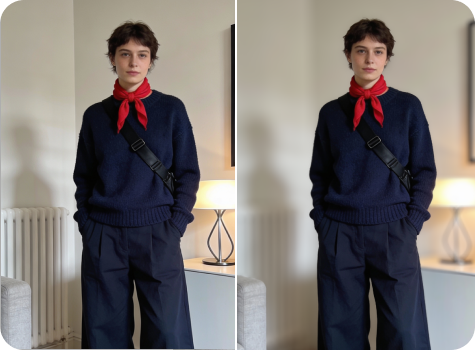
AI background blur tool preview

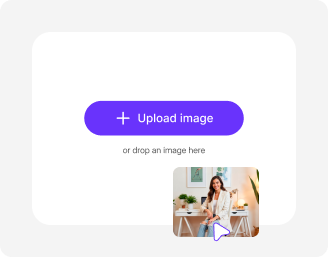
File should be less than 10MB

or paste URL

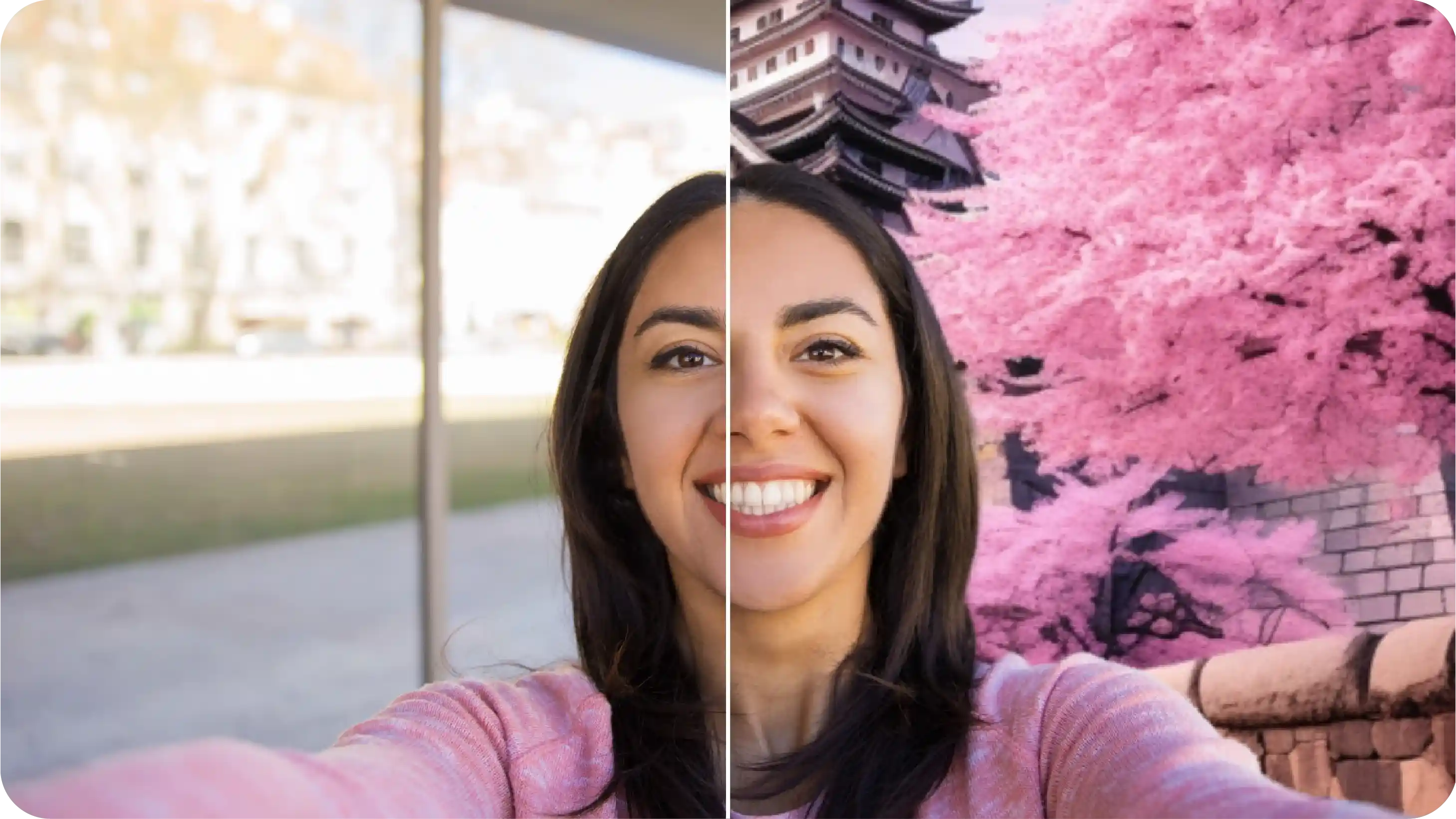
Before
Loading

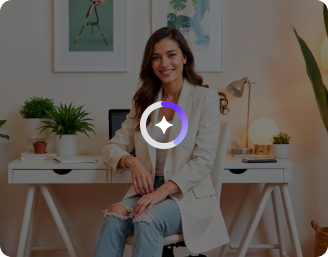
AI Magic in progress
Detecting the subject and applying a natural background blur

After

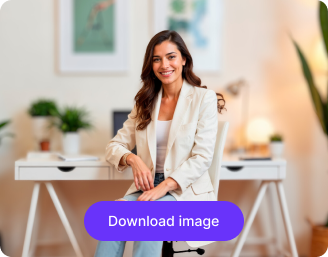
Your blurred background image is ready!

Edit image with AI
Get 🔥 free credits for image editing, upscaling, generation and more
Blur another photo
Generation Failed

There was some issue on our end. Please try again.

Try Again
Show case

How to blur background online using Pixelbin?

1
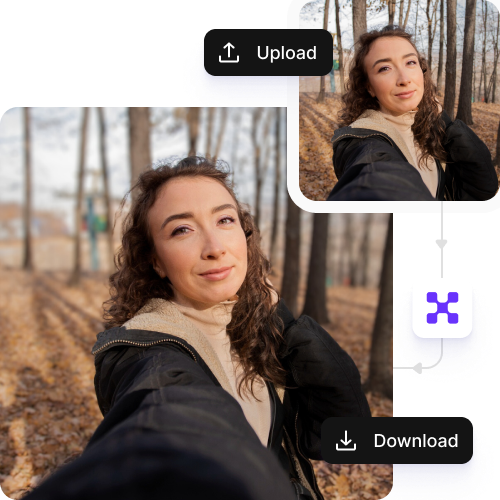
Add your image
Paste a URL or upload your image in any of these formats: JPG, JPEG, PNG, or WEBP.
2
Wait for AI processing
Pixelbin automatically isolates the subject & blurs the background, without any manual editing required.
3
Download your image
Preview & download the final output for free, without any watermarks or hidden costs.

Why use Pixelbin's background blur free online tool?

Multiple image formats
Upload images in popular formats such as JPG, JPEG, PNG, or WEBP.
Batch editing
Process multiple photos at once with API support to save time and improve workflow efficiency.
Easy accessibility
Use the background blur tool from any device with a browser and an internet connection.
Free HD downloads
Download your final images in high definition without watermarks or extra costs.
No sign-up required
Access the tool instantly without logging in or entering payment details.
Complete privacy
Your images are encrypted, processed securely, and never shared with anyone.

Add soft background blur to any photo instantly

Generate a DSLR-like bokeh effect right from your browser using AI, without the hassle of buying expensive lenses or software.

Natural-looking depth of field

Apply a realistic blur effect that softens the background while keeping your subject clear and sharp.

Sailling ship of sketche to image
Ideal for any photo

Enhance selfies, product shots, travel photos, or event images in seconds with the background blur tool.
Mountain sketch to image
Monthly free trials

Blur up to three photos each month for free and upgrade anytime for more credits or API-based bulk processing.
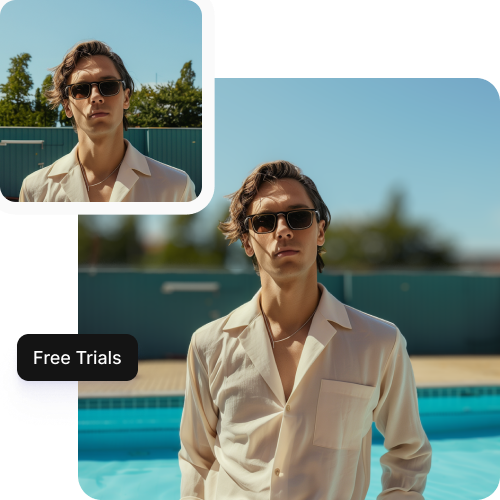
Sketch hot air baloon to image generator
Browser-based editor

Use the background blur tool directly from your browser on any device without installing software or mobile apps.
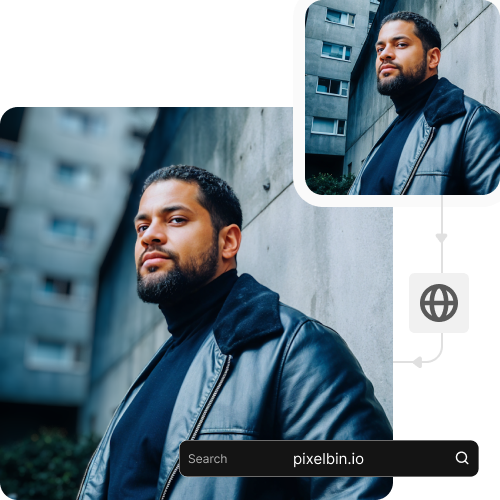
sketch to image in HD-resolution pictures

AI tools by Pixelbin

Key highlights of Pixelbin’s photo background blur online free tool

Benefits of using the best blur background editor online

  • Smooth & realistic blur: Get professional-grade background blur online that mimics DSLR depth-of-field effects.
  • No manual edits: You don't need to master complex tools to get a background blur effect on your photos.
  • Smart subject detection: Our AI identifies the subject accurately to apply the blur only where it is needed.
  • Fast results: Create soft-blurred backgrounds from any photo within a few moments for quick editing needs.
  • Bulk-ready API: Process large batches of photos for business or catalog needs with API-based background blur.
  • No watermarks: Download your final image in high quality, completely free of any watermarks.
  • Cost-effective: Enhance photos with depth effects at no cost and without purchasing expensive software.
  • Cross-device compatibility: Pixelbin can be used from all devices, including desktops, laptops, and smartphones.

Use cases of blur background photo editor online tools

1. eCommerce product photography

Give your products a premium look by blurring the background to remove distractions. Create depth in product images for Amazon, Etsy, or your own online store. A soft blur directs attention to the product while keeping the overall frame clean and professional.

2. Professional portraits & headshots

Want to make a casual photo look like a professional headshot? With Pixelbin, you can just upload it to our background blur online tool to soften the surroundings, making the subject pop and appear more authoritative for LinkedIn or CVs.

3. Social media content

GEnhance your Instagram or Pinterest photos by adding an aesthetic blur that mimics professional cameras. A blurred background gives your photos an artistic, high-quality aesthetic that stands out in the feedng.

4. Real estate listings

Quickly blur out unappealing views through windows or minor clutter in room shots without any manual editing. Pixelbin’s AI editor helps you keep the focus on the room's layout while maintaining a realistic look for potential buyers.

5. Pet photography

Capture the cute expressions of your pets without the mess of a living room or park in the background. Use our online background AI blur tool to isolate your furry friend and create a framing effect that looks professionally shot.

6. Marketing banners & ads

Create space for text overlays by blurring the background of your marketing visuals. This ensures your ad copy remains readable against a busy image without completely removing the context of the photo.

How to get the best results from free online blur background tools?

  • Use a high-resolution image: Upload a clear photo to help the AI distinguish between the foreground and background.
  • Ensure good separation: The effect works best when there is some distance between the subject and the background.
  • Avoid motion blur on the subject: The subject should be sharp, and only the background should be blurred for a realistic effect.
  • Check lighting conditions: Even lighting helps the AI detect edges accurately for a natural-looking blur.
  • Use high-resolution images: Uploading HD photos prevents the blurred area from looking pixelated or low-quality.

FAQs

Here are some of the most commonly asked questions about our Blur Background Online tool. If you still can’t find what you’re looking for, contact us at support@pixelbin.io or refer to our documentation for more details.

Pixelbin lets you create up to three blurred image backgrounds every month, for free, even without signing up. If you need more, you can sign up to get ten free credits or upgrade to a premium plan anytime for extra perks and additional credits.
Not at all. Pixelbin’s blur background AI tool keeps your original clarity intact, so you can blur image backgrounds online and still download high-quality HD results.
Yes. Pixelbin respects your privacy. Your images are processed on secure servers for the purpose of editing and are never shared with third parties or used for training without your explicit consent.
No. Pixelbin is a fully web-based AI editor. You can use our background blur online free tool directly from your browser (like Chrome, Safari, or Edge) on any desktop or mobile device without installing software.
Yes. Images up to 10 MB as long as they’re in the mentioned file formats (JPG, JPEG, WEBP, or PNG).
Edit images in seconds, not hours
Get pixel-perfect results just with your words
Start editing with AI