PixelBin logo
Image generator is here -   Create Now   and Claim 30% off on Pro Plans. Use code SALE30 at checkout.   Claim Discount

Aura farm AI photo editor

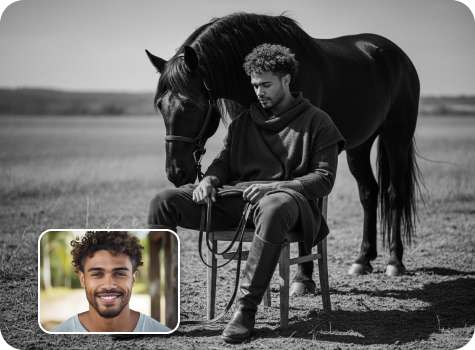
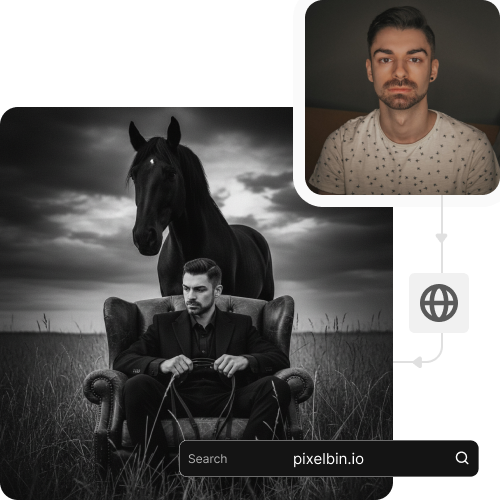
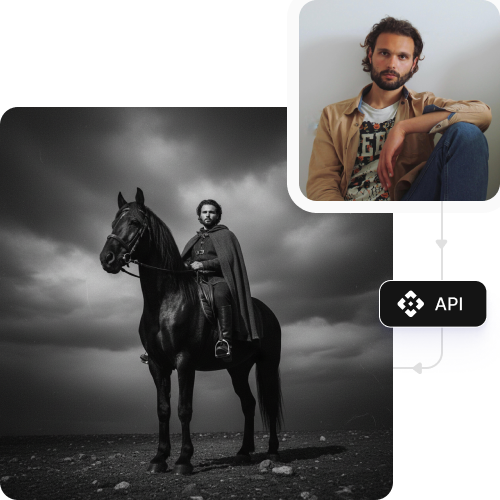
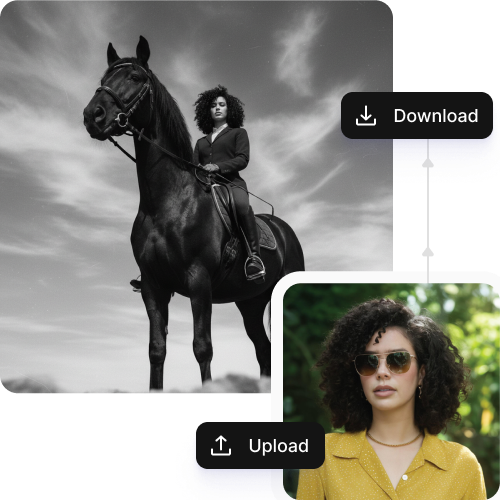
Join the trend by turning your photos into cinematic farm-style portraits automatically, no prompts required.

Aura farm ai photo editing horse aesthetic tool

File should be less than 10MB

or paste URL

Upload clear, front-facing photo for the best Aura Farm AI results.

Before
Loading

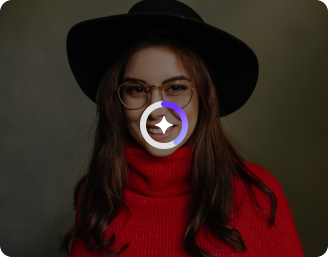
AI Magic in progress
Creating a cinematic aura farm aesthetic portrait

After

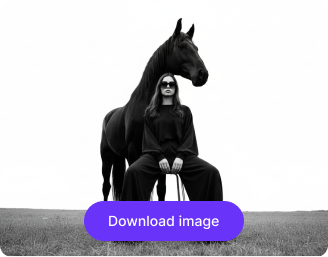
Your Aura farm AI photo is ready!

Edit image with AI
Get 🔥 free credits for image editing, upscaling, generation and more
Apply aura farm to another photo
Generation Failed

There was some issue on our end. Please try again.

Try Again
Show case

How to use Pixelbin’s Aura Farm AI photo editor?

1
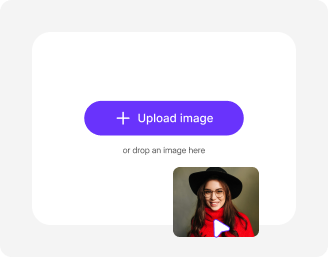
Add your image
Paste a URL or click “Upload Image” to select your picture, in any of the following formats: JPG, JPEG, PNG, WEBP.
2
Wait for AI processing
Pixelbin automatically applies the aura farm effect to your image without any manual editing required.
3
Download your image
Preview and save your edited image in HD, free from any watermark or additional costs.

Why use Pixelbin’s aura farm AI photo editor?

Multiple formats
Upload your images in popular formats, such as JPEG, JPG, WEBP, or PNG.
Bulk transformation
Turn multiple images into trend-ready content in one go, saving hours on manual effort.
Complete privacy
Your images are processed on secure servers and never shared with anyone.
Global CDN delivery
Deliver images from servers worldwide to ensure fast access for all users.
Digital asset management
Manage and store images in one central location for easy sharing.
No sign-up
Access the tool for free without creating an account or sharing payment details.

Generate aura farm images with no prompts required

Create farm-style black-and-white shots instantly and participate in the “Third Rule of the Leaf” trend on social media.

Browser-based access

Use the aura AI farm tool directly from your smartphone or desktop browser. No app downloads or installations required.

Sailling ship of sketche to image
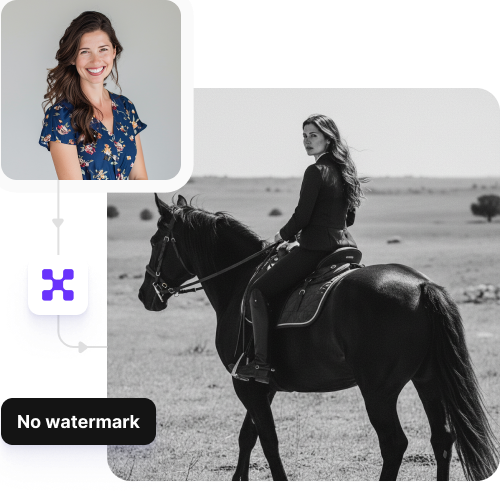
Watermark-free exports

Download your images without any watermarks or logos, so they’re ready to share on Instagram, Facebook, and other platforms.
Mountain sketch to image
No technical expertise

Apply the AI aura farm effect and generate professional-looking visuals automatically, with no manual editing or technical skills needed.
Sketch hot air baloon to image generator
Image upscaling

Enhance low-resolution images up to 8×, so your photos stay clear and sharp when shared or reused.
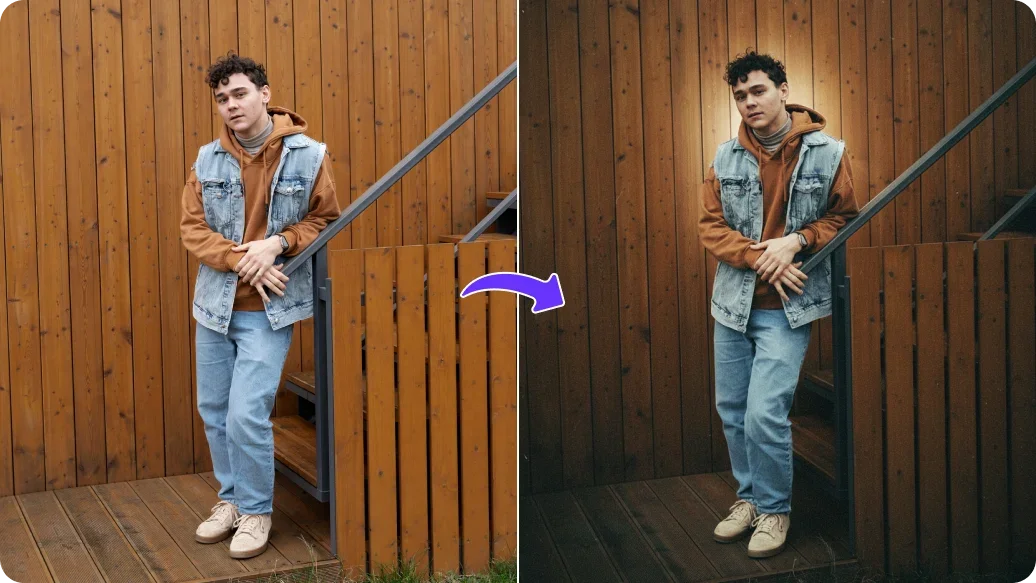
sketch to image in HD-resolution pictures

AI tools by Pixelbin

Key highlights of Pixelbin's Ai aur farm filter

Benefits of using Pixelbin’s aura farm photo editor

  • No prompt needed: With our AI tool, you can make aura farm images without prompts, as the tool applies the effect automatically and generates results quickly.
  • Simple to use: Designed for simplicity, the tool has an intuitive interface that lets you create images even without editing knowledge.
  • Create high-status imagery: Place yourself in cinematic settings, such as standing with a majestic horse in a misty valley, to join the viral “aura farm” trend on social media.
  • Enhance online presence: Try different aura themes in seconds to create powerful images that increase your likes, comments, and shares across social media platforms.

Use cases

  • Social media: Transform your ordinary selfies into aura-rich images within seconds to participate in the aura farming trend.
  • Professional photography styling: Create fashion-style portraits without a studio setup.
  • Personal branding: Whether you are an influencer, mentor, or artist, aura farming adds a layer of charisma that helps you show confidence and energy.
  • Music or art: Generate visuals for the cover of your album, teaser reels, or digital posters using our aura farm AI editor.
  • Fashion or lifestyle content: Present your outfits, accessories, or products with aura effects that make them look aspirational to buyers.

How to get the best results with our aura farm AI editor?

To get the most desired results from Pixelbin’s AI tool, keep these points in mind:

  • Use a clear, high-resolution photo where the face is in focus
  • Ensure the face is fully visible and not cropped or partially visible
  • Add images with good lighting to make facial features clear
  • Keep the face straight or slightly angled, not turned too much
  • Avoid blurry, over-compressed, or filtered images
  • Avoid sunglasses, masks, or any object covering the face
  • Keep the background neutral or free from distractions
  • One face per image works best for accurate results

FAQs

Here are some of the most commonly asked questions about our Aura Farm AI Editor. If you still can’t find what you’re looking for, contact us at support@pixelbin.io or read our documentation for more details.

Yes, you can try the following aura farm prompts to generate cinematic portraits:

1. Create a high-fashion black-and-white editorial look that highlights a grounded pose, quiet authority, and a subtle visual connection between the person and the horse. Use cinematic framing, matte textures, and a refined, luxury aesthetic with a calm, introspective mood.

2. Generate a cinematic black-and-white portrait of a person seated on a simple chair in an open, windswept landscape. The subject holds the reins casually, wears dark oversized clothing and rugged shoes, while a strong black horse stands behind. Use high contrast lighting, a fine-art matte finish, and soft grain for a polished 1080p look.
Yes. If the first result does not match your preference, you can create additional variations. Pixelbin allows you to refine the output by using different aura farm prompts to guide the look and explore different styles and moods.
The aura farm AI photo editor cannot handle group photos because it cannot determine which face to pick. So, use images with a single face only.
Yes, Pixelbin’s AI photo editor works only on face swapping while preserving your looks and expressions in the photo.
Yes, Pixelbin offers a free plan where you can try the tool up to 3 times without signing up. But if you want to try bulk editing or generate more variations, you need to create an account and purchase additional credits on a pay-as-you-go basis.
Edit images in seconds, not hours
Get pixel-perfect results just with your words
Start editing with AI