PixelBin logo
Image generator is here -   Create Now   and Claim 30% off on Pro Plans. Use code SALE30 at checkout.   Claim Discount

AI architecture photo editor

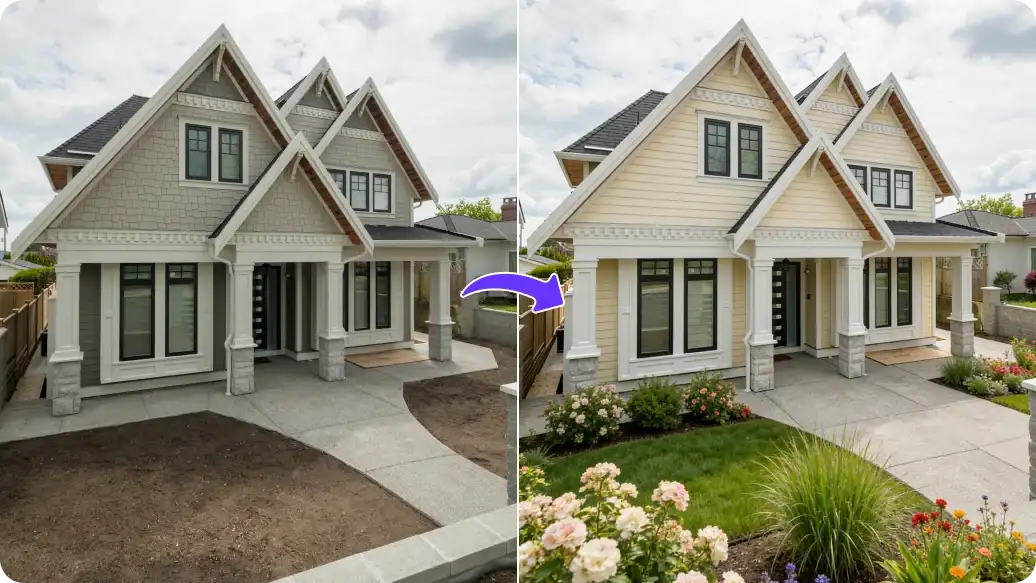
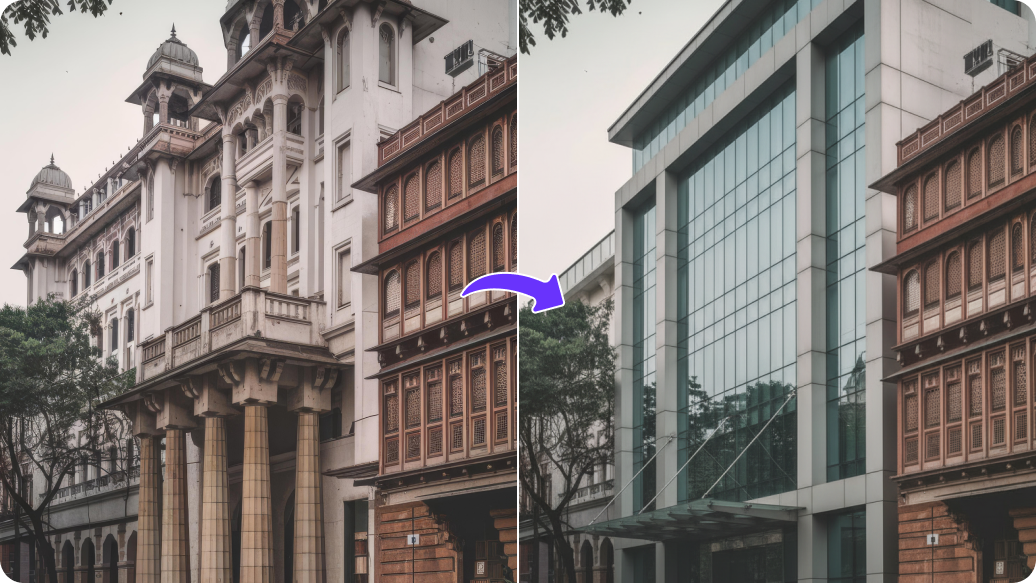
Experiment with architectural ideas by generating mockups, layouts, and realistic building visuals.

Uploaded image
2500 chars left
Max file size 10 MB.
Loading

AI Magic in progress
Enhancing structure, correcting perspective, improving lighting, refining textures, and creating a clean, professional architectural visual.

Ready

Your enhanced architecture image is ready!

Edit image with AI
Get 🔥 free credits for image editing, upscaling, generation and more
Edit Another Image
Generation Failed

There was some issue on our end. Please try again.

Try Again
Show case

How to use Pixelbin’s AI photo editor?

1
Add your image
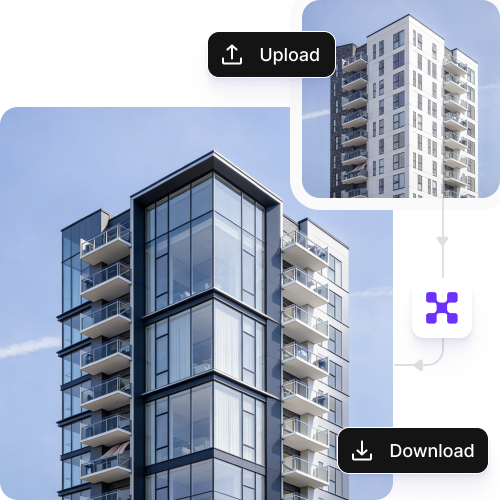
Upload your photo in any of these formats: JPG, JPEG, PNG, or WEBP.
2
Specify the edits
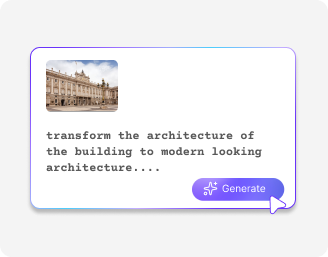
Describe the edits you want to make in simple words. Include the subject, colors, lighting, style, and any other details.
3
Generate & download
Click on “Generate,” preview the edited image, and download it in HD, free from any watermark or additional costs.

Why use Pixelbin's architecture photo editor?

Multiple image formats
Process images in common formats such as JPG, JPEG, WEBP, or PNG.
Browser-based editing
Access the editor directly from any browser, including Chrome, Safari, Edge, and Firefox.
Realistic textures
Enhance building images while preserving their original look and surface details.
Image upscaling
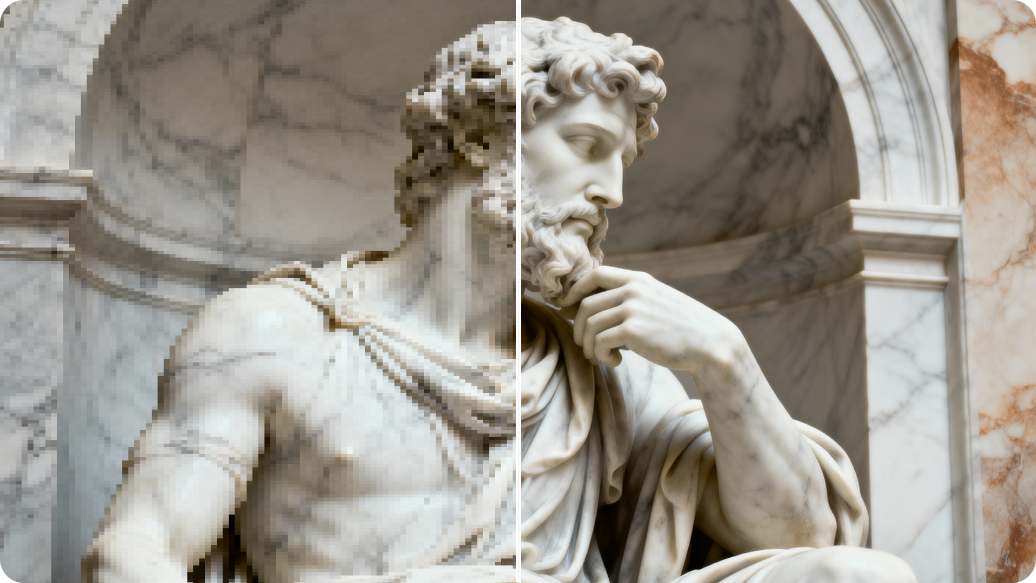
Increase image resolution by up to 8Ă— to make photos clearer and more detailed.
Complete privacy
Your images are encrypted, processed securely, and never shared with anyone.
Fast rendering
Reduce your editing time with faster processing and results.

Turn your raw images into portfolio-ready designs

Get polished images faster with simple, one-click edits.

Bulk editing

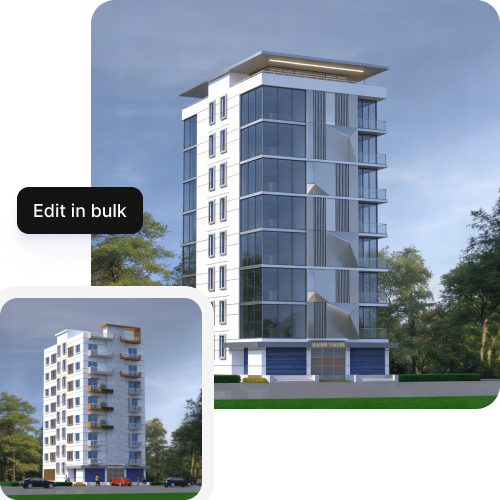
Edit multiple images at once using bulk API support to avoid spending time on individual fixes.

Feature 1
Instant access

Start editing immediately without creating an account or sharing payment details.
Feature 2
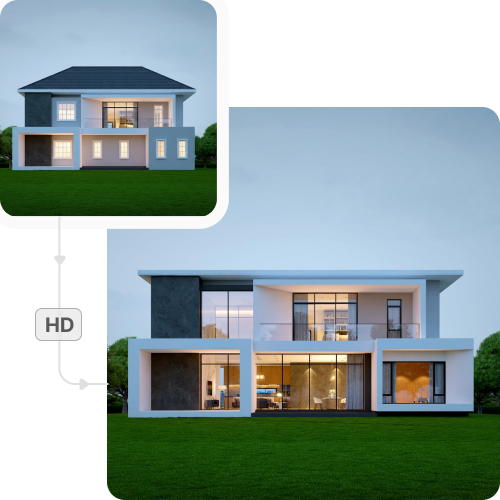
HD exports

Download images in high resolution, ideal for listings and client presentations.
Feature 3
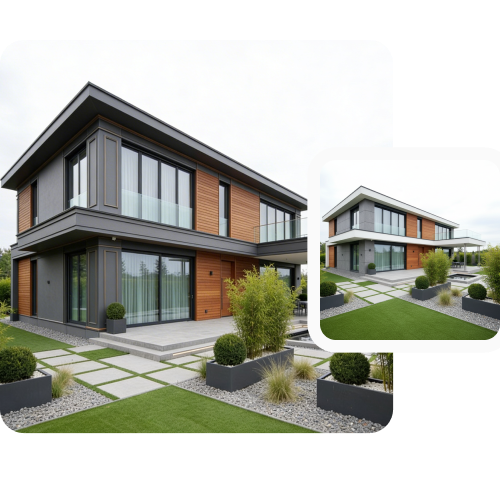
Consistent quality

Maintain consistent lighting, color, texture, and detail across your entire image collection.
Feature 4

AI tools by Pixelbin

Key highlights of Pixelbin’s AI photo editor tool

Benefits of using Pixelbin’s AI photo editor

  • Enhance visual clarity: Improve lighting, contrast, and sharpness so architectural details stand out clearly.
  • Present designs accurately: Maintain true materials, textures, and proportions without over-editing.
  • Clean up environments: Remove visual noise like people, vehicles, wires, or construction clutter.
  • Maintain visual consistency: Keep a uniform look across project images, portfolios, and presentations.
  • Speed up documentation: Prepare high-quality images quickly without long manual editing cycles.
  • Improve client communication: Use clear, polished visuals to explain design intent and structure.
  • Support large portfolios: Edit and manage images at scale across multiple projects and locations.
  • Reduce production costs: Minimize reliance on professional retouching tools or agencies.
  • Use cases of best online photo editor tools

    1. Project portfolios

    Enhance building photos with clean lighting and sharp details for professional portfolios.

    2. Client presentations

    Refine visuals to clearly communicate your design intent, materials, and structure.

    3. Marketing & websites

    Create polished architectural images for studio websites, brochures, and ads.

    4. Before & after visuals

    Show transformations to your clients from construction to finished structures.

    5. Competition entries

    Present architecture projects with consistent, high-quality visuals.

    6. Large-scale projects

    Maintain visual consistency across images from multiple locations or phases.

    7. Virtual walkthroughs

    Ensure uniform lighting and color balance across digital tours.

    How to get the best results from Pixelbin?

    The quality of your output depends a lot on the input. Here are a few ways to get the best results from Pixelbin:

    • Be very specific with the prompts you add. Instead of writing "Enhance texture”, mention "Improve clarity of textures on walls".
    • Capture photos in balanced and natural lighting to avoid any shadows or overexposure.
    • Try to keep the camera angles straight, as it helps with getting the proportions right.
    • Clear out any visual clutter to focus on the structure.
    • Work with original uncompressed files to get better output quality.

    FAQs

    Here are some of the most common questions about our AI architecture photo editor tool. If you can’t find the information you need, contact us at support@pixelbin.io or refer to our documentation for more details.

    Pixelbin offers a free plan that lets you create up to three images per month. If you need more, you can sign up to get ten free credits or upgrade to a premium plan anytime for extra perks and additional credits.
    Yes, the tool keeps the original textures intact and only makes the changes or enhancements you specify in your instructions.
    Yes. You can remove things like wires, vehicles, people, or other distractions from your photo. The tool focuses on the specific items you wish to remove while leaving the building and its structure untouched.
    Yes, Pixelbin’s AI architecture photo editor lets you enhance your images by up to 2X, 4X, or 8X while preserving the original quality and details.
    Images are processed securely, and you have full control over your files. We do not store your photos or share them without your approval.
    Edit images in seconds, not hours
    Get pixel-perfect results just with your words
    Start editing with AI