PixelBin logo
Image generator is here -   Create Now   and Claim 30% off on Pro Plans. Use code SALE30 at checkout.   Claim Discount

AI house photo editor

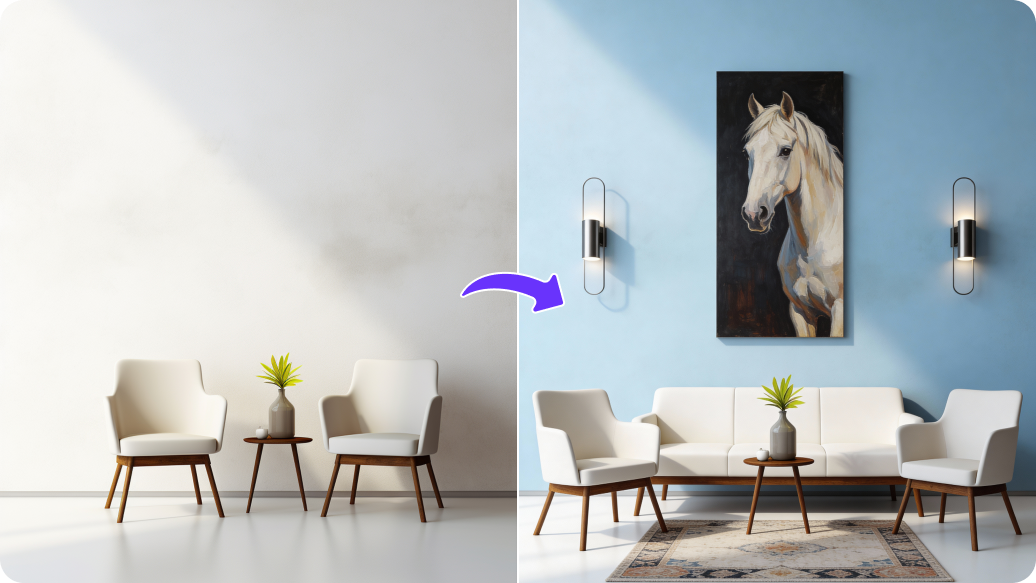
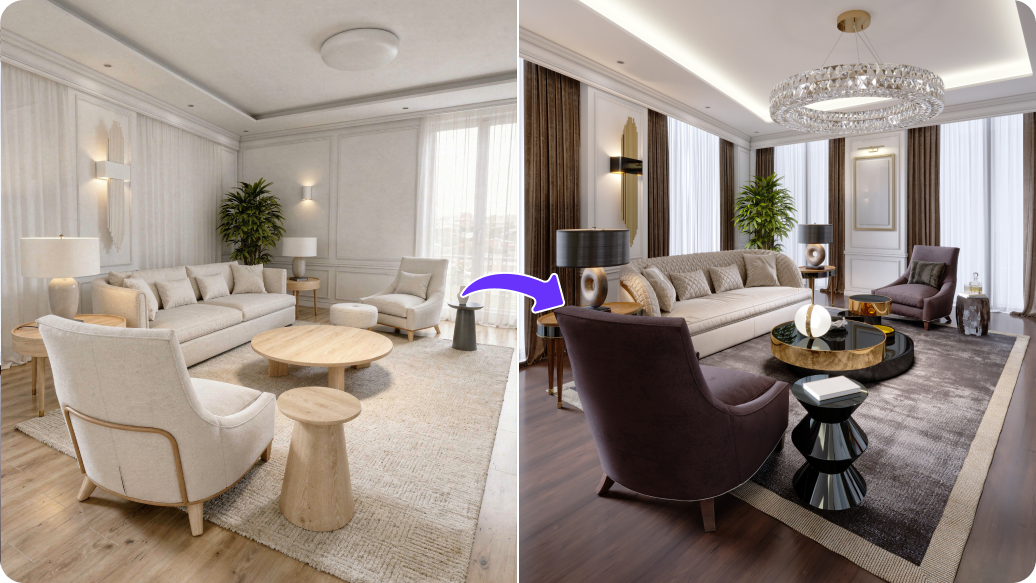
Add furniture, decor, or adjust lighting to create listing-ready property photos.

Uploaded image
2500 chars left
Max file size 10 MB.
Loading

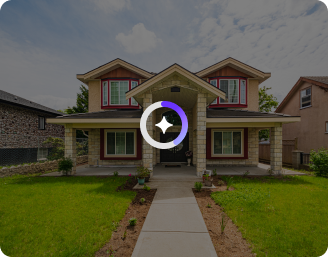
AI Magic in progress
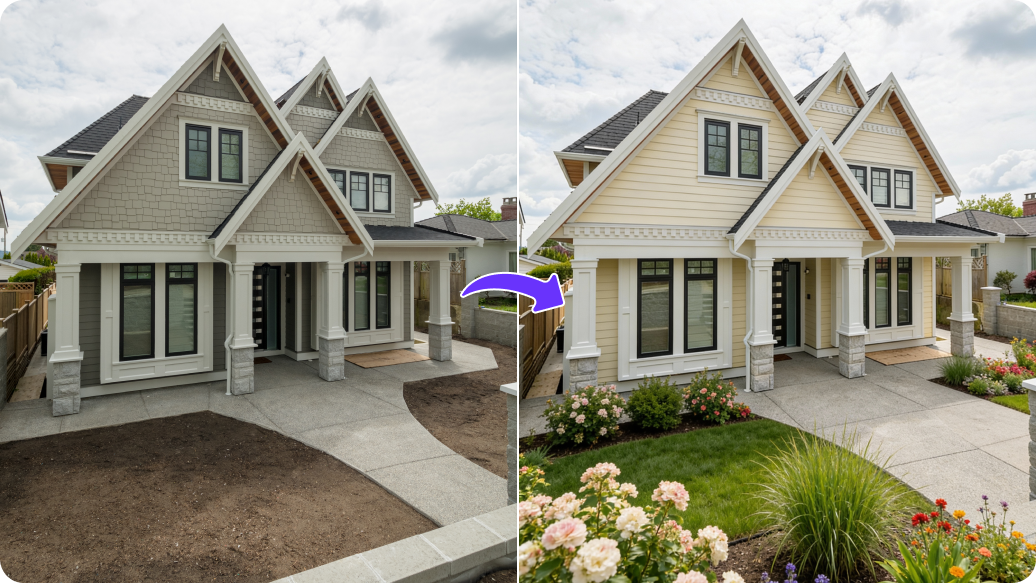
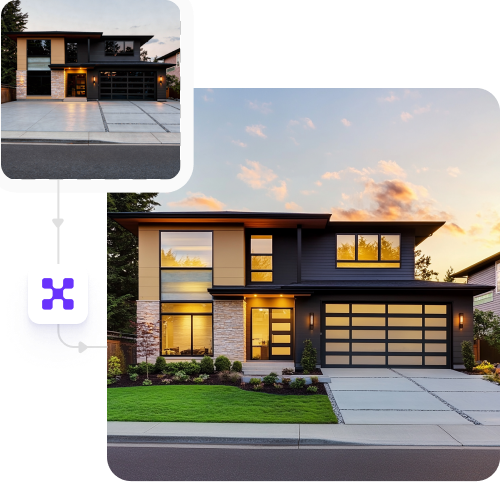
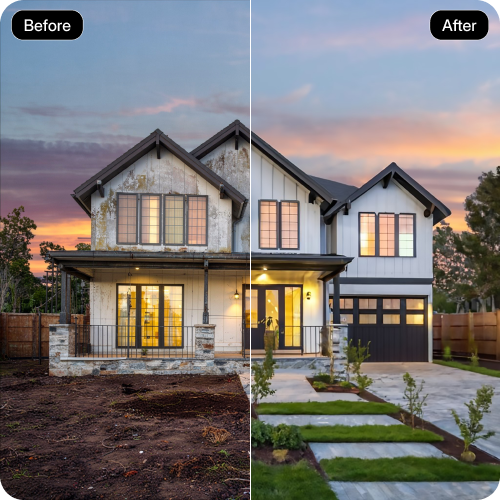
Enhancing house lighting, improving clarity, removing distractions, and refining home details

Ready

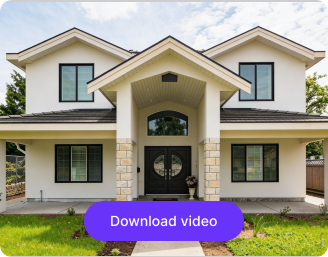
Your house photo is ready!

Edit image with AI
Get 🔥 free credits for image editing, upscaling, generation and more
Edit Another image
Generation Failed

There was some issue on our end. Please try again.

Try Again
Show case

How to edit house photos using Pixelbin?

1
Add your image
Upload your image, in any of the following formats: JPG, JPEG, WEBP, or PNG.
2
Specify the edits
Describe the changes you want to make using simple, natural language. For example: “Brighten the living room with natural light,” or “Add a modern sofa and coffee table.
3
Generate & download
Click on “Generate,” preview the edited image, and download it in HD, free from any watermark or additional costs.

Why use Pixelbin’s online recolor image tool?

Multiple image formats
Upload images in popular formats such as JPG, JPEG, PNG, or WEBP.
Complete privacy
Edit images privately and securely throughout the editing process.
HD downloads
Export high-quality photos ideal for marketplaces and presentations.
No watermarks
Download your visuals without watermarks or branding.
Instant access
Access the tool instantly without logging in or entering payment details.
Free trials
Get up to 3 trials for free each month, and upgrade anytime for more credits or API access.

Enhance property images with no expert skills

Turn basic shots into sharp, market-ready visuals with a single click.

Realistic outputs

Generate natural-looking property images in high definition without watermarks or text overlays.

Feature 1
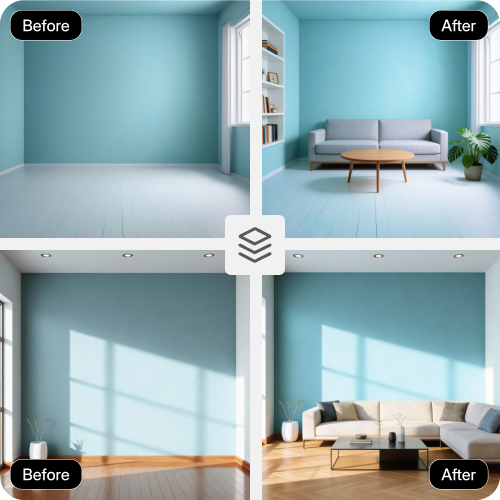
Bulk transformations

Edit multiple house photos in a single batch using bulk API support to save time and manual effort.
Feature 2
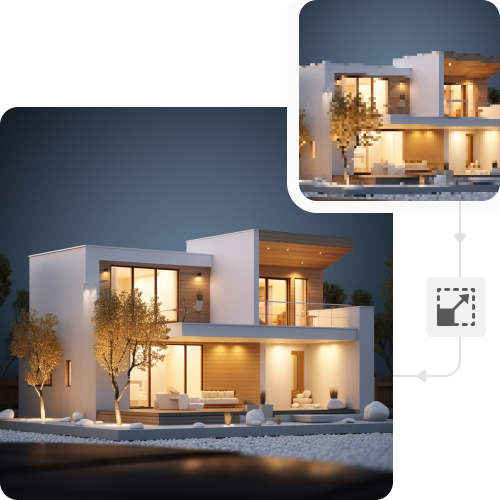
Image upscaling

Enhance photo resolution up to 8× while preserving clarity and sharpness.
Feature 3
Visual cohesion

Maintain a consistent and professional look across your entire image gallery.
Feature 4

AI tools by Pixelbin

Key highlights of Pixelbin’s AI real estate photo editing tool

Benefits of Pixelbin’s AI real estate photo editing tool

Make your property photos look their best so listings attract buyers and sell faster:

  • Improve photo quality instantly: Fix lighting, colors, and sharpness so rooms look bright and inviting.
  • Clean up spaces easily: Remove clutter, personal items, or unwanted objects in one click.
  • Show properties at their best: Make spaces look spacious, well-lit, and ready to move in.
  • Speed up listings: Get property photos ready faster and publish listings without delays.
  • Maintain consistency: Ensure every listing has the same professional look across platforms.
  • Increase buyer interest: High-quality images attract more views and improve inquiry rates.
  • Reduce costs: Avoid repeated photoshoots and expensive editing software or agencies.

Use cases of best AI real estate photo editing tool

1. Real estate agents & brokers

Use your phone pictures for savvy listings. Adjust the lighting, get rid of clutter, and have your properties up for sale faster.

2. Property developers

Create enhanced images of your property for your total stock. Keep your catalogs consistent and refresh images immediately without incurring agency overheads.

3. Rental platforms

Maintain quality across each unit. Make tenant-uploaded photos neat to reduce vacancy durations and keep the listings looking professional.

4. Interior designers

Present your creative idea with our AI house photo editor. Make beautiful before-and-afters and create a high-end portfolio.

5. Home sellers

Convert informal pictures into "must-see” listings. A professional presentation will help you get more clicks and better offers.

How to get the best results from Pixelbin’s AI photo editor?

For the best quality outputs, here are a few essential tips you can try:

  • Upload images where the rooms, kitchen, or the terrace are clearly visible.
  • Add images shot in bright natural lighting to get better results.
  • Keep clutter, reflections, and shadows away from key areas.
  • Try adding images with uncluttered backgrounds for natural-looking results.
  • Be very specific when adding the prompts. Instead of writing “Fix lighting,” mention “Adjust natural light and remove shadows”.

FAQs

Here are some of the most common questions about our AI house photo editor tool. If you can’t find the information you need, contact us at support@pixelbin.io or refer to our documentation for more details.

Yes, Pixelbin works on a pay-as-you-go model. It offers 3 credits per month in the free plan, beyond which you have to sign up and purchase extra credits.
No, your images will look realistic. Pixelbin’s AI house photo editor works by making enhancements while preserving the actual image.
Yes, you can edit your photos on any device, be it your mobile phones, laptops, tablets, and PCs.
Yes, you can upload images up to 10MB as long as they are in the specified formats.
Yes. You stay in control of the edits and can decide what to change by describing it in the prompt. If the result does not look right, you can adjust the instructions and re-edit the image until it matches your expectations.
Edit images in seconds, not hours
Get pixel-perfect results just with your words
Start editing with AI