






Free trial
Get your first three free credits with Pixelbin without having to sign up.

 Contact Us
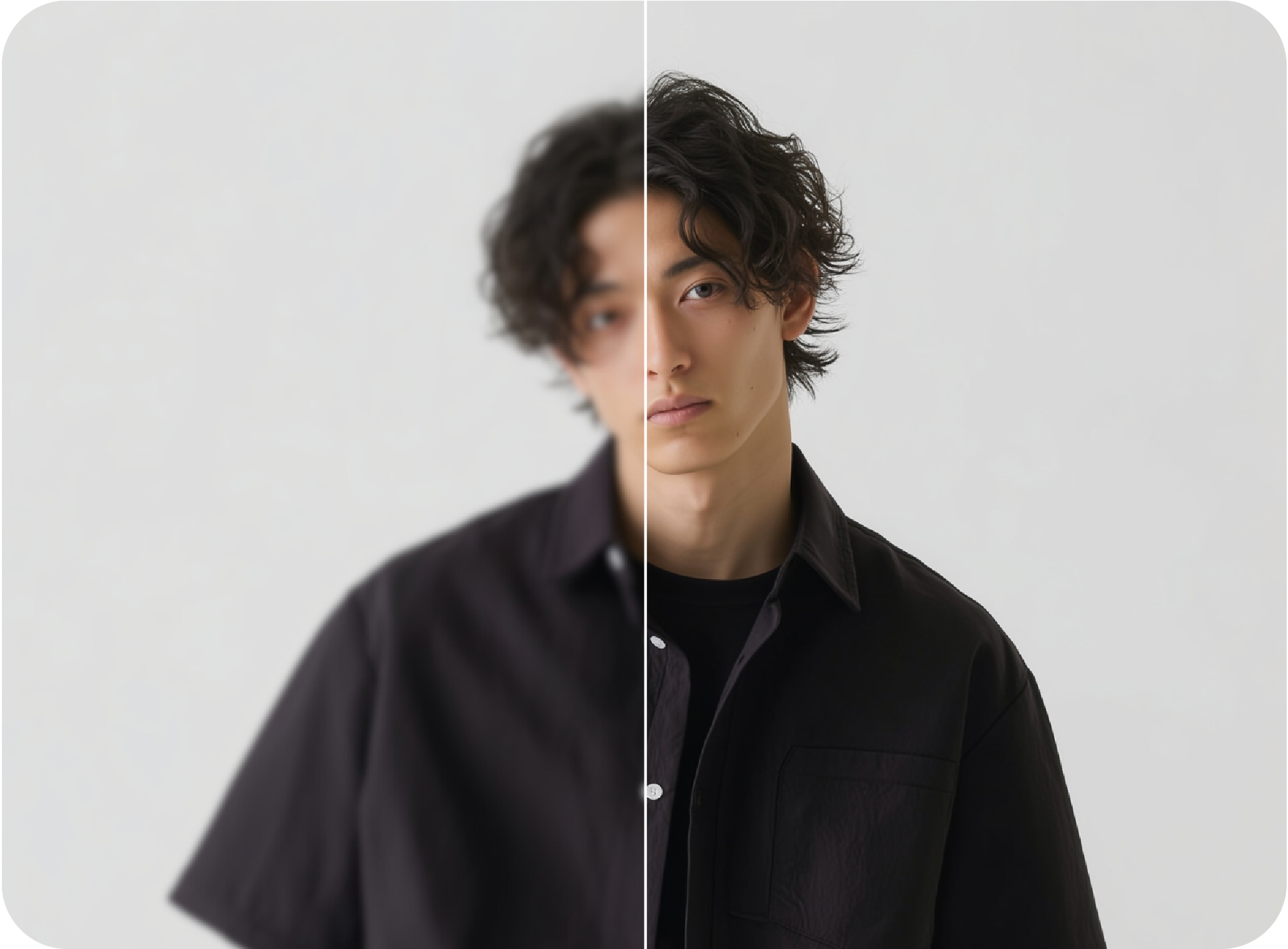
Get deblurred, natural-looking photos with Pixelbin’s free AI blur remover.
File should be less than 10MB
or paste URL

AI Magic in progress
Enhancing your image to remove blur and restore sharpness
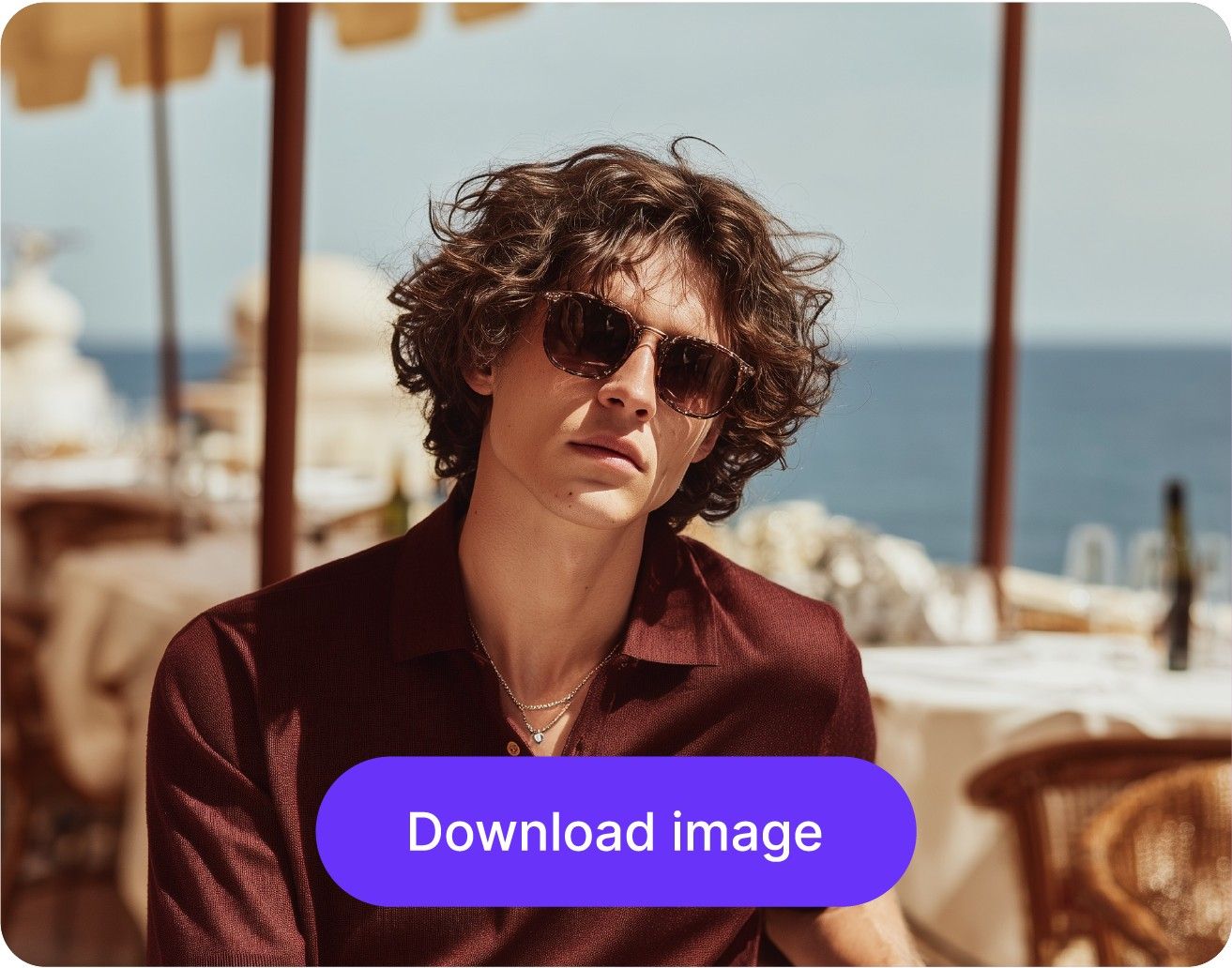
Your deblurred image is ready!
There was some issue on our end. Please try again.

.png)
.png)


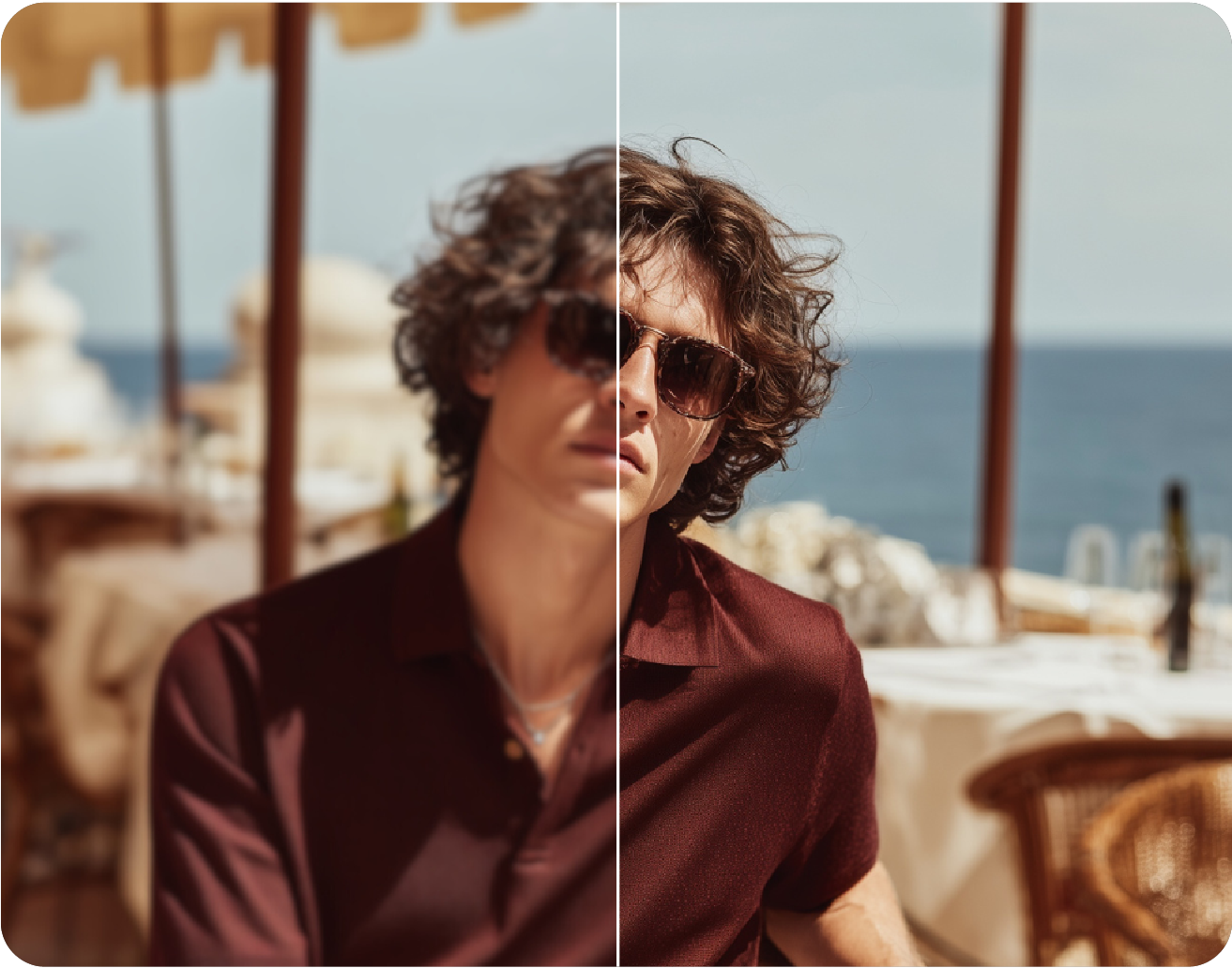
With Pixelbin’s AI image deblur, you can remove imperfections and restore clarity for a more natural look.
Get your first three free credits with Pixelbin without having to sign up.
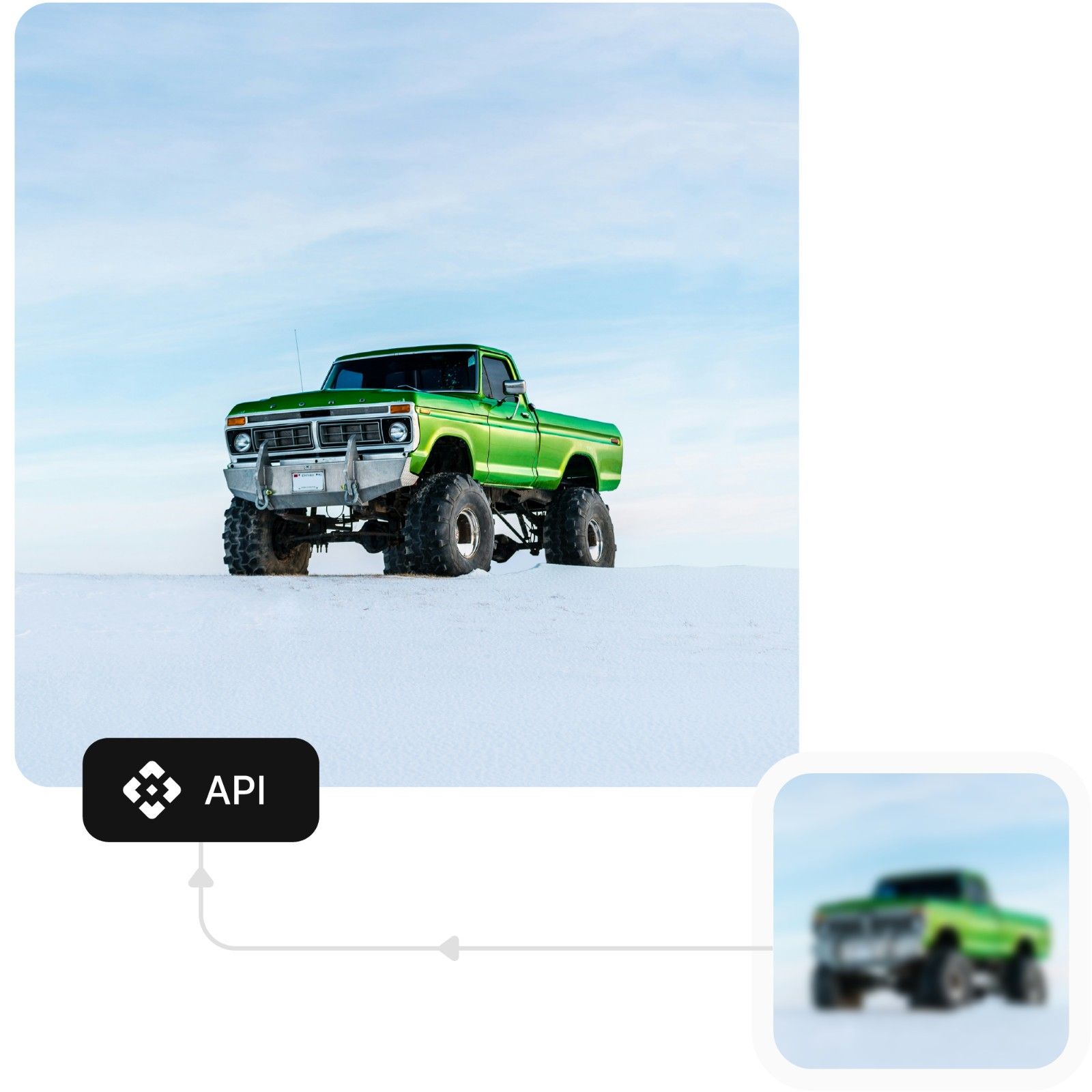
With the quick processing system, you can remove blurs in seconds.
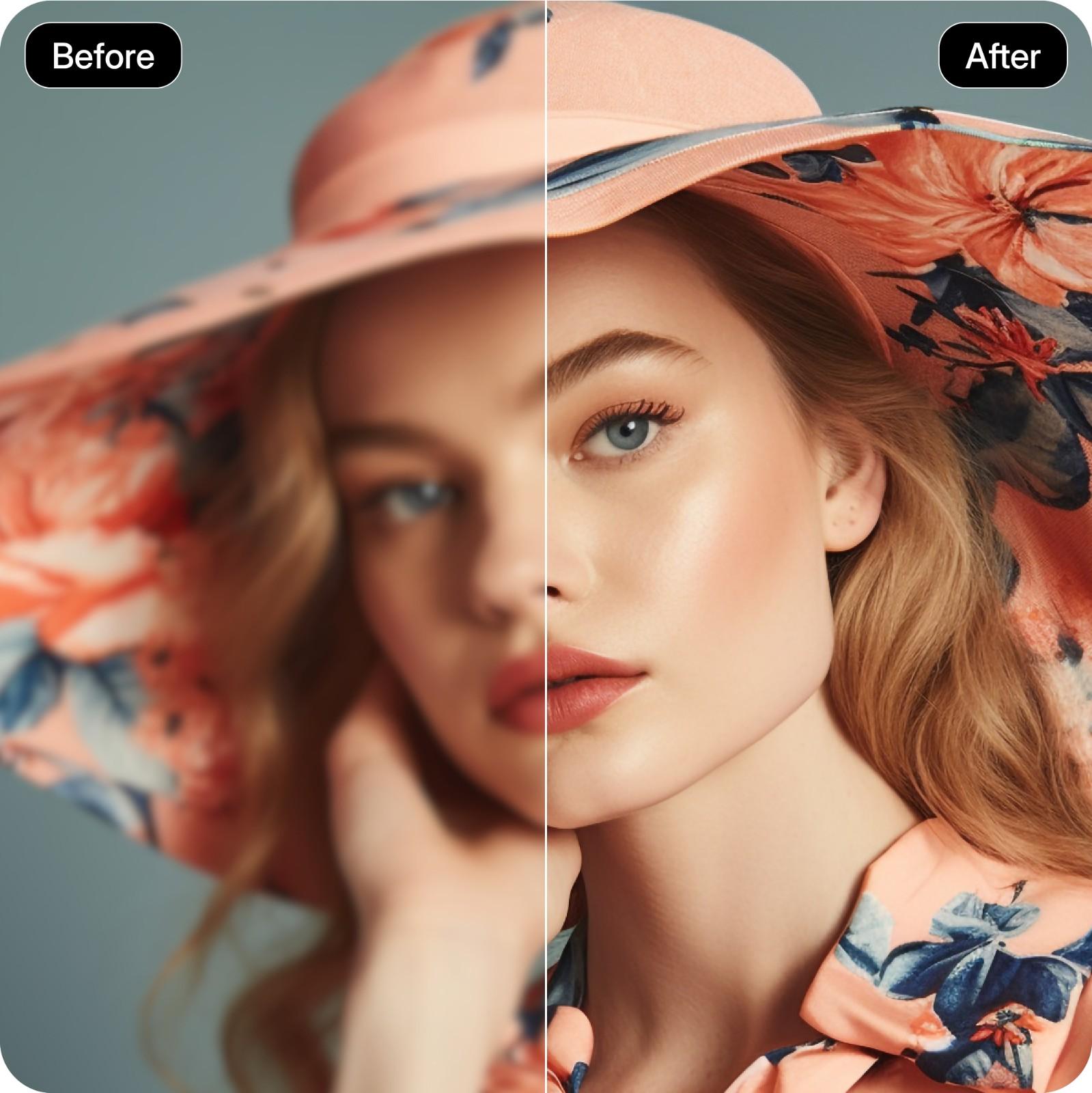
Anyone can use Pixelbin’s deblur image app without having prior knowledge or skills.
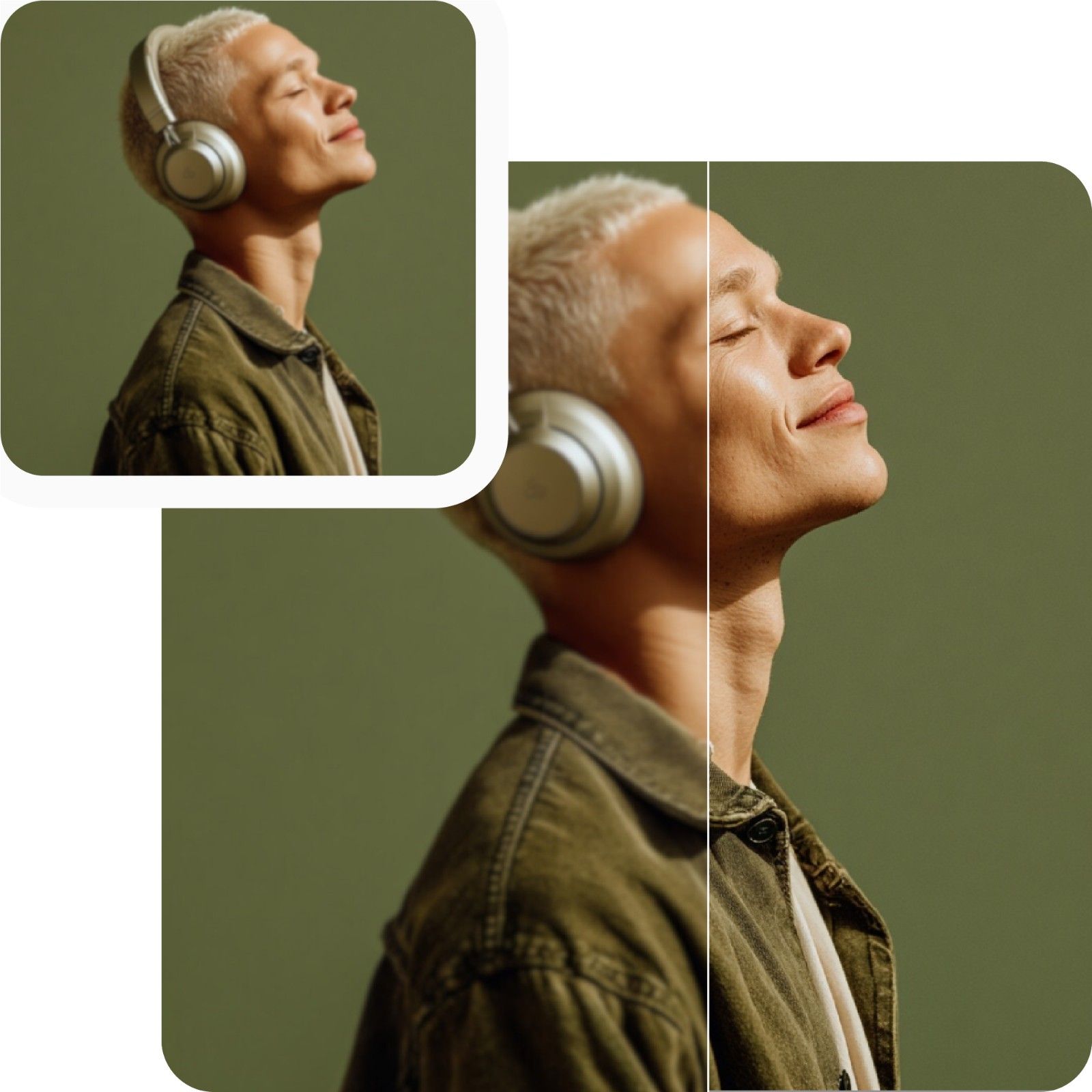
Pixelbin’s browser-based system lets you access it from anywhere, with no downloads or installations required.
.jpeg)
.png)
.webp)
.jpeg)
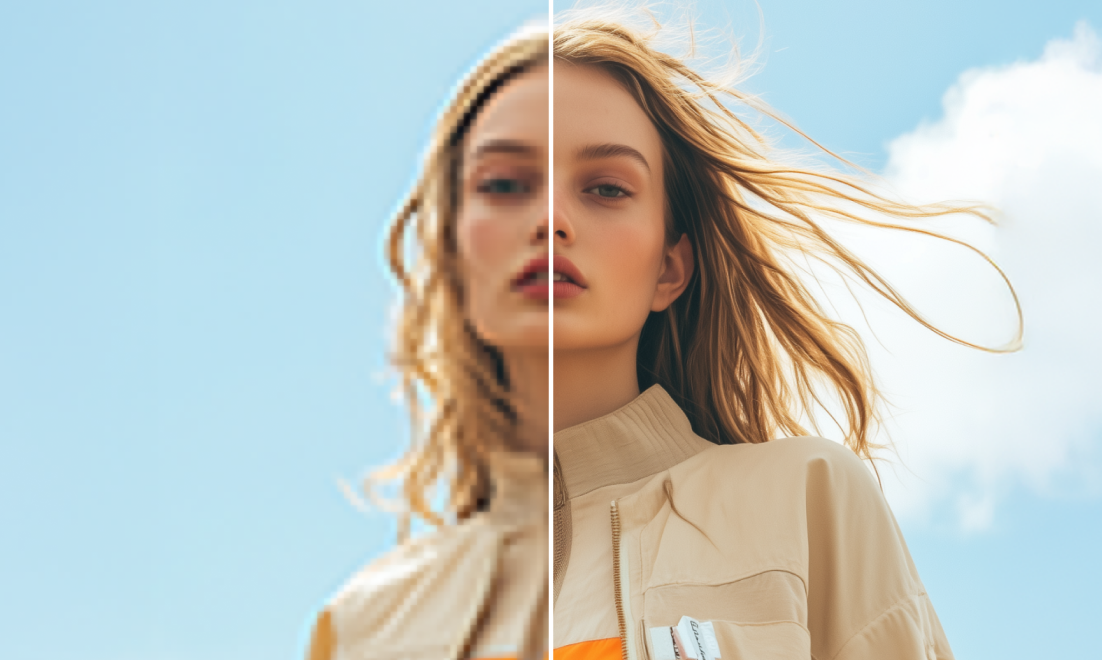
.png)
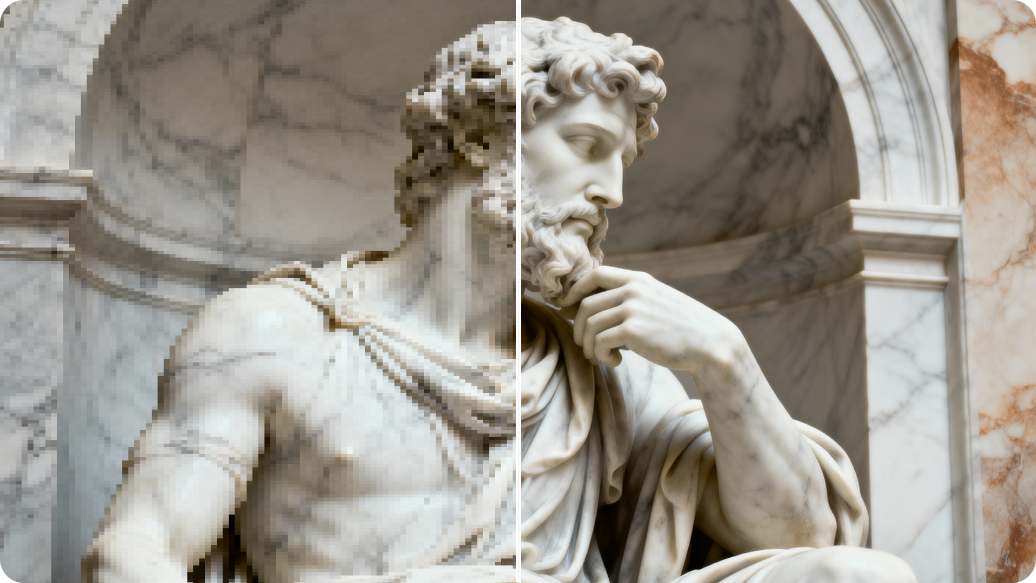
Pixelbin’s blur remover offers a quick and easy way to turn old and blurred photos into clean and clear images. Here are some of its benefits:
Create high-resolution, clear images for social media, personal, or professional projects with Pixelbin’s blur remover.
Present products with crisp, clear images to increase trust and eventually increase conversion rates.
Get Instagram and Facebook ready with stunning, high-quality images that will help you get more engagement and shares.
Fix slightly blurry images so that you can maintain the best of your professional appearance.
You can improve your profile photos, resumes, or ID photos for a good first impression.
We have listed below some basic tips and tricks that you can use to get the best of Pixelbin’s deblur images app.
We've put together a list of commonly asked questions from our community. If you still can't find what you're looking for, don't hesitate to reach out to us at support@pixelbin.io or check out our documentation for more information.