PixelBin logo
🚀 Pixelbin Video Generator - Seedance 2.0, Kling 3.0 Motion Control and more live   Click for Free Trial

Vampire AI generator

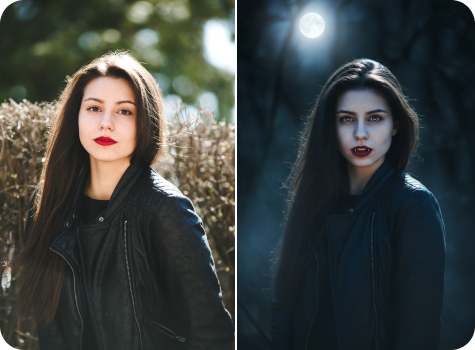
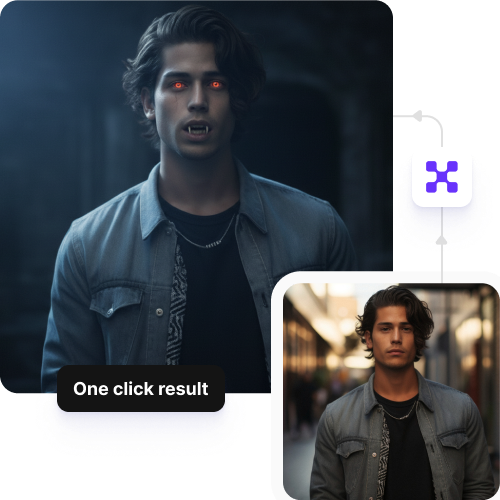
Apply realistic vampire fangs, blood drips, and dark makeup to your selfies or portraits in seconds.

AI Webtoon Generator tool

File should be less than 10MB

or paste URL

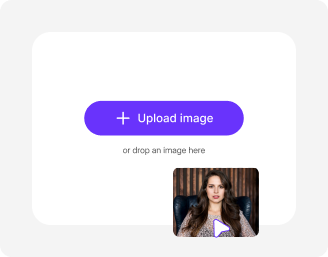
Upload a clear face photo for the best vampire transformation results.

Before
Loading

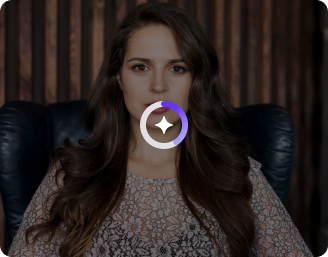
AI Magic in progress
Adding vampire effects like sharp fangs, pale skin, and dark tones

After

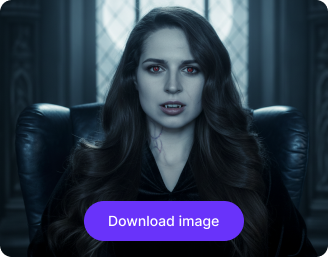
Your vampire-style photo is ready!

Edit image with AI
Get 🔥 free credits for image editing, upscaling, generation and more
Apply Vampire filter to another image
Generation Failed

There was some issue on our end. Please try again.

Try Again
Show case

How to use Pixelbin’s AI vampire filter?

1
Add photo
Upload your selfie or portrait from your device in JPEG, JPG, PNG, or WEBP. Make sure your face is clearly visible in the image.
2
Generate your image
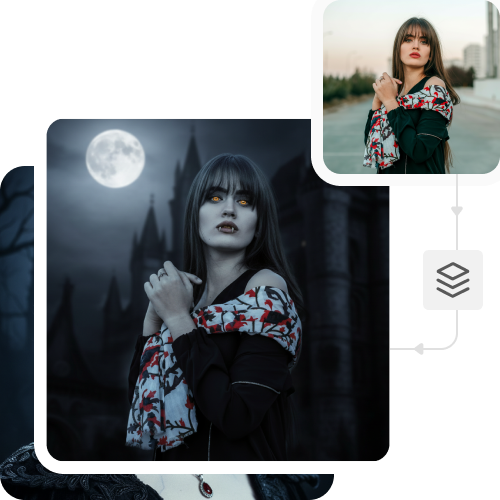
Pixelbin automatically applies the vampire AI effect, adding fangs, teeth, and gothic makeup to your photo; no prompts required.
3
Download in HD
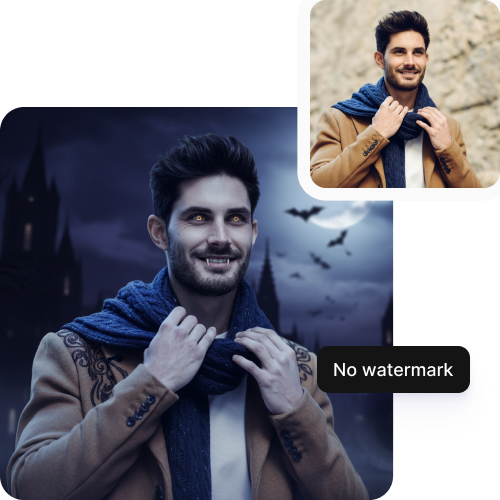
Preview and save your output in high-resolution, without watermarks, logos, or added texts.

Why use Pixelbin’s online AI vampire generator?

Multiple formats
Upload images in all popular formats, such as JPEG, JPG, PNG, or WEBP.
Easy sharing
Copy the URL from your individual files or folders to quickly send images to team members or friends.
Digital asset management
Store multiple images in one place, ready for transformation or sharing whenever you need them.
Text to video
Turn simple text prompts into short 4, 6, or 8-second vampire-themed video clips for sharing.
Global CDN delivery
Access your images quickly from anywhere in the world, so your content loads without delays.
Browser-based
Access the tool on all modern browsers, such as Chrome, Edge, Safari, or Firefox; no app installations needed.

Create Dracula-inspired vampire looks instantly

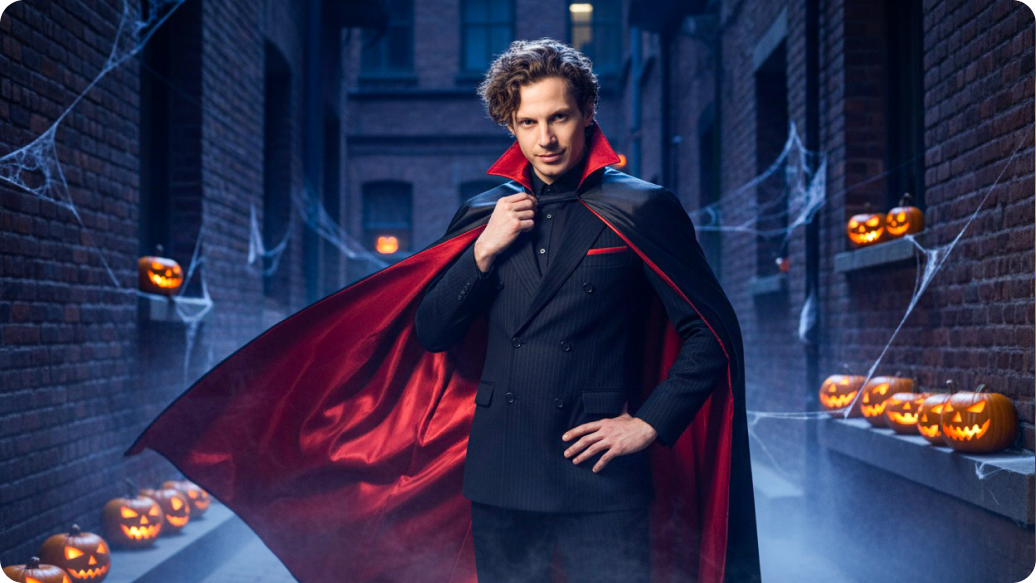
Add a vampire-inspired touch to your selfies that works for Halloween, parties, or dark-themed occasions.

Prompt-free conversions

Convert your selfies or portraits into spooky visuals quickly, without writing any instructions.

Sailling ship of sketche to image
Bulk transformations

Apply the free vampire AI filter to multiple images at once with our API support, saving your time on repeated edits.
Mountain sketch to image
Watermark-free outputs

Save your visuals free from text overlays or logos, ready to use for digital content or personal projects.
Sketch hot air baloon to image generator
Complete privacy

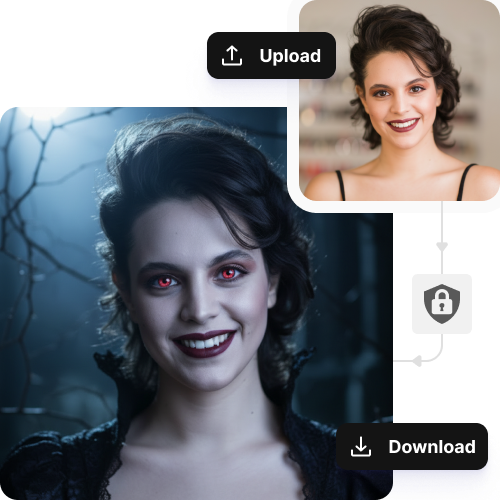
Your images are processed securely and are not stored or shared without permission.
sketch to image in HD-resolution pictures

AI tools by Pixelbin

Key highlights of Pixelbin’s AI AI vampire generator

Benefits of using Pixelbin’s AI vampire generator

  • Instant transformation: Add complex vampire features, such as fangs, pale skin, glowing eyes, and blood effects to your photo with a single click.
  • Save costs: Create high-quality vampire visuals without spending your money on hiring expensive designers or editing software. With our tool, you can try the tool with free credits, and after that, you pay only when you need more edits or features.
  • High realism & precision: The AI will scan your face to apply fangs, makeup, and shadows, to make it look natural and realistic.
  • Customization and control: You can create different vampire styles such as classic, romantic, or horror, and you can also control the intensity of fangs, eyes, and makeup to suit your taste.
  • No tech skills needed: Obtain professional-quality results without any photo-editing experience.
  • Intelligent blending: The vampire AI generator detects the lighting and your skin tone in the photo before applying the filter, so they look natural.
  • High-resolution output: You can download clear, high-definition images that are ready for social media or other purposes.

Use cases of Pixelbin’s AI vampire generator

1. Entertainment & media

You can use PixelBin to set the visual tone for your films or comics. Create gothic characters and add creepy backgrounds easily to your image without any manual work.

2. Gaming experiences

Produce dark characters like Dracula to create high-standard resources for RPGs or indie games. Our tool lets you batch edit images, applying the same dark, moody filters or background styles to maintain consistency.

3. Event-based uses

Try Pixelbin’s vampire generator to create images for creepy invitation cards, movies, and for horror celebrations, film nights, or costume events. You can also create profile pictures, posters, and banners to also take part in social media trends.

4. Writing & publishing

Create romantic, mysterious, and scary characters for your book or film script with ease. The tool turns your text descriptions into detailed artwork, so you can have a clear visual reference for your characters and settings.

5. Roleplays & cosplays

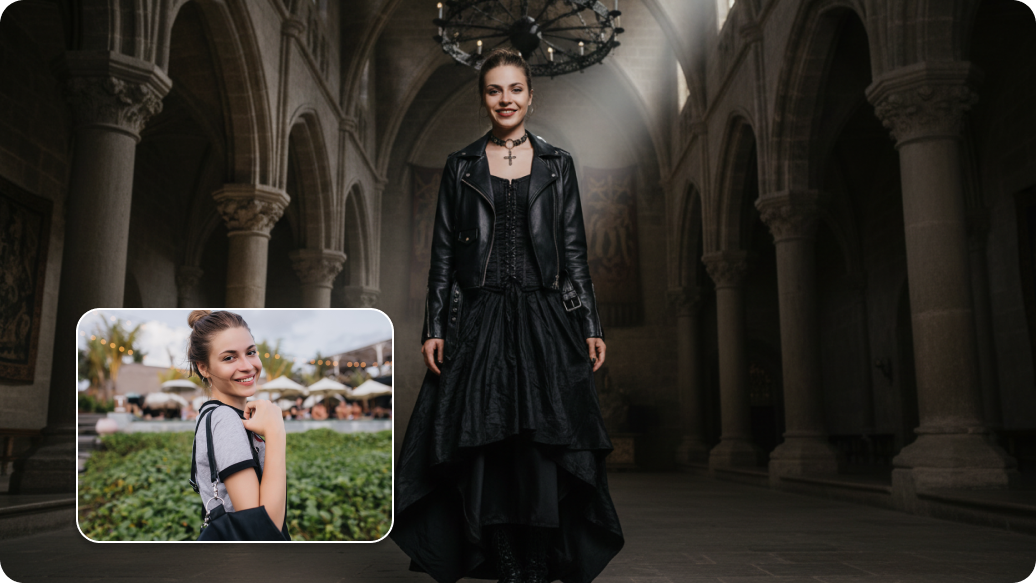
Experiment with different vampire looks using Pixelbin. It gives you a chance to try various eerie styles on your pictures by altering the lighting or adding gothic effects. This helps you decide on your roleplay creations for online or live communities.

How to get the best results using Pixelbin’s vampire AI tool?

  • Use clear, well-lit photos so your eyes, nose, and mouth are easy for the AI to detect.
  • Refrain from using very dark, filtered, or overly bright pictures, as they may interfere with the vampire effects being used.
  • Ensure that the face is not hidden by hair, masks, glasses, or hands.
  • Take images against plain or neutral backgrounds so the tool can easily detect your facial characteristics.
  • Choose front-facing or slightly angled portraits where the face is fully visible.
  • Stay away from blurry pictures as they can reduce the overall image quality.

FAQs

Here are some of the most common questions about our AI White Background Remover Tool. If you can’t find the information you need, contact us at support@pixelbin.io or refer to our documentation for more details.

You do not need to create an account for your first few edits. Pixelbin offers 3 free credits as part of its free plan, which allows you to try up to three edits without signing up. If you want to use additional features, you will need to create an account and purchase additional credits on a pay-as-you-go basis.
Yes, the vampire AI tool works for men, women, and people of different age groups. Pixelbin works by detecting your facial features, and then it adjusts the effects while applying the filter. This ensures all vampire features on your image look balanced and natural across different faces.
There are various kinds of vampire styles you can try with our vampire AI filter. Create classic Dracula-style vampires, subtle gothic appearances, romantic vampire styles, and darker horror-inspired looks. You can adjust the intensity of the features by adding detailed instructions.
No, when you first try the filter, you do not need to add any prompts. The tool applies the filter automatically. But after the first edit, you can add manual instructions to further customize the looks and details of your image.
Yes, the effects look convincing because Pixelbin’s AI vampire filter detects your facial features and other details of your image and blends the effect naturally with your face. Therefore, the outputs look realistic and natural rather than cartoon-like.
Edit images in seconds, not hours
Get pixel-perfect results just with your words
Start editing with AI