PixelBin logo
Image generator is here -   Create Now   and Claim 30% off on Pro Plans. Use code SALE30 at checkout.   Claim Discount

AI fairy filter

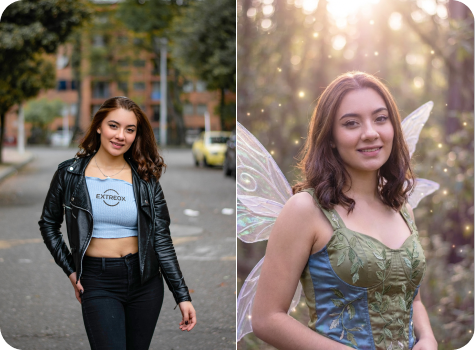
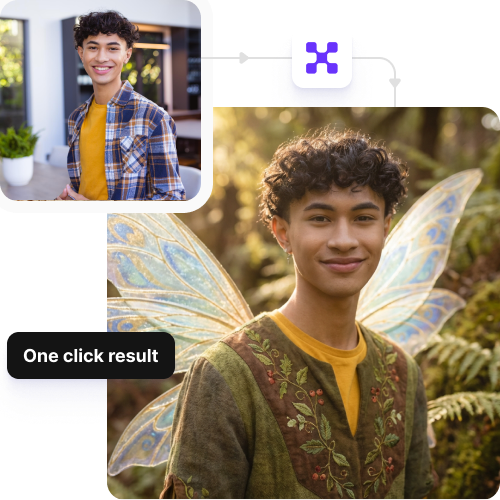
Style any image with fairy glow, wings, and sparkles in seconds.

AI fairy filter

File should be less than 10MB

or paste URL

Upload a clear face photo to get the most natural fairy-style transformation.

Before
Loading

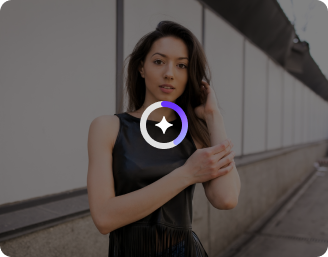
AI Magic in progress
Adding fairy glow, sparkles, soft colors, and fantasy effects

After

Your fairy-style photo is ready!

Edit image with AI
Get 🔥 free credits for image editing, upscaling, generation and more
Style another image
Generation Failed

There was some issue on our end. Please try again.

Try Again
Show case

How to use Pixelbin’s fairy AI generator?

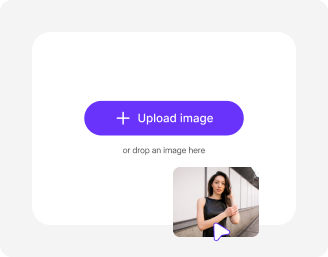
1
Upload an image
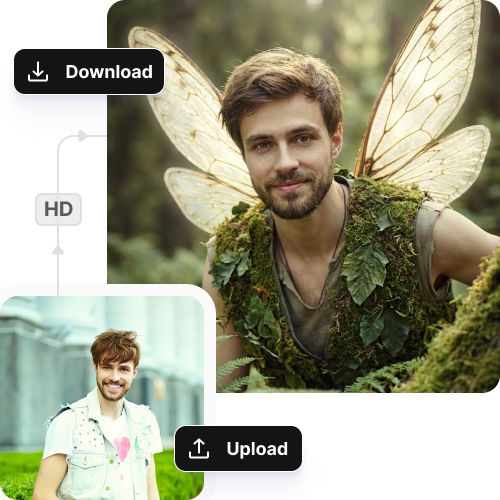
Paste the image URL or upload a clear image of yourself in JPEG, JPG, WEBP, or PNG to start editing.
2
Click on “Generate
Pixelbin automatically applies the fairy filter, adding glow, sparkles, new backgrounds, and fantasy effects to your image.
3
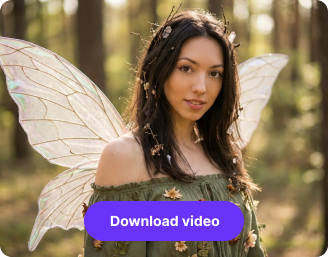
Download your image
Preview and download your image in high quality for sharing or use in your projects.

Why use Pixelbin's AI fairy filter?

Multiple image formats
Upload your photos in popular formats, such as JPEG, JPG, PNG, or WEBP.
Browser-based platform
Stay compatible with common browsers, like Safari, Chrome, Edge, or Firefox. No downloads required.
Global CDN delivery
Get faster loading times and smooth performance, no matter where you are located.
Image upscaling
Increase the size of your images by 2X, 4X, or 8X so they are ready for printing or sharing.
Bulk transformations
Apply the fairy effects to 50 images at once using our API support while saving time on manual efforts.
Complete privacy
Your information is processed on secure servers and never shared, sold, or viewed by anyone.

Apply fantasy effects instantly in one click

Enhance your photos with wings and light effects instantly, without any editing experience.

Intuitive interface

Navigate our fairy photo editor easily without needing any advanced editing skills.

Sailling ship of sketche to image
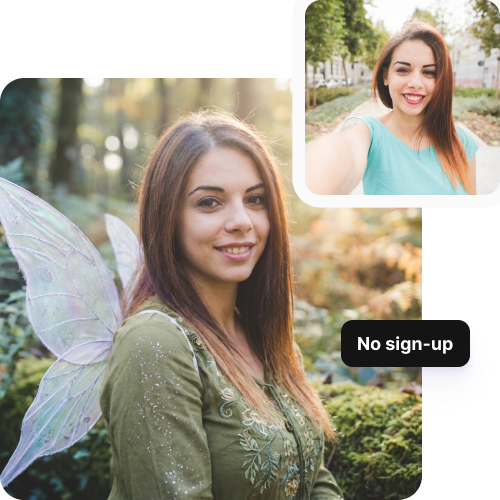
No sign-up

Access the tool immediately without creating an account or sharing your personal details.
Mountain sketch to image
HD outputs

Save your work in high resolution, ready-to-use for social media or creative projects.
Sketch hot air baloon to image generator
Easy shareability

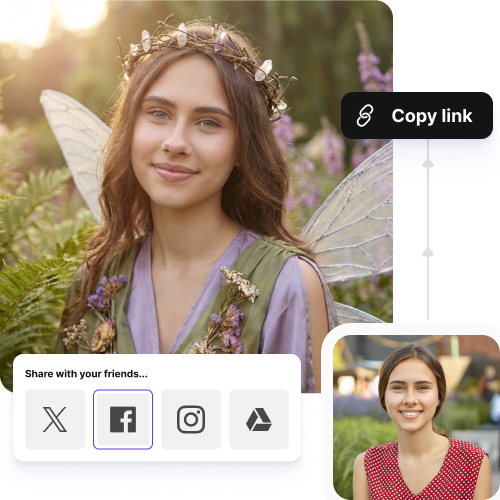
Copy the URL directly from the image or from the folder and share it instantly with your friends, colleagues, or teams.
sketch to image in HD-resolution pictures

AI tools by Pixelbin

Key highlights of Pixelbin’s Fairy AI tool

Benefits of using the Fairy AI tool

  • Affordable access to professional results: Pixelbin’s AI fairy filter gives you the chance to add creative elements to your photos without needing to hire a digital artist or spend a lot of cash on software.
  • Instant creative freedom: You can try out different "fantasy" styles without having to lock down one edit. Play around with different versions with one image for free.
  • Improved social media impact: The "fairy" look is trending on TikTok and Instagram right now. With our tool, you can create high-quality and engaging images to attract more likes, shares, and new followers.
  • Consistent brand aesthetic with less effort: For influencers or brands, having a solid aesthetic is key. The online fairy photo editor helps you retain the exact glow or sparkle across your photos, without needing you to apply any manual efforts.
  • Time-saving editing process: Manual masking can take around 30 to 60 minutes for just one photo, sometimes even longer! But with our tool, you can do that in seconds, saving your precious hours to tackle other projects.
  • Stress-free brainstorming: Use this tool as your "digital sketchpad." Visualize how different wing shapes or lighting might look on a real person before spending cash on props, costumes, or even a photoshoot.

Use cases of Fairy AI tool

1. Social media content

The fairy AI editor can be used to create images for your Instagram Reels, TikToks, and YouTube Shorts.

2. Digital storytelling and marketing

If you are into branding, the fairy effects can make your visuals ideal for fantasy products or kids' toys.

3. Photo personalization

You can transform your standard portraits into artistic gifts. For instance, you can use a plain selfie and put wings on your image to turn it into a "magical" scene.

4. Gaming and cosplay edits

If you are a gamer or a cosplayer, you can use our tool to add glowing auras, magical backgrounds, and wings to your real-life or in-game photos.

5. Event promotion

You could create themed invitations for your upcoming events like parties, weddings, or fantasy-themed events.

How to get the best results from Pixelbin’s online AI fairy filter?

  • Use photos shot in natural and bright light to get a better result.
  • Keep the focus on the main subject clear, so the AI can detect and add the effects instantly.
  • Avoid photos with cluttered backgrounds or dark shadows.
  • Try using photos taken from natural angles. Straight-on or slightly angled images work best.
  • Do not use heavily edited images, as that can ruin the overall image quality.

FAQs

Here are some of the most common questions about our AI Old Age Filter. If you can’t find the information you need, contact us at support@pixelbin.io or refer to our documentation for more details.

Yes, you can describe the looks as you desire. When you first apply the AI fairy filter, the AI instantly detects and applies the default filter. However, you can make further edits through simple text prompts after the initial editing. The AI will then apply the transformations right on your picture so you can use it for social media or other creative projects.
Yes, Pixelbin offers three free credits each month. This means that you can create three images of high quality, without any watermarks, logos, or text overlays.
Yes, you can add your preferred wing styles! You need to add your instructions, like "create butterfly wings" or "glowing blue wings," and the AI will adapt the style based on it.
Pixelbin’s fairy filter does its job best with single portraits, but can be applied to group photos as well. However, processing time might be slightly longer. If you want the best result, make sure all the faces in the group are visible and well-lit.
Yes, you can add wings or magical glows to pets and objects by describing in simple words where you would like the effects to be.
Edit images in seconds, not hours
Get pixel-perfect results just with your words
Start editing with AI