






Intuitive interface
Refine anniversary photos quickly without the need for technical skills or professional editing software.

 Contact Us
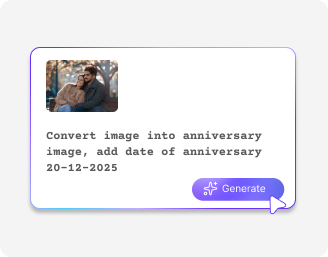
Personalize photos with messages, dates, and frames for timeless anniversary keepsakes.

AI Magic in progress
Adding warmth, improving clarity, refining colors, and creating a romantic, celebration-ready visual.
Your Anniversary photo is ready!
There was some issue on our end. Please try again.





.png)


Turn anniversary photos into clean visuals ready to save, share, or print without delays.
Refine anniversary photos quickly without the need for technical skills or professional editing software.

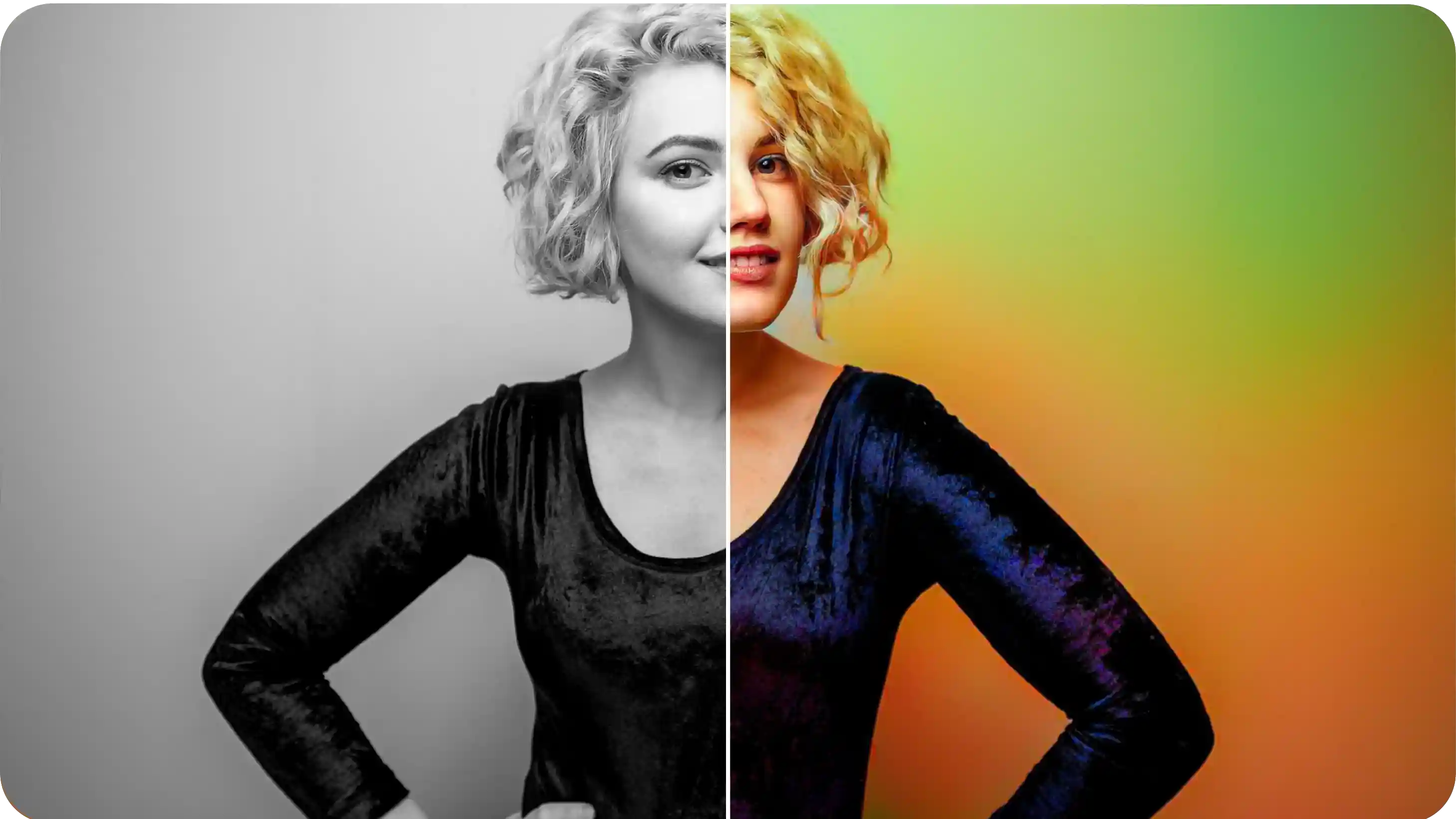
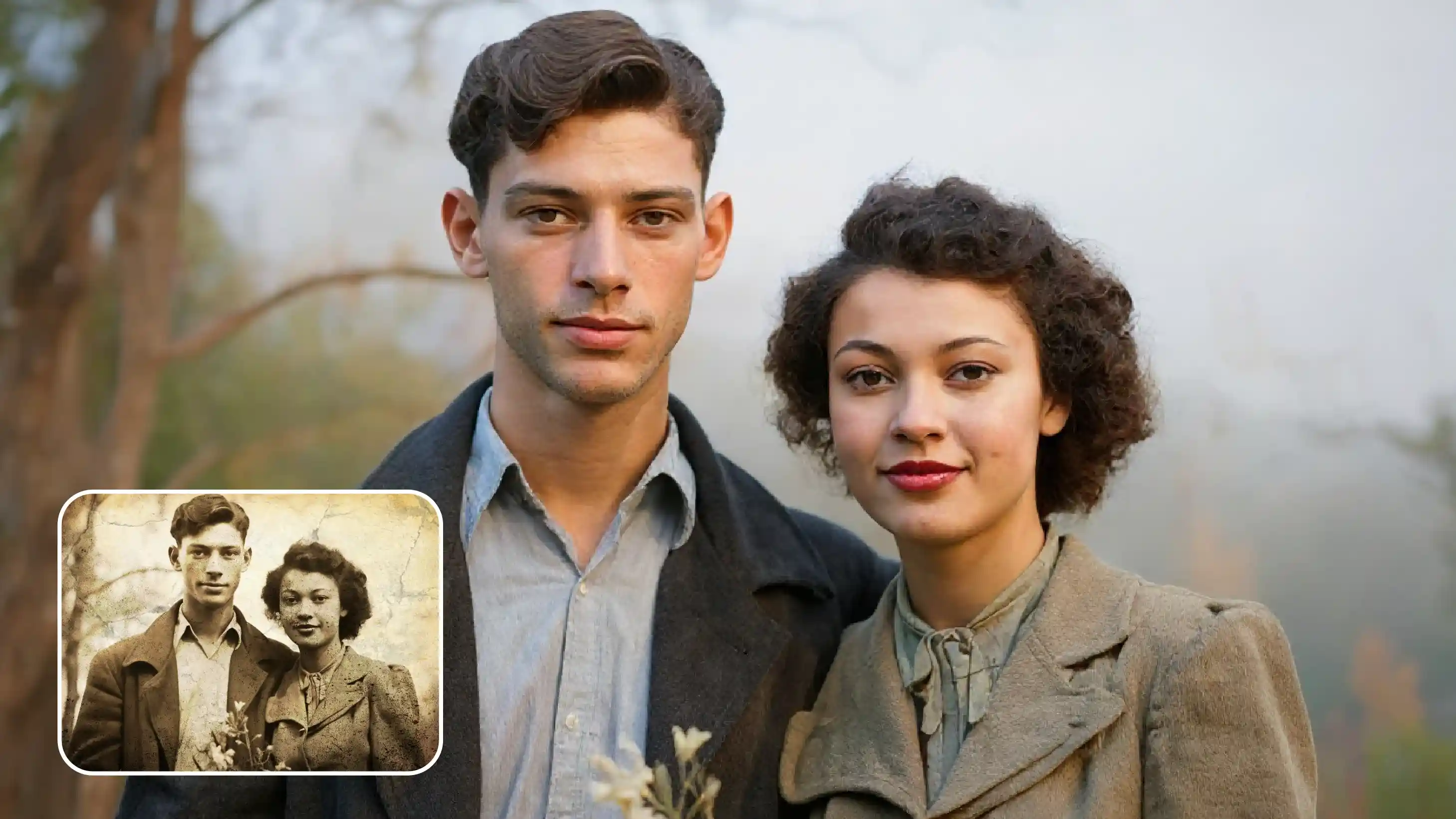
Enhance clarity, lighting, and overall quality while keeping the photo realistic and true to the original.
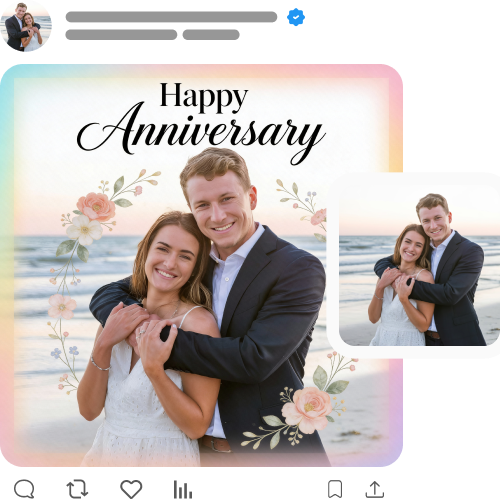
Get reliable, high-quality outputs for both single and bulk edits.

Download your edited photos for free, ready for campaigns and presentations.

.png)
44.jpeg)
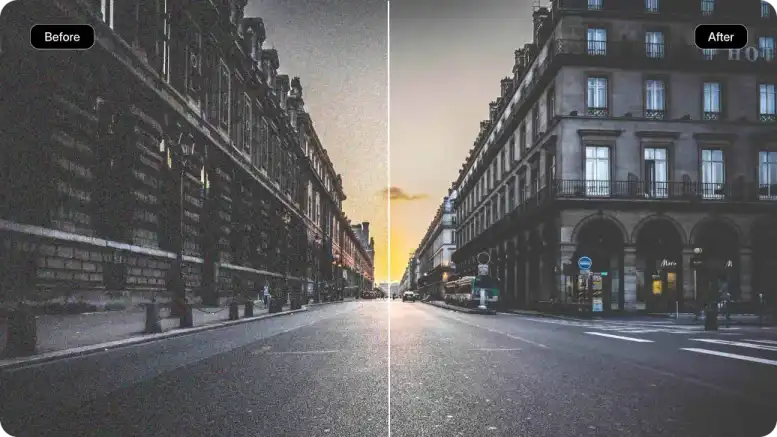
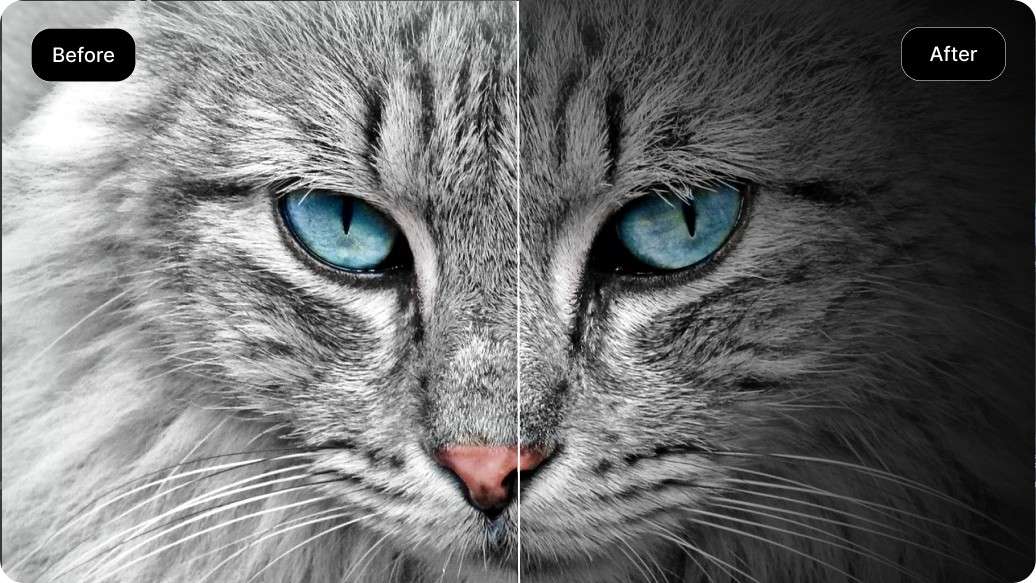
Here’s how you can optimize client photos quickly with our free marriage anniversary photo editing online:
Pixelbin’s AI anniversary photo editor online can be used in many ways:
Turn a collection of photos, from weddings, travels, or everyday moments, and turn them into an anniversary collage. They are great for sharing on social media or even keeping for yourself as a keepsake.
You can create unique anniversary images or video backgrounds based on specific ideas, such as floral, vintage, or minimalist. All you need to do is describe what you want in a text prompt, and the AI photo editor handles the rest.
Make special images for employee milestones like work anniversaries or achievements by adding details such as their name and company values.
If you need creative ideas for digital invites or e-cards, you can do so with our AI anniversary photo editor. Try new frames, unique messages, and different photo layouts to visualize concepts that you might not have even thought about.
To get the best out of AI photo editors, follow the tips:
Here are some of the most commonly asked questions about our AIanniversary photo editor. If you still can’t find what you’re looking for, contact us at support@pixelbin.io or read our documentation for more details.