PixelBin logo
Image generator is here -   Create Now   and Claim 30% off on Pro Plans. Use code SALE30 at checkout.   Claim Discount

AI abs filter

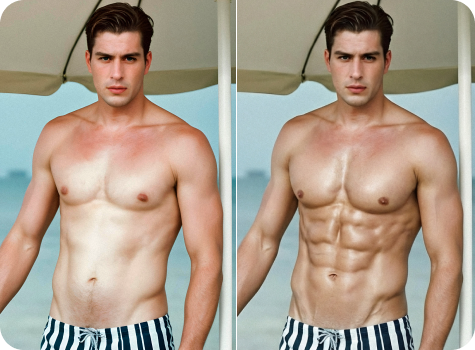
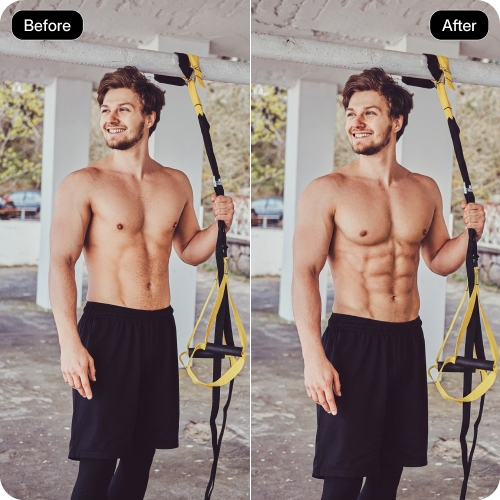
Add realistic 6-pack or 8-pack abs to your photos for a naturally athletic, well-defined look.

six pack photo editor abs filter tool

File should be less than 10MB

or paste URL

Upload clear photo with the upper body visible for the best abs results.

Before
Loading

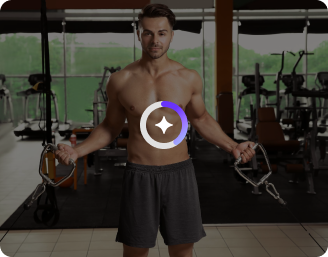
AI Magic in progress
Enhancing muscle definition and creating realistic six-pack abs

After

Your six-pack abs photo is ready!

Edit image with AI
Get 🔥 free credits for image editing, upscaling, generation and more
Apply abs to another photo
Generation Failed

There was some issue on our end. Please try again.

Try Again
Show case

How to remove white background using Pixelbin?

1
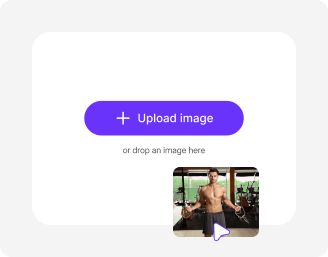
Add an image
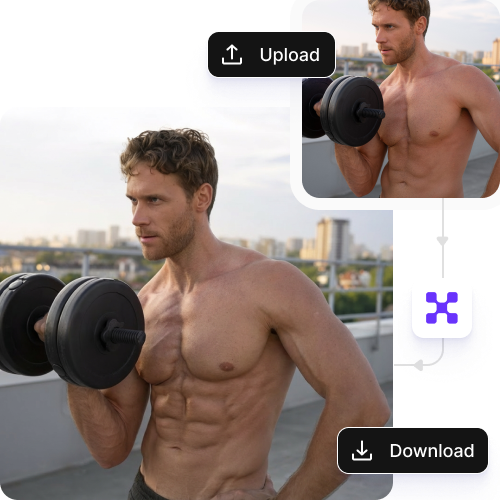
Paste image URL or upload from your device in JPEG, JPG, PNG, or WEBP. For best results, choose a clear photo where the torso is visible.
2
Generate a sporty look
Pixelbin automatically adds natural-looking abs to your photo that blend naturally with your body shape.
3
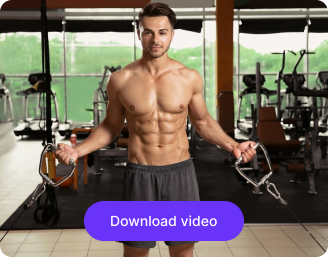
Download the image
Preview and save your image in HD, without watermarks or added texts, ready for sharing, posting, or personal use.

Why use Pixelbin’s AI abs generator?

Free trials
Experiment with multiple poses and images to visualize your looks without paying anything.
Multiple formats
Upload your photos in all popular image formats, such as JPEG, JPG, PNG, or WEBP.
Complete privacy
Your images are processed on secure, encrypted servers and not shared with anyone.
Easy sharing
Copy the URL from your edited photo or folder and share it directly with your friends or followers instantly.
Digital asset management
Store your favorite edits in one place to revisit or reuse them for social media and personal projects.
Global CDN delivery
Let your photos load instantly on any device, with fast, reliable delivery worldwide.

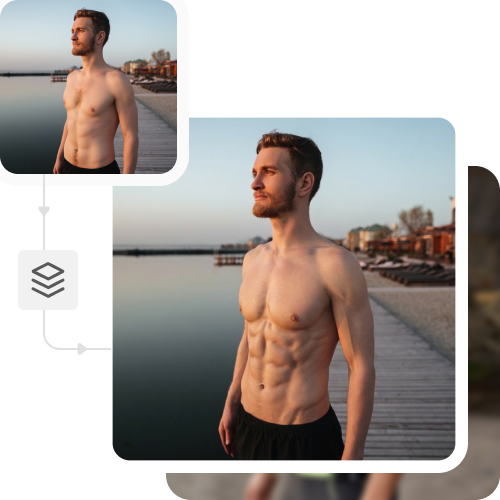
Generate toned abs in seconds; no sit-ups required

Give your photos a fitter, more confident appearance while preserving your actual look.

Realistic results

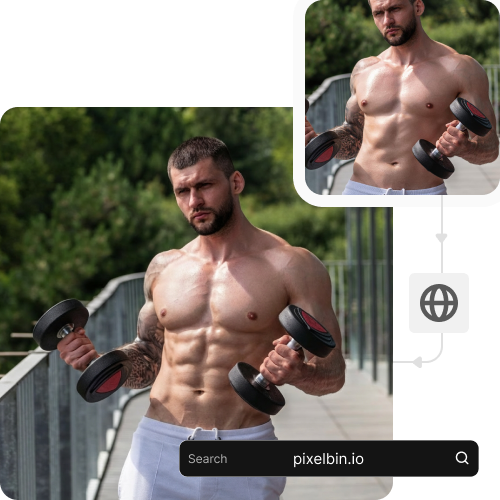
Add lifelike abs with our AI six-pack photo editor that matches your skin tone and body shape, keeping your photo true to its original.

Sailling ship of sketche to image
Bulk transformation

Apply the abs filter to multiple images at once with our bulk editing API support, saving hours on manual editing.
Easy to use

Enhance your physique with a toned, athletic look in seconds; no design knowledge or editing skills required.
Sketch hot air baloon to image generator
Browser based

Access the tool on any modern browser, such as Chrome, Safari, Firefox, or Edge, skipping the need for app or software installations.
sketch to image in HD-resolution pictures

AI tools by Pixelbin

Key highlights of Pixelbin’s online AI abs filter

Benefits of using the AI six-pack photo editor

  • Instant transformations: Add six-packs instantly to your images and get a toned physique that’s hard to achieve even without months of exercise.
  • Customizable options: You can add a 4-pack, a 6-pack, or an 8-pack with a single click and adjust the intensity, size, and positioning of the abs to perfectly fit your body.
  • Versatile use cases: With our tool, you can create high-resolution images and save them without watermarks or overlays. This makes it perfect for multiple use cases, such as social media platforms, fitness portfolios, and marketing materials.
  • Boosts confidence: If you’re running out of motivation, creating images with a toned look can help you stay motivated in your fitness goals.

Use cases of Pixelbin’s online AI abs filter tools

1. Social media glow-ups

Transform casual photos into eye-catching fitness shots instantly. The AI abs editor transforms everyday pictures into Instagram-ready content while users create compelling “glow-up” transformations that feature authentic six-pack abs.

2. Fitness personas

You can test different athletic fashion choices like boxing and bodybuilding avatars with our AI abs photo generator. Just add your preferences through prompts, and the tool can generate highly muscular and "athletic" avatars.

3. Before and after mockups

Create “after” images to compare with earlier photos, track improvements, and share your transformation easily with friends, followers, or personal trainers.

4. Visualize fitness goals

Check how toned your body would look without hitting the gym. The online AI abs editor lets you see yourself with lower body fat and defined abs, so you can work toward your ideal body shape.

5. Test different muscle styles

Try multiple body types and abs intensity levels, which include six-pack and eight-pack variations without any physical effort. Find your optimal appearance by testing different body shapes.

How to get the best results with Pixelbin’s AI six-pack photo editor?

To get natural and realistic abs with Pixelbin, keep the following points in mind:

  • Make sure your image is clicked in a bright and natural light.
  • Ensure your torso is clearly visible in the image so that the AI can position the abs correctly.
  • Avoid using blurry or heavily edited images, as they can hamper the overall image quality.
  • Go for photos with simple, clean backgrounds, so the AI can focus on your body without distractions.

FAQs

Here are some of the most common questions about our AI White Background Remover Tool. If you can’t find the information you need, contact us at support@pixelbin.io or refer to our documentation for more details.

The free trial provides users with three monthly credits, which automatically reset when the new month starts. You can purchase additional credits at any time through the pay-as-you-go option.
Yes. You can enlarge your edited photo up to 8 times its original size, which makes it suitable for prints, posters, and high-resolution displays. Pixelbin’s AI six-pack photo editor delivers natural and clear results, keeping all the image details intact.
Yes, the AI abs generator works for all body types, including women, and creates realistic six-pack abs that fit your body shape naturally.
Yes, the tool can add six packs to photos even if the torso is partially covered. But it is better to upload an image where your torso is clearly visible for the best results.
No, Pixelbin does not offer a dedicated mobile app, but you can access the tool on your mobile web browsers easily. You can easily upload and edit your six-pack photos and download them directly to your phone or tablet.
Edit images in seconds, not hours
Get pixel-perfect results just with your words
Start editing with AI