PixelBin logo
Black Friday offer is live now. Flat 30% on all annual plans. Use code at checkout - BF30. Claim Now

Unblur text in images instantly with AI

Fix blurry text in images, screenshots, or scanned documents online with precision and clarity.

Unblur text

File should be less than 10MB

or paste URL

Before
Loading

AI Magic in progress
Enhancing your image to unblur text and restore sharp readability

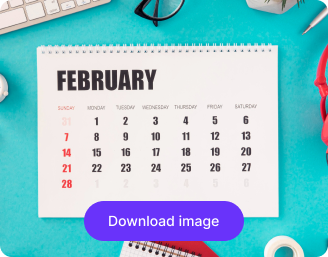
After

Your text is now clear and readable!

Download your unblurred text image in HD

Edit image with AI

Improve sharpness, adjust contrast, or enhance text visibility

Unblur another text image
Generation Failed

There was some issue on our end. Please try again.

Try Again
Show case
How to unblur text in an image using Pixelbin?
1
Add your image
Paste an image URL or select your picture in any of the following formats: JPG, JPEG, WEBP, or PNG.
2
Wait for AI processing
Preview & download your unblurred text image for free, without watermarks or any hidden costs.
3
Download your final image
Preview & download your unblurred text image for free, without watermarks or any hidden costs.
Why use Pixelbin’s AI text unblur tool?
Multiple image formats
Upload images in common formats such as JPG, JPEG, PNG, or WEBP.
Batch processing
Unblur multiple text images at once with the bulk-editing API to save time and effort.
Smart AI editor
Automatically restore clarity to blurred text – no prompts or manual edits required.
Free HD downloads
Download your results in HD without watermarks or extra costs.
No credit card login
Access the tool instantly without creating an account or entering payment details.
Privacy guaranteed
Your images are processed securely on protected servers and never shared with anyone.
Recover unreadable text in seconds

With Pixelbin, you can enhance blurred or faded text from any image or screenshot in seconds, without any software.

Automatic unblurring

Fix blurry text instantly without adjusting filters or contrast. The editor detects unclear areas and restores sharpness for better readability.

Feature 1
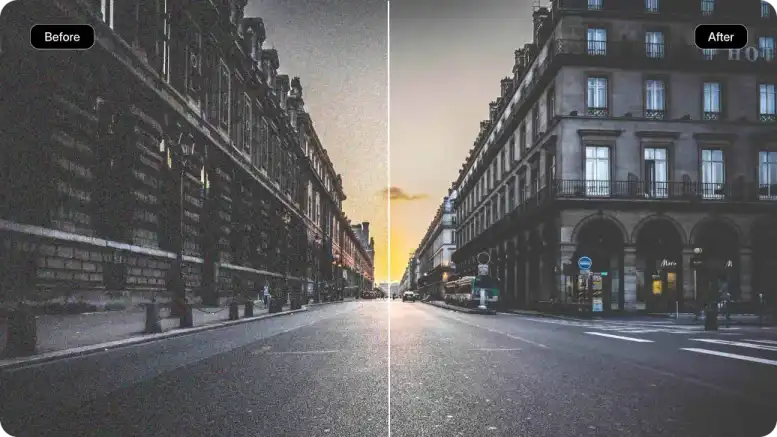
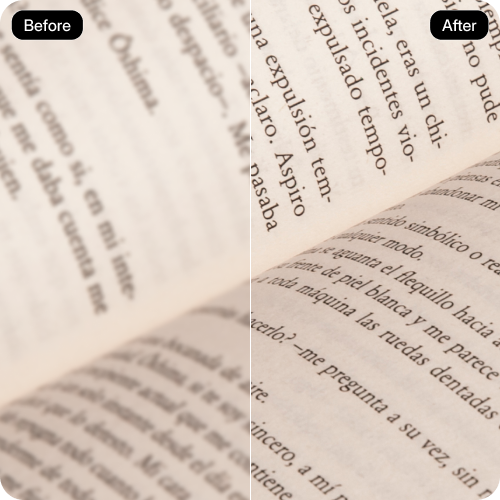
Side-by-side preview

Compare your original and unblurred images together before downloading to check the improvement in clarity.
Feature 2
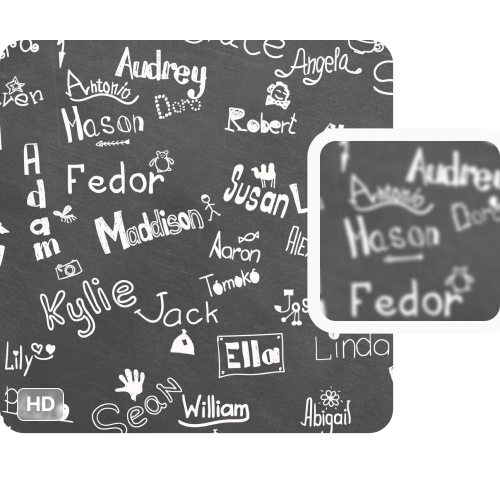
Free trials for everyone

Unblur up to three text images for free each month and upgrade anytime for more credits or API access.
Feature 3
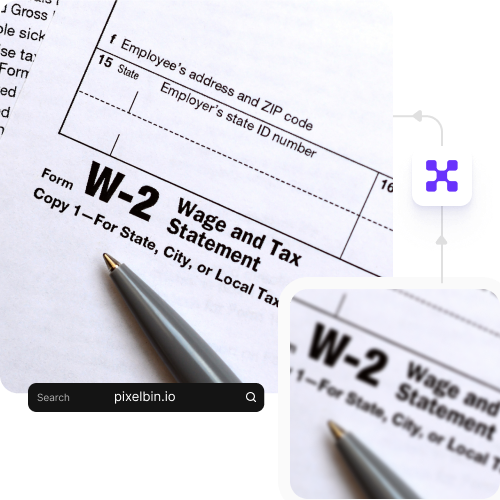
Browser-based platform

Access the unblur tool directly from your browser on any device without any downloads or installations required.

Feature 4

AI tools by Pixelbin

Key highlights of Pixelbin’s unblur text image online free tool
Benefits of using our app to unblur text

Using Pixelbin, you can unblur text images quickly using our AI editor. Here are some of its benefits:

  • Ease of use: You don't need to be a photo editing expert to remove blur from text images online.
  • Fast & reliable: Unblurring a text using Pixelbin takes a fraction of the time it would take to do it manually.
  • Cross-platform access: Our tool is accessible from any device or operating system (Windows, Android, iOS, etc.).
  • AI-powered editor: Pixelbin uses AI to remove distracting speckles & static from your image, making it look clearer instantly.
  • No watermarks: You can download your processed, unblurred image with no watermarks added.
  • No downloads or sign-ups: You can use Pixelbin’s unblur tool straight from your browser.
Use cases of our unblur text image online tool

With Pixelbin, you can use AI to unblur images & restore clarity from blurry shots across different scenarios. Here are some of the ways you can use it:

1. Restore old documents & letters

Convert family archives or old work files into digital assets. Our AI editor sharpens faded, handwritten, or typed text from scanned letters, certificates, and recipes, making them legible again.

2. Read text in product photography

For eCommerce sellers or shoppers, clear text is crucial. Enhance blurry labels, packaging, or instruction manuals using our unblur text image online tool.

3. Unblur important screenshots

Ever taken a quick screenshot where the text turned out blurry? Using Pixelbin’s unblur text screenshot online free tool, you can clearly read vital information, like error codes, payment confirmations, or contact details.

4. Improve academic & research work

Have a hazy photo of a presentation slide, a poster, or a page from a library book? Sharpen text from such photos to make your study notes and research documents clear and reliable.

5. Unblur low-resolution social media graphics

Got a low-quality graphic, infographic, or meme with text you can barely read? Run it through Pixelbin to make the message sharp and shareable.

How to get the best results from our unblur text online tool?

To get sharper and more accurate results, keep these quick tips in mind:

  • Use the highest resolution version of your text image.
  • The AI works best when it can detect the general shape of the letters.
  • For best results, crop the image to focus on the area with the blurry text before uploading.
  • Try to avoid images with extreme motion blur, as this can be harder for the AI to correct.
FAQs

Here are some of the most commonly asked questions about our Unblur Text Online Free Tool. If you still can’t find what you’re looking for, you can reach out to us at support@pixelbin.io or check out our documentation for more details.

Pixelbin’s free plan lets you unblur up to three images per month completely free. If you need more, you can sign up to get ten free credits, which you can also use for our range of other AI tools, like the face expression changer or the Ghibli-style image generator.
Pixelbin can fix all types of blurry text, such as motion blur (caused by a shaky camera or moving subject) and focus blur (when the camera lens is not focused correctly). You can use it to remove blur from screenshots, product photos, old pictures, and more.
Yes. Our unblur text from the image tool works on both printed and handwritten text, as long as the original writing is somewhat legible. It’s great for sharpening up scanned notes or letters.
At Pixelbin, simply upload the image you want to deblur, and our AI will restore it in seconds.
No. Pixelbin is entirely web-based, so you don’t need to download any software or mobile app. You can use the tool on any device with an internet connection and a browser.
Yes, you can unblur image text from multiple images in one go by uploading them in bulk using Pixelbin’s API (available in premium plans).
Edit images in seconds, not hours
Get pixel-perfect results just with your words
Start editing with AI