PixelBin logo
Image generator is here -   Create Now   and Claim 30% off on Pro Plans. Use code SALE30 at checkout.   Claim Discount

AI image editor for Shopify

Create consistent, high-quality product images for your Shopify store.

Uploaded image
2500 chars left
Max file size 10 MB.
Loading

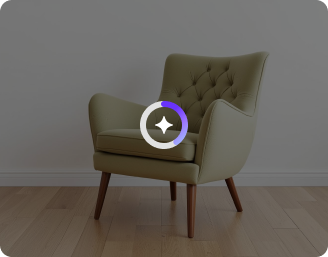
AI Magic in progress
Enhancing lighting, removing backgrounds, refining colors, and optimizing your Shopify product image

Ready

Your Shopify product image is ready!

Edit image with AI
Get 🔥 free credits for image editing, upscaling, generation and more
Edit another product
Generation Failed

There was some issue on our end. Please try again.

Try Again
Show case

How to use Pixelbin’s Shopify photo editor?

1
Upload your image
Upload your image in any of the following formats: JPG, JPEG, PNG, or WEBP.
2
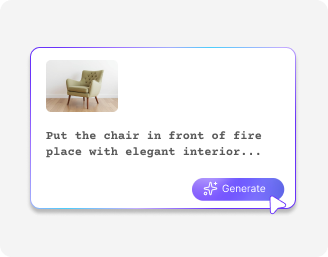
Add a prompt
Describe the changes you want to make in simple words. Include the subject, colors, lighting, style, and any other details.
3
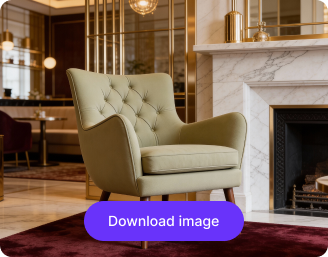
Download the image
Preview the filtered image & download it in HD, free from watermarks or any additional costs.

Why use Pixelbin AI image editor for Shopify online?

Supports common formats
Upload product photos in formats such as JPG, JPEG, PNG, or WEBP.
Batch editing
Edit multiple product images at once using API support to save time and speed up workflows.
No login needed
Start editing immediately without creating an account or sharing payment details.
Access anywhere
Use the Shopify image editor on any device with a browser and internet connection.
Download in HD
Download edited product images in high resolution with no added branding.
Secure file processing
Your images are encrypted, processed securely, and never shared with anyone.

Create clean, store-ready product photos

Improve image quality instantly with simple, browser-based edits and no design skills required.

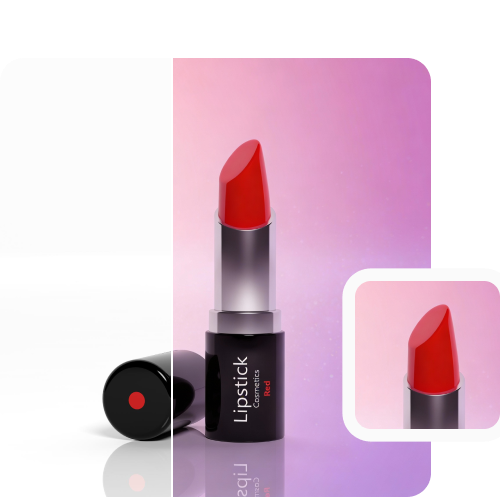
Professional AI edits

Create well-lit product images with clean backgrounds and clear details for your Shopify store.

Feature 1
Quality stays intact

Preserve your photo’s original resolution, detail, and sharpness.
Feature 2
Free to try

Edit up to three product images each month for free, and upgrade anytime for additional features.
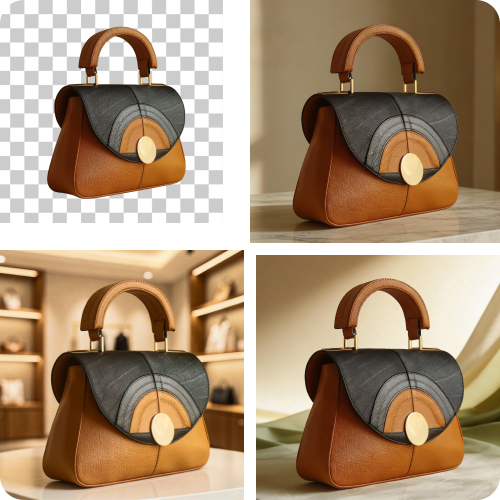
Feature 3
No app installations

Use the editor directly from your browser on any device without downloading software or tools.
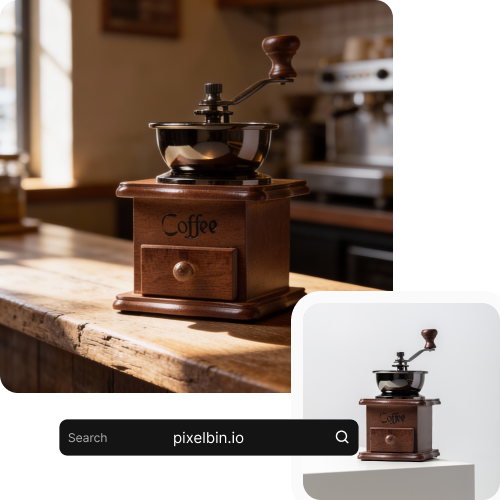
Feature 4

AI tools by Pixelbin

Key features of Shopify AI image editor

Benefits of Pixelbin’s AI image editor for Shopify

  • Create product images faster: Turn raw product photos into store-ready images in minutes.
  • Improve product presentation: Enhance lighting, colors, and sharpness so products look clean and professional.
  • Remove backgrounds easily: Get consistent, distraction-free product images without manual editing.
  • Maintain catalog consistency: Ensure all product images follow the same visual style across your store.
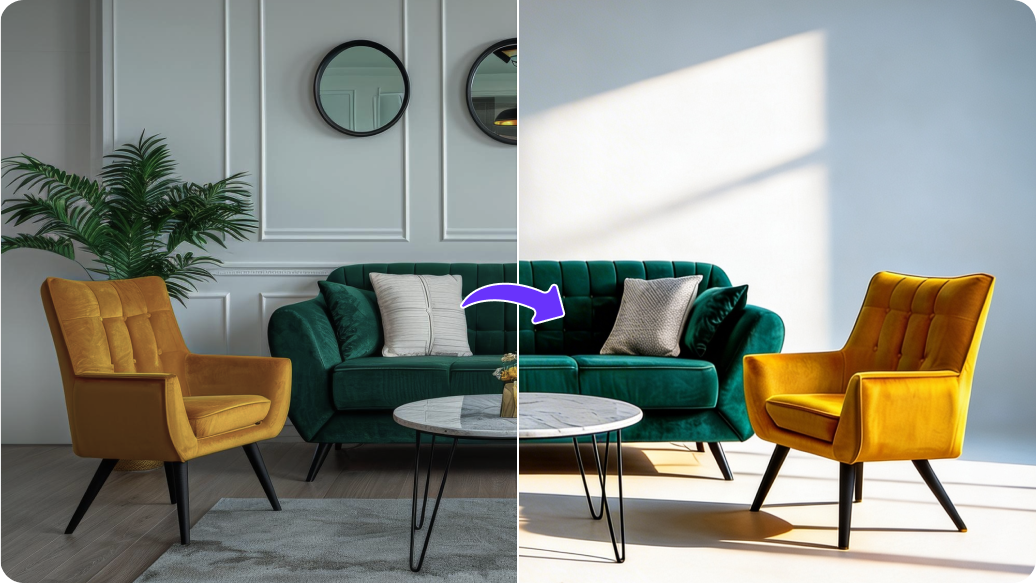
  • Create variants effortlessly: Generate color or style variations from a single product image.
  • Speed up store launches: Get new products live quickly without waiting on designers or agencies.
  • Boost conversions: High-quality images build trust and help customers make buying decisions faster.
  • Scale with your store: Edit hundreds or thousands of images as your catalog grows.
  • Reduce costs: Skip expensive photoshoots, complex tools, and manual editing workflows.

Use cases for free AI image editor for shopify online

1. Product listings

Create clean, professional images that match Shopify store standards.

2. Catalog management

Maintain consistent visuals across large and growing product catalogs.

3. Color and style variants

Show multiple product options using a single base image.

4. New product launches

Get product images ready quickly and publish listings without delays.

5. Seasonal campaigns

Update visuals for sales, festivals, or promotions without reshoots.

6. Marketplace expansion

Repurpose Shopify images for marketplaces like Amazon or Flipkart.

7. Ads and social media

Reuse product images for ads and social posts directly from your store.

8. Vendor onboarding

Standardize images from multiple suppliers into one cohesive catalog.

How to get the best results from Shopify photo editor?

  • Use high-resolution product photos to ensure sharper and cleaner edits.
  • Shoot in natural lighting to help the AI create more realistic enhancements.
  • Keep the background simple so the editor can detect the product accurately.
  • Upload clear, front-facing angles for better cutouts and cleaner mockups.
  • Avoid heavy shadows or reflections to get smoother, more consistent results.

FAQs

Here are some of the most common questions about our AI image editor for Shopify. If you can’t find the information you need, contact us at support@pixelbin.io or refer to our documentation for more details.

No. You can use Pixelbin for free without signing up. Edit your photos instantly and upgrade anytime for more features.
Yes, you can use your edited photos on Shopify, in ads, on social media, or for any other business work.
No. The editor keeps your photos sharp and the colors bright. Your images will stay high-quality and look great on Shopify.
Pixelbin offers a free plan that lets you create up to three images per month. If you need more, you can sign up to get ten free credits or upgrade to a premium plan anytime for extra perks and additional credits.
While you cannot edit the generated output directly within this tool, you can download the image and use Pixelbin's AI Image Editor to make further adjustments, crops, or enhancements.
Edit images in seconds, not hours
Get pixel-perfect results just with your words
Start editing with AI