PixelBin logo
Image generator is here -   Create Now   and Claim 30% off on Pro Plans. Use code SALE30 at checkout.   Claim Discount

Free AI image editor for real estate

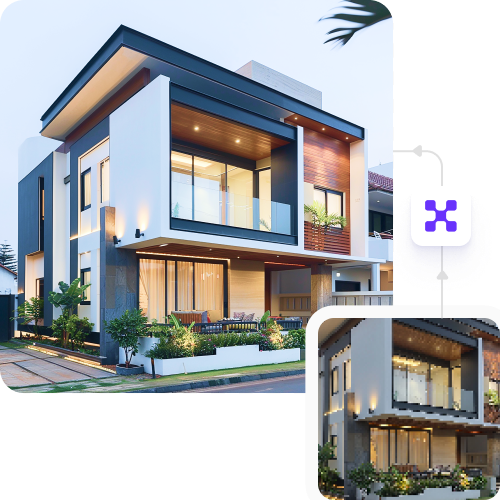
Upgrade your property photos into high-quality, professional pictures in seconds without any hidden costs.

Uploaded image
2500 chars left
Max file size 10 MB.
Loading

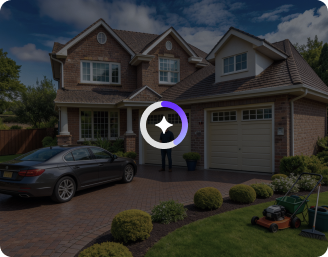
AI Magic in progress
Improving lighting, fixing geometry, cleaning distractions, enhancing sky & lawn—preparing MLS-ready output

Ready

Your real estate photo is ready!

Explore enterprise
For bulk processing, APIs, or custom workflows and volume discounts
Edit another property photo
Generation Failed

There was some issue on our end. Please try again.

Try Again
Show case

How to use the real estate photography editor using Pixelbin?

1
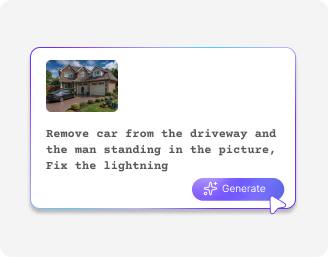
Upload the image
Paste a URL or upload your image in any of the following formats: JPG, JPEG, WEBP, or PNG.
2
Add a prompt
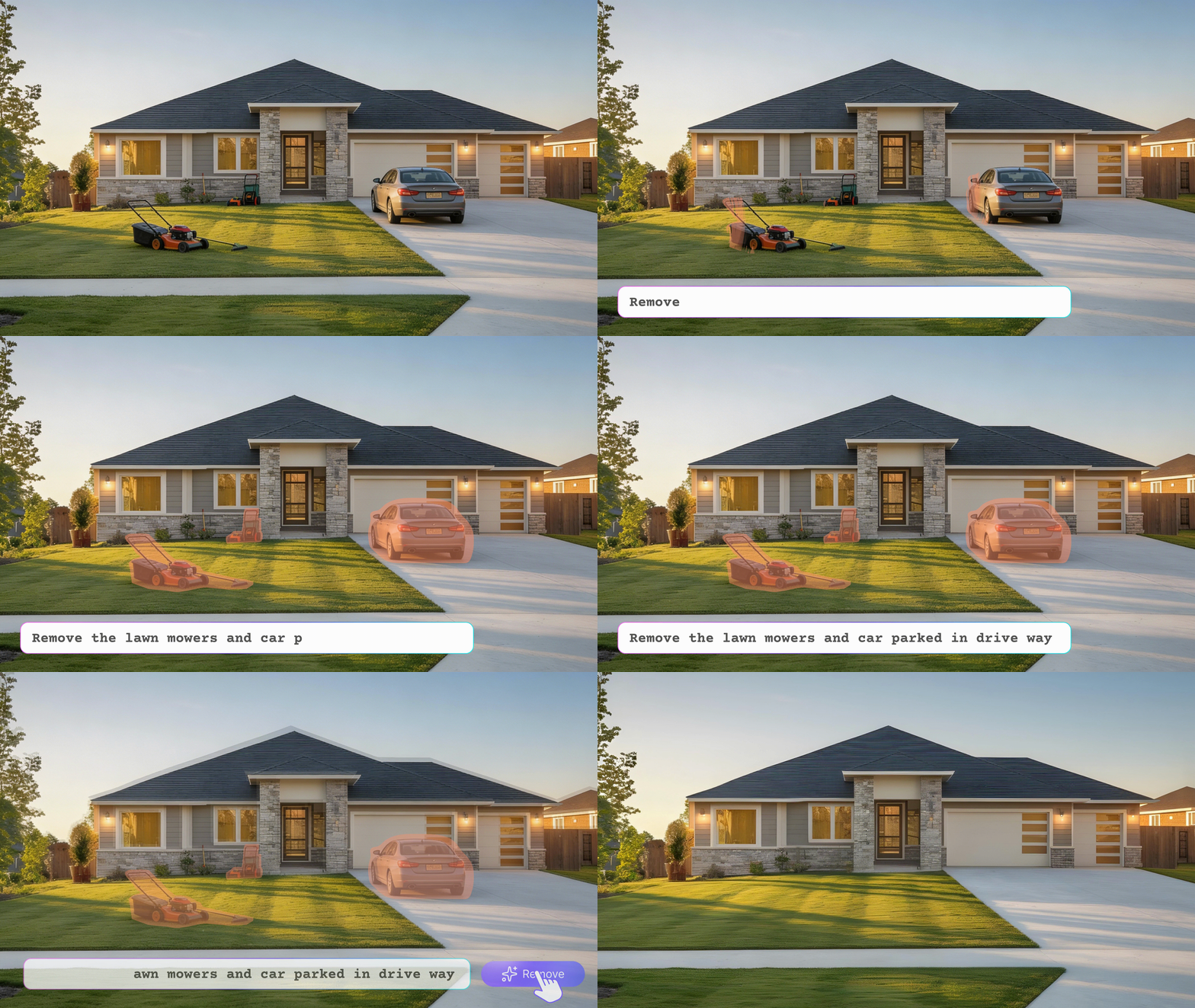
Describe the changes you want in the image, and AI will create an improved photo in seconds.
3
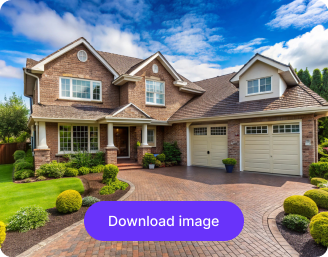
Download your edited image
Preview your enhanced photo and download it in HD quality, free and without watermarks.

Why use Pixelbin to edit your real estate photos?

High-resolution output
Get clear, high-quality (HD) pictures that make your property listings look great.
Smart AI editing
Improve the lighting, fix bad angles, remove clutter, and enhance the quality of your photos.
Easy to use
Edit real estate photos directly in your browser with no software downloads or sign-ups.
Batch editing
Process multiple property photos at once, saving time and speeding up your listing workflow.
Privacy first
Safeguard your property photos with secure handling and restricted access.
Multiple format support
Upload and export real estate photos in all major image formats (JPG, PNG, WEBP, etc.).

Turn every property photo into a lead

Give your house photos the glow-up they need to attract credible buyers with just a few clicks.

Faster listings

Enhance property photos in seconds and skip editing delays. Publish brighter, cleaner, market-ready images the same day.

Feature 1
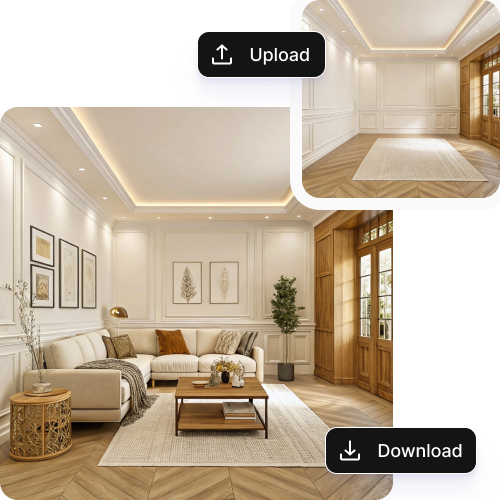
Consistent visuals

Ensure a unified brand look across all listings. The AI keeps lighting, colors, and angles consistent in every property photo.
Feature 2
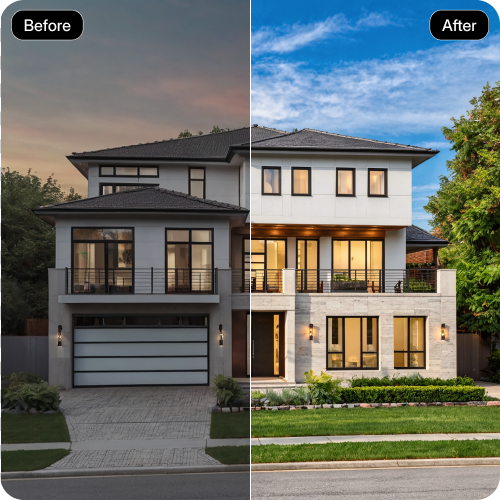
Higher engagement

Showcase rooms look with clean views, blue skies, tidy spaces, and straight angles that buyers notice first.
Feature 3
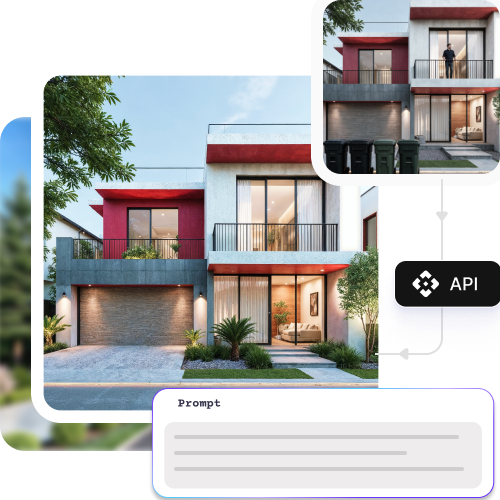
Effortless scaling

Edit multiple photos at once or use the API to manage multiple listings easily.
Feature 4

AI tools by Pixelbin

What makes Pixelbin's AI image editor essential for real estate?

  • One-click AI enhancements: Pixelbin AI editor for real estate fixes lighting, views, vertical lines, skies, and clutter instantly. See real-time previews.
  • Universal file support: Upload from any device and export in formats perfect for all platforms.
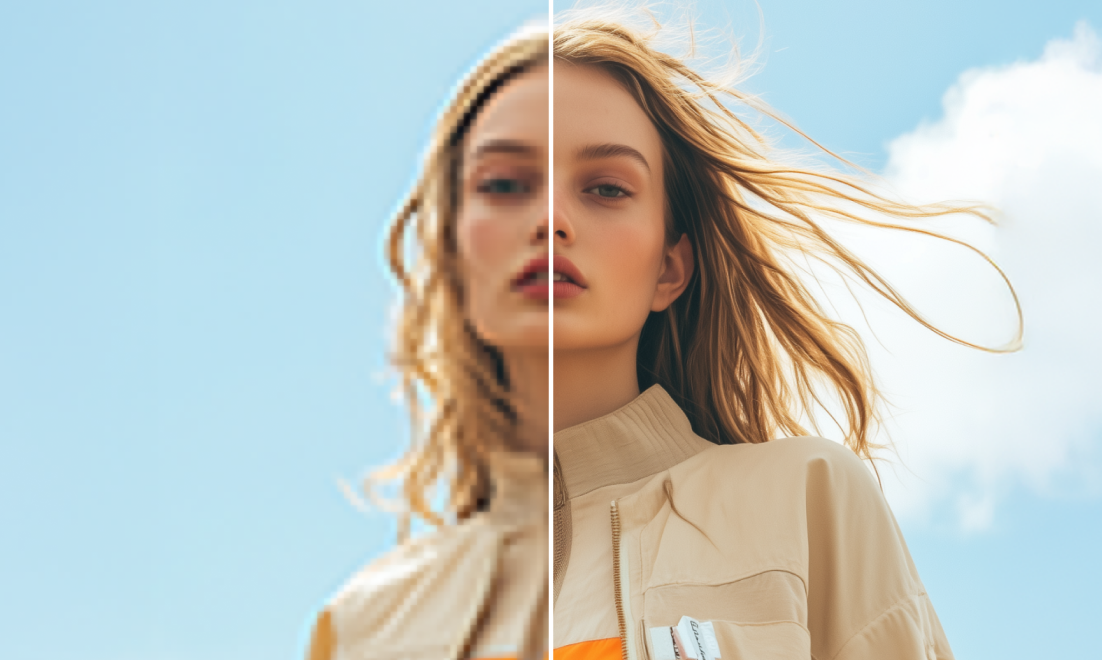
  • Crystal-clear HD results: Get bright, detailed, high-resolution property images for all listings and ads.
  • Try it for free: You don’t even need to sign up to start fixing your photos and downloading them in high quality.
  • Fix all your photos at once: Use API-powered bulk editing to improve lighting, angles, and clarity to manage loads of property photos in seconds.
  • Accessible anywhere: Use our AI editor that is web-based and can be accessed on any device (laptops, tablets, phones) for on-the-go updates.

Use cases of the best AI image editor for real estate

1. Enhance listing photos in a snap

Upgrade raw property images into bright, clean, and professional visuals that increase clicks, views, and buyer interest.

2. Sky replacement & window balance

Fix blown-out windows, enhance natural light, and swap dull skies with clear blue ones to make every exterior and interior pop.

3. Room retouching & decluttering

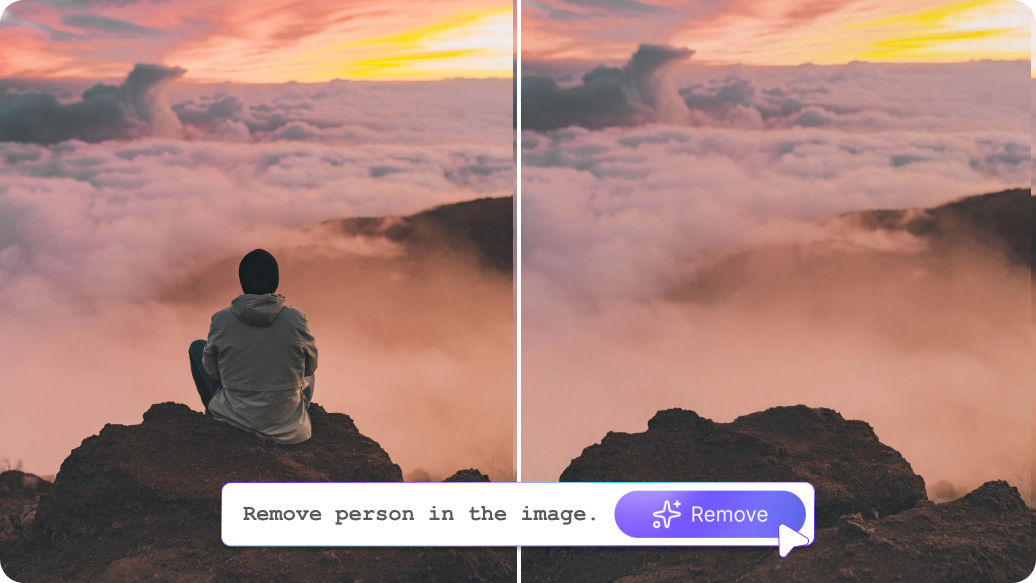
Automatically remove clutter, correct vertical lines, sharpen details, and make rooms look more spacious and inviting.

4. Batch editing for multiple listings

Edit many property images at once. Ideal for agents, brokers, and platforms handling large portfolios.

5. Marketing & social media visuals

Create polished photos for websites, ads, brochures, and social campaigns without needing a designer.

How to get the best results from AI image editors for real estate photos?

  • Use bright, clear photos for sharper, natural AI results.
  • Keep shots steady and straight for accurate angle correction.
  • Add a simple prompt for precise, custom output.
  • Upload high-resolution images for the cleanest HD enhancements.

FAQs

Here are some of the most common questions about our Recolor Image Online free tool. If you can’t find the information you need, contact us at support@pixelbin.io or refer to our documentation for more details.

No. A user can start using our free AI real estate photo editor right away without making an account. Sign up later if you want extra features.
Yes! This real estate photography editor lets you fix dozens of photos at once. It’s perfect for agents who need to get many photos ready fast.
Yes! After using our real estate photography editor, you can use the photos on any website, flyer, or social media page to help sell your properties.
Our best AI real estate photo editor works with all common types, including photos from phones, professional cameras, or drones (like JPEG, WEBP, and PNG).
No. Our AI image editor maintains HD clarity, sharpness, and natural colors while enhancing your photos.
Edit images in seconds, not hours
Get pixel-perfect results just with your words
Start editing with AI